6 Best Bug Tracking Software for Photographers for 2026, Vetted and Compared
Best bug tracking software for photographers, compared. 6 tools with published prices, free plans and limits. Verdicts stay brief and factual. Start here.

- Editor's choice
 Asana
Coordinating shoots with clients and staff
Starts at$10.99 per user per monthVisit asana.comFull review - Great alternative
 ClickUp
Combining tasks, docs and issue lists
Starts at$9 per user a monthVisit clickup.comFull review - Also consider
 Jira
Structured issue tracking for edit requests
Starts atSee websiteVisit atlassian.comFull review
Direct answer
Start with Asana if you need coordinating shoots with clients and staff. Listed starting prices: Asana from $10.99 per user per month, ClickUp from $9 per user a month and monday.com from $9 per seat a month. Look at ClickUp for combining tasks, docs and issue lists, and at Jira for structured issue tracking for edit requests. The full list of 6 tools follows, with prices and free plan facts.
TL;DR:
- Asana is the opening pick, best for coordinating shoots with clients and staff.
- Asana, ClickUp, monday.com, Trello: these are the 4 tools out of 6 that offer a free plan.
- Trello is the one to check for straightforward visual tracking for solo photographers.
- Check the limits for Asana before you commit: less centred on defect tracking.
- For the cheapest start, look at Trello: $5 per user per month.
Last checked November 2026. Prices and plan details were read from the vendors' own pages in November 2026; vendors change plans often, so confirm the current price on the vendor site before you buy.
Quick comparison
| Tool | Best for | Starts at | Free plan? | |
|---|---|---|---|---|
| Asana | Coordinating shoots with clients and staff | $10.99 per user per month | Yes | Visit |
| ClickUp | Combining tasks, docs and issue lists | $9 per user a month | Yes | Visit |
| Jira | Structured issue tracking for edit requests | See website | Not stated | Visit |
 monday.com | Visual workflow boards across a studio | $9 per seat a month | Yes | Visit |
 Smartsheet | Spreadsheet-style tracking at scale | $12 per Member/month | Not stated | Visit |
 Trello | Straightforward visual tracking for solo photographers | $5 per user a month | Yes | Visit |
Every option for bug tracking software for photographers explained
Choosing bug tracking software for photographers usually comes down to price, fit and limits. This LinkVetted guide sets 6 tools side by side on those three points, with the facts kept short and checkable.

Pick Asana if this describes you: coordinating shoots with clients and staff. A photographer can use it to track shoot stages, from brief to delivery, and attach issue tasks when a client flags a problem with selects or edits.
Beyond that, if strict issue statuses matter more than general planning, a dedicated tracker or a more straightforward board tool may serve better. Entry price for Asana: $10.99 per user per month. You can start on Asana without paying.
Drawbacks to consider: Can grow cluttered without rules.
- Automation for repeated steps
- A decent match for multi-person workflows
- Less concentrated on defect tracking
ClickUp targets combining tasks, docs and issue lists. ClickUp positions itself as an everything app for work, including tasks, docs, goals and chat in one place.
If you only need a clean list of open issues, a more straightforward board or tracker will be less work to maintain. On top of that, the breadth is also the risk, since so numerous choices can slow down a small team or distract a solo user. ClickUp cost at the entry level: $9 per user per month. ClickUp offers a free plan.
What to check first: Needs discipline to stay organized.
- Plenty of view types
- Custom statuses
- Feature density can overwhelm
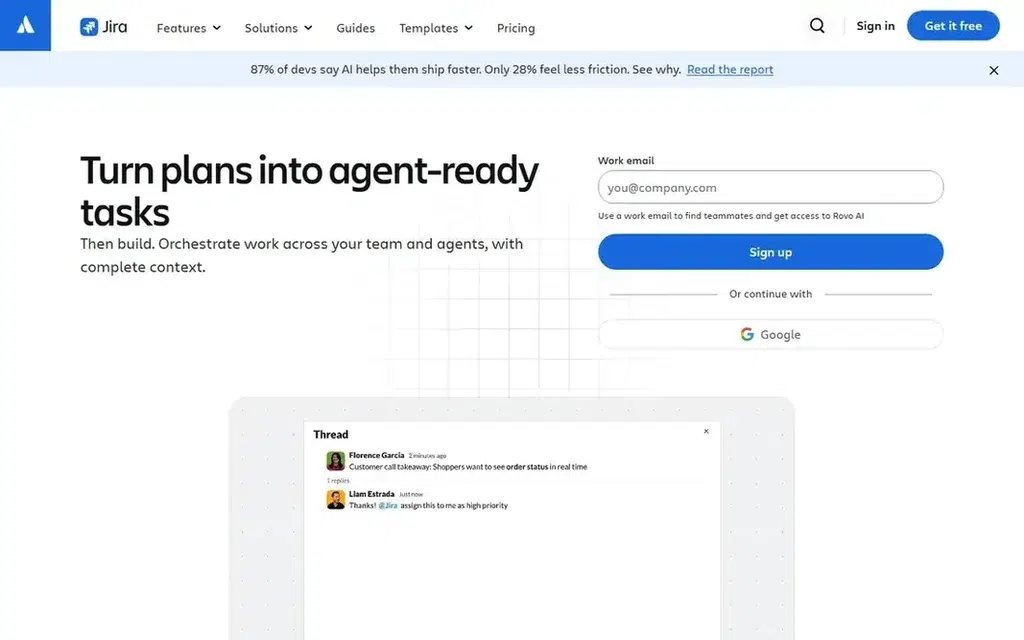
Jira is aimed squarely at structured issue tracking for edit requests. Jira is a project and issue tracking product aimed at teams that require to plan, track and coordinate work at scale. Also, choose something more straightforward when tracking is largely personal and the volume of open issues stays small.
Where it falls short: Can feel heavy for solo work.
In practice, for photographers, it fits best when retouch requests, reshoot needs and delivery corrections pile up and need clear ownership. Each item can carry a status, an assignee and a history, which makes it simpler to see what is still open before a client deadline. Worth adding: the tradeoff is complexity, since Jira expects someone to configure workflows and keep them tidy. Jira shows no starting price here, so confirm the cost on the vendor site. Free plan details: Not stated.
- Solid filtering and search
- Clear statuses and queues
- Setup takes effort
Where monday.com fits: visual workflow boards across a studio. monday.com describes itself as an AI workspace where people and agents work together on execution and management. If your needs are a single list of fixes, a lighter tool will be quicker to adopt.
Points against: Plenty of features to learn.
In daily use, the adaptability includes setup work, and teams can end up with overlapping boards if naming and statuses are not agreed early. It is more workspace than pure bug tracker. On cost, monday.com starts like this: $9 per seat per month. monday.com includes a free tier.
- Decent overview of workloads
- Automation for routine steps
- Configuration takes time
Smartsheet is a good fit for spreadsheet-style tracking at scale. Photographers who think in rows and columns can track shoots, deliverables and open corrections in a grid, then filter by client or status.
Honest limits: Needs spreadsheet discipline.
It suits studios managing a high volume of jobs where consistency and oversight matter more than a visual board. Starting cost for Smartsheet: $12 per Member/month. On free options: Not stated.
- Familiar grid layout
- Governance and visibility features
- Less visual than boards
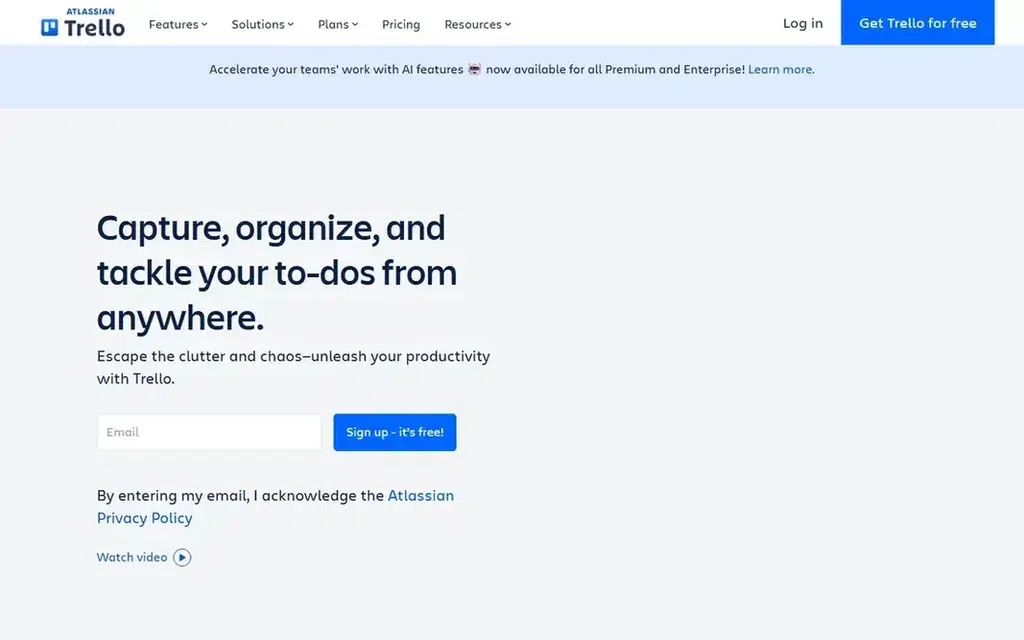
Choose Trello for straightforward visual tracking for solo photographers. Trello organizes to-dos on boards with lists and cards, and it works from a browser or mobile device.
Trade-offs to know: Boards can get messy over time.
Beyond that, for photographers, a board can map neatly to stages like shot, editing, client review and fixed, with a card per issue. From a buyer's view, large shoots with plenty of contributors can outgrow a single board. Trello cost at the entry level: $5 per user per month. Trello has a free plan.
- Visual board layout
- Quick to set up
- Restricted reporting depth
Our selection method
We compared the tools on published pricing, free plan or trial availability, feature coverage for bug tracking software for photographers, and the limits each vendor documents. Prices and plan limits come from vendor pages and can change, so confirm them on the vendor site before you buy. Position on the page reflects fit for a typical buyer first, with price clarity and free access breaking ties. Treat it as a guide, not a ruling.
What to check before you buy
- Ask Jira for a written quote, since no starting price is shown.
- Check what the free option really includes: Asana, ClickUp, monday.com and Trello offer a free plan, and usage caps differ.
- Before choosing Asana, weigh its main limit: less concentrated on defect tracking.
- Check how data leaves ClickUp: formats, limits and whether exports are available on every plan.
- Look at the help docs and support options for Smartsheet before you commit.
FAQ
Which tool is easiest to start with?
Trello is usually the quickest to set up since boards and cards need little configuration. Jira supplies more structure but takes longer to configure.
How are the tools for bug tracking software for photographers ordered?
Asana sits first and Trello last because the order follows typical fit for bug tracking software for photographers, then price clarity and free access. It is a judgement call, so read each profile for fit and limits.
What is the cheapest option for bug tracking software for photographers in this list?
On published monthly entry prices, Trello is the lowest here at $5 per user per month. Entry price is only part of the cost, because seats, add-ons and billing terms can change the total. All 6 picks in this Bug tracking software for photographers comparison list a starting price, free plan details and the main limits on their cards above.
Do these tools publish their prices?
Not all of them. Jira publishes no starting price, so expect a quote request for it. The rest, Asana included, show a starting price, though seats and billing terms still change the final cost. For the full picture, the cards above cover all 6 entries of this Bug tracking software for photographers list, including price, free plan and limits.
Can I try these tools before paying?
Often, yes. Asana, ClickUp, monday.com and Trello have a free plan. Use your own data and a real task during the test, and check what the free tier or trial limits before you rely on it.
Do photographers really need bug tracking software?
A straightforward board can be enough for solo work, whereas structured trackers suit studios with several contributors. The goal is a clear record of what is open and who owns it.
Sources
- https://asana.com
- https://clickup.com
- https://www.atlassian.com/software/jira
- https://monday.com
- https://www.smartsheet.com
- https://trello.com