Best Bug Tracking Software for Event Planners (2026): 5 Picks Checked on Vendor Pages
Searching for the best bug tracking software for event planners? Here are 5 options with prices and free plans. Fit, price and catches for every tool. No hype.

- Editor's choice
 Asana
Coordinating event tasks and follow-ups
Starts at$10.99 per user per monthVisit asana.comFull review - Great alternative
 Wrike
Enterprise event work delivery
Starts atSee websiteVisit wrike.comFull review - Also consider
 Trello
Straightforward visual issue boards
Starts at$5 per user per monthVisit trello.comFull review
Direct answer
If you need coordinating event tasks and follow-ups, Asana is the first tool to look at here. Listed starting prices: Asana from $10.99 per user per month, Trello from $5 per user per month and Monday.com from $9 per seat a month. Alternatives: Wrike for enterprise event work delivery, and Trello for straightforward visual issue boards. The other 2 tools in the list cover narrower or pricier cases.
TL;DR:
- Asana sits first on this list: coordinating event tasks and follow-ups.
- Jira fits structured issue tracking for complicated events.
- Before buying Monday.com, weigh this: can get cluttered at scale.
- Trello has the lowest monthly starting price in this list: $5 per user per month.
- Free plans exist at 3 of 5 tools (Asana, Trello, Monday.com).
Last checked November 2026. Prices and plan details were read from the vendors' own pages in November 2026; vendors change plans often, so confirm the current price on the vendor site before you buy.
Quick comparison
| Tool | Best for | Starts at | Free plan? | |
|---|---|---|---|---|
| Asana | Coordinating event tasks and follow-ups | $10.99 per user per month | Yes | Visit |
| Wrike | Enterprise event work delivery | See website | Not stated | Visit |
| Trello | Straightforward visual issue boards | $5 per user per month | Yes | Visit |
 Monday.com | Visual boards for event operations | $9 per seat a month | Yes | Visit |
 Jira | Structured issue tracking for complicated events | See website | Not stated | Visit |
The full bug tracking software for event planners list
If you are comparing bug tracking software for event planners, this page covers 5 tools in one place: what each is best for, what it costs to start, whether it has a free plan, and the main limit to know about.
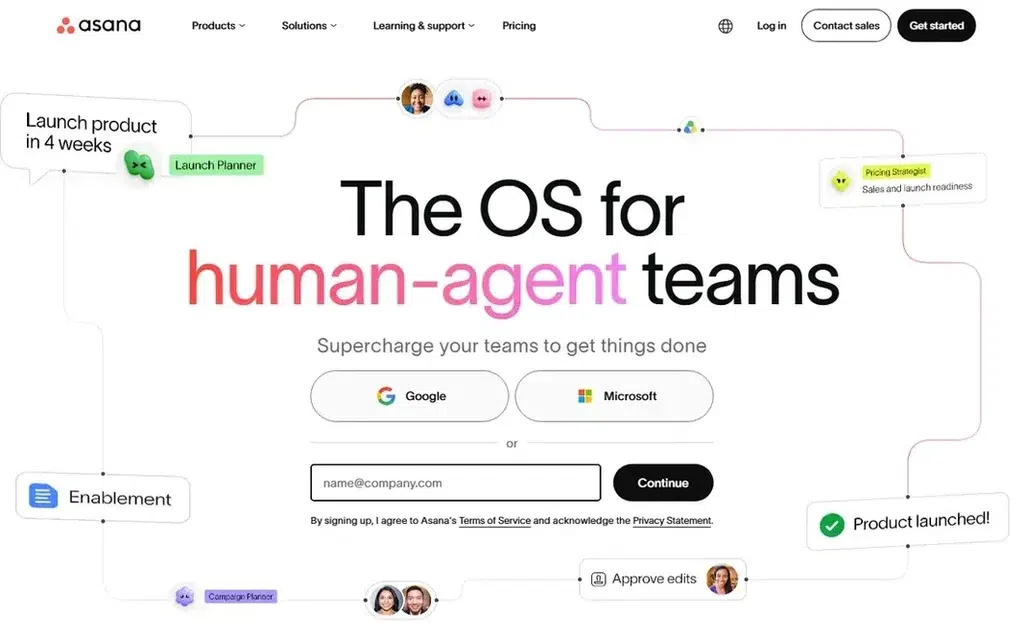
Asana was built for coordinating event tasks and follow-ups. Event planners can use it to assign tasks to staff and vendors, track deadlines for each event phase, and follow up on problems as they arise.
In practice, Asana is not designed for bug tracking, so in-depth defect-style logging takes additional structure. Starting cost for Asana: $10.99 per user per month. Asana offers a free plan.
Where it is weaker: Issue tracking is less specialized.
- Timeline and workflow views
- Clear task ownership
- Advanced structure takes setup
Wrike is aimed squarely at enterprise event work delivery. Event planners in bigger organizations can use it to coordinate cross-departmental event work and track issues through defined stages.
Drawbacks to consider: May be heavy for small teams.
From a buyer's view, Wrike is oriented toward enterprise environments, so small planning teams may find it more than they need. Check the vendor site for Wrike pricing; none is listed in this comparison. Free access: Not stated.
- Capable workflow control
- Designed for bigger organizations
- Geared toward enterprise scale
Choose Trello for straightforward visual issue boards. If you handle numerous events with complicated issue flows, a more structured tool will likely serve you better.
Downsides: Fewer structured reporting choices.
As for the details, event planners can build a board per event and use cards to log problems, moving them from open to resolved. From a buyer's view, Trello is light by design, so in-depth tracking, dependencies and reporting are restricted. The starting price for Trello: $5 per user per month. A free plan is available with Trello.
- Card-based boards are easy-to-learn
- Does well on mobile
- Restricted for complicated tracking

Monday.com works best for visual boards for event operations. Monday.com describes itself as an AI workspace for people and agents, organized around boards and items.
Trade-offs to know: Can get cluttered at scale.
Worth adding: event planners can set up boards for each event, track issues as items with status columns, and provide coordinators a fast visual read on what is open and what is resolved. Teams needing strict, audit-style issue records may prefer a more formal tracker. On cost, Monday.com starts like this: $9 per seat per month. You can start on Monday.com without paying.
- Colorful
- Adaptable status columns
- Configuration needed for issue flows
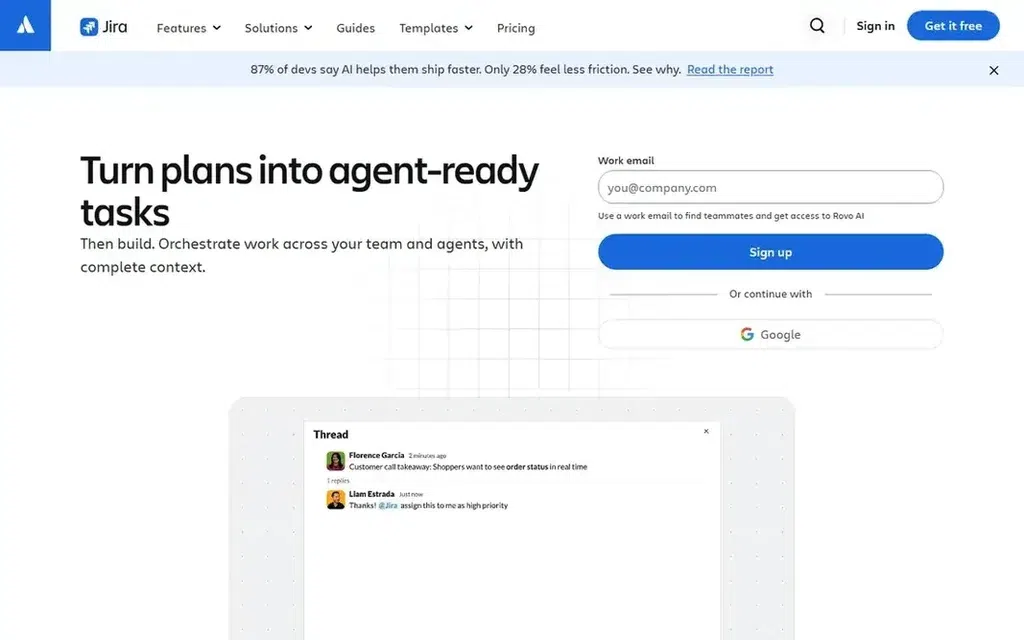
Jira is designed for structured issue tracking for complicated events. The tradeoff is complexity: Jira assumes some comfort with configuring workflows, and casual planners may find it heavy.
Limits to weigh: Interface is dense for beginners.
From a buyer's view, for event planners, that means logging each venue problem, vendor delay or equipment issue as a trackable item with an owner and status. On top of that, if your team primarily needs a light shared checklist instead of a structured issue pipeline, a more straightforward board tool may serve you better. This comparison lists no price for Jira; ask the vendor. Free options: Not stated.
- Solid issue and task tracking
- Adaptable project workflows
- Setup can feel technical
How the list was put together
LinkVetted looked at what each vendor publishes: pricing, plan limits, feature coverage for bug tracking software for event planners and stated drawbacks. No hands-on testing is claimed. Seat minimums, billing terms and add-ons can move the real cost, so the starting prices here are a guide and not a quote. Tools are placed by general fit for bug tracking software for event planners, with price clarity and free access as tie-breakers. A different team can reasonably rank them differently.
What to check before you buy
- Confirm the entry price on the vendor page. For Wrike and Jira that means a quote rather than a fixed price.
- Check what the free option really includes: Asana, Trello and Monday.com offer a free plan, and usage caps differ.
- Before choosing Asana, weigh its main limit: issue tracking is less specialized.
- Make sure Trello lets you export your data in a format another tool can read.
- Ask Wrike about contract length, onboarding fees and user minimums before you sign.
FAQ
Which options for bug tracking software for event planners have a free plan?
Asana, Trello and Monday.com offer a free plan in this list. Free plans usually cap users, projects or features, so check the limits on the vendor page.
Can bug tracking software really help with event planning?
Events create numerous small problems, from vendor delays to equipment faults, and a tracker provides each one an owner and a status. That makes follow-up easier and keeps a record for the next event.
Is Asana the right pick for everyone comparing bug tracking software for event planners?
No single tool suits every team. Asana comes first because it fits coordinating event tasks and follow-ups, while Wrike suits enterprise event work delivery and Trello suits simple visual issue boards. Match the tool to your own size, budget and workflow before deciding.
How are the tools for bug tracking software for event planners ordered?
Asana sits first and Jira last because the order follows typical fit for bug tracking software for event planners, then price clarity and free access. It is a judgement call, so read each profile for fit and limits.
Do these tools publish their prices?
Not all of them. Wrike and Jira publish no starting price, so expect a quote request for those. The rest, Asana included, show a starting price, though seats and billing terms still change the final cost.
Sources
- https://asana.com
- https://www.wrike.com
- https://trello.com
- https://monday.com
- https://www.atlassian.com/software/jira