Best Browser for Developers in 2026: 6 Tools Compared
Best browser for developers, compared. 6 tools with published prices, free plans and limits. Fit and flaws are laid out for each entry. Updated for 2026.
- Editor's choiceSafari
Apple ecosystem development
Starts atPricing on requestVisit apple.comFull review - Great alternative
 Brave
Privacy-focused development
Starts atPricing on requestVisit brave.comFull review - Also consider
 Opera
Built-in tools and features
Starts atPricing on requestVisit opera.comFull review
Direct answer
Safari comes first here, mainly for Apple ecosystem development. Alternatives: Brave for privacy-focused development, and Opera for built-in tools and features. Free plan facts and limits for all 6 tools follow. None of these vendors publish plan prices, so pricing is on request for every option.
TL;DR:
- Number one here is Safari, a fit for Apple ecosystem development.
- Pricing across the list, from Safari to Mozilla Firefox, is by quote only.
- Check the limits for Safari before you commit: restricted to Apple platforms.
- None of the 6 tools, from Safari to Mozilla Firefox, has a free plan, so budget for a subscription or use a trial.
Last checked November 2026. Pricing on request: vendors did not publish plan prices when this guide was last checked (November 2026), so ask each vendor for a written quote.
Quick comparison
| Tool | Best for | Starts at | Free plan? | |
|---|---|---|---|---|
| Safari | Apple ecosystem development | Pricing on request | Not stated | Visit |
| Brave | Privacy-focused development | Pricing on request | Not stated | Visit |
| Opera | Built-in tools and features | Pricing on request | Not stated | Visit |
| Google Chrome | Developer tools and compatibility | Pricing on request | Not stated | Visit |
 Arc | Innovative workspace organization | Pricing on request | Not stated | Visit |
| Mozilla Firefox | Privacy and open-source development | Pricing on request | Not stated | Visit |
6 browser for developers in detail
Short on time? The summary and table above give the quick view of 6 browser for developers, and the profiles that follow give the detail behind each entry.
Safari
Best for: Apple ecosystem development
Safari is aimed squarely at Apple ecosystem development. Safari is Apple's web browser, described as the world's fastest browser, offering more external extensions, feature-rich privacy protections, and industry-leading battery life. In daily use, developers working primarily within the Apple ecosystem will find Safari indispensable, but others may need extra browsers.
In daily use, Safari is only available on Apple products, so it cannot be used for cross-platform testing on Windows or Linux. Its extension ecosystem is also smaller than Chrome's. Safari shows no starting price here, so confirm the cost on the vendor site. Free plan details: Not stated.
Limits to weigh: Restricted to Apple products.
- Optimized for Apple hardware
- Energy efficient
- Fewer extensions
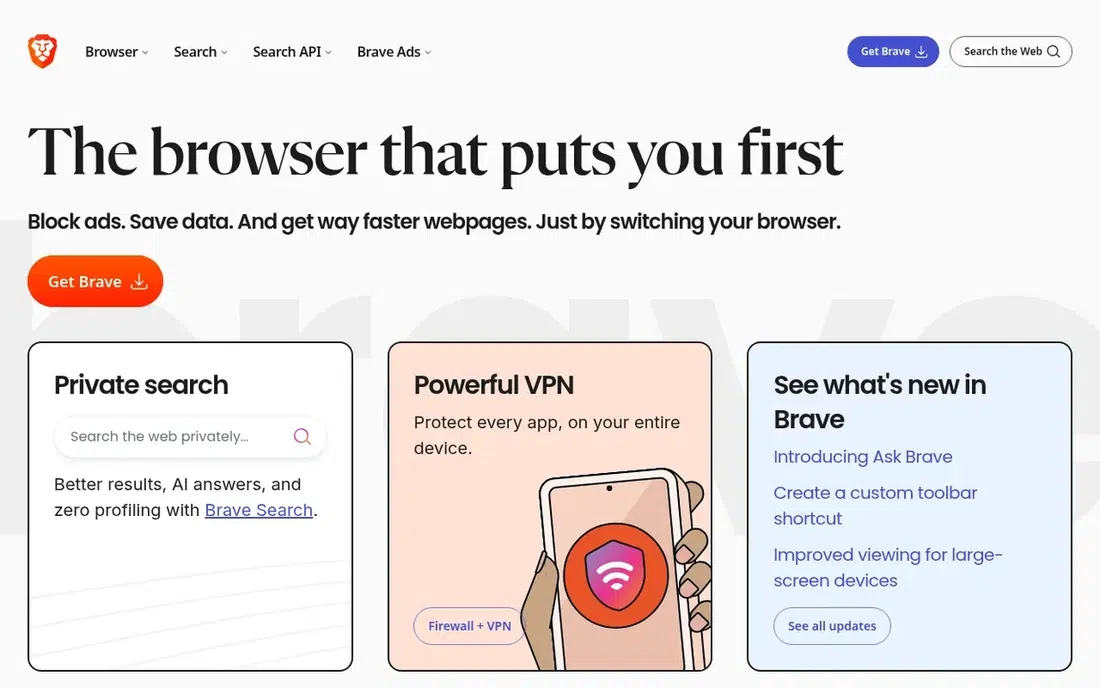
Brave serves privacy-focused development. Brave's blocking can result in quicker page loads and reduced distractions, which is beneficial for development and research. Also, whereas Brave supports Chrome extensions, its own extension gallery is restricted.
From a buyer's view, Brave is a quick, private, and secure web browser for PC, Mac, and mobile that blocks tracking software by default. It is built on Chromium, so it supports Chrome extensions and supplies familiar DevTools. Developers who require a privacy-centric Chromium browser will find Brave appealing, but those requiring maximum compatibility might prefer standard Chrome. Brave does not show a starting price in this comparison, so check the vendor site for current pricing. Trial and free access: Not stated.
Limits to weigh: Smaller extension ecosystem.
- Chromium-based
- Quick performance
- Some site breakage because of blocking
Opera is aimed squarely at built-in tools and features. Being Chromium-based, it supports Chrome extensions and DevTools.
It is a solid choice for those who value convenience and built-in tools. But it lacks the specialized developer focus of Chrome or Firefox. Opera shows no starting price here, so confirm the cost on the vendor site. Free options: Not stated.
The main drawbacks: Proprietary features.
- Chromium-based
- Free VPN
- Less developer-focused
Google Chrome
Best for: Developer tools and compatibility
Google Chrome is a good fit for developer tools and compatibility. If resource efficiency or privacy is a top priority, consider alternatives like Firefox or Brave. It is widely used by developers due to its solid DevTools, which contain elements inspection, network monitoring, and JavaScript debugging.
Honest limits: Restricted built-in privacy.
From a buyer's view, Chrome's widespread adoption ensures compatibility with most web technologies, making it a steady choice for development and testing. Even so, Chrome is noted for high memory usage, which can slow down systems during heavy multitasking. Google Chrome shows no starting price here, so confirm the cost on the vendor site. Free plan details: Not stated.
- Frequent updates
- Broad extension support
- Resource intensive
Arc works best for innovative workspace organization. It is built on Chromium and bundles developer tools, making it right for web development. More specifically, Arc focuses on reducing clutter and improving workflow efficiency.
Trade-offs to know: Sunsetting in 2026.
This makes it a less future-proof choice for developers. Also, Arc is only available on certain systems. Arc does not show a starting price in this comparison, so check the vendor site for current pricing. Free options: Not stated.
- Unique sidebar and spaces
- Chromium-based
- Restricted availability on systems
Mozilla Firefox
Best for: Privacy and open-source development
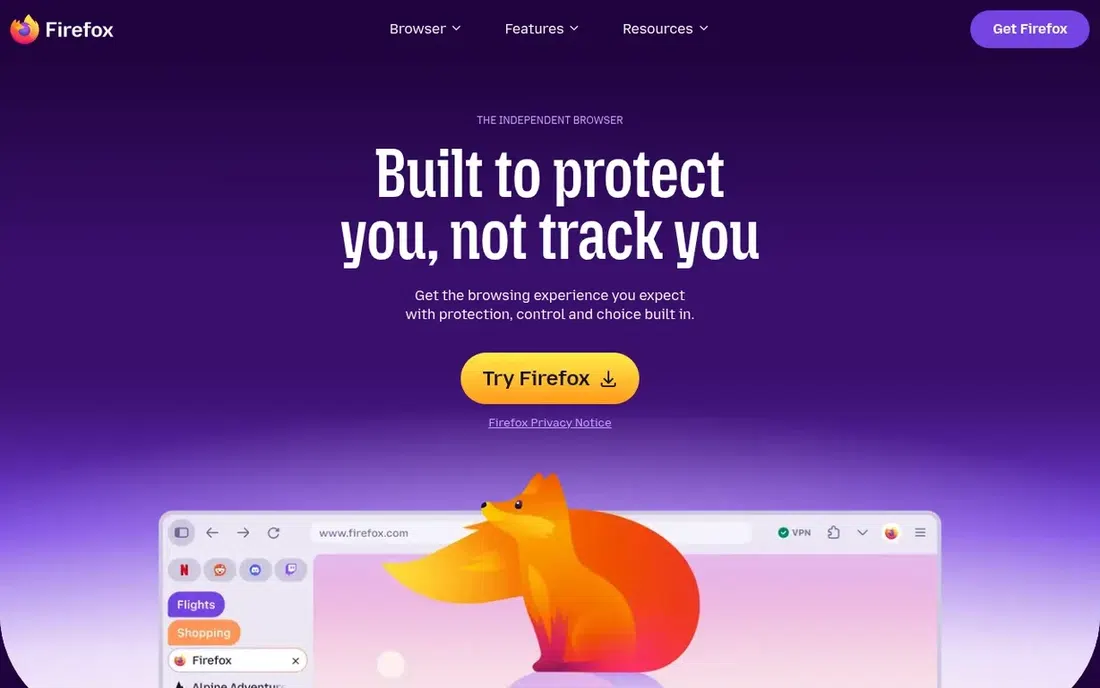
In short, Mozilla Firefox is for privacy and open-source development. Firefox may have a little lower compatibility with some sites optimized for Chromium, and its extension ecosystem is smaller than Chrome's.
Where it is weaker: Smaller extension library.
Mozilla Firefox shows no starting price here, so confirm the cost on the vendor site. Trial and free access: Not stated.
- Configurable
- Capable privacy protections
- Occasional site compatibility issues
How we built this list
Pre-purchase checklist
- Confirm the entry price with every vendor: no tool from Safari to Mozilla Firefox shows a fixed starting price.
- Before choosing Safari, weigh its main limit: restricted to Apple systems.
- Pick one real project and run it in Opera first; a small pilot shows fit faster than a checklist.
- Test how quickly Arc answers a pre-sales question; it hints at how support will feel later.
- Confirm that Google Chrome connects to the apps your team already uses, on the plan you would actually buy.
FAQ
How are the tools for browser for developers ordered?
Safari sits first and Mozilla Firefox last because the order follows typical fit for browser for developers, then price clarity and free access. It is a judgement call, so read each profile for fit and limits.
What is the best browser for privacy-conscious developers?
For most readers this guide would start with Safari, built for Apple ecosystem development. Brave is the alternative for privacy-focused development, and Opera for built-in tools and features. The right answer depends on budget and workflow.
Does any tool for browser for developers here have a free plan?
No tool in this list, Safari and Mozilla Firefox included, has a permanent free plan. Trials and quotes are the usual route, so plan a short evaluation period.
Can I try these tools before paying?
Not by default. None of the tools, from Safari to Mozilla Firefox, lists a free plan or a free trial here, so ask each vendor for a demo before committing.
Is Safari the right pick for everyone comparing browser for developers?
No single tool suits every team. Safari comes first because it fits Apple ecosystem development, while Brave suits privacy-focused development and Opera suits built-in tools and features. Match the tool to your own size, budget and workflow before deciding.
Should I use Safari for development?
It gives you decent performance and privacy features. Even so, it is not available on other systems, so you may need extra browsers for cross-platform testing.
Sources
- https://www.apple.com/safari
- https://brave.com
- https://www.opera.com
- https://www.google.com/chrome
- https://arc.net
- https://www.mozilla.org/firefox