Best Blogging Platforms Comparison in 2026: 8 Platforms Compared
We compared the best blogging platforms comparison for ownership, SEO, newsletters, and monetization, covering WordPress, Ghost, Substack, and more in 2026.
- Editor's choice
 WordPress.org
Blogs you own and grow
Starts atFreeVisit wordpress.orgFull review - Great alternative
 WordPress.com
Managed WordPress without hosting hassle
Starts atFreeVisit wordpress.comFull review - Also consider
 Ghost
Newsletter and membership publishing
Starts at$15 per monthVisit ghost.orgFull review
TL;DR:
- WordPress.org leads for ownership, SEO control, and long term growth, at the cost of hosting setup.
- Ghost suits newsletter first publishers who want memberships with no platform revenue cut.
- Substack suits writers who want zero setup and paid subscriptions, at a 10 percent revenue share.
- Medium suits new writers who want a built-in audience, but offers less control and monetization.
Quick comparison
| Tool | Best for | Starts at | Free plan? | |
|---|---|---|---|---|
| WordPress.org | Blogs you own and grow | Free | Yes | Visit |
| WordPress.com | Managed WordPress without hosting hassle | Free | Yes | Visit |
| Ghost | Newsletter and membership publishing | $15 per month | Free trial | Visit |
 Substack | Newsletter first writers | Free | Yes | Visit |
 Medium | New writers wanting readers | Free | Yes | Visit |
 Squarespace | Design led blogs and small sites | $16 per month | Free trial | Visit |
 Wix | Beginners wanting drag and drop sites | Free | Yes | Visit |
 Blogger | Hobby blogs at no cost | Free | Yes | Visit |
The best blogging platforms
Blogging platforms differ most on ownership, SEO control, and how you earn money. A free start can become costly later if you cannot export content, set a custom domain, or monetize freely.
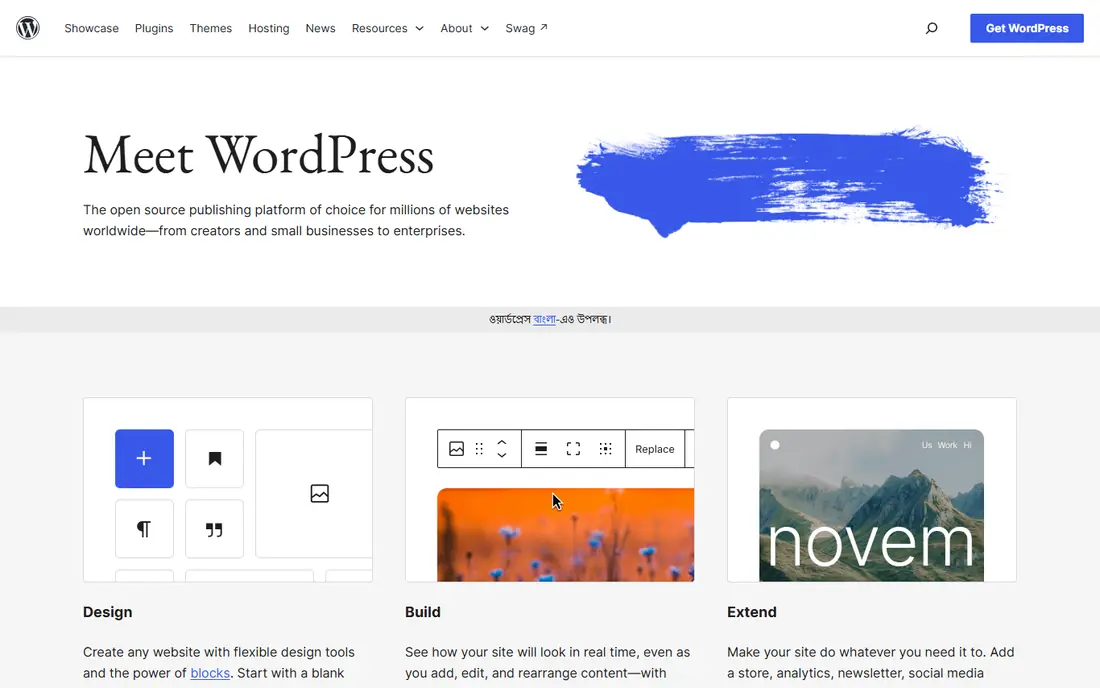
WordPress.org is a strong choice for blogs you own and grow. WordPress.org software is free, and you pair it with hosting of your choice for full control. In our comparison of official feature pages, pricing, and public reviews, it stood out for full ownership.
The honest catch is that you handle updates, backups, and security, or pay a host to do it. That trade-off matters most when you scale, so test it on your real workload during a trial. Pick WordPress.org when you want a long term blog with full control and room to grow.
Pricing and plan details change often, so check the vendor page linked above before you buy. A short trial on your own data, with your own team, will tell you more than any feature list. If it fits that trial, it is likely to fit daily work too.
- Full ownership
- Huge plugin and theme library
- Full SEO control
- Needs hosting and updates
- Setup takes more time

WordPress.com is a strong choice for managed wordpress without hosting hassle. WordPress.com hosts WordPress for you, with a free plan and paid upgrades. In our comparison of official feature pages, pricing, and public reviews, it stood out for managed hosting.
The honest catch is that full plugin and theme freedom needs higher plans, so check the tier before building. That trade-off matters most when you scale, so test it on your real workload during a trial. Pick WordPress.com when you want WordPress ease without managing hosting yourself.
Pricing and plan details change often, so check the vendor page linked above before you buy. A short trial on your own data, with your own team, will tell you more than any feature list. If it fits that trial, it is likely to fit daily work too.
- Managed hosting
- WordPress editor
- Upgrade paths
- Lower plans limit plugins and monetization
- Higher plans cost more
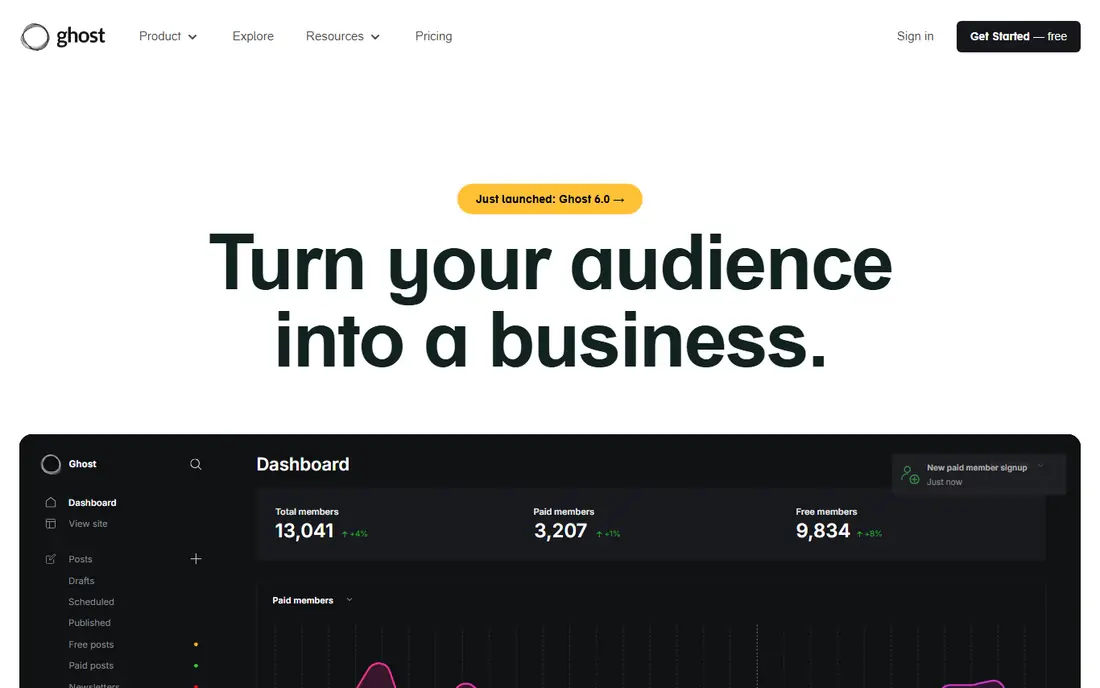
Ghost is a strong choice for newsletter and membership publishing. Ghost combines blogging, newsletters, and paid memberships in one clean system. In our comparison of official feature pages, pricing, and public reviews, it stood out for built-in newsletters and memberships.
The honest catch is that hosted pricing grows with audience size, so model costs at your target subscriber count. That trade-off matters most when you scale, so test it on your real workload during a trial. Pick Ghost when memberships and newsletters are the business, not an add-on.
Pricing and plan details change often, so check the vendor page linked above before you buy. A short trial on your own data, with your own team, will tell you more than any feature list. If it fits that trial, it is likely to fit daily work too.
- Built-in newsletters and memberships
- No Ghost revenue cut
- Clean editor
- Self-hosting needs skill
- Hosted plans rise with members
Substack is a strong choice for newsletter first writers. Substack lets you publish and charge subscribers with almost no setup. In our comparison of official feature pages, pricing, and public reviews, it stood out for free to publish.
The honest catch is that the 10 percent fee plus payment fees adds up as paid subscribers grow. That trade-off matters most when you scale, so test it on your real workload during a trial. Pick Substack when you want to start fast and grow an email audience without building a site.
Pricing and plan details change often, so check the vendor page linked above before you buy. A short trial on your own data, with your own team, will tell you more than any feature list. If it fits that trial, it is likely to fit daily work too.
- Free to publish
- Paid subscriptions built in
- Recommendation network
- 10 percent fee on paid subscriptions
- Limited site design control
Medium is a strong choice for new writers wanting readers. Medium puts your writing in front of readers without a site or audience of your own. In our comparison of official feature pages, pricing, and public reviews, it stood out for built-in audience.
The honest catch is that you do not own the platform, and earnings depend on Medium distribution. That trade-off matters most when you scale, so test it on your real workload during a trial. Pick Medium when discovery matters more than ownership, at least to start.
Pricing and plan details change often, so check the vendor page linked above before you buy. A short trial on your own data, with your own team, will tell you more than any feature list. If it fits that trial, it is likely to fit daily work too.
- Built-in audience
- Clean reading experience
- Partner Program
- Limited SEO control
- Monetization depends on Medium rules
Squarespace is a strong choice for design led blogs and small sites. Squarespace gives design led blogs a polished look with hosting, templates, and commerce in one place. In our comparison of official feature pages, pricing, and public reviews, it stood out for polished templates.
The honest catch is that migrating away can be harder than with WordPress, so check export options first. That trade-off matters most when you scale, so test it on your real workload during a trial. Pick Squarespace when design and simplicity matter more than plugin freedom.
Pricing and plan details change often, so check the vendor page linked above before you buy. A short trial on your own data, with your own team, will tell you more than any feature list. If it fits that trial, it is likely to fit daily work too.
- Polished templates
- Built-in commerce and email
- All-in-one hosting
- Export limits
- Less plugin freedom than WordPress
Wix is a strong choice for beginners wanting drag and drop sites. Wix suits beginners who want a visual editor and a site with a blog in one place. In our comparison of official feature pages, pricing, and public reviews, it stood out for drag and drop editor.
The honest catch is that the free plan is limited, and moving content elsewhere takes work. That trade-off matters most when you scale, so test it on your real workload during a trial. Pick Wix when you want a visual builder and a simple blog beside a business site.
Pricing and plan details change often, so check the vendor page linked above before you buy. A short trial on your own data, with your own team, will tell you more than any feature list. If it fits that trial, it is likely to fit daily work too.
- Drag and drop editor
- Templates
- App market
- Free plan shows ads
- Migration is limited
Blogger is a strong choice for hobby blogs at no cost. Blogger remains a free, simple option for hobby blogs on Google hosting. In our comparison of official feature pages, pricing, and public reviews, it stood out for free google hosted blogs.
The honest catch is that the design and feature set feel dated beside modern platforms. That trade-off matters most when you scale, so test it on your real workload during a trial. Pick Blogger when cost is zero priority and you want a simple hobby blog.
Pricing and plan details change often, so check the vendor page linked above before you buy. A short trial on your own data, with your own team, will tell you more than any feature list. If it fits that trial, it is likely to fit daily work too.
- Free Google hosted blogs
- AdSense links
- Simple setup
- Dated design and features
- Less active development
How we picked these
We compared official pricing, feature, and export pages for each platform. We judged ownership, SEO control, newsletter features, monetization, and growth room, not just ease of first post. We favored platforms with current offerings in 2026 and clear terms on fees and exports.
What to look for before you buy
Ownership first, design second
A pretty template means little if you cannot export posts, subscribers, and your domain later. Before choosing, check export tools, subscriber export, custom domain support, and redirect options. WordPress.org and Ghost score well on ownership, while Medium and Substack trade some control for audience and ease. If you plan to blog for years, ownership should weigh heavily.
Match monetization to your plan
Ads, affiliate links, memberships, and paid subscriptions work differently on each platform. Substack takes 10 percent of paid subscriptions, Ghost takes no platform cut, and WordPress lets you choose your own payment tools. Medium pays through its Partner Program, which depends on its rules. List your income plan first, then pick a platform that supports it without extra fees or limits.
SEO control matters as you grow
Early posts may get traffic from a platform audience, but long term growth usually needs search. Check whether you can edit URLs, meta descriptions, redirects, and structured data, and whether you can use your own domain. WordPress and Ghost offer strong SEO control, while Medium and Substack offer less. If search is central to your plan, do not pick a platform that limits it.
FAQ
What is the best blogging platform for beginners?
WordPress.com, Wix, and Substack suit beginners, thanks to simple setup and clear editors. WordPress.org suits beginners who plan to grow and accept hosting setup. Start with your goal: audience, ownership, or income, then pick the simplest platform that supports it.
Which blogging platform is best for making money?
WordPress.org offers the most monetization freedom, through ads, affiliates, memberships, and stores. Ghost suits paid memberships with no platform cut, while Substack suits paid newsletters at a 10 percent fee. Medium suits writers who want Partner Program earnings without running a site.
Is WordPress or Ghost better for newsletters?
Ghost is stronger for newsletters and memberships out of the box, with built-in email and subscriber tools. WordPress needs plugins or external email tools for the same job. Choose Ghost for newsletter first publishing and WordPress for maximum flexibility.
Can I move my blog to another platform later?
Often yes, but ease varies. WordPress and Ghost offer export tools, while some builders make migration harder. Always export posts and subscriber lists regularly, use your own domain, and test the export before you need it.
Is blogging still worth it in 2026?
Yes, when a blog answers real questions, builds an email list, or supports a business. Search and email still drive steady traffic for useful content. Focus on a clear niche, consistent posts, and an email list you own, rather than chasing trends.