Best AppSheet Alternatives in 2026: 9 App Builders Compared
appsheet alternatives comparison software tools: we compare 9 no-code app builders on price, data handling, and ease of use to help you pick well in 2026.
- Editor's choice
 Glide
Spreadsheet to mobile app
Starts at$25 per monthVisit glideapps.comFull review - Great alternative
 Airtable
Shared databases with views
Starts at$20 per seat per monthVisit airtable.comFull review - Also consider
 Retool
Internal tools on company data
Starts at$10 per builder per monthVisit retool.comFull review
TL;DR:
- Glide is our pick for most small teams turning a spreadsheet into a polished mobile app fast, with a free plan and paid plans from 25 dollars a month.
- Airtable suits teams whose app is really a shared database with views, forms, and automations, starting with a free plan and a Team plan at 20 dollars per seat a month billed annually.
- Retool and Microsoft Power Apps fit companies that need internal tools connected to real business data, while Bubble fits founders building a full product.
- Watch the pricing model as much as the feature list, because per-user, per-app, and usage-based billing produce very different totals at the same team size.
- Every tool here builds real, working apps without code, but none of them removes the need to plan your data structure before you build.
Quick comparison
| Tool | Best for | Starts at | Free plan? | |
|---|---|---|---|---|
| Glide | Spreadsheet to mobile app | $25 per month | Yes | Visit |
| Airtable | Shared databases with views | $20 per seat per month | Yes | Visit |
| Retool | Internal tools on company data | $10 per builder per month | Yes | Visit |
 Bubble | Full web and mobile products | $32 per month | Yes | Visit |
 Zoho Creator | Low-code business apps | $8 per user per month | Free trial | Visit |
 Softr | Client portals and directories | $19 per month | Yes | Visit |
 Microsoft Power Apps | Microsoft-centered companies | $20 per user per month | Yes | Visit |
 Knack | Database-driven web apps | $59 per month | Free trial | Visit |
 Appsmith | Developer-friendly internal tools | $15 per user per month | Yes | Visit |
The best AppSheet alternatives
AppSheet made app building feel accessible by starting from a spreadsheet, and each tool below takes that idea in a different direction. Some focus on beautiful mobile apps, some on data, and some on serious internal software. We compared official feature pages, pricing pages, and public documentation to sort them by who they serve best.
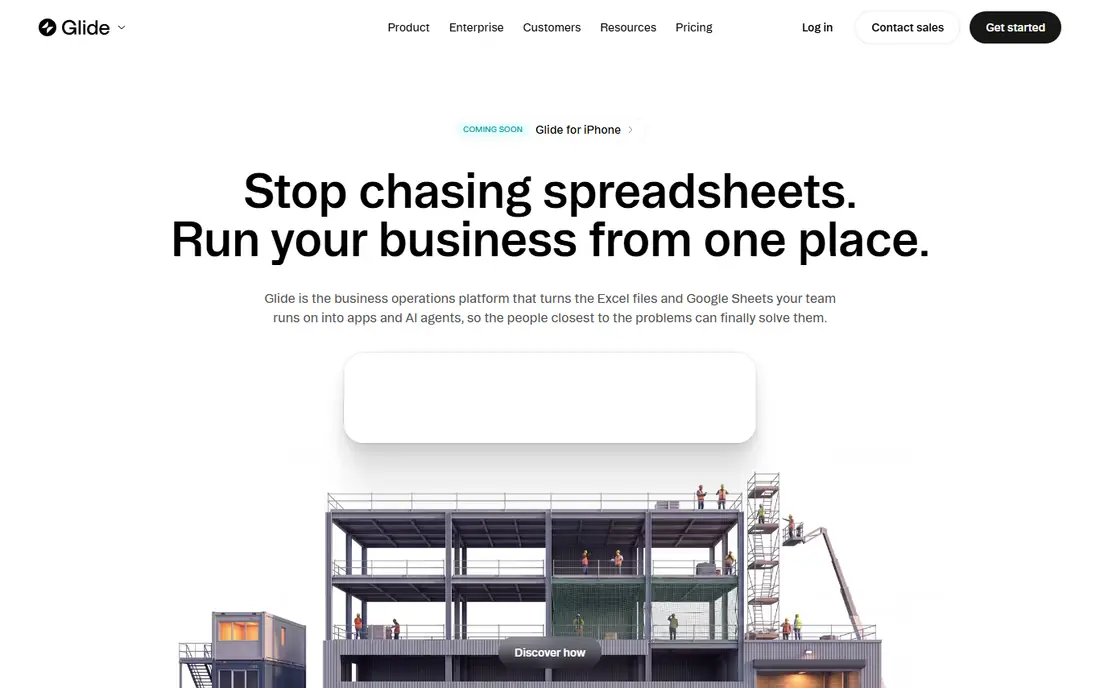
Glide is the closest in spirit to AppSheet for a team that starts with a spreadsheet and wants an app people actually enjoy opening on a phone. You point it at Google Sheets, Excel, Airtable, or its own tables, pick a layout, and publish. The result looks clean without design work, which matters when the app will be used by field staff, volunteers, or customers who will not tolerate a clunky screen.
The trade-off is depth. Glide handles forms, lists, approvals, and simple workflows well, but apps with tangled business rules or heavy back-end logic will strain against its model. Pricing also deserves a close read, since the current GlideOS plans are monthly and metered by credits, published apps, and workflows. For a small internal tool or a customer-facing directory, Glide is hard to beat on speed. For a sprawling operations system, look at Retool or Zoho Creator instead.
- Fastest path from a sheet to a good-looking app
- Strong mobile experience
- Generous free plan for learning
- Row and update limits can push growing apps to higher plans
- Complex logic is harder than in a full low-code platform
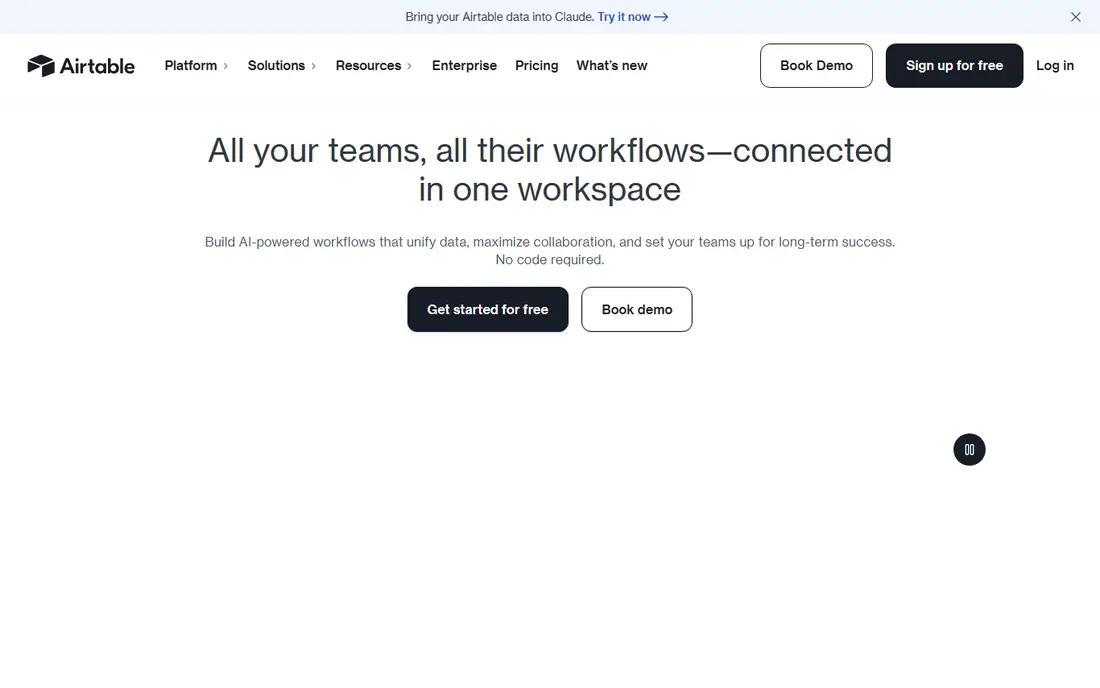
Airtable is less an app builder and more a database that behaves like a spreadsheet, and that is exactly why so many teams love it. You can track inventory, projects, content, or applicants in linked tables, then give each team a filtered view that shows only what they need. Interface Designer turns those tables into dashboards and forms, so many teams never need a separate app at all.
The honest catch is cost and scope. The free plan covers up to 5 editors and 1,000 records per base, which suits a small team, but the Team plan at 20 dollars per seat a month billed annually charges for editors and commenters alike. If your goal is a polished app for hundreds of outside users, Softr or Glide will usually fit better. If your goal is one shared source of truth with light apps on top, Airtable remains a strong pick.
- Flexible relational data with grids, calendars, and kanban views
- Strong automations
- Interface Designer for simple apps
- Per-seat pricing adds up fast
- Not a true app builder for complex logic or public-facing products

Retool is the tool operations and engineering teams reach for when the app must talk to a real database, an internal API, or a warehouse. You drag tables, forms, charts, and buttons onto a canvas, then wire them to queries written in SQL or JavaScript. The result is an admin panel, approval queue, or support dashboard that would take weeks to code from scratch, built in days.
It is not the right pick for a consumer app or a marketing site, and non-technical builders may find the query layer steeper than Glide or Softr. Pricing starts with a free plan for up to 5 users, and the Team plan runs 10 dollars per builder and 5 dollars per internal user a month on annual billing. For a company with data spread across systems and a team that can write a query, Retool is one of the most capable options on this list.
- Deep database and API connections
- Drag-and-drop components for dashboards and admin panels
- Free plan for up to 5 users
- Built for internal tools, not public products
- Pricing splits builders from other users, so totals need care
Bubble is the choice when the app is the business, not just a tool for the team. Founders use it to build marketplaces, booking platforms, dashboards, and SaaS products with user accounts, payments, and multi-step workflows, all without writing code. Its visual workflow engine and built-in database give it depth that simpler builders cannot match, and a large plugin marketplace extends it further.
That depth comes with a learning curve measured in weeks, not hours, and with workload-unit pricing that charges for database work, workflows, and API calls. The Starter web plan costs 32 dollars a month billed annually (39 dollars billed monthly from October 20, 2026) and includes 175,000 workload units a month. Plan to learn how to build efficiently, and budget for a higher tier once real users arrive. For a genuine product, Bubble is worth the effort. For a quick internal form, it is overkill.
- Full-stack visual development with a real database and workflow engine
- Large plugin library
- One project for web and mobile
- Steepest learning curve here
- Workload-unit pricing can rise with busy or inefficient apps
- No code export
Zoho Creator is a practical, budget-friendly low-code platform for businesses that need custom forms, approvals, and reports rather than a consumer product. The Standard plan at 8 dollars per user a month billed annually covers one application, while Professional at 20 dollars adds unlimited applications and more automation. If your company already uses Zoho CRM, Books, or other Zoho apps, the native connections remove a lot of integration work.
The builder itself is more functional than beautiful, and complex logic means learning Deluge, Zoho's scripting language. That is a fair trade for the price and for a platform that runs on web, iOS, and Android from one build. Small and mid-size businesses that want a dependable operations app without a large budget should put Zoho Creator near the top of the shortlist.
- Low entry price
- Native links to the rest of Zoho
- Forms, workflows, and reports in one platform
- Interface feels dated next to Glide and Softr
- Advanced logic uses its Deluge scripting language
Softr turns an Airtable base or Google Sheet into a client portal, membership site, directory, or internal tool using ready-made blocks for lists, profiles, forms, and payments. The free plan covers unlimited apps for up to 3 builders and 5 app users, and the Basic plan at 19 dollars a month billed annually adds a custom domain and more records. For agencies and service businesses that need clients to log in and see only their own projects, invoices, or files, Softr is one of the quickest routes.
Its limits are the mirror of its speed. Permissions and blocks cover most portal needs, but unusual workflows and heavy custom logic will push you toward a more open platform. Softr also scales by user counts and records, so a large public directory needs the Pro or Business plan. If your data already lives in Airtable or Sheets and your app is a window onto that data, Softr is an excellent fit.
- Fastest route to a client portal on Airtable or Google Sheets
- Flat pricing with clear user limits
- No-code blocks
- Tied closely to its data sources
- Custom logic is limited compared with Bubble or Retool
Power Apps is the natural AppSheet alternative for organizations already running on Microsoft 365. Apps built in Power Apps sit inside Teams, draw on SharePoint lists or Dataverse, and respect the same identity and data-loss-prevention controls as the rest of the tenant. For IT teams, that governance story matters as much as the builder itself, and the connector library covers hundreds of business systems.
Pricing is the part to model carefully. A free Developer Plan covers learning and non-production use, while Power Apps Premium costs 20 dollars per user a month billed annually for unlimited apps, with a pay-as-you-go option at 10 dollars per active user per app a month. A company where most staff already hold licenses gets far more value than one buying in from scratch. Outside the Microsoft world, Glide, Retool, or Zoho Creator will usually be simpler and cheaper.
- Deep fit with Microsoft 365, Teams, SharePoint, and Dataverse
- Strong governance and security controls
- Huge connector library
- Per-user pricing grows with every user
- Best value only inside a Microsoft-centered company
Knack has been building database-driven web apps since long before no-code became a trend, and that maturity shows in its handling of records, roles, and permissions. You design tables and fields, set who can see and edit each record, and publish pages, forms, and reports for staff or customers. Plans include unlimited users, which makes the flat monthly price attractive for apps with many occasional users.
The design layer is more functional than polished, so teams that want a highly branded, consumer-grade look may prefer Softr or Glide. Pricing starts at 59 dollars a month for Starter, with a lower introductory offer for new customers, so it is not the cheapest first step. For a business whose app is really a structured database with controlled access, such as a client portal, order tracker, or membership system, Knack is a dependable, long-lived choice.
- Strong database builder with user roles and permissions
- Unlimited users on its plans
- Good for portals and internal tools
- Design options are less flexible than Glide or Softr
- Entry price is higher than spreadsheet-first tools
Appsmith is an open-source low-code platform for internal tools, aimed at teams comfortable with JavaScript and APIs. You build dashboards, admin panels, and CRUD apps by connecting widgets to queries against databases and REST or GraphQL APIs, then add logic in JavaScript where the visual builder ends. The open-source edition can be self-hosted at no license cost, and the cloud Business plan starts at 15 dollars per user a month.
That openness is both the appeal and the catch. Teams that want full control over hosting and code will value it, while non-technical builders will find Glide or Softr faster for a first app. Appsmith is best seen as a Retool alternative for organizations that prefer open source, self-hosting, or a lower per-user price, and that have at least one technical builder on staff.
- Open-source core with self-hosting
- Strong JavaScript-based logic
- Good database and API connectors
- Needs more technical skill than Glide or Softr
- Interface design takes more manual work
How we picked these
We started from AppSheet's core job, turning structured data into a usable app without code, and then looked for tools that do that job for different audiences. We compared official pricing pages, feature documentation, and app store listings, and we favored tools that are actively maintained, publish clear pricing, and serve a distinct use case rather than repeating the same pitch. We did not claim hands-on testing, and every price here reflects the vendor's published rate at the time of writing, so confirm the live figure before you buy.
What to check before you choose
Start with your data, not the builder. List where your records live today, who needs to see or edit them, and whether outside users will log in. A tool that connects cleanly to that source will save more time than any feature list, and a tool that forces a data migration should have a clear payoff.
Next, model the real monthly cost. Count every person who will build, edit, or simply use the app, and check whether the plan charges per user, per app, or by usage such as rows, updates, or workload units. A plan that looks cheap for two builders can become expensive with 50 users, and a flat plan can be a bargain for a large audience. Finally, build one real screen with your own data before committing, and test it on a phone if field staff will use it. A demo with sample data hides the rough edges that real records reveal.
FAQ
Is AppSheet still a good choice, or should I switch?
AppSheet remains a solid choice for Google-centered teams that build simple data apps, especially with its per-user plans starting at 5 dollars a month for Starter and 10 dollars for Core. Switch when you need a more polished public app, deeper logic, or a data model that AppSheet handles awkwardly, and pick from this list based on that specific gap rather than on price alone.
Which AppSheet alternative is easiest for a non-technical team?
Glide and Softr are the easiest starting points, because both turn an existing sheet or base into an app with ready-made layouts and blocks. Airtable is also friendly if the job is mostly organizing and sharing data, while Bubble and Retool reward teams willing to invest more learning time for greater depth.
Which alternative is best for a client portal?
Softr is our first suggestion for a client portal on Airtable or Google Sheets, thanks to its login, permissions, and block-based pages. Knack is a strong second choice when the portal needs strict record-level permissions and many users, and Glide works well when the portal must feel like a mobile app.
Can I build a real product without code using these tools?
Yes, and Bubble is the clearest example, with founders shipping marketplaces and SaaS products on it. Glide and Softr can also support small paid products, but a product with complex payments, multi-sided workflows, or heavy scale deserves a careful look at workload or usage pricing before launch.
Do these tools work on mobile?
Most of them do, though the experience varies. Glide and Softr produce mobile-friendly apps and progressive web apps, Zoho Creator and Knack apps run on web and mobile, and Bubble now supports native mobile builds alongside web. Test your key screens on a real phone before you promise a mobile rollout to your team.
Sources
- https://www.glideapps.com/pricing
- https://www.airtable.com/pricing
- https://www.retool.com/pricing
- https://www.bubble.io/pricing
- https://www.zoho.com/creator/pricing.html
- https://www.softr.io/pricing
- https://www.microsoft.com/en-us/power-apps/pricing
- https://www.knack.com/pricing
- https://www.appsmith.com/pricing