Best Appy Pie Alternatives for 2026 (5 Compared)
5 tools for Appy Pie alternatives, compared on pricing, free plans and best-fit use. Trade-offs are spelled out for each entry. Built for quick decisions.
- Editor's choice
 Glide
Internal business apps from spreadsheets
Starts at$25 a monthVisit glideapps.comFull review - Great alternative
 Adalo
Native mobile and web from one project
Starts at$65 a monthVisit adalo.comFull review - Also consider
 FlutterFlow
Describe, refine and publish to app keeps
Starts at$29 per monthVisit flutterflow.ioFull review
Direct answer
Start with Glide if you need internal business apps from spreadsheets. Listed starting prices: Glide from $25 a month, Adalo from $65 a month and FlutterFlow from $29 per month. Alternatives: Adalo for native mobile and web from one project, and FlutterFlow for describe, refine and publish to app keeps. The remaining 2 options are covered below with prices and limits.
TL;DR:
- Glide sits first on this list: internal business apps from spreadsheets.
- One limit worth knowing about Adalo: AI-first flow may limit fine control.
- The lowest published monthly entry price here is $18 per month, from Thunkable.
- Thunkable is the one to check for native iOS and Android from an idea.
Last checked November 2026. Prices and plan details were read from the vendors' own pages in November 2026; vendors change plans often, so confirm the current price on the vendor site before you buy.
Quick comparison
| Tool | Best for | Starts at | Free plan? | |
|---|---|---|---|---|
| Glide | Internal business apps from spreadsheets | $25 a month | Yes | Visit |
| Adalo | Native mobile and web from one project | $65 a month | Yes | Visit |
| FlutterFlow | Describe, refine and publish to app keeps | $29 per month | Yes | Visit |
 Bubble | Balanced AI speed and visual control | See website | Not stated | Visit |
 Thunkable | Native iOS and Android from an idea | $18 a month | Yes | Visit |
The 5 tools in detail
LinkVetted compared 5 tools for Appy Pie. The goal is a practical shortlist: published prices, free plan facts, best-fit use cases and honest limits for every entry.
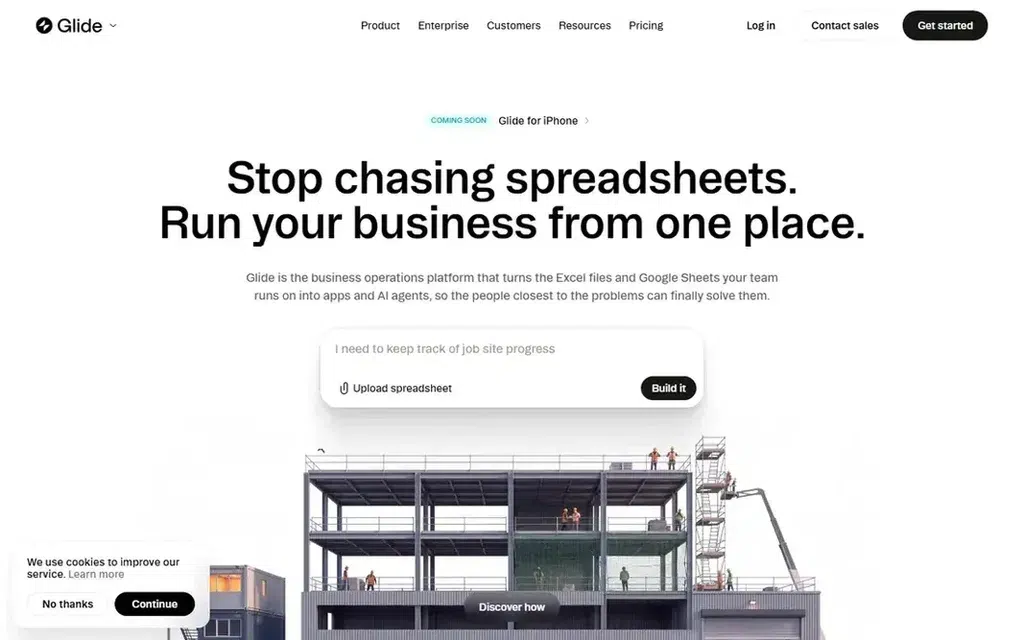
Glide makes the most sense for internal business apps from spreadsheets. Since it leans on spreadsheets and prompts, complicated consumer-facing products or highly custom interfaces may need a different tool.
As for the details, the structure of your source data also influences the result. Glide starts at: $25 per month. Glide includes a free tier.
Honest limits: Centred on business apps instead of consumer products.
- Geared toward internal business apps and agents
- Ready in minutes per the vendor
- Spreadsheet structure shapes what you can build
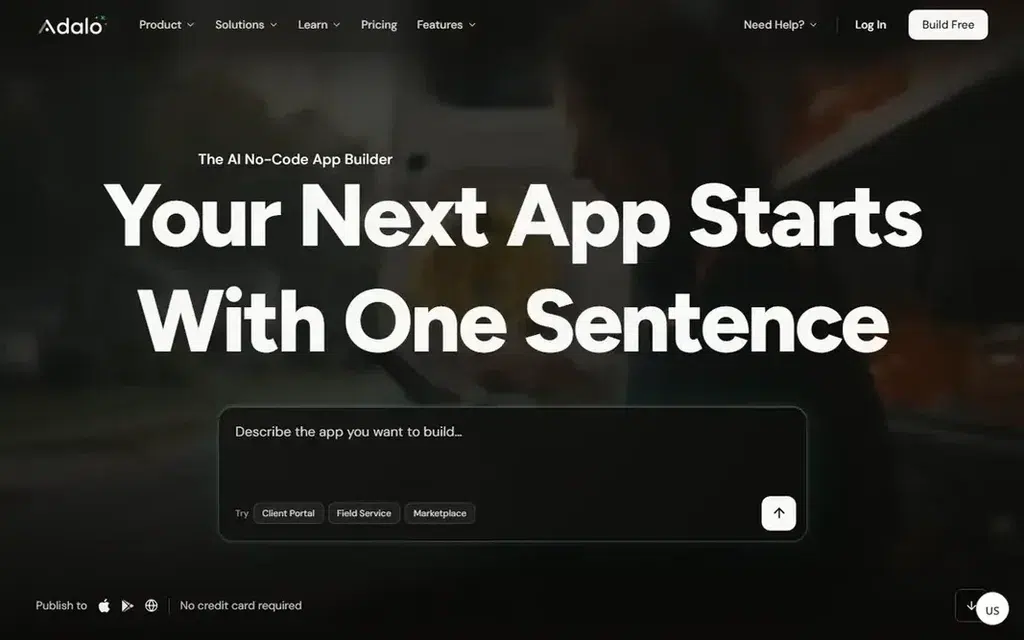
Choose Adalo for native mobile and web from one project. Adalo describes itself as an AI no-code app builder for iOS, Android and web. From a buyer's view, a description-driven approach can be quick.
But it may not provide the same granular control as a completely visual editor when requirements are unusual. As for the details, pick Adalo when mobile apps are the primary goal and a guided AI flow is welcome. Adalo starts at: $65 per month. A free plan is available with Adalo.
Downsides: Native publishing brings setup steps.
- Data and logic
- Android and web apps
- AI-first flow may limit fine control
Pick FlutterFlow if this describes you: describe, refine and publish to app stores. FlutterFlow invites you to build an iPhone and Android app by describing it.
From a buyer's view, the homepage says you can start with a first version in about five minutes, ask the agent for any change, and send it to the App Store and Google Play. FlutterFlow starts at: $29 per month. FlutterFlow offers a free plan.
Points against: Store submission has its own requirements.
- Start a first version in about five minutes per the vendor
- Send builds to the App Store and Google Play
- Agent-driven changes need verification
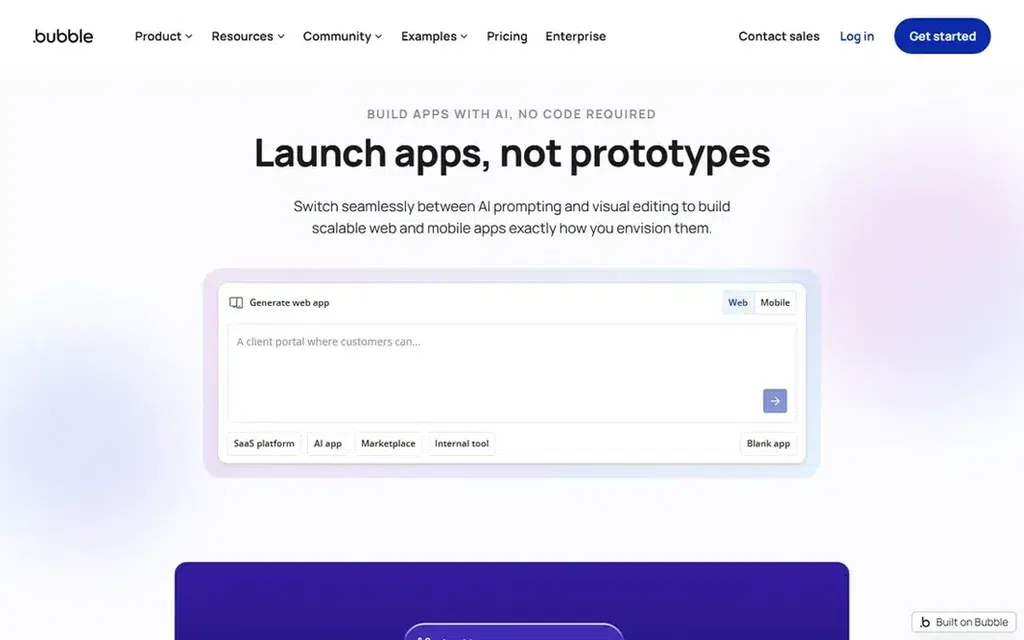
Pick Bubble if this describes you: balanced AI speed and visual control. If your priority is a straightforward internal tool built from existing spreadsheet data, a more focused choice may be simpler.
Limits to weigh: Feature depth can feel complicated for beginners.
In practice, the homepage flags design, database, logic and privacy rules as core parts of the product, and positions it for going from idea to launched app rapidly. The breadth of control includes a ramp-up time, and the privacy rules and logic setup reward careful planning instead of fast guessing. This comparison lists no price for Bubble; ask the vendor. On free options: Not stated.
- Logic and privacy rules in one place
- Database
- Needs planning around privacy rules
Thunkable is built with native iOS and Android from an idea in mind. Thunkable describes itself as a way to vibe code an app idea into a real, native iOS and Android app without coding. Its homepage states that the AI Builder takes care of design, logic and publishing.
Highlights: AI Builder takes care of design.
AI-generated design and logic should still be reviewed before publishing. Choose Thunkable when native mobile output is the priority and you want AI assistance across the build. What you pay to start with Thunkable: $18 per month. Free access exists with Thunkable. Watch-outs: AI-generated logic needs checking.
- Logic and publishing
- Targets real native iOS and Android apps
- Mobile-only focus
How these tools were picked
For each of the 5 tools we noted price, free plan or trial, fit for Appy Pie and the main limit, using vendor pages and documentation. Where a price is missing, the vendor does not list one publicly or ties it to a quote. Always confirm before budgeting. The ranking is editorial: typical fit first, then clear pricing, then free access. If your needs are unusual, read the profiles rather than relying on position.
Things to verify first
- Get a written quote from Bubble; the list shows no starting price for them.
- Read the fine print on the free plans from Glide, Adalo, FlutterFlow and Thunkable; seat, project and feature caps differ.
- Before choosing Glide, weigh its main limit: centred on business apps instead of consumer products.
- Look at which plan of Bubble unlocks the features you need; entry tiers are often cut down.
- Before you load data into Glide, check what an export looks like and who can run it.
FAQ
Can I edit what the AI builds?
Bubble explicitly pairs AI building with visual editing for design, database, logic and privacy rules. Confirm the editing choices on each vendor site before deciding.
Is Glide the right pick for everyone comparing Appy Pie?
No single tool suits every team. Glide comes first because it fits internal business apps from spreadsheets, while Adalo suits native mobile and web from one project and FlutterFlow suits describe, refine and publish to app stores. Match the tool to your own size, budget and workflow before deciding.
Can I try these tools before paying?
Often, yes. Glide, Adalo, FlutterFlow and Thunkable have a free plan. Use your own data and a real task during the test, and check what the free tier or trial limits before you rely on it.
How are the tools for Appy Pie ordered?
The order follows typical fit for Appy Pie, with Glide first and Thunkable last, then price clarity and free access. It is editorial judgement, not a score, so another team could rank the tools differently.
What is the cheapest option for Appy Pie in this list?
On published monthly entry prices, Thunkable is the lowest here at $18 per month. Entry price is only part of the cost, because seats, add-ons and billing terms can change the total. Prices, free plan details and limits for all 5 tools in this Appy Pie alternatives roundup sit on the individual cards above.
Sources
- https://www.glideapps.com
- https://www.adalo.com
- https://www.flutterflow.io
- https://bubble.io
- https://thunkable.com