Best AppSheet Alternatives in 2026: 8 Builders Compared
Looking for AppSheet alternatives? We compare 8 no-code app builders on pricing, data, offline use, and fit for internal tools and customer apps today.
- Editor's choice
 Glide
Spreadsheet to mobile app
Starts at$25 per monthVisit glideapps.comFull review - Great alternative
 Softr
Portals on existing data
Starts at$25 per monthVisit softr.ioFull review - Also consider
 Bubble
Custom web products
Starts at$32 per monthVisit bubble.ioFull review
TL;DR:
- AppSheet charges per user, so costs rise fast when a whole office uses an app, which is why many teams switch to builders with flat or unlimited-user plans.
- Glide and Softr are the fastest spreadsheet-to-app swaps, while Bubble and FlutterFlow suit customer-facing and native mobile products.
- Microsoft Power Apps wins inside Microsoft 365 shops, and Budibase wins for teams that want to self-host.
- Check user limits, offline support, and data sources before you rebuild, since those three items decide whether a builder fits your workflow.
Quick comparison
| Tool | Best for | Starts at | Free plan? | |
|---|---|---|---|---|
| Glide | Spreadsheet to mobile app | $25 per month | Yes | Visit |
| Softr | Portals on existing data | $25 per month | Yes | Visit |
| Bubble | Custom web products | $32 per month | Yes | Visit |
 Microsoft Power Apps | Microsoft 365 teams | $20 per user per month | Free trial | Visit |
 FlutterFlow | Native mobile apps | $39 per month | Yes | Visit |
 Budibase | Self-hosted internal tools | See website | Yes | Visit |
 Zoho Creator | Zoho suite teams | $12 per user per month | Yes | Visit |
 Caspio | Compliance-heavy database apps | $300 per month | Free trial | Visit |
The best AppSheet alternatives
AppSheet turns spreadsheets and Google Workspace data into internal apps, but its per-user pricing and Google focus frustrate larger teams. These eight builders cover spreadsheet apps, portals, custom web products, native mobile apps, and self-hosted tools.
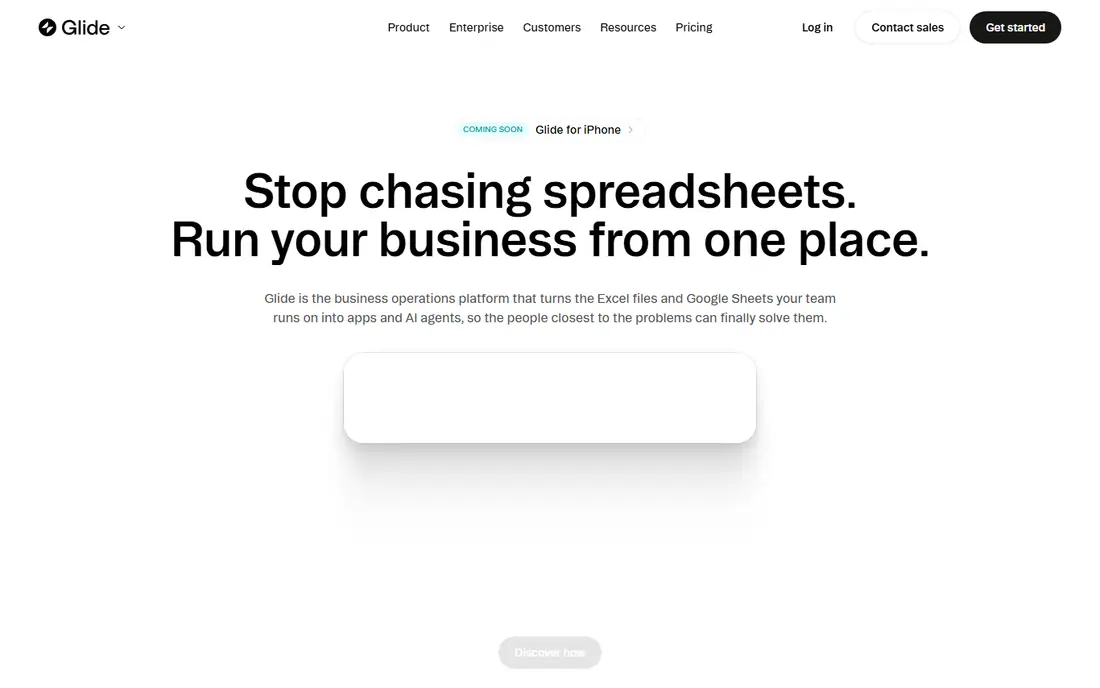
Glide turns a spreadsheet into a phone-friendly app in hours, not weeks. Connect Google Sheets, Excel, Airtable, or Glide Tables, pick a template, and publish an app that staff can use on mobile and web. Real-time sync keeps the app and the sheet in step, which suits inventory, checkouts, field work, and simple internal tools.
The trade-off is design and scale. Customization is more limited than Bubble or FlutterFlow, and very large datasets can slow the app. If your AppSheet app is mainly a data form, list, and workflow on top of a sheet, Glide is the fastest swap. If you need a highly custom product, a visual programming tool will fit better.
- Fast spreadsheet-to-app builds
- Google Sheets, Excel, and Airtable support
- Templates
- Design customization is limited
- Large datasets can slow performance
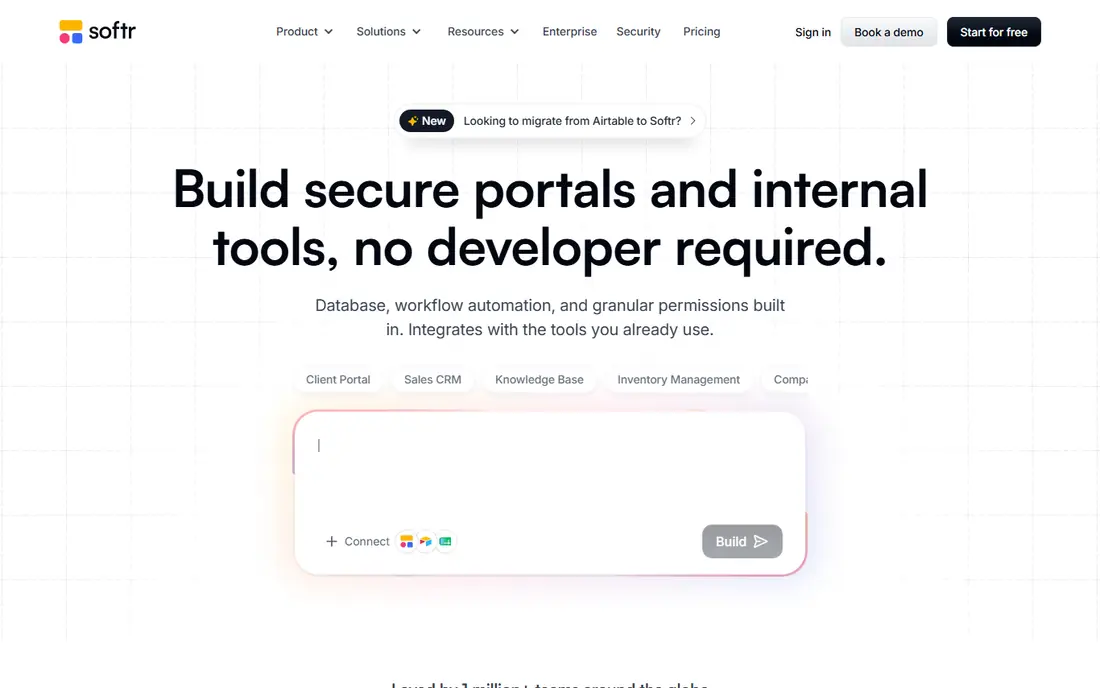
Softr turns Airtable or Google Sheets data into client portals, internal tools, and dashboards without code. Its strength is permissions: you can show different data to different user groups, which suits client portals, member directories, and partner tools. Templates speed up common builds, and the free plan lets you test a portal before paying.
Softr is not a full database builder. Your data stays in Airtable or Sheets, and complex custom logic needs workarounds or another tool. If your AppSheet replacement is mainly a portal on data you already have, Softr is excellent. If you need a built-in database and deep workflows, look at Budibase, Zoho Creator, or Bubble.
- Portals and internal tools on Airtable or Sheets
- User groups and permissions
- Templates
- Data lives in Airtable or Sheets
- Less suited to complex custom logic

Bubble is a visual programming platform for custom web apps and SaaS products, with a built-in database, workflow editor, and plugin marketplace. Unlike spreadsheet builders, it lets you design complex logic, user roles, and customer-facing products without writing backend code. Startups use it to launch MVPs and full products.
The learning curve is steeper than Glide or Softr, and native mobile apps need wrappers rather than true native builds. Performance also depends on how well you design data and workflows. If you want to replace AppSheet with a customer-facing product, Bubble is the strongest no-code choice. If you only need an internal form app, it may be more tool than you need.
- Visual programming for web apps
- Built-in database
- Large plugin marketplace
- Steeper learning curve
- Mobile apps need wrappers
- Performance varies with design
Power Apps is the natural AppSheet alternative inside Microsoft 365 shops. It builds apps on Dataverse and Microsoft data sources, with Copilot assistance, offline support for Dataverse apps, and enterprise security and governance. Teams that already use Teams, SharePoint, and Dynamics will find data and identity already in place.
Pricing is per user, billed annually at $20 per user per month for the standard plan, so large rollouts still need budget planning. It also assumes Microsoft familiarity, and simple apps can feel heavyweight. If your company is standardized on Microsoft, Power Apps is the best fit. If you are Google-first, Glide or Softr will feel more natural.
- Deep Microsoft 365 and Dataverse integration
- Offline support
- Enterprise security
- Per-user pricing
- Needs Microsoft familiarity
- Complex for simple apps
FlutterFlow builds true native mobile apps with a visual Flutter editor, Firebase integration, and code export. It suits teams that want AppSheet-style speed but need a polished app in the App Store and Google Play, with custom UI and native performance. Developers can also export code and extend it, which helps as an app grows.
It is less simple than Glide for a quick internal form, and you bring your own backend, usually Firebase. The free plan is limited for publishing. If your goal is a native mobile product, FlutterFlow is the best pick in this list. If your goal is an internal web tool, a spreadsheet builder will launch faster.
- Native mobile builds
- Visual Flutter editor
- Firebase integration
- Code export
- Steeper learning curve
- You bring your own backend
- Free plan is limited
Budibase is an open-source low-code builder for internal tools, with a built-in database, workflows, and the option to self-host for free. Teams that need data control, on-premise hosting, or freedom from per-user fees on self-hosted plans often pick it over AppSheet. Cloud plans add a base fee plus per-user charges, so check the vendor site for current rates.
The template library is smaller than Glide or Bubble, and building a polished customer product takes more work. For internal tools, dashboards, and admin panels, Budibase is a strong, cost-controlled choice. It is especially appealing to teams with privacy, compliance, or hosting requirements that rule out a purely cloud builder.
- Open-source self-hosting
- Built-in database
- Internal tools and workflows
- Cloud pricing adds per-user fees
- Smaller template library than larger rivals
Zoho Creator is a low-code app builder for data-driven business apps, with workflow automation, mobile support, and deep integration with the Zoho suite. At $12 per user per month, it is one of the cheapest per-user options here, and a free edition covers one app for testing. Offline forms and reports suit field teams.
The learning curve is real, especially for Deluge scripting on complex apps, and design feels less modern than Glide or Softr. If your team already uses Zoho CRM, Books, or other Zoho apps, Creator fits naturally and keeps data in one ecosystem. If you are not a Zoho shop, a spreadsheet builder may be simpler.
- Low per-user price
- Zoho suite integration
- Offline forms
- AI features
- Learning curve
- Design is less modern than some rivals
- Per-user pricing
Caspio builds database-driven business applications with secure hosting, reporting, and workflow automation. It suits compliance-heavy teams in healthcare, finance, education, and government that need governed data, roles, and audit trails. Its AI builder speeds up initial app creation from a description.
The entry price at $300 per month is far higher than spreadsheet builders, and there is no free plan, only a trial. For a simple checkout tracker, Caspio is too much. For a regulated database app where security and reporting matter more than low cost, it is a credible AppSheet alternative with enterprise controls.
- Database-driven apps
- Secure hosting
- Reporting and workflow automation
- High entry price
- Trial only, no free plan
- Heavier than simple builders
How we picked these
We compared official pricing pages, feature pages, and public comparisons for no-code and low-code builders live in 2026. We favored tools that build real apps from data, offer a free plan or trial, and serve a clear audience, from internal tools to customer products. We noted user limits and data sources, since those decide whether a builder can replace AppSheet in practice.
How to choose the right builder
Start with your data. If your data lives in Sheets or Airtable, Glide and Softr will launch fastest. If you need a built-in database, pick Bubble, Budibase, or Zoho Creator. If you are in Microsoft 365 or Zoho, pick the builder that matches your suite to avoid duplicate identity and data work.
Next, count users honestly. AppSheet per-user pricing hurts when a whole office uses an app, so check whether a builder charges per user, per app, or flat. Test with your real user count, not just five pilot users. Also test offline use if field staff need it, since not every builder supports offline forms.
Finally, build one real app before you commit. Recreate your most-used AppSheet workflow, including forms, permissions, and notifications, and run it with real users for two weeks. A builder that looks fast in a demo can slow down on your data, permissions, or mobile needs. The trial that covers your real workflow is the only test that counts.
FAQ
Is AppSheet free?
AppSheet offers a free trial and prototype use, but production apps need a paid plan, starting at $5 per user per month for Starter and $10 for Core, with every app user needing a license. That per-user model is why larger teams often look for flat-price alternatives.
Which AppSheet alternative is easiest for beginners?
Glide and Softr are the easiest for beginners, since both start from a spreadsheet or Airtable base and offer templates. Glide suits mobile-first internal apps, while Softr suits portals. Bubble and Power Apps are more powerful but take longer to learn.
Can I build a native mobile app without code?
Yes, with limits. FlutterFlow builds native apps, while Glide and Adalo-style builders publish mobile-friendly web apps and store apps through wrappers. If store presence and native performance matter, FlutterFlow is the strongest pick here. If an internal mobile web app is enough, Glide is faster.
Do these builders work offline?
Some do, some do not. Power Apps supports offline for Dataverse apps, and Zoho Creator supports offline forms and reports. Glide and Softr are mainly online tools. Check offline support for your exact plan and data source before you rebuild a field app.
Can I migrate my AppSheet data?
Usually yes, since most builders import from Sheets, Excel, or CSV, and some connect directly to Google Sheets or Airtable. Logic, workflows, and permissions usually need rebuilding by hand. Export your data, map your workflows, and rebuild one app at a time rather than migrating everything at once.