Best Apps to Save Money on Groceries in 2026: 8 Apps Compared
Compare the best apps to save money on groceries in 2026, from receipt cash back to weekly flyers, and find the grocery savings app that fits your shop.
- Editor's choice
 Ibotta
Named-product grocery offers
Starts atFreeVisit ibotta.comFull review - Great alternative
 Fetch Rewards
Any receipt, low effort
Starts atFreeVisit fetch.comFull review - Also consider
 Rakuten
Online grocery orders
Starts atFreeVisit rakuten.comFull review
TL;DR:
- Ibotta and Fetch Rewards suit most shoppers, because one rewards named products and the other rewards almost any receipt.
- Rakuten is stronger for online grocery orders, while Flipp is stronger for planning a shop around weekly sales and coupons.
- Cash back is usually small per trip, so the best result comes from using one or two apps consistently, not from chasing every offer.
- Read the privacy policy before linking a loyalty card or bank card, since these apps earn money from shopping data and brand partnerships.
Quick comparison
| Tool | Best for | Starts at | Free plan? | |
|---|---|---|---|---|
| Ibotta | Named-product grocery offers | Free | Yes | Visit |
| Fetch Rewards | Any receipt, low effort | Free | Yes | Visit |
| Rakuten | Online grocery orders | Free | Yes | Visit |
 Checkout 51 | Weekly grocery offers | Free | Yes | Visit |
 Upside | Gas, groceries and dining | Free | Yes | Visit |
 Flipp | Weekly ads and coupons | Free | Yes | Visit |
 Shopkick | In-store browsing rewards | Free | Yes | Visit |
 Coupons.com | Printable and digital coupons | Free | Yes | Visit |
The best apps to save money on groceries
Grocery prices add up fast, and a good savings app should cut the bill without adding a second job. We compared official feature pages, cash-out rules, app store listings and privacy policies for the apps below.
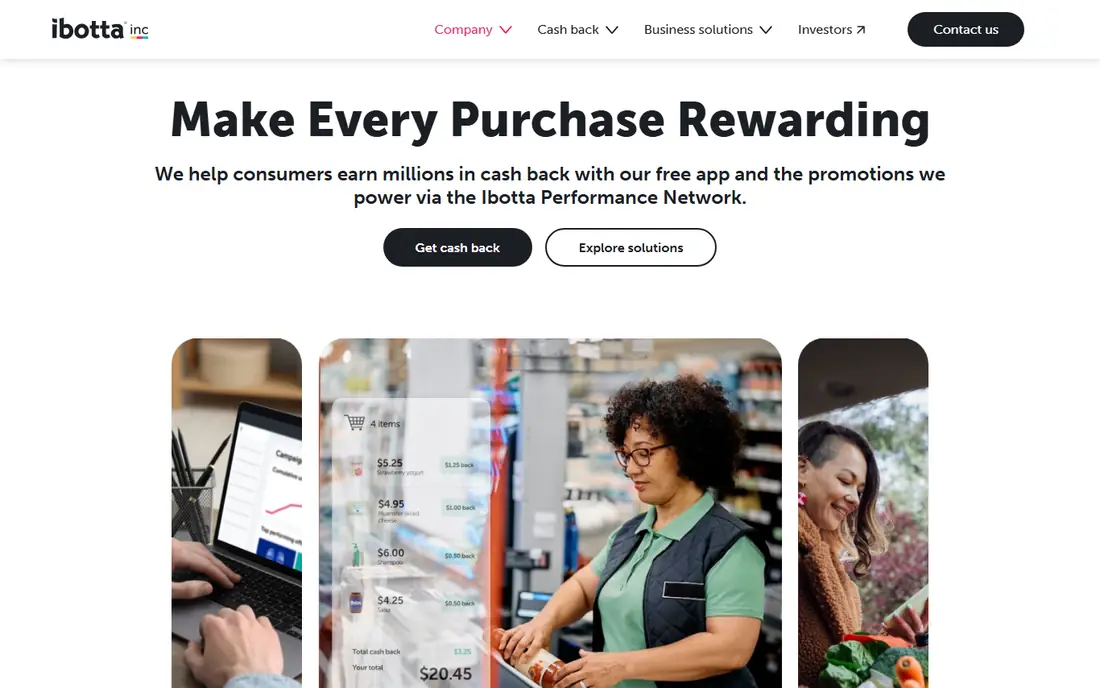
Ibotta works best for shoppers who already have a list and do not mind checking offers before they shop. You activate offers for specific products, shop as normal, then confirm the purchase by scanning a receipt or linking a store loyalty account. That extra step is the trade-off for higher cash back on the items you buy often, such as pantry staples, cleaning products and snacks.
The catch is patience. Earnings build one offer at a time, and you need $20 before you can cash out. If you shop for one person and buy few brand-name items, progress can feel slow. For a household shop, though, Ibotta is often the first app we would try, because its grocery coverage is wide and its payout options are practical.
- Large set of grocery and everyday offers
- Loyalty card linking at many stores
- Cash back to PayPal, bank or gift cards
- Cash-out minimum of $20
- Some offers are brand specific
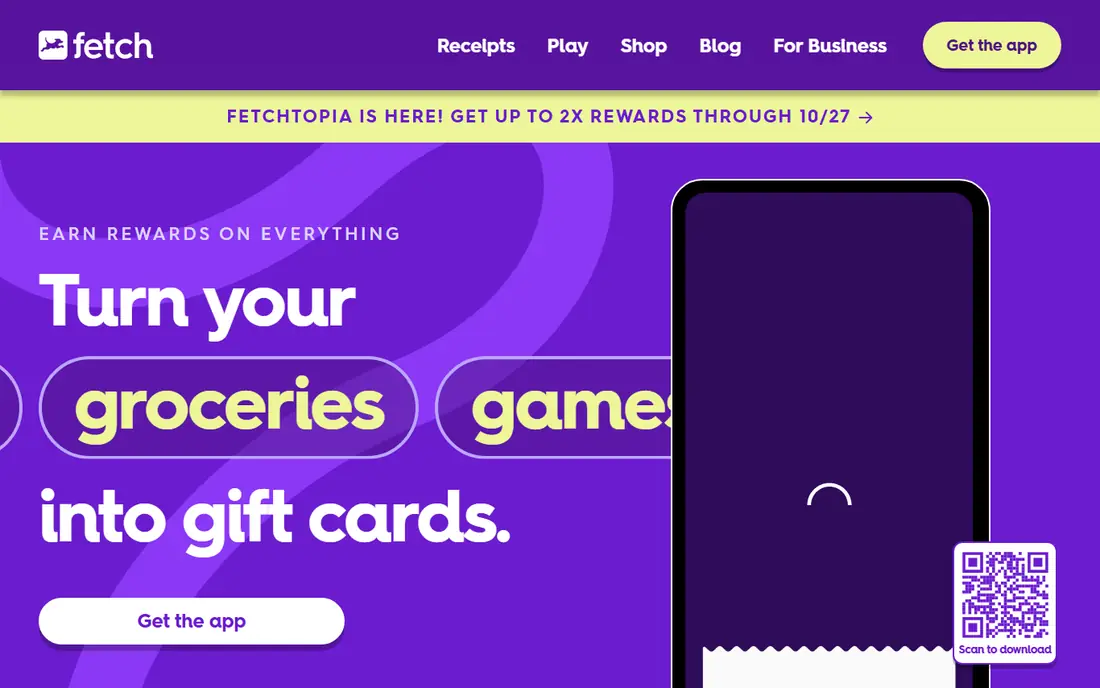
Fetch Rewards is the low-effort pick. Snap a photo of a receipt within 14 days and you earn at least 25 points, even when no brand offer applies. Partner brands pay more, and the app also offers online shopping and games, but the core appeal is simple: one photo, no offer hunting.
That simplicity has limits. Points convert to gift cards rather than cash, and most rewards need 3,000 points. Shoppers who want cash in a bank account will prefer Ibotta or Rakuten. For people who will not check offers before a shop, Fetch is still worth keeping, because it rewards trips that other apps would miss.
- Points for receipts from almost any store
- Simple photo scan
- Many gift card options
- Pays in points and gift cards, not cash
- Points expire after 90 days without activity
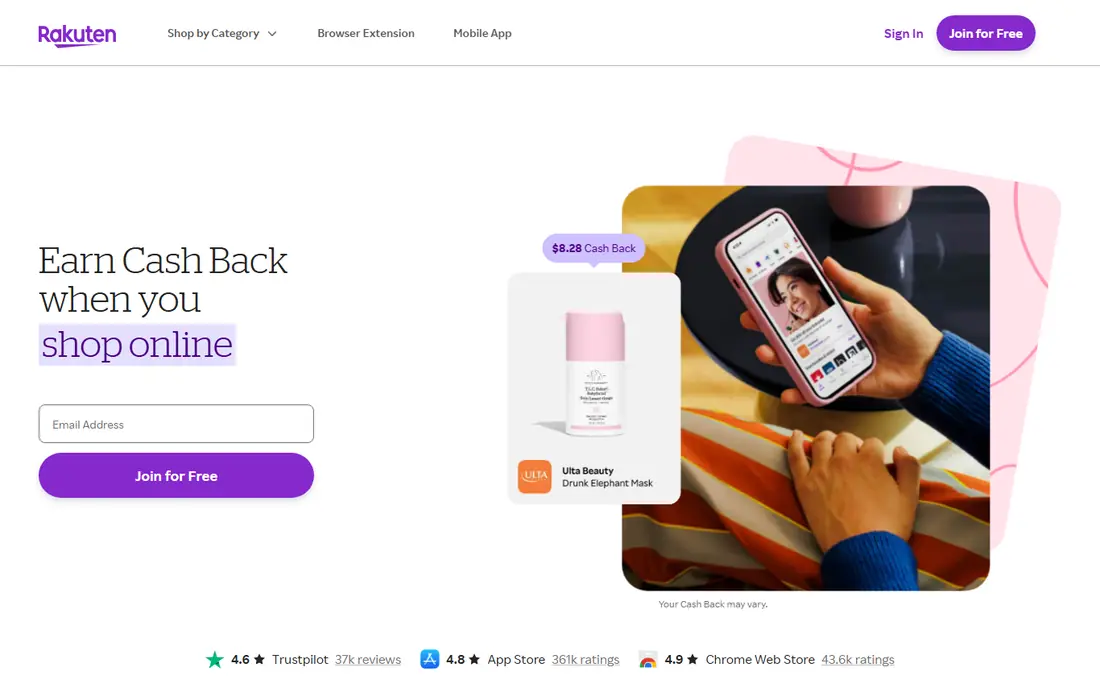
Rakuten suits shoppers who order groceries online or buy household goods through a retailer website. You start the shop through Rakuten, and it shares part of the retailer commission with you as cash back. Rates vary by store and change often, so check the rate before checkout rather than assuming a fixed percentage.
The main drawback is timing. Cash back is confirmed and paid quarterly, once you pass the $5.01 threshold, so this is not a same-week saving. It also works best as a companion to a receipt app, not a replacement. Use Rakuten for the online order, then scan the receipt in Fetch if the store allows it, and check the terms before stacking offers.
- Cash back at many online retailers
- Browser extension and app
- Quarterly PayPal or check payout
- In-store grocery coverage is narrower than receipt apps
- Payout is quarterly, not instant
Checkout 51 publishes a fresh set of grocery offers each week. You buy the listed items, upload a photo of the receipt, and the cash back is added to your balance. The layout is easy to scan on a phone in the store aisle, which helps when you are deciding between two brands.
Its weakness is scale. Some weeks have strong offers for your usual shop, and other weeks have little that fits. The $20 cash-out minimum also means casual shoppers may wait a while to see money back. It works best as a second app alongside Ibotta or Fetch, picked up only when its weekly list matches your list.
- Clear weekly offer list
- Simple receipt upload
- Cash back by check or PayPal
- Cash-out minimum of $20
- Fewer offers than Ibotta in some weeks
Upside started with gas, and that is still where many users see the clearest value. You claim an offer in the app, pay with a linked card or check in at the location, and cash back is added to your balance. Grocery and restaurant offers follow the same pattern, but availability varies by area, so two shoppers in different towns can see very different lists.
Check Upside before a fuel stop or a grocery run, rather than building a whole shop around it. When a partner store is on your route, the saving is real and requires little extra work. When no partner is nearby, Ibotta or Fetch will give you more for the same trip.
- Cash back on gas, groceries and restaurants
- No receipt needed at many partners
- Bank, PayPal or gift card payout
- Grocery offers depend on location and partner stores
- Gas is often the stronger category
Flipp does not pay cash back, and that is exactly why it pairs well with the apps above. It gathers weekly ads, lets you search for an item across stores, and helps you build a list around what is on sale. For shoppers who plan meals for the week, that planning step often saves more than a single receipt offer.
The limit is obvious: Flipp only shows you the deal, it does not pay you for taking it. You still need a coupon, a store loyalty discount or a cash back app to collect the saving. Use Flipp to choose where to shop, then use Ibotta or Fetch to claim cash back on the same basket.
- Weekly flyers from many stores in one place
- Digital coupons
- Shopping list tools
- No cash back of its own
- Savings depend on store sales and coupons
Shopkick rewards actions other apps ignore, such as walking into a partner store or scanning a product on the shelf. Those small rewards, called kicks, add up to gift cards over time. It suits shoppers who enjoy browsing and do not mind opening the app in the store.
Do not expect Shopkick alone to cut a grocery bill by much. The per-action value is low, and redemption is limited to gift cards. Its best role is as a background habit: open it when you are already in a partner store, collect kicks for steps you were taking anyway, and let the gift cards cover a small treat or a household item later.
- Rewards for walking into stores and scanning products
- Receipt rewards at some stores
- Gift card redemption
- Earnings per action are small
- Gift cards only, no cash payout
Coupons.com is a straightforward coupon source, with digital coupons you can load to a loyalty card and printable coupons for in-store use. It is useful when a brand you buy has no cash back offer that week, because a coupon can still lower the shelf price at checkout.
The work is in checking dates and terms. Coupons expire, some apply to one size only, and a store may limit how many you can use. Still, for shoppers who like paper coupons or who shop at stores with loyalty card coupons, Coupons.com remains a practical, free starting point before you add a cash back app.
- Wide coupon library for groceries and household goods
- Digital coupons for loyalty cards
- Printable options
- No cash back
- Coupons expire and some are store specific
How we picked these
We compared official feature pages, cash-out rules, app store listings and privacy policies, and we kept only apps that are free to download and still active in the United States in October 2026. We favored apps with clear payout methods, a stated minimum or points threshold, and grocery coverage that goes beyond one store chain. We left out apps that charge a fee just to see offers, since a savings app should not cost money before it saves any.
How to get real savings without changing how you shop
Start with one receipt app and one planning tool. That combination covers most trips: Flipp or Coupons.com helps you choose what to buy, and Ibotta or Fetch helps you claim something back after. Adding a third or fourth app only helps if you actually open it, so set a simple rule for yourself, such as scanning every grocery receipt in Fetch and checking Ibotta only before a large shop.
Watch the fine print
Check expiry dates on offers, receipt deadlines and cash-out minimums before you count on a saving. Fetch requires receipts within 14 days, and its points expire after 90 days without activity. Ibotta and Checkout 51 both need $20 before payout. Those rules are not hidden, but they matter more than the headline rate.
Keep your data in view
Most free savings apps earn money from brand partnerships and shopping data. Read the privacy policy, turn off location sharing if you do not need it, and think twice before linking a bank card to every app you try. This is not financial advice. These apps give small discounts on spending you already planned, and they should never push you to buy items you do not need.
FAQ
What is the best grocery savings app for most people?
Ibotta is a strong first pick for households that buy brand-name groceries, while Fetch Rewards is better for shoppers who want the lowest effort. Many people use both, since Fetch rewards almost any receipt and Ibotta pays more on specific products.
Can I use more than one grocery app on the same receipt?
Often yes, but it depends on each app's terms. Fetch and Ibotta are commonly used together because they run different offer systems. Check the terms for loyalty-linked offers, since some retailers limit stacking.
Do these apps really pay cash?
Some do, and some pay in gift cards. Ibotta, Rakuten and Upside can pay to PayPal or a bank account, while Fetch and Shopkick pay in gift cards. Check the payout method before you invest time in an app.
How much can I save on groceries with these apps?
Expect a modest discount, not a second income. Savings depend on your basket, your stores and how often you shop. A household that checks offers weekly will usually do better than a shopper who opens an app once a month.
Are grocery savings apps free?
The apps in this list are free to download and use. They earn money from retailers and brands, not from a subscription. Be wary of any app that charges a fee just to show you coupons or cash back offers.
Is Flipp a cash back app?
No. Flipp shows weekly ads and coupons and helps you plan a shop, but it does not pay cash back itself. Pair it with Ibotta, Fetch or Checkout 51 if you want both planning and payout.