Best Apps to Play Games and Earn Money in 2026: 9 Apps Compared
We compared the best apps to play games and earn money in 2026, checking payout methods, cashout minimums, and realistic earnings for casual players today.
- Editor's choice
 Freecash
Widest payout choice and fast payouts
Starts atFreeVisit freecash.comFull review - Great alternative
 Mistplay
Simple playtime rewards for Android gamers
Starts atFreeVisit mistplay.comFull review - Also consider
 Swagbucks
Games plus surveys and shopping in one account
Starts atFreeVisit swagbucks.comFull review
TL;DR:
- Freecash offers the widest payout choice, including PayPal, gift cards, and crypto, with fast payouts on many offers.
- Mistplay is the simplest playtime app for Android players who like discovering new games.
- Swagbucks suits players who also want surveys, shopping, and other tasks in one account.
- KashKick pays in cash for milestone game offers, but rewards can take days to verify.
- Never spend money inside a game just to reach a reward milestone, since that can turn a small reward into a loss.
Quick comparison
| Tool | Best for | Starts at | Free plan? | |
|---|---|---|---|---|
| Freecash | Widest payout choice and fast payouts | Free | Yes | Visit |
| Mistplay | Simple playtime rewards for Android gamers | Free | Yes | Visit |
| Swagbucks | Games plus surveys and shopping in one account | Free | Yes | Visit |
 KashKick | Cash payouts for milestone game offers | Free | Yes | Visit |
 InboxDollars | Games plus paid emails and offers | Free | Yes | Visit |
 Cash Giraffe | Low-minimum playtime rewards | Free | Yes | Visit |
 Rewarded Play | Gift card rewards for casual gamers | Free | Yes | Visit |
 JustPlay | Fast small payouts for Android players | Free | Yes | Visit |
 Scrambly | Game milestones plus fast gift card payouts | Free | Yes | Visit |
The best apps to play games and earn money
These apps pay you in gift cards, PayPal cash, or other rewards for playing mobile games, usually through playtime points or milestone offers. They are fun if you already play games on your phone, but they are not a job. Earnings are usually small and not guaranteed income, and most casual players earn only a few dollars a month. We compared the apps below on earning style, payout methods, cashout minimums, and honesty about how long rewards take.
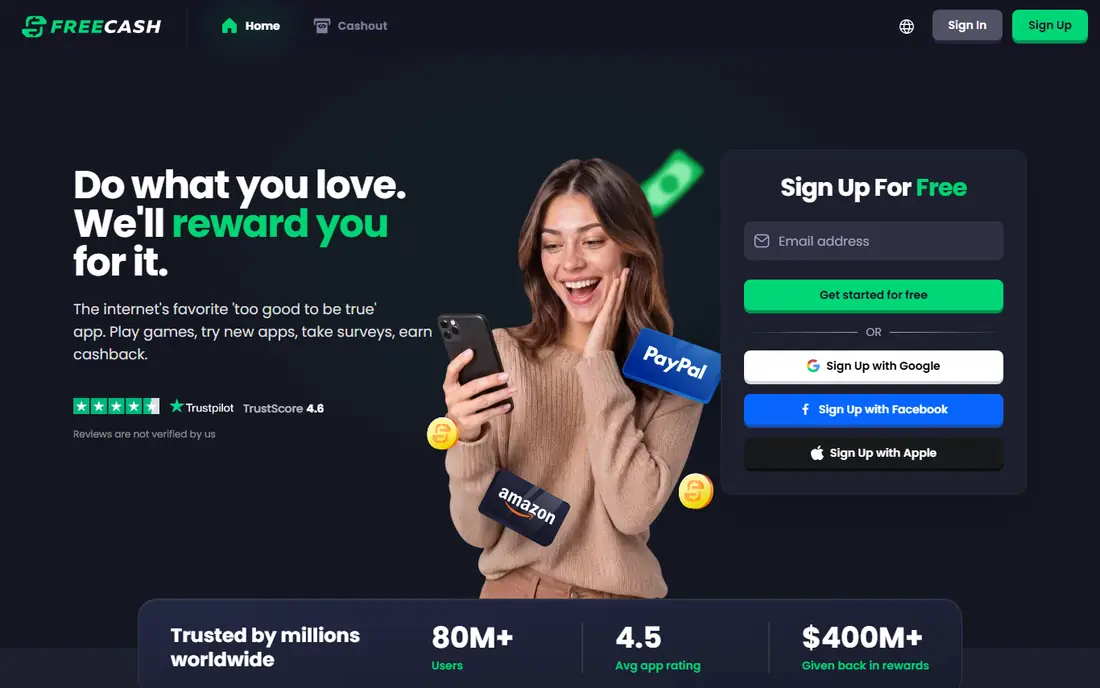
Freecash is our all-round pick for players who want choice. You earn coins by completing game milestones, surveys, and other offers, then redeem them for PayPal, gift cards, crypto, or bank transfer in many regions.
Payout speed is a real plus. Many withdrawals process quickly once an offer verifies, which makes it easier to test the app with a small cashout before you commit hours to a larger offer.
The catch is verification time and fees. Some game offers pend before coins credit, and PayPal or bank withdrawals may carry a small fee. Read each offer deadline carefully, since missing it can void the reward.
- Games, surveys, and offers in one place
- PayPal, gift cards, and crypto payouts
- Low cashout on many methods
- Some offers take time to verify
- PayPal and bank withdrawals may carry a fee
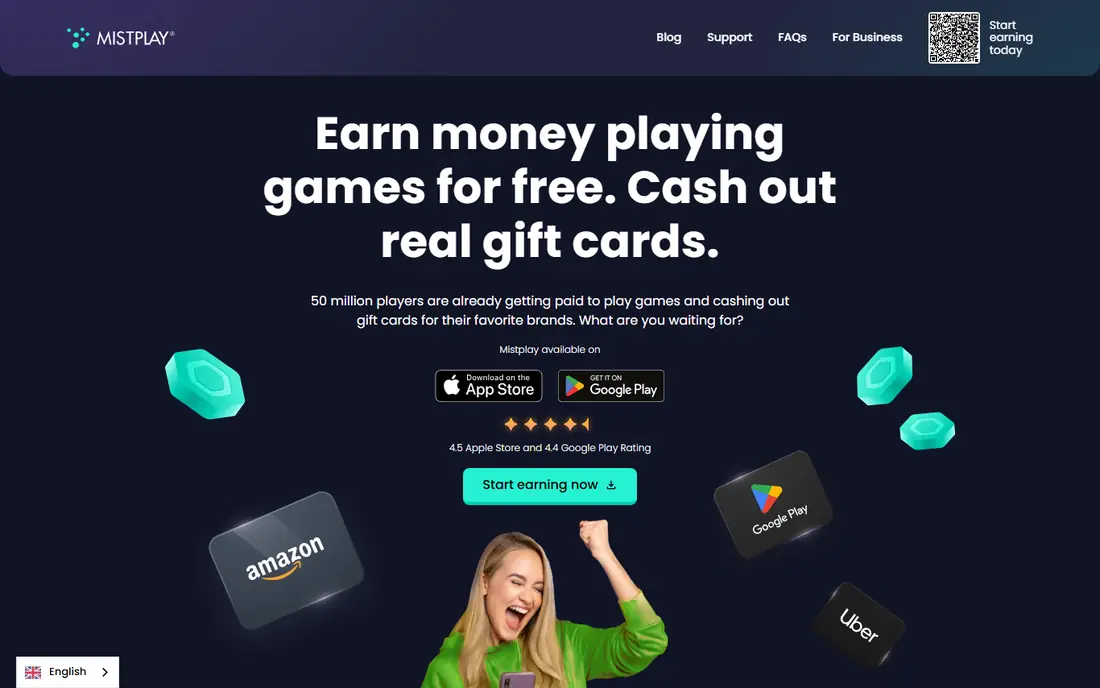
Mistplay suits players who like trying new Android games and earning gift cards for time played. You earn units as you play games through the app, then redeem them for retailer gift cards and, in some regions, PayPal gift cards.
Discovery is the fun part. Mistplay suggests games based on your play, and in-game events can boost units for a limited time. It works best if you rotate games rather than sticking to one title for months.
Earnings taper over time in a single game, so the first hours in a new game pay best. Mistplay is also Android-first, so iPhone players should check the current iOS experience before they download.
- Earn units for time played
- Gift card rewards
- Game discovery for Android players
- Android-focused, with a different experience on iPhone
- Earning slows as you play one game longer
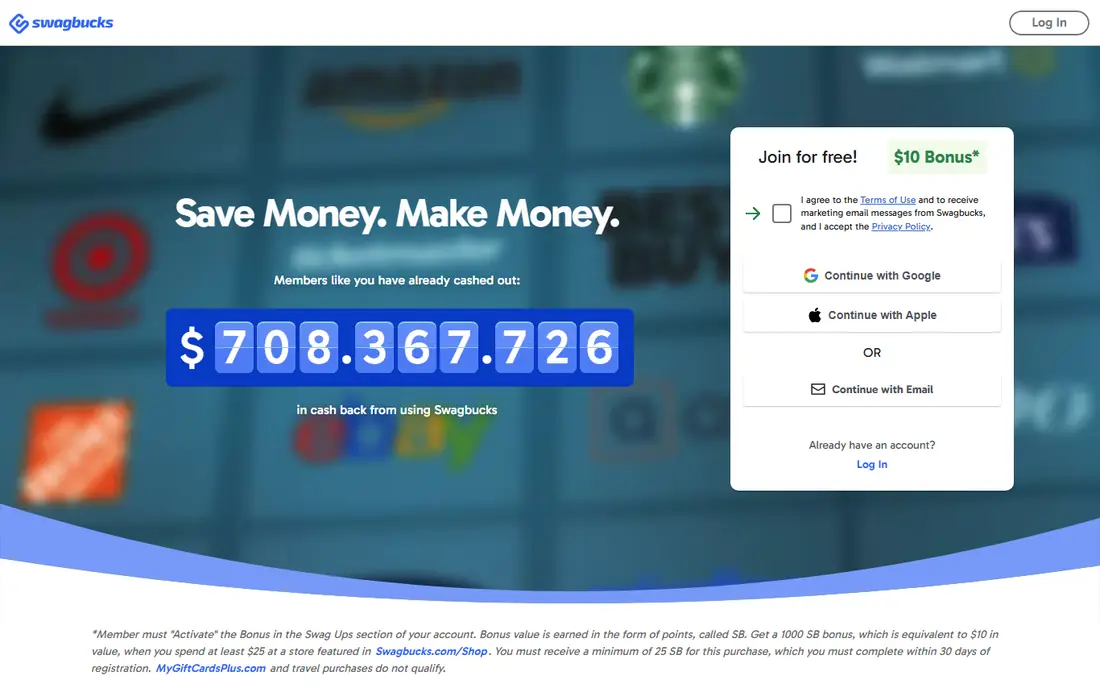
Swagbucks is a good fit if you want games alongside other small tasks. You earn points, called SB, for game offers, surveys, shopping, and searches, then redeem them for PayPal cash or gift cards.
The long track record helps. Swagbucks has paid members for many years, and the range of tasks means you can switch to surveys or shopping when no game offer appeals to you that week.
Game offer pending times are the frustration. Large game rewards can take weeks to credit, so track deadlines and keep screenshots of progress. If you only want games, a dedicated game app may feel cleaner.
- Game offers plus surveys, shopping, and searches
- PayPal and gift cards
- Long track record
- Game offers can pend for a long time
- Not a game-only app, so game rewards share space with other tasks
KashKick suits US players who prefer cash over points. You complete timed game goals, surveys, and deals, and cash out via PayPal once you reach a ten dollar balance.
Cash clarity is the appeal. You see dollar amounts rather than converting points, which makes it easier to judge whether an offer is worth your time. The game list focuses on milestone offers with clear goals.
Verification time is the downside. Game rewards can take up to 31 days to confirm, averaging about two weeks, so do not count on fast cash. KashKick is also US-only, so players elsewhere need a different app.
- Pays in cash via PayPal
- Game milestones plus surveys and deals
- US-focused
- Cashout minimum is $10
- Game rewards can take 1 to 31 days to verify
InboxDollars is a veteran rewards site that includes games alongside surveys, paid emails, and shopping offers. You earn cash balances rather than points, then cash out via PayPal, gift cards, or a prepaid card.
Variety helps on slow game weeks. When no game offer fits, you can switch to surveys or shopping tasks in the same account, which keeps progress toward cashout moving without starting over elsewhere.
The first cashout bar is higher than rivals, at fifteen dollars, dropping to ten dollars afterward. Payout processing can also take up to ten business days, so plan ahead if you need the money by a set date.
- Games, surveys, paid emails, and shopping
- PayPal and gift card payouts
- US-focused
- First cashout minimum is $15
- Payouts can take 3 to 10 business days
Cash Giraffe is a good pick for players who want to cash out small amounts quickly. You earn gems for playtime and complete challenges, then redeem them for gift cards or PayPal at low minimums.
Low minimums reduce risk. You can test the app with a small redemption instead of grinding for weeks toward a high threshold, which is a fairer deal for casual players with limited time.
The catalog varies by region and week, so the games that pay well today may not be there next month. Treat Cash Giraffe as one of several apps you rotate, rather than your only earning app.
- Low cashout minimums for gift cards and PayPal
- Playtime gems plus challenges
- Simple interface
- Offer availability varies by region
- Earning rates depend on the games on offer
Rewarded Play suits casual players who are happy with gift cards rather than cash. You earn points by playing games through the app, then redeem them for gift cards from listed retailers.
Simplicity is the point. There are no complex offer walls to decode, and the focus stays on playing games and collecting points toward a card you will actually use.
The limit is payout type. Rewarded Play pays in gift cards, not direct cash, so players who need PayPal money should pick Freecash or KashKick instead. Check the retailer list for your country before you start.
- Gift cards from listed retailers
- Playtime points
- Simple casual game focus
- Gift cards only, no direct PayPal cash transfer
- Cashout minimum is $5 in points
JustPlay is popular with Android players who want fast, small PayPal payouts. You earn coins for playtime, then cash out at a low minimum, often on the same day.
Speed is the draw. Unlike apps with long verification windows, JustPlay often processes small payouts quickly, which makes it easy to confirm the app pays before you invest more time.
Availability is the catch. JustPlay is Android-focused, and coin rates vary by game and region. iPhone players and players outside supported regions should check the store listing first.
- Low PayPal cashout minimum
- Same-day payouts on many redemptions
- Playtime coins
- Android-focused
- Game catalog and coin rates vary by region
Scrambly combines game milestones with app trials and step tracking, which gives players more than one way to earn. Gift card payouts can start as low as one dollar in some regions, with PayPal also offered.
Low gift card minimums help casual players. You do not need to grind for weeks to test a payout, and the mix of games and other tasks keeps the app useful when game offers are thin.
Region limits matter. Scrambly focuses on the US, Canada, and parts of Europe, so players elsewhere may find fewer offers. Check payout methods for your country before you rely on it as a main app.
- Game and app milestones
- PayPal and gift cards
- Low $1 gift card minimum in some regions
- Availability limited to US, Canada, and parts of Europe
- Payout methods vary by region
How we picked these
We compared official app listings, payout pages, and public 2026 guides for each app. We looked for how you earn, whether rewards are gift cards or cash, cashout minimums, payout speed, platform availability, and whether the app asks for entry fees. We excluded tournament apps that require paid entry from the main reward list, and we flagged where payout times or minimums vary by region.
How to earn safely with game apps
Pick an earning style that fits how you play. Playtime apps reward time spent and suit casual players who rotate through new games. Milestone apps pay more per offer but need you to reach a level within a deadline, so read the terms before you start. If a milestone looks unreachable without spending money, skip it.
Set realistic expectations
Earnings are usually small and not guaranteed income. Playtime apps often pay under two dollars an hour, and milestone offers vary widely by game and region. Treat rewards as a bonus for games you enjoy, not as rent money, and track your time for a week to see whether the payout feels worth it.
Protect your account and your money
Use a strong password, check payout minimums before you invest hours, and never pay an entry fee to a reward app that promises guaranteed cash. Read reviews for payout complaints, and avoid apps with no clear company page, terms, or support contact. If an app asks for unusual permissions, check what it needs and why before you grant access.
FAQ
What is the best app to make money playing games?
Freecash is a strong all-round pick for payout choice and speed, while Mistplay suits pure playtime gamers on Android. Swagbucks is better if you want games plus surveys and shopping in one place. The best pick depends on whether you prefer gift cards or PayPal cash.
How much money can you earn playing games on apps?
Most casual players earn a few dollars to about fifteen dollars a month in gift cards or cash. Active users who complete several good milestone offers can earn more, but earnings are usually small and not guaranteed income. Treat these apps as a fun bonus, not a reliable income source.
Do game apps that pay real money really pay?
The established apps in this list have documented payout histories, but payout speed and minimums vary. Check recent reviews, confirm the payout method for your country, and start with a small cashout to test the app before you invest many hours.
Are these apps available on iPhone and Android?
It varies by app. Swagbucks, Freecash, KashKick, and InboxDollars work on web and mobile, while Mistplay and JustPlay are Android-focused. Always check the app store listing for your device before you download, since availability differs by region.
Should I pay to play games that pay money?
No, for reward apps you should not need to pay. Tournament apps are different, since they charge entry fees for cash prizes and you can lose your deposit. For reward apps, never spend money inside a game just to hit a milestone, since that can wipe out the reward.