Best AppSec Tools in 2026: 9 Tools Compared
Compare the best appsec tools for code, dependencies and runtime checks, with free tiers, pricing and honest trade-offs for teams of every size in 2026.
- Editor's choice
 Snyk
Developer-first security scanning
Starts at$25 per developer per monthVisit snyk.ioFull review - Great alternative
 Semgrep
Custom rules and fast CI scans
Starts at$35 per contributor per monthVisit semgrep.devFull review - Also consider
 SonarQube
Quality gates plus security
Starts atFreeVisit sonarsource.comFull review
TL;DR:
- Start with fast, developer-friendly scanning in pull requests, then add deeper enterprise analysis for compliance needs.
- Snyk, Semgrep, and SonarQube cover most small to mid-size teams, while Checkmarx and Veracode suit regulated enterprises.
- Free tiers are genuinely useful here, especially SonarQube Community Build, Semgrep open source, and OWASP ZAP.
- Our pick for most teams is a pair: SonarQube for quality gates plus Snyk or Semgrep for security scanning.
Quick comparison
| Tool | Best for | Starts at | Free plan? | |
|---|---|---|---|---|
| Snyk | Developer-first security scanning | $25 per developer per month | Yes | Visit |
| Semgrep | Custom rules and fast CI scans | $35 per contributor per month | Yes | Visit |
| SonarQube | Quality gates plus security | Free | Yes | Visit |
 Checkmarx | Enterprise AppSec programs | See website | No | Visit |
 Veracode | Audit-ready security programs | See website | No | Visit |
 GitHub Advanced Security | GitHub-native code scanning | $49 per committer per month | Yes | Visit |
 Burp Suite | Manual web app testing | See website | Yes | Visit |
 OWASP ZAP | Free dynamic web testing | Free | Yes | Visit |
 Invicti | Automated web vulnerability scanning | See website | Free trial | Visit |
The best appsec tools
Application security tools scan code, dependencies, containers, and running apps for flaws before attackers find them. We compared official pricing and feature pages plus public reviews, and we favored tools that are current in 2026 and clear about what free and paid tiers include.
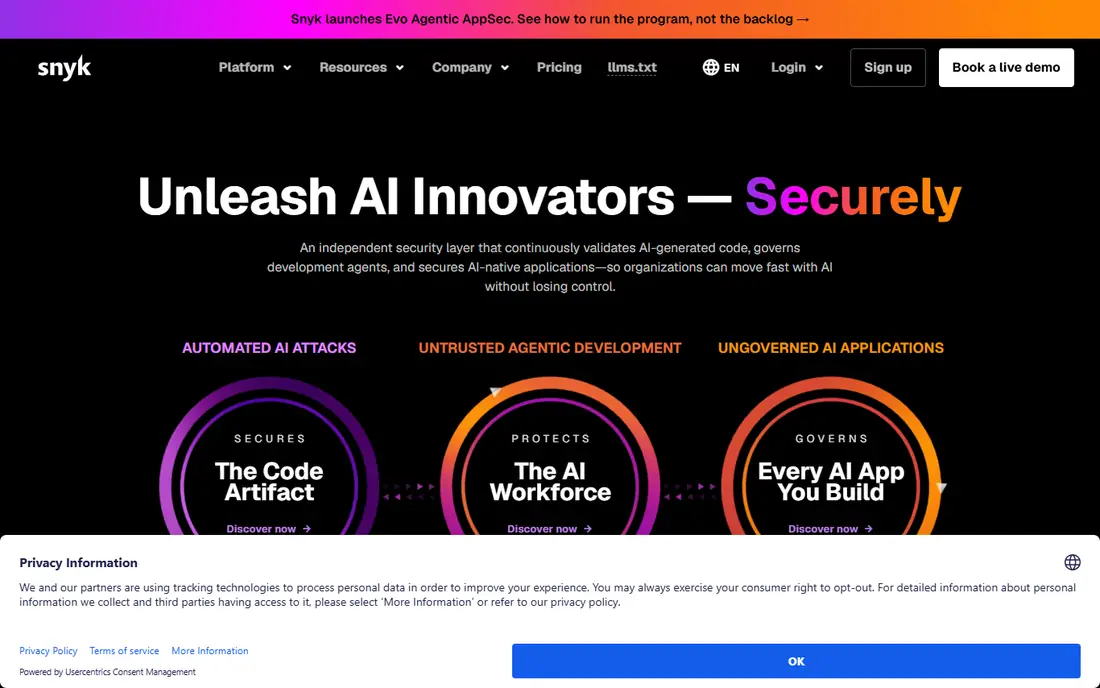
Snyk is the developer-first pick because it meets developers where they work: in the IDE and in pull requests. It scans open-source dependencies, code, containers, and infrastructure as code, then suggests fixes that developers can apply without leaving their workflow. That speed matters, since a finding that arrives days later often gets ignored.
Snyk offers a limited free tier, and Team starts at $25 per developer per month. Teams should check which products sit in their tier, since Snyk Code, Open Source, Container, and IaC are priced as a platform. For most small to mid-size teams, Snyk plus SonarQube is a strong core pair.
- Covers code, dependencies, containers, and infrastructure
- Fast developer feedback
- Clear fix guidance
- Costs rise with developer count
- Full platform needs higher tiers

Semgrep wins on speed and control. Its open-source engine scans code in seconds, and teams can write custom rules for their own frameworks and internal APIs. That matters when off-the-shelf rules miss your specific risks, or when you want to block a dangerous pattern across every repo at once.
The paid Team tier starts at $35 per contributor per month, while the open-source engine and community rules remain free. Semgrep suits teams with someone who enjoys tuning rules. If you want a fully managed rule set with less setup, Snyk may feel easier.
- Fast scans
- Custom rules are easy to write
- Open-source engine
- Needs rule tuning for best results
- Enterprise features cost more

SonarQube is the safest default for teams that want code quality and security in one gate. Its free Community Build runs self-hosted, and paid Cloud plans start at a low monthly price for small codebases. Quality gates can block a merge when new bugs, security hotspots, or coverage drops appear, which keeps standards consistent.
SonarQube alone is not a complete AppSec program. It pairs well with Snyk or Semgrep for deeper security rules, plus ZAP or Invicti for dynamic testing. For teams on a tight budget, SonarQube Community Build plus Semgrep open source is a strong free core.
- Free self-hosted Community Build
- Quality gates in CI
- Broad language support
- Paid cloud pricing varies by lines of code
- Security depth differs from pure SAST tools
Checkmarx is built for enterprise AppSec programs with compliance deadlines. It offers deep static analysis, software composition analysis, and API security in one platform, with reporting that auditors can use. Large, regulated teams often choose it when they need a single vendor for a full AppSec program.
The cost and rollout are the honest limits. Pricing is quote-based and often reaches five figures a year, and implementation takes longer than a developer-first tool. Small teams should start with Snyk, Semgrep, or SonarQube and only move to Checkmarx when compliance or scale demands it.
- Deep static analysis
- Broad language coverage
- Strong compliance reporting
- Quote-only pricing
- Rollout can be long and costly
Veracode suits teams that need audit-ready proof that their applications were tested. It covers static and dynamic testing, software composition, and container security, and it can scan compiled binaries when source is not available. That binary option helps teams that buy or inherit third-party code.
Veracode is not the fastest tool for daily developer feedback, and pricing is quote-based. It works best as the deep, periodic layer on top of fast pull-request scanning, rather than as the only tool a developer sees each day.
- Static, dynamic, and composition analysis
- Attestation and compliance reports
- Binary scanning
- Quote-only pricing
- Less developer-friendly than Snyk or Semgrep
GitHub Advanced Security, often called GHAS, is the natural pick for teams already on GitHub. CodeQL provides deep semantic analysis, secret scanning catches leaked keys, and Dependabot alerts teams to vulnerable dependencies. Because it runs inside GitHub, setup is far simpler than a standalone enterprise tool.
GHAS costs $49 per active committer per month, and it is free for public repositories. Teams that do not use GitHub as their main host will get less value, and should compare Snyk or Semgrep instead. For GitHub teams, GHAS plus SonarQube covers a lot of ground.
- Native GitHub integration
- CodeQL deep analysis
- Secret scanning and Dependabot
- Best value only inside GitHub
- Price is per active committer
Burp Suite is the standard tool for manual web application testing. Its proxy lets testers intercept and modify requests, its repeater helps probe a single endpoint, and its scanner finds common web flaws. Security teams and penetration testers rely on it daily, and its community edition is free for basic use.
Burp Suite is not a set-and-forget scanner. It rewards skilled testers and works best alongside automated tools such as ZAP or Invicti. Teams that only need automated scans should start with those, and add Burp Suite Professional when manual testing becomes a regular practice.
- Industry-standard manual testing tools
- Strong proxy and repeater
- Large community
- Professional pricing is per user
- Manual testing needs skilled testers
OWASP ZAP, often called ZAP, is the free, open-source dynamic testing tool every web team should know. It scans a running application from the outside, finding flaws that static analysis cannot see, such as misconfigurations and runtime issues. Because it is free, it is an easy addition to CI or to a regular security check.
ZAP needs tuning to avoid false positives and to handle authenticated areas of an app. Its reporting is less polished than Invicti or Veracode, but for a free tool, its coverage is strong. Pair it with a static tool such as Semgrep for a balanced program.
- Free and open source
- Dynamic scanning of running apps
- Active community
- Needs setup and tuning
- Less polished reporting than commercial tools
Invicti, formerly Netsparker, focuses on automated dynamic scanning for web applications and APIs. Its proof-based scanning tries to confirm a flaw is exploitable before reporting it, which reduces time wasted on false positives. For teams with many web apps, that accuracy and reporting depth matter.
Invicti pricing is quote-based, and it does not replace static code scanning. Use it as the dynamic layer beside Snyk, Semgrep, or SonarQube, especially when you run many public-facing web apps that need regular external checks.
- Automated dynamic scanning with proof-based checks
- Good for large web estates
- Clear reports
- Pricing is quote-based
- Best for web apps, not general code scanning
How we picked these
We compared official pricing pages, feature pages, and public reviews for AppSec tools that cover static analysis, dependency scanning, or dynamic testing. We favored tools with a current product in 2026, a clear free or trial path where offered, and enough documentation to verify what each tier includes. Where pricing is quote-based, we list See website.
What to check before you buy
Start with your code and your risk. If you ship web apps, you need both static and dynamic testing. If you use many open-source libraries, dependency scanning matters most. If you face audits, reporting and attestation matter as much as finding flaws.
False positives, speed, and ownership
Test each tool on your own code, not just a demo repo. Check false positive rates, scan speed in pull requests, and how fixes are presented to developers. Assign an owner for AppSec findings, or the backlog will grow faster than the team can fix it. The best appsec platform for your team is the one developers will actually fix findings from.
Layering tools
No single tool catches everything. A practical stack is SonarQube for quality gates, Snyk or Semgrep for fast security scanning, and ZAP or Invicti for dynamic checks. Add Checkmarx, Veracode, or GHAS when scale, compliance, or GitHub-native depth justifies the cost.
FAQ
What is the best appsec platform for a small team?
For a small team, start with SonarQube Community Build plus Semgrep open source or Snyk free tier, then add ZAP for dynamic testing. That stack costs little, runs in pull requests, and covers code, dependencies, and running apps.
What is the difference between SAST and DAST?
SAST scans source code without running it, while DAST tests a running application from the outside. SAST finds flaws early in development, and DAST finds runtime and configuration issues that code scanning cannot see. Most teams need both.
Is there a free AppSec tool?
Yes. SonarQube Community Build, Semgrep open source, OWASP ZAP, and Burp Suite Community Edition are all free for core use. Snyk and GitHub also offer free tiers with limits, which suit small teams and open-source projects.
Do AppSec tools slow down developers?
Fast tools such as Semgrep and Snyk add seconds to minutes to a pull request, while deeper tools can take longer. Put fast scans in every pull request and run deeper scans on a schedule or before release, so developers get quick feedback without waiting on full scans.
Should we buy one AppSec platform or several tools?
A single platform is simpler to manage, but a layered mix often finds more flaws at a lower cost. Start with two or three tools that cover different layers, and consolidate only when a single vendor clearly matches that coverage.