Best Appy Pie Alternatives in 2026: 8 No-Code App Builders Compared
Searching for appypie alternatives? We compare 8 no-code app builders on publishing, data, and price so you can choose one with confidence for your team.
- Editor's choice
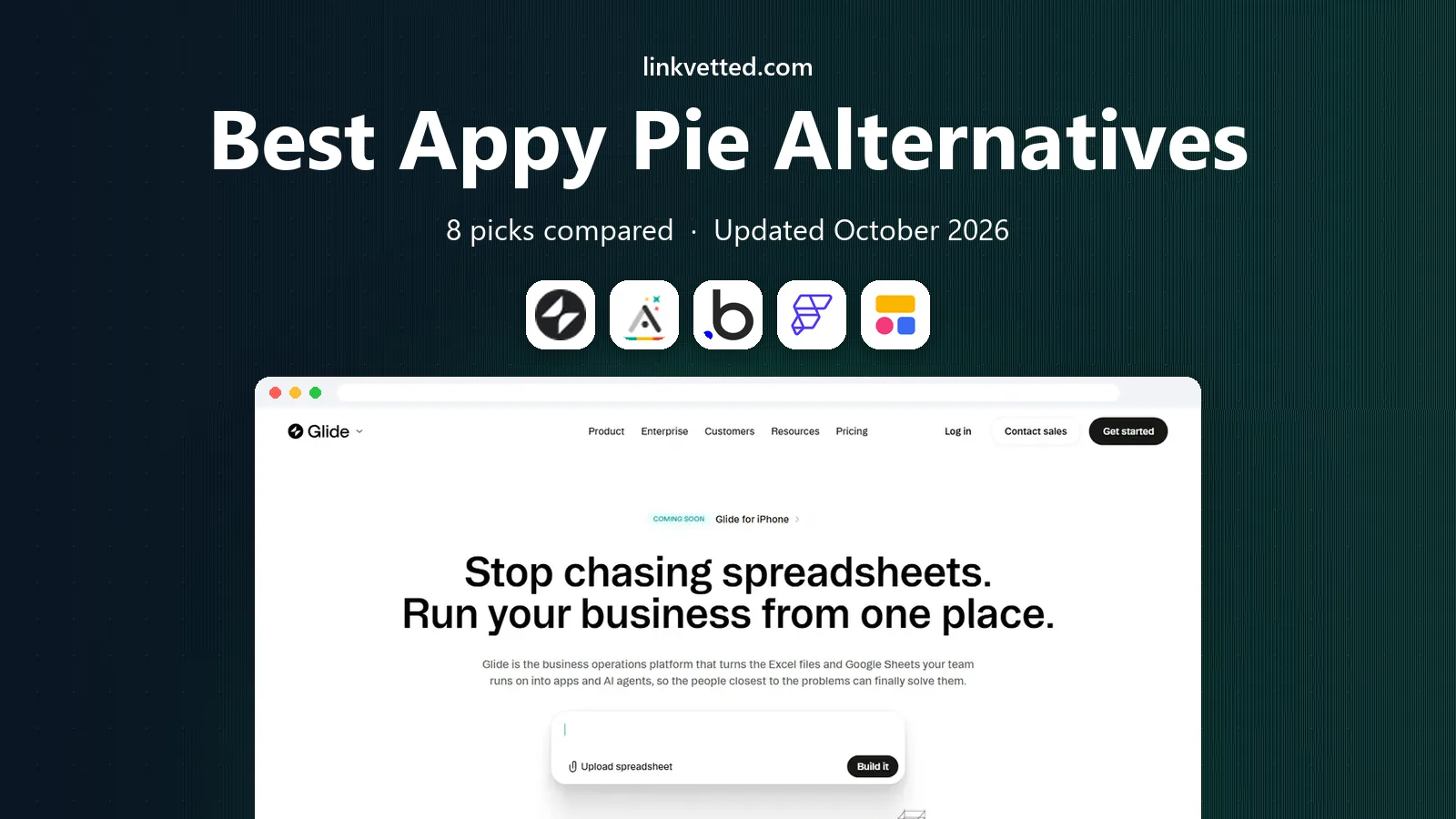
 Glide
Spreadsheet apps
Starts atSee websiteVisit glideapps.comFull review - Great alternative
 Adalo
Beginner native apps
Starts atSee websiteVisit adalo.comFull review - Also consider
 Bubble
Full custom web apps
Starts atSee websiteVisit bubble.ioFull review
TL;DR:
- Appy Pie is built for quick template apps, while most options here give you more control over data, design, or code export.
- Glide and Softr are the fastest routes from a spreadsheet to a working internal app.
- Bubble and FlutterFlow suit larger, custom apps, but they take longer to learn.
- Publishing to the App Store and Google Play usually costs extra, so check store fees before you commit.
- A free plan is a good test, but row limits and branding often decide the real cost.
Quick comparison
| Tool | Best for | Starts at | Free plan? | |
|---|---|---|---|---|
| Glide | Spreadsheet apps | See website | Yes | Visit |
| Adalo | Beginner native apps | See website | Yes | Visit |
| Bubble | Full custom web apps | See website | Yes | Visit |
 FlutterFlow | Apps with code export | See website | Yes | Visit |
 Softr | Client portals and internal tools | See website | Yes | Visit |
 Thunkable | Drag-and-drop native apps | See website | Yes | Visit |
 AppSheet | Google Workspace apps | See website | Yes | Visit |
 Draftbit | Visual apps with code ownership | See website | Yes | Visit |
The best Appy Pie alternatives
Appy Pie promises an app without code, and that idea still appeals to small teams. The catch is that template limits, store publishing rules, and data options can narrow what you can build. The eight appy pie alternatives below cover the main paths instead: spreadsheet apps, visual web apps, and native mobile apps with code export.

Glide starts from the data you already have, which is why it feels fast on day one. It fits teams that want a staff directory, inventory tracker, or customer portal without hiring a developer.
Its strength is speed from spreadsheet to working app, with forms, lists, and user sign-in built in. You can connect Google Sheets or other tables, then shape screens with drag-and-drop components and simple actions.
The honest weakness is scale and design freedom, since heavy apps and very custom screens can hit plan limits. If your app is mainly data plus forms, Glide is a strong first test, and you can move on if the design feels too boxed in.
- Turns sheets into apps fast
- Clean mobile layouts
- Good for internal tools
- Row limits on lower plans
- Less control over custom design
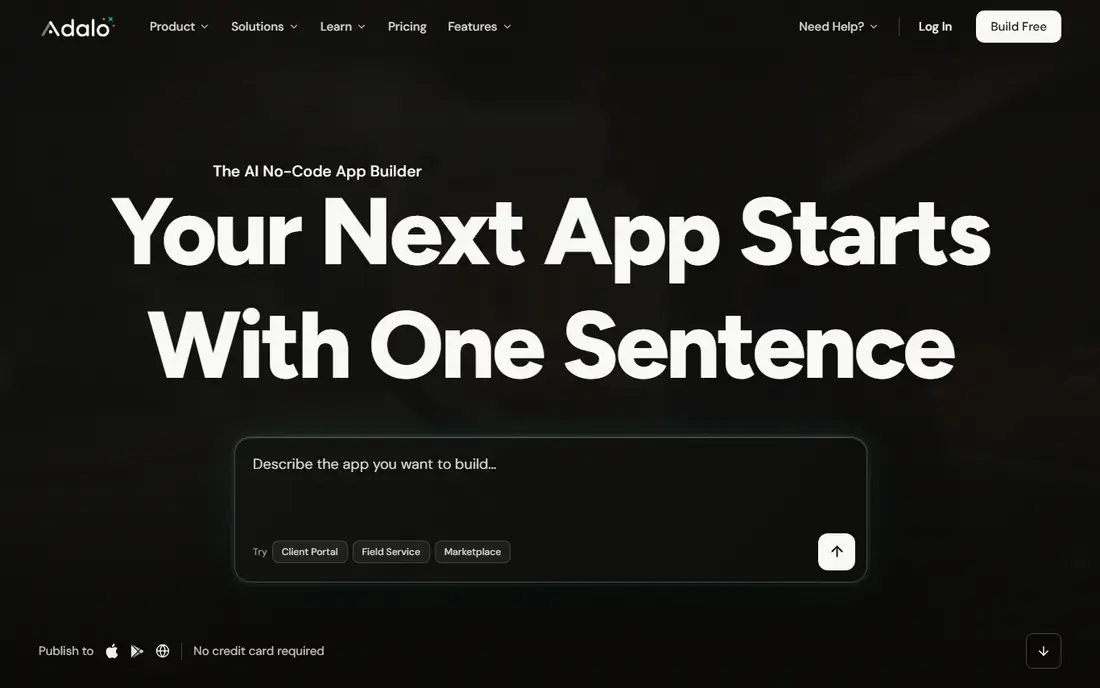
Adalo is the friendliest route to a real phone app for a first-time builder. It fits small businesses that want a booking, ordering, or community app in the app stores.
Its strength is a visual editor that maps closely to what users see on a phone, with databases and actions included. You build screens, link buttons to actions, and publish without writing native code or managing separate codebases.
The honest weakness is performance on large lists and complex logic, where a code-built app may feel smoother. Pick Adalo if a simple published app matters more than advanced speed, and test it with realistic data first.
- Clear visual builder
- Publishes to iOS and Android
- Component marketplace
- Performance can lag on data-heavy apps
- Paid plans add up
Bubble is the choice when a web app needs real logic, not just a pretty front end. It fits startups building marketplaces, dashboards, or booking platforms with users, payments, and workflows.
Its strength is control over data types, workflows, and conditional rules, all without writing server code. You can model users and orders, add Stripe-style payments through plugins, and shape each page around your rules.
The honest weakness is the learning curve, since a serious app takes weeks to shape well and performance needs care. Choose Bubble if your app is a web product in its own right, not a simple companion to a spreadsheet.
- Deep logic and database control
- Large plugin library
- No code export needed to launch
- Steep learning curve
- No native mobile export by default
FlutterFlow answers the lock-in worry that follows many no-code tools. It fits teams that want a visual builder now and the option to take the code later.
Its strength is Flutter code export, so a developer can continue the project outside the builder if needed. Firebase covers sign-in, databases, and push messages, while the visual editor handles screens and state.
The honest weakness is complexity, since beginners may find state, APIs, and Firebase setup demanding. Pick FlutterFlow if future code ownership matters, and budget time to learn its building blocks.
- Exports real Flutter code
- Builds for iOS, Android, and web
- Firebase integration
- Learning curve for non-developers
- Pricing rises with team features
Softr turns a table into a gated portal in an afternoon, and that focus shows. It fits agencies and small teams that need client dashboards, directories, or resource hubs with sign-in.
Its strength is permissions and polished templates, so different users can see different records without custom code. You connect a base, pick a template, set who can view or edit each block, and publish on a custom domain.
The honest weakness is dependence on your data source, since odd data shapes can force workarounds. Choose Softr when the job is a portal on top of data you already keep, not a standalone consumer app.
- Fast portals from Airtable or Google Sheets
- Strong permissions
- Good templates
- Tied closely to Airtable or Sheets
- Less suited to public consumer apps
Thunkable teaches app logic through blocks, which keeps the first build approachable. It fits educators, hobbyists, and small teams building simple consumer or classroom apps.
Its strength is visual blocks for logic, so you can see how buttons, data, and screens connect. You drag components onto screens, snap blocks together for actions, and preview on a phone before publishing.
The honest weakness is upkeep on larger apps, where many blocks can be hard to follow and refactor. Pick Thunkable for a modest app or a learning project, and look elsewhere for a large commercial product.
- Block-based logic
- Publishes to both stores
- Good for learning app logic
- Block logic gets messy on large apps
- Advanced features cost more
AppSheet is the quiet workhorse for teams already living in Google Workspace. It fits field teams that need forms, inspections, checklists, and approvals on phones.
Its strength is automation and data capture, with views, forms, and workflow rules drawn from your tables. You can add barcode scanning, photos, signatures, and email alerts without a separate app project.
The honest weakness is polish, since the interface can look plain next to consumer app builders. Choose AppSheet if your team already pays for Workspace and the job is field data, not store marketing.
- Included in many Workspace plans
- Strong automation
- Works from sheets
- Interface feels dated
- Best inside Google Workspace
Draftbit sits between a template builder and a developer tool, and that middle ground is its point. It fits product teams that want visual building plus real React Native code they can keep.
Its strength is code export paired with detailed control over components, navigation, and data sources. You assemble screens from components, connect REST APIs, and export code for further work in a normal codebase.
The honest weakness is a smaller community and fewer ready templates than larger rivals. Pick Draftbit if code ownership and API work matter more than a one-hour template launch.
- Exports React Native code
- Strong component control
- API friendly
- Smaller community
- Needs more technical skill than template builders
How we picked these
We compared official pricing pages, publishing options, data sources, and free plan limits for each builder. We also weighed how each tool handles app store publishing, since that step often decides the true cost. We did not claim hands-on testing, and we treated vendor feature pages and app store listings as our sources. Tools that were discontinued, or that only build websites, were left out.
How to choose the right no-code builder
Start with the end point, not the editor. A portal for clients, an app for the app stores, and an internal field tool are different jobs, and each builder above leans toward one of them. If you need store listings, check publishing support and fees early, since some plans only cover one store or need a higher tier for both. If you need a portal, check permissions first, since row-level access is hard to add later.
Next, test with your real data and your real users. A demo with ten rows hides slow lists, awkward forms, and permission gaps. Load a realistic table, invite two or three users, and try the exact tasks they will do each week. Watch for row limits, user limits, and charges for extra records or app downloads. Those limits, more than the monthly headline price, decide whether a cheap plan stays cheap.
Watch the exit route
Ask how you leave before you build. Some tools export code, some export data only, and some make both awkward. Code export matters if you plan to hire developers later. Data export matters in every case, since your users and records must move. Keep a copy of your data outside the builder, and avoid building business logic that only exists as hidden builder settings with no backup.
FAQ
Is Appy Pie free?
Appy Pie offers a trial rather than a lasting free plan, and paid plans are charged per app. That per-app pricing is why many people look at appy pie alternatives, since a second app can double the bill. Check the current trial terms on the vendor site before you start, since trial length and card rules can change.
What is the best free alternative to Appy Pie?
For a free start, Glide, Adalo, and Bubble all offer free plans, but each limits rows, users, or branding. Glide is often the easiest free test for a data app, while Adalo is the clearer free test for a phone app. Expect to pay once you publish widely or remove branding.
Can I publish to the App Store without code?
Yes, Adalo, Thunkable, and FlutterFlow support store publishing from a visual builder. You still need Apple and Google developer accounts, and you must follow store review rules. Plan extra time for review, screenshots, and privacy details.
What are appy pie alternatives for small business?
Softr and Glide suit internal tools and client portals, while Adalo and Thunkable suit simple customer apps. AppSheet suits field teams inside Google Workspace. Match the tool to the job rather than picking the cheapest headline price.
Do no-code apps scale?
Simple apps scale well on these platforms, while large apps with heavy logic need care around data design and plan limits. Bubble and FlutterFlow handle larger products better than template builders. If growth is the plan, test with realistic data volumes early.