Best Bug Reporting Tools for Mobile QA in 2026: Prices, Free Plans and 6 Picks
Weighing the best bug reporting tools for mobile QA? We lined up 6 products by cost, free access and fit. Each pick comes with its main catch. See which fits.
- Editor's choiceShake
Combined bug and crash reporting
Starts at$160 a monthVisit shakebugs.comFull review - Great alternativeBugfender
Full log storage for developers
Starts at$3,600 a monthVisit bugfender.comFull review - Also consider
 Marker.io
Website feedback into project tools
Starts at$39 a monthVisit marker.ioFull review
Direct answer
For combined bug and crash reporting, Shake is where this list starts. Listed starting prices: Shake from $160 a month, Bugfender from $3,600 a month and Marker.io from $39 a month. If your case is different, Bugfender suits full log storage for developers and Marker.io suits website feedback into project tools. The remaining 3 options are covered below with prices and limits.
TL;DR:
- Shake is the opening pick, best for combined bug and crash reporting.
- Before buying Firebase Crashlytics, weigh this: Crash-focused instead of general reporting.
- The lowest published monthly entry price here is $9.37 per month, from Firebase Crashlytics.
- Only 3 of the 6 tools have a free plan (Shake, Bugfender, Firebase Crashlytics), so check the caps.
Last checked November 2026. Prices and plan details were read from the vendors' own pages in November 2026; vendors change plans often, so confirm the current price on the vendor site before you buy.
Quick comparison
| Tool | Best for | Starts at | Free plan? | |
|---|---|---|---|---|
| Shake | Combined bug and crash reporting | $160 a month | Yes | Visit |
| Bugfender | Full log storage for developers | $3,600 a month | Yes | Visit |
| Marker.io | Website feedback into project tools | $39 a month | Free trial | Visit |
| Firebase Crashlytics | Crash and stability tracking | $9.37 per month | Yes | Visit |
| Instabug | Session context for mobile QA | See website | Not stated | Visit |
 BrowserStack | Real device and browser testing | $29 a month | Free trial | Visit |
Every option for bug reporting tools for mobile QA explained
LinkVetted put together this guide to bug reporting tools for mobile QA for readers who want a clear shortlist without reading every vendor page. It compares 6 tools on starting price, free plans, who each one suits and where each one falls short.
Shake
Best for: Combined bug and crash reporting
Shake is built with combined bug and crash reporting in mind. The vendor describes it as more than a reporting tool, bringing developers, CTOs and testers onto the same page. That makes it a reasonable fit for mixed teams that want one reporting workflow across app and web surfaces without stitching tools together.
Drawbacks to consider: Feature depth varies by system.
Beyond that, teams with very specific needs, for example exhaustive log retention, should compare carefully. More specifically, as a general-purpose reporting tool, it may not go as deep in any single area as a dedicated log service or a mobile-only observability system. Shake cost at the entry level: $160 per month. A free plan is available with Shake.
- CTOs and testers together
- Brings devs
- General purpose instead of deeply specialized
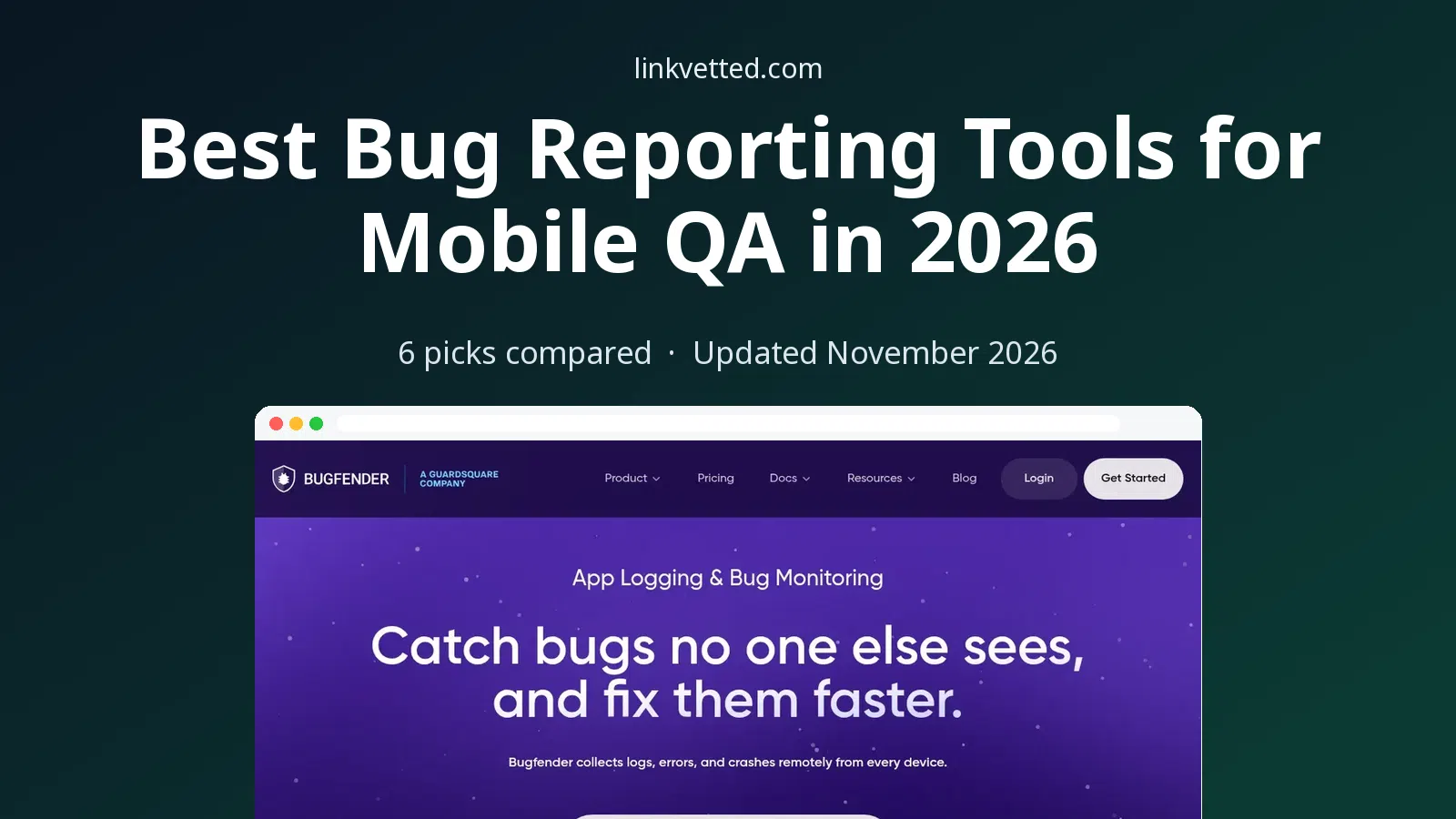
Bugfender
Best for: Full log storage for developers
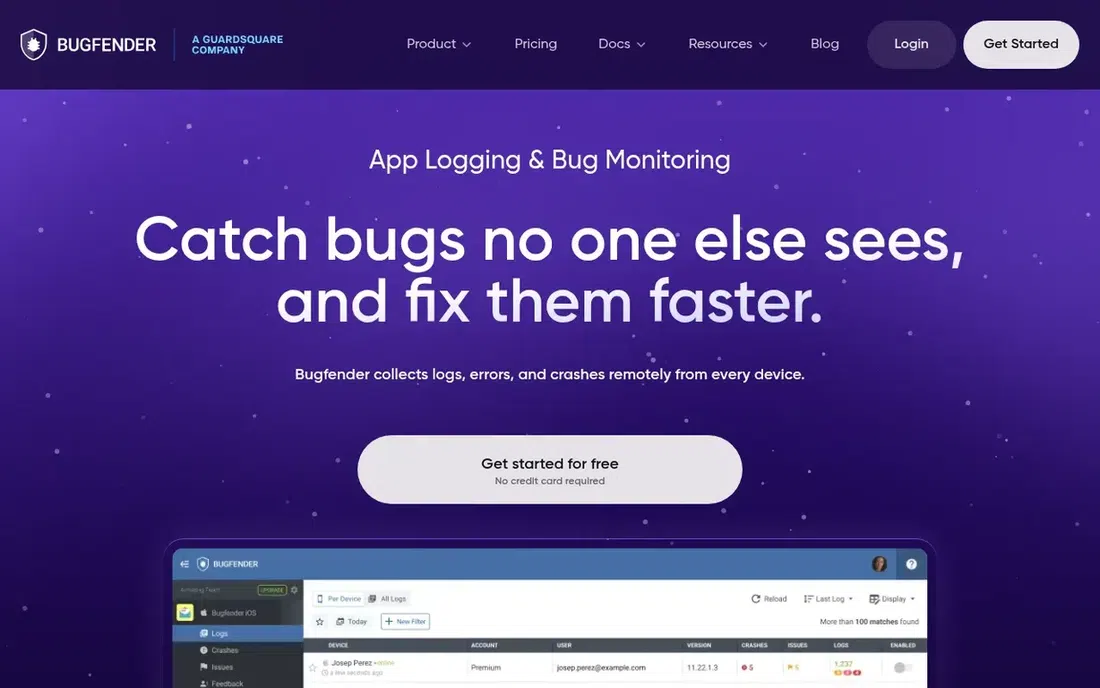
For full log storage for developers, Bugfender is a natural candidate. Bugfender is a log storage service for application developers. Since it centers on logs, teams wanting a straightforward in-app reporting flow may find it more technical than expected.
It also complements instead of replaces a crash reporter or test device product. Choose something else if your priority is tester-friendly capture with screenshots and annotations. What you pay to start with Bugfender: $3,600 per month. Bugfender has a free plan.
What Bugfender does well: Keeps full logs. Points against: Less centred on tester workflows.
- Helps resolve bugs more effectively
- Supports customer support with log detail
- Log-centric instead of report-centric

For website feedback into project tools, Marker.io is a natural candidate. Teams testing iOS or Android apps should look at mobile-first tools instead. In daily use, Marker.io is a website feedback tool that lets teams collect feedback and report website bugs straight from the site.
Strengths: Straightforward feedback workflow.
Its positioning is website feedback, so native mobile app QA is not its core strength. Pick Marker.io when your QA work is primarily web and your team already lives in one of the supported trackers. Marker.io pricing: $39 per month. Trial and free access: Free trial.
Watch-outs: Relies on your project tool stack.
- Collects feedback straight from the site
- Reports bugs to Jira, Trello
- Website-focused, not native mobile
Firebase Crashlytics
Best for: Crash and stability tracking
Firebase Crashlytics targets crash and stability tracking. Firebase Crashlytics supplies realtime app crash and stability reporting across iOS, Android, Web, Flutter and Unity apps. Its stated goal is helping teams track, prioritize and fix crashes quicker.
As for the details, for mobile QA, it is a dependable baseline for knowing what is breaking in the field. Teams needing rich manual reports should pair it with another tool. Firebase Crashlytics cost at the entry level: $9.37 per month. Firebase Crashlytics has a free plan.
Honest limits: Crash-focused instead of general reporting.
- Handles iOS, Android, Web
- Flutter and Unity
- Tied to the Firebase ecosystem
Instabug
Best for: Session context for mobile QA

For session context for mobile QA, Instabug is a natural candidate. Instabug, now presented as Luciq, is a mobile observability platform made for mobile apps. It records every session and turns that activity into context your team and AI tools can act on.
Beyond that, consider other choices if web QA is a major part of your workflow. Since the product is built only for mobile, teams that also need website feedback or cross-browser testing will need extra tools. It is also observability-oriented, so teams wanting a light report button alone may find it broader than needed. Instabug does not show a starting price in this comparison, so check the vendor site for current pricing. On free options: Not stated.
Limits to weigh: Not pitched at web QA.
- Built only for mobile
- Context usable by teams and AI tools
- Mobile focus only
In short, BrowserStack is for real device and browser testing. BrowserStack is an app and cross browser testing product offering instant access to real iOS and Android devices plus many different browsers. It helps teams ship apps and websites that work consistently across environments.
For everyday use, BrowserStack is not primarily a bug reporting product, so it will not replace a dedicated reporting workflow on its own. In a mobile QA stack, it is the place where testing happens, with reporting handled by a companion tool. The starting price for BrowserStack: $29 per month. Free access: Free trial.
The main drawbacks: Not a dedicated bug reporting tool.
- Access to real iOS and Android devices
- Broad browser coverage for cross browser testing
- Testing system focus instead of issue capture
How we chose
What to check before you buy
- Ask Instabug for a written quote, since no starting price is shown.
- Check what the free option really includes: Shake, Bugfender and Firebase Crashlytics offer a free plan, and usage caps differ.
- Take the trial from Marker.io and BrowserStack and push a live task through it before you pay.
- Read the limits listed for Shake first: general purpose instead of deeply specialized.
- Check whether the features you need in BrowserStack sit on the entry plan or only on higher tiers.
- Confirm you can export your data from Bugfender, so leaving later does not mean losing records.
FAQ
How are the tools for bug reporting tools for mobile QA ordered?
Shake sits first and BrowserStack last because the order follows typical fit for bug reporting tools for mobile QA, then price clarity and free access. It is a judgement call, so read each profile for fit and limits.
Which options for bug reporting tools for mobile QA have a free plan?
Shake, Bugfender and Firebase Crashlytics offer a free plan in this list. Free plans usually cap users, projects or features, so check the limits on the vendor page. Several others offer a trial instead.
Which tool is a good match for attaching session context to mobile bug reports?
Shake comes first here and is built for combined bug and crash reporting. Buyers with other needs may prefer Bugfender (for full log storage for developers) or Marker.io (for website feedback into project tools). Compare costs and limits first.
What is the cheapest option for bug reporting tools for mobile QA in this list?
On published monthly entry prices, Firebase Crashlytics is the lowest here at $9.37 per month. Entry price is only part of the cost, because seats, add-ons and billing terms can change the total. Each of the 6 options in this Bug reporting tools for mobile QA guide has its own card above with the price, free plan and limits.
Is Shake the right pick for everyone comparing bug reporting tools for mobile QA?
No single tool suits every team. Shake comes first because it fits combined bug and crash reporting, while Bugfender suits full log storage for developers and Marker.io suits website feedback into project tools. Match the tool to your own size, budget and workflow before deciding.
Sources
- https://www.shakebugs.com
- https://bugfender.com
- https://marker.io
- https://firebase.google.com/products/crashlytics
- https://instabug.com
- https://www.browserstack.com