5 Best Blogging CMS Platforms for 2026, Vetted and Compared
Weighing the best blogging CMS platforms? We lined up 5 products by cost, free access and fit. Weak spots flagged for every entry. Built for quick decisions.
- Editor's choice
 Webflow
Design control with CMS hosting
Starts at$15 a monthVisit webflow.comFull review - Great alternative
 Drupal
Complicated, structured content sites
Starts atSee websiteVisit drupal.orgFull review - Also consider
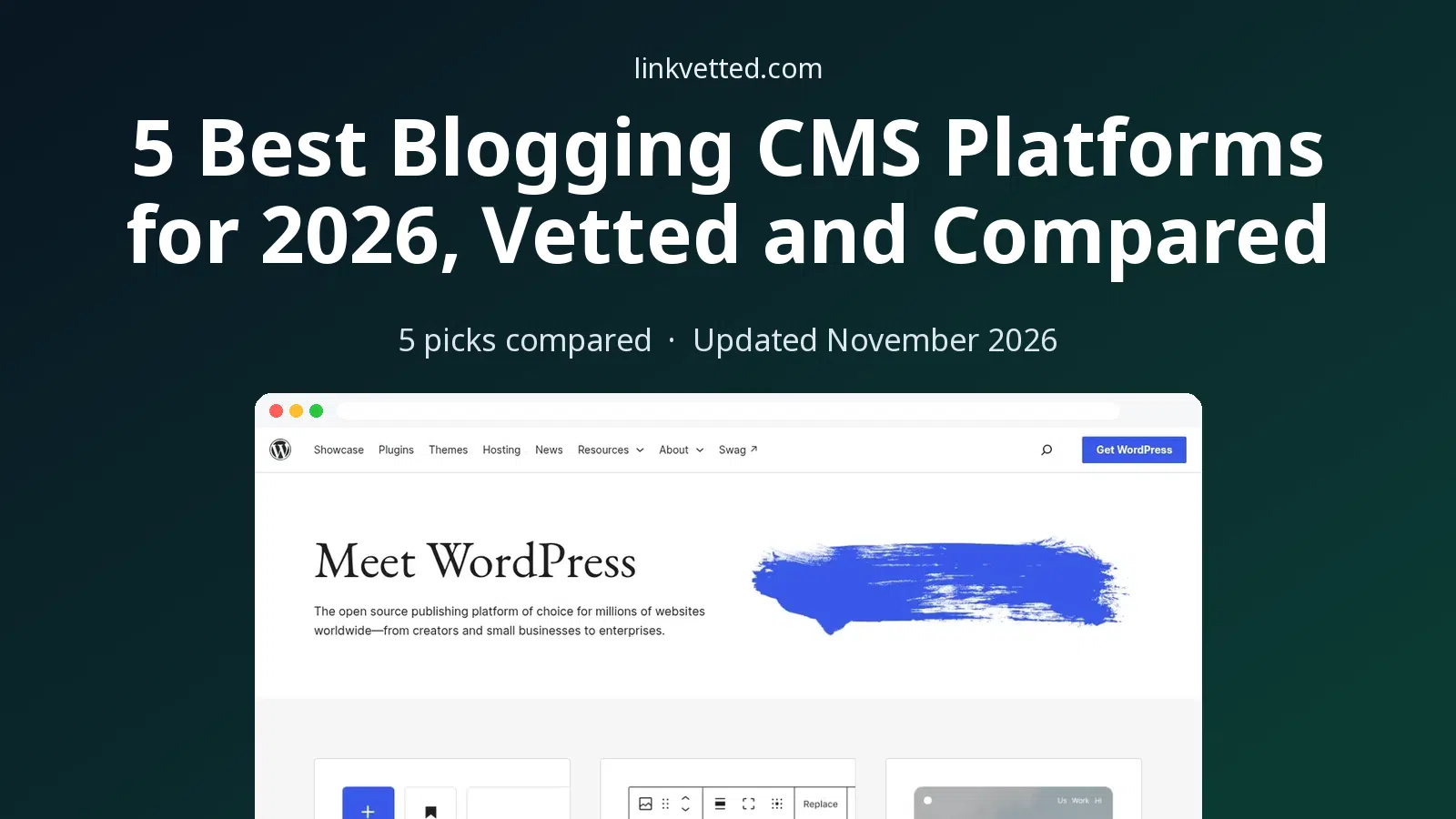
 WordPress
Adaptable open source blogging
Starts atSee websiteVisit wordpress.orgFull review
Direct answer
Webflow leads the list, best for design control with CMS hosting. Listed starting prices: Webflow from $15 a month, Ghost from $18 a month and Squarespace from $12 per month. If your case is different, Drupal suits complex, structured content sites and WordPress suits adaptable open source blogging. The other 2 tools in the list cover narrower or pricier cases.
TL;DR:
- Webflow takes the first slot, best suited to design control with CMS hosting.
- The lowest published monthly entry price here is $12 per month, from Squarespace.
- Just one of the 5 tools, Webflow, has a free plan.
- A fair warning about WordPress: needs hosting and upkeep.
Last checked November 2026. Prices and plan details were read from the vendors' own pages in November 2026; vendors change plans often, so confirm the current price on the vendor site before you buy.
Quick comparison
| Tool | Best for | Starts at | Free plan? | |
|---|---|---|---|---|
| Webflow | Design control with CMS hosting | $15 a month | Yes | Visit |
| Drupal | Complicated, structured content sites | See website | Not stated | Visit |
| WordPress | Adaptable open source blogging | See website | Not stated | Visit |
 Ghost | Blogs with newsletters built in | $18 a month | Free trial | Visit |
 Squarespace | Design-led hosted websites | $12 per month | Free trial | Visit |
5 blogging CMS platforms in detail
This LinkVetted guide covers 5 blogging CMS platforms. Each profile lists a starting price, free plan details, strengths and drawbacks, so you can drop poor fits quickly.
For design control with CMS hosting, Webflow is a natural candidate. It suits teams and companies that want a custom-looking content site without writing code from scratch.
Pick Webflow when design precision and a business-grade site matter more than fast, straightforward publishing. Webflow pricing: $15 per month. You can start on Webflow without paying.
Trade-offs to know: More than straightforward blogs need.
- Visual design control
- Aimed at modern business sites
- Steeper ramp-up time
In short, Drupal is for complicated, structured content sites. Drupal is open source content management software known for handling structured content and complicated sites. It is widely used for sites that require adaptable content models and room to scale.
Also, for a straightforward personal blog, it is more than needed. Worth adding: Drupal has a steeper ramp-up time than most blogging products and generally needs developer involvement for setup and maintenance. This comparison lists no price for Drupal; ask the vendor. Trial and free access: Not stated.
Watch-outs: Steep ramp-up time.
- Solid for complicated sites
- Open source and extensible
- Needs technical upkeep
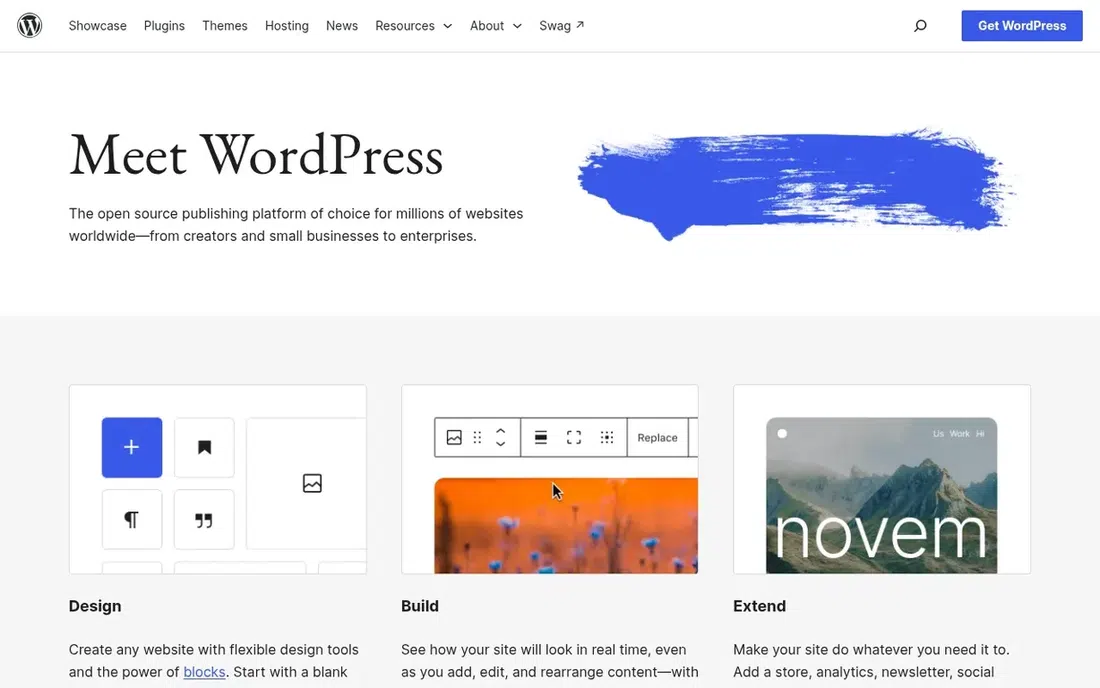
In short, WordPress is for adaptable open source blogging. WordPress is open source software for building a website, blog or app.
Drawbacks to consider: Needs hosting and upkeep.
It is the most typical starting point for bloggers who want control. Beyond that, if you would rather not run technical upkeep, a completely hosted builder may be a better fit. Pricing for WordPress is not stated here, so ask the vendor for current figures. Free options: Not stated.
- Fits blogs
- Open source and self-hostable
- Plugins vary in quality
Choose Ghost for blogs with newsletters built in. Ghost is an open source blog and newsletter product with email newsletters and premium subscriptions built in. It is designed around publishing instead of general website building, so writers get a clean editor and audience tools without additional plugins.
Where it is weaker: Narrower than general CMSs.
Its focus is a strength for writers but a limit for anyone building beyond a content site. From a buyer's view, choose Ghost when publishing and audience growth are the core goals. Price to start with Ghost: $18 per month. On free options: Free trial.
- Modern
- Premium subscriptions built in
- Fewer layout choices
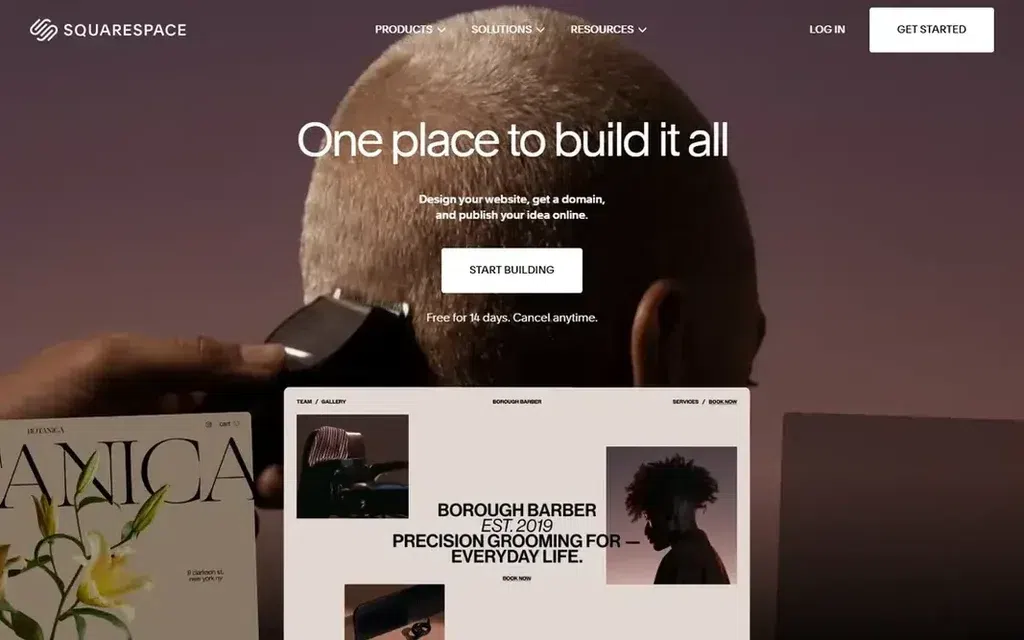
Squarespace is a good fit for design-led hosted websites. Squarespace is a website builder for creating your own site with configurable templates, AI builder tools and domain choices. As for the details, pick Squarespace when visual polish and simplicity matter most.
Trade-offs to know: Less deep plugin adaptability.
On top of that, hosting is included, so you focus on content and design instead of server setup. Its template system can feel restrictive if you need unusual layouts or deep customization, and the closed ecosystem limits how far you can extend it. Entry price for Squarespace: $12 per month. Free plan details: Free trial.
- AI website builder tools
- Built-in hosting and domains
- Template limits on layout
How these tools were picked
Pricing pages, product documentation and feature lists were the main sources, and every entry carries at least one honest drawback. Plan names, prices and limits change often. Treat the figures here as a starting point and verify them with the vendor. Tools are placed by general fit for blogging CMS platforms, with price clarity and free access as tie-breakers. A different team can reasonably rank them differently.
Questions to settle before buying
- Get a written quote from Drupal and WordPress; the list shows no starting price for them.
- Look at the free plan from Webflow closely: its caps decide whether it is usable for real work.
- Use real work to test the free trial from Ghost and Squarespace, rather than a demo project.
- Before choosing Webflow, weigh its main limit: steeper ramp-up time.
- Ask whether Drupal integrates with your current software, and whether that comes standard or as an add-on.
- Verify that exporting from Webflow is possible on your plan and covers all your records.
FAQ
Do these tools publish their prices?
Not all of them. Drupal and WordPress publish no starting price, so expect a quote request for those. The rest, Webflow included, show a starting price, though seats and billing terms still change the final cost.
What is the cheapest option for blogging CMS platforms in this list?
On published monthly entry prices, Squarespace is the lowest here at $12 per month. Entry price is only part of the cost, because seats, add-ons and billing terms can change the total. For the full picture, the cards above cover all 5 entries of this Blogging CMS platforms list, including price, free plan and limits.
Is Webflow the right pick for everyone comparing blogging CMS platforms?
No single tool suits every team. Webflow comes first because it fits design control with CMS hosting, while Drupal suits complex, structured content sites and WordPress suits flexible open source blogging. Match the tool to your own size, budget and workflow before deciding.
Do I need a CMS with newsletters built in?
If email newsletters and premium subscriptions are central to your plans, a product like Ghost includes them straight. Otherwise, a general CMS like WordPress can manage a blog and link to separate email tools.
Can I move my blog to another product later?
Migration is typically possible but simpler on some products than others. Open source tools commonly export content readily, whereas closed hosted builders can make moving more involved. Check export and migration choices before committing to a system.
Can I try these options before paying?
Often, yes. Webflow has a free plan and Ghost and Squarespace offer a free trial. Use your own data and a real task during the test, and check what the free tier or trial limits before you rely on it.
Sources
- https://webflow.com
- https://www.drupal.org
- https://wordpress.org
- https://ghost.org
- https://www.squarespace.com