Top 5 Backup Software for Therapists for 2026 (Prices and Free Plans)
Best backup software for therapists: 5 contenders ranked by fit, with entry costs and free tiers. Limits and pricing notes included. Current for November 2026.
- Editor's choice
 Datto SIRIS
All-in-one backup and disaster recovery appliances
Starts atSee websiteVisit datto.comFull review - Great alternative
 CrashPlan
Enterprise-grade endpoint and cloud workspace recovery
Starts at$2.50 per user a monthVisit crashplan.comFull review - Also consider
 IDrive
One account across computers and mobile devices
Starts at$11.99 per monthVisit idrive.comFull review
Direct answer
Datto SIRIS is the first pick on this list for all-in-one backup and disaster recovery appliances. Listed starting prices: CrashPlan from $2.50 per user a month and IDrive from $11.99 per month. Look at CrashPlan for enterprise-grade endpoint and cloud workspace recovery, and at IDrive for one account across computers and mobile devices. All 5 tools are compared below on price, free plan and limits.
TL;DR:
- Top of the list is Datto SIRIS, which targets all-in-one backup and disaster recovery appliances.
- Only IDrive offers a free plan among these 5 tools.
- Carbonite fits straightforward automatic cloud backup for small practices.
- The cheapest monthly starting price in the list is $2.50 per user per month, offered by CrashPlan.
- Check the limits for IDrive before you commit: interface breadth can feel busy.
Last checked November 2026. Prices and plan details were read from the vendors' own pages in November 2026; vendors change plans often, so confirm the current price on the vendor site before you buy.
Quick comparison
| Tool | Best for | Starts at | Free plan? | |
|---|---|---|---|---|
| Datto SIRIS | All-in-one backup and disaster recovery appliances | See website | Not stated | Visit |
| CrashPlan | Enterprise-grade endpoint and cloud workspace recovery | $2.50 per user a month | Free trial | Visit |
| IDrive | One account across computers and mobile devices | $11.99 per month | Yes | Visit |
| Veeam Backup & Replication | Cyber-resilient backup for bigger IT environments | See website | Not stated | Visit |
 Carbonite | Straightforward automatic cloud backup for small practices | See website | Not stated | Visit |
The 5 tools in detail
If you are comparing backup software for therapists, this page covers 5 tools in one place: what each is best for, what it costs to start, whether it has a free plan, and the main limit to know about.
Datto SIRIS serves all-in-one backup and disaster recovery appliances. Datto SIRIS is an all-in-one backup and disaster recovery appliance made for managed service providers, with ransomware detection and verified backup and restore.
Honest limits: Aimed at managed service providers.
Also, a multi-site practice with an IT partner might see SIRIS behind its continuity plan, protecting servers and critical systems rather than individual laptops. Pricing for Datto SIRIS is not stated here, so ask the vendor for current figures. Free access: Not stated.
- Ransomware detection included
- Verified backup and restore
- Appliance model is heavy for small offices
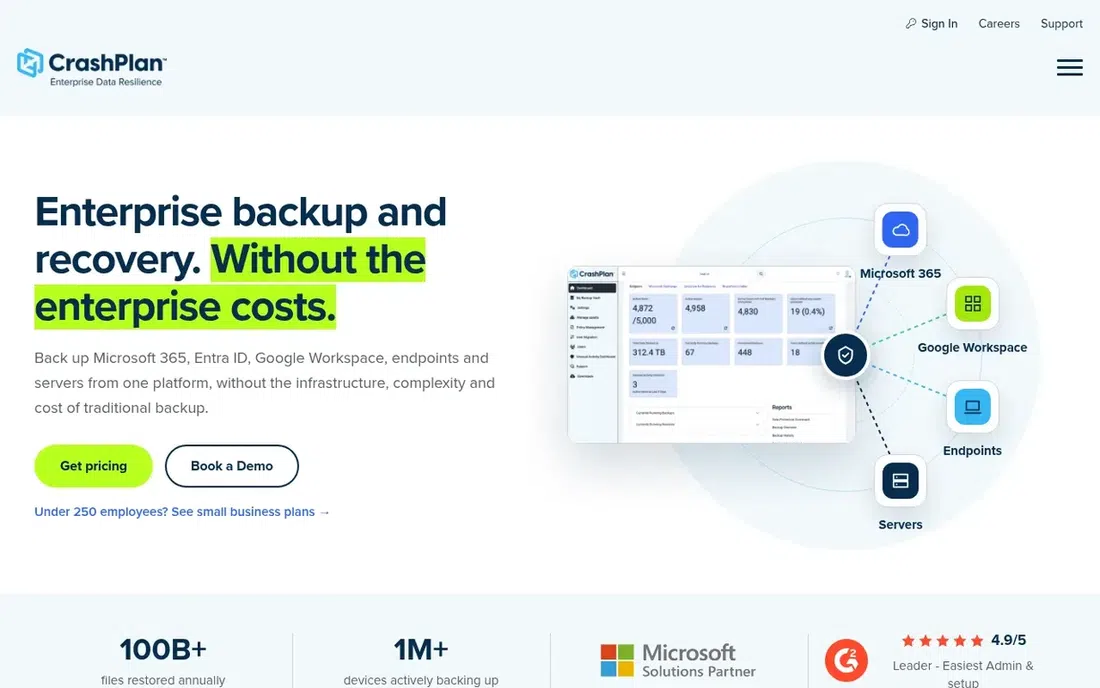
Pick CrashPlan if this describes you: enterprise-grade endpoint and cloud workspace recovery. Smaller practices should weigh whether a more straightforward cloud backup tool spans their files before committing to an enterprise product.
The product is framed around enterprise environments, so a solo practitioner may find the scope and administration heavier than necessary. What you pay to start with CrashPlan: $2.50 per user per month. On free options: Free trial.
Points against: May be more than a solo practice needs.
- Includes endpoints and servers
- Also guards Microsoft 365 and Google Workspace
- Targeted at bigger organizations
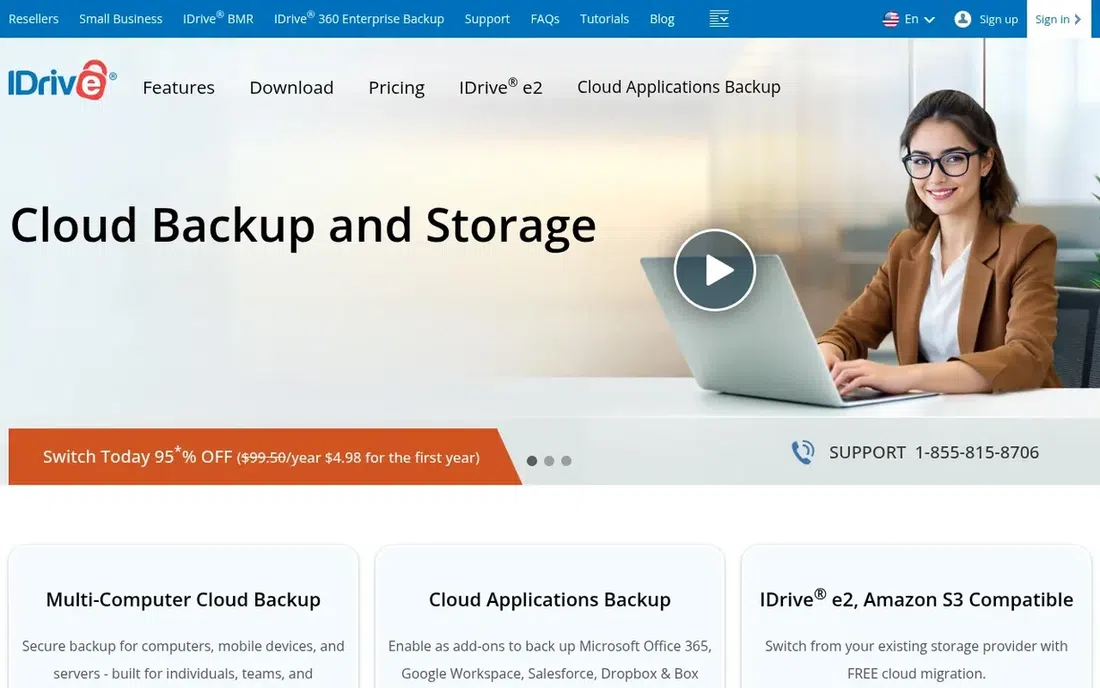
IDrive targets one account across computers and mobile devices. IDrive gives you cloud backup and storage for home and business, backing up PCs, Macs, iPhones, Android and other mobile devices into one account. That makes it practical for a therapist who keeps client files on a laptop but also records documents on a phone, since everything lands in a single place.
Verify how the service takes care of encryption and retention for sensitive records, and consider a more straightforward choice if you only need one computer covered. In practice, the feature set is wide, which can mean more configuration decisions than a minimal tool needs. On cost, IDrive starts like this: $11.99 per month. IDrive offers a free plan.
Where it is weaker: Interface breadth can feel busy.
- Single account for several devices
- Macs and mobile devices
- Compliance specifics need vendor confirmation
Veeam Backup & Replication
Best for: Cyber-resilient backup for bigger IT environments
Veeam Backup & Replication is aimed squarely at cyber-resilient backup for bigger IT environments. Veeam Backup & Replication is presented as a cyber-resilient system for data challenges, handling risk visibility, secure data movement, compliance and safe use of AI.
In practice, if you lack in-house IT, choose a managed cloud service instead and revisit Veeam only if your organization grows an infrastructure team. No starting price is listed for Veeam Backup & Replication here; confirm pricing on the vendor site. Free options: Not stated.
Downsides: Needs technical administration.
- Emphasis on cyber resilience
- Handles compliance and secure data movement
- Not geared toward individual practitioners
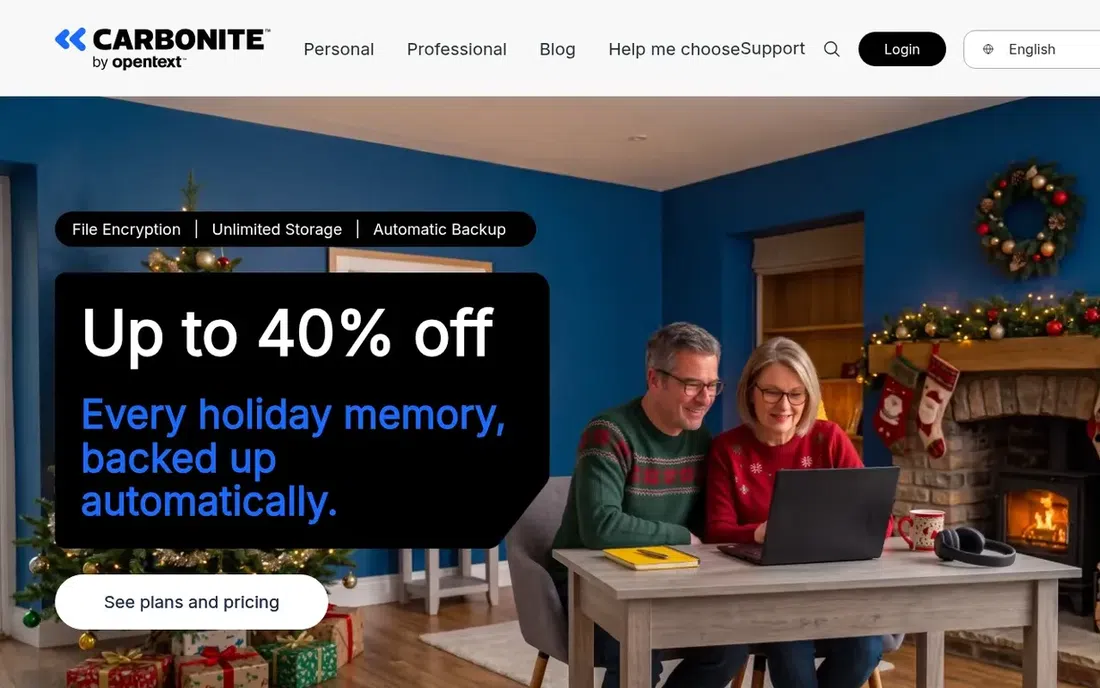
Carbonite is designed for straightforward automatic cloud backup for small practices. Carbonite, now part of OpenText, is positioned as backup and data protection for home and business users, with automatic backups of personal and business data.
In daily use, if your practice needs centralized administration across plenty of staff devices, a product designed for managed environments may fit better. Carbonite does not show a starting price in this comparison, so check the vendor site for current pricing. Free plan details: Not stated.
What to check first: Restricted detail on clinical compliance fit.
- Automatic cloud backup
- Straightforward setup
- Business features may exceed a solo practice
Selection criteria
Each tool was reviewed on what its vendor publishes: price, plan limits, core features and stated drawbacks. We did not run hands-on tests. Treat prices as a snapshot: vendors change plans often, so check the vendor site for the figure that applies today. Tools are placed by general fit for backup software for therapists, with price clarity and free access as tie-breakers. A different team can reasonably rank them differently.
Before you commit
- Ask Datto SIRIS, Veeam Backup & Replication and Carbonite for a written quote, since no starting price is shown.
- Test the free plan from IDrive against your real workload before relying on it.
- Run a trial of CrashPlan with real work before paying for a year; your own workflow is the best test.
- Read the limits listed for Datto SIRIS first: designed for managed service providers.
- Check the integration list for IDrive against the tools you run today, and note which ones need a higher plan.
- A short pilot of Veeam Backup & Replication with your real workflow tells you more than a feature table.
FAQ
Do these tools publish their prices?
Not all of them. Datto SIRIS, Veeam Backup & Replication and Carbonite publish no starting price, so expect a quote request for those. The rest, CrashPlan included, show a starting price, though seats and billing terms still change the final cost.
Is Datto SIRIS the right pick for everyone comparing backup software for therapists?
No single tool suits every team. Datto SIRIS comes first because it fits all-in-one backup and disaster recovery appliances, while CrashPlan suits enterprise-grade endpoint and cloud workspace recovery and IDrive suits one account across computers and mobile devices. Match the tool to your own size, budget and workflow before deciding.
What should a therapist look for in backup software?
Prioritize automatic backups, solid encryption and a clear restore process for client records. Confirm retention settings and whether the vendor will sign a business associate agreement before storing protected health information.
How numerous backup tools should a small practice use?
One well-configured tool with verified restores is usually better than multiple overlapping ones. Add a second layer only if it spans a gap, like mobile devices or cloud workspaces, that your primary tool does not reach.
How are the tools for backup software for therapists ordered?
The order follows typical fit for backup software for therapists, with Datto SIRIS first and Carbonite last, then price clarity and free access. It is editorial judgement, not a score, so another team could rank the tools differently.
What is the cheapest option for backup software for therapists in this list?
On published monthly entry prices, CrashPlan is the lowest here at $2.50 per user per month. Entry price is only part of the cost, because seats, add-ons and billing terms can change the total. Each of the 5 options in this backup software for therapists guide has its own card above with the price, free plan and limits.
Sources
- https://www.datto.com/products/siris
- https://www.crashplan.com
- https://www.idrive.com
- https://www.veeam.com
- https://www.carbonite.com