6 Backup Software for Medical Clinics Worth Shortlisting in 2026
6 best backup software for medical clinics, compared on pricing, free plans and best-fit use. Strengths and weak spots are spelled out. Read the profiles.
- Editor's choice
 Rubrik
Ransomware recovery at scale
Starts atPricing on requestVisit rubrik.comFull review - Great alternative
 Acronis Cyber Protect
Smaller clinics wanting integrated security
Starts atPricing on requestVisit acronis.comFull review - Also considerVeeam Backup & Replication
Clinics with virtualized server workloads
Starts atPricing on requestVisit veeam.comFull review
Direct answer
Start with Rubrik if you need ransomware recovery at scale. Acronis Cyber Protect is better for smaller clinics wanting integrated security, and Veeam Backup & Replication is better for clinics with virtualized server workloads. The remaining 3 options are covered below with pricing notes and limits. None of these vendors publish plan prices, so pricing is on request for every option.
TL;DR:
- Number one here is Rubrik, a fit for ransomware recovery at scale.
- Every tool from Rubrik to Cohesity DataProtect works by quote, with no list price shown.
- Cohesity DataProtect suits combining data security and management.
- Check the limits for Veeam Backup & Replication before you commit: can be complicated to size and configure.
Last checked November 2026. Pricing on request: vendors did not publish plan prices when this guide was last checked (November 2026), so ask each vendor for a written quote.
Quick comparison
| Tool | Best for | Starts at | Free plan? | |
|---|---|---|---|---|
| Rubrik | Ransomware recovery at scale | Pricing on request | Not stated | Visit |
| Acronis Cyber Protect | Smaller clinics wanting integrated security | Pricing on request | Not stated | Visit |
| Veeam Backup & Replication | Clinics with virtualized server workloads | Pricing on request | Not stated | Visit |
 Veritas NetBackup | Large clinic groups and hospitals | Pricing on request | Not stated | Visit |
| Commvault Backup & Recovery | Recovering clean data across stacks | Pricing on request | Not stated | Visit |
 Cohesity DataProtect | Combining data security and management | Pricing on request | Not stated | Visit |
The 6 tools in detail
If you are comparing backup software for medical clinics, this page covers 6 tools in one place: what each is best for, what it costs to start, whether it has a free plan, and the main limit to know about.
In short, Rubrik is for ransomware recovery at scale. Rubrik is built for enterprise environments, so the scope and administration model can be more than a single small clinic needs.
Budget and staffing realities may point smaller practices toward lighter tools. More specifically, for clinics handling sensitive patient data, the emphasis on immutability and quick clean recovery addresses the scenario that matters most: a compromise that encrypts records or imaging archives. Rubrik shows no starting price here, so confirm the cost on the vendor site. Free access: Not stated.
Where it falls short: Enterprise-oriented complexity.
- Immutable backups
- Identity and data governance features
- May exceed small clinic needs
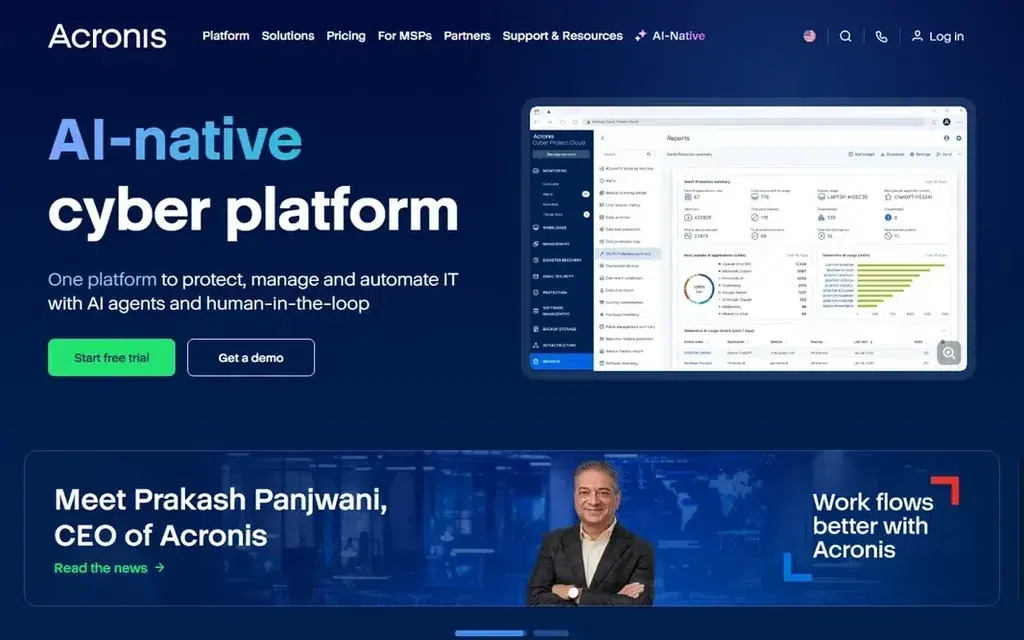
Acronis Cyber Protect serves smaller clinics wanting integrated security. Acronis Cyber Protect integrates backup, cybersecurity, endpoint management and automation into a single product targeted at managed service providers and companies. Since the product spans numerous functions, the interface and policy choices can feel dense for a small team, and getting full value frequently means partner or vendor guidance.
For a clinic, that combination means one console can handle data protection and the endpoint security that guards front-desk and exam-room machines. Pick Acronis when consolidating security and backup matters more than minimal configuration. Check the vendor site for Acronis Cyber Protect pricing; none is listed in this comparison. As for free access: Not stated.
Where it falls short: Deep tuning may need partner support.
- Endpoint management included
- Backup and cybersecurity in one product
- Feature breadth can overwhelm new users
Veeam Backup & Replication
Best for: Clinics with virtualized server workloads
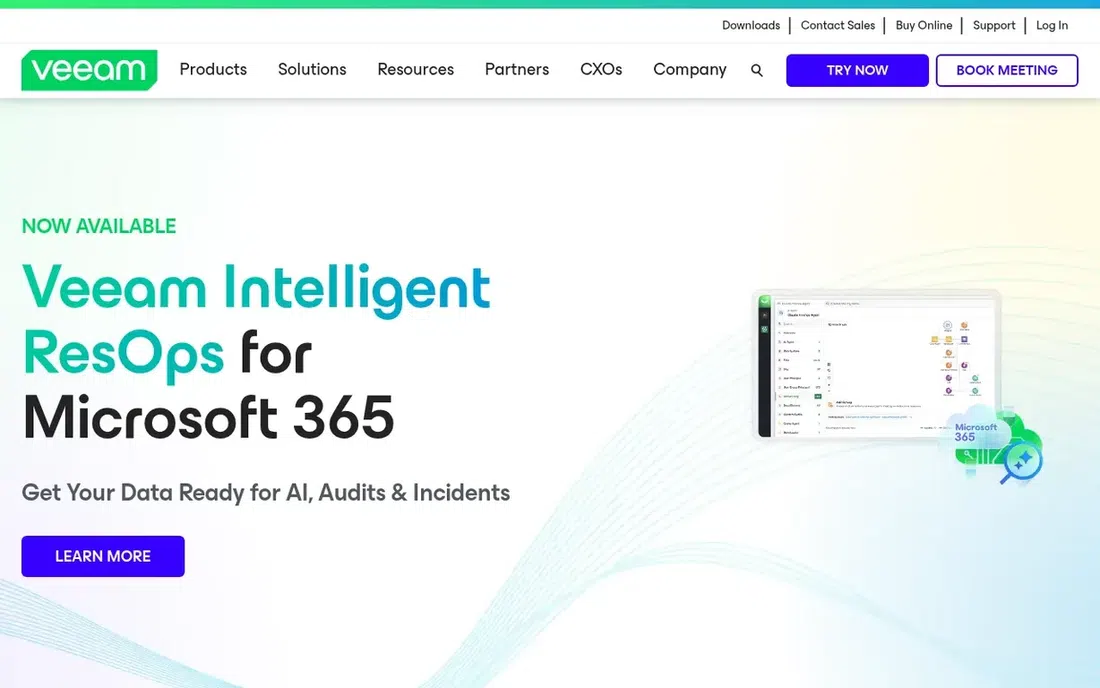
Pick Veeam Backup & Replication if this describes you: clinics with virtualized server workloads. Choose Veeam when you have virtualized infrastructure and someone who can handle it. Beyond that, the product carries a wide feature set, which means setup and continuing administration can demand real expertise.
What to check first: Can be complicated to size and configure.
Also, Veeam Backup & Replication is a data protection product built around cyber resilience, secure data movement and compliance. Its vendor positions it for organizations that require to see risk across environments and move data safely, including support for AI workloads. Check the vendor site for Veeam Backup & Replication pricing; none is listed in this comparison. Free access: Not stated.
- Wide workload and cloud coverage
- Cyber resilience and compliance focus
- Advanced features may need specialist help
Veritas NetBackup targets large clinic groups and hospitals. It suits organizations that already run enterprise infrastructure and need a proven, broadly supported backup layer instead of a light tool.
Drawbacks to consider: Overkill for single-site clinics.
Consider it when scale and heterogeneous infrastructure make a standardized enterprise system worthwhile. Veritas NetBackup does not show a starting price in this comparison, so check the vendor site for current pricing. Free plan details: Not stated.
- Suited to complicated environments
- Broad product support
- Administration needs expertise
Commvault Backup & Recovery
Best for: Recovering clean data across stacks
Commvault Backup & Recovery makes the most sense for recovering clean data across stacks. Commvault Backup & Recovery centres on cyber resilience, detecting compromise as it happens and restoring clean data, applications and identity across the stack.
Downsides: Can be heavy for minimal setups.
The system provides deep configuration, which translates into a ramp-up time and continuing administration effort. Clinics seeking a set-and-forget backup tool may find it more than they need. Pricing for Commvault Backup & Recovery is not stated here, so ask the vendor for current figures. As for free access: Not stated.
- Wide stack coverage
- Restores data
- Configuration depth required
Cohesity DataProtect is built with combining data security and management in mind. Cohesity DataProtect is presented as part of an AI-powered data security and management product, with immutable backup, AI-based early threat detection and rapid recovery to defend against ransomware. On top of that, the system spans security and management, so planning and administration take effort.
The value grows with the size of the environment. In daily use, pick Cohesity when you want detection and recovery unified across an expanding data estate. Pricing for Cohesity DataProtect is not stated here, so ask the vendor for current figures. Free plan details: Not stated.
What to check first: Best value at bigger scale.
- Immutable backup
- AI-based early threat detection
- Wide product needs planning
How we chose
For each of the 6 tools we noted price, free plan or trial, fit for backup software for medical clinics and the main limit, using vendor pages and documentation. Plan names, prices and limits change often. Treat the figures here as a starting point and verify them with the vendor. Tools are placed by general fit for backup software for medical clinics, with price clarity and free access as tie-breakers. A different team can reasonably rank them differently.
What to check before you buy
- Request quotes from Rubrik, Cohesity DataProtect and the others; the list shows no fixed prices.
- Before choosing Rubrik, weigh its main limit: enterprise-oriented complexity.
- Let daily users try Commvault Backup & Recovery on real work; their feedback beats any feature checklist.
- List the apps you already depend on and check that Cohesity DataProtect supports each one on the plan you would buy.
- The entry price of Veeam Backup & Replication is only the starting point; model the full cost with seats and extras.
FAQ
Why does immutability matter for clinic backups?
Multiple tools here, including Rubrik and Cohesity, make immutability a headline feature. Confirm exactly how it is configured before relying on it.
Does any tool for backup software for medical clinics here have a free plan?
A permanent free plan is not offered by Rubrik, Cohesity DataProtect or the other tools here. Plan a short evaluation period instead.
Can I try these tools before paying?
Not by default. None of the tools, from Rubrik to Cohesity DataProtect, lists a free plan or a free trial here, so ask each vendor for a demo before committing.
Is Rubrik the right pick for everyone comparing backup software for medical clinics?
No single tool suits every team. Rubrik comes first because it fits ransomware recovery at scale, while Acronis Cyber Protect suits smaller clinics wanting integrated security and Veeam Backup & Replication suits clinics with virtualized server workloads. Match the tool to your own size, budget and workflow before deciding.
Do these tools publish their prices?
No. None of the tools, from Rubrik to Cohesity DataProtect, shows a fixed starting price here, so budget time for quotes.
Sources
- https://www.rubrik.com
- https://www.acronis.com
- https://www.veeam.com
- https://www.veritas.com
- https://www.commvault.com
- https://www.cohesity.com