Best Backup Software for Healthcare Practices in 2026: Prices, Free Plans and 6 Picks
6 products for the best backup software for healthcare practices, ranked by fit, with starting costs and free tiers. The catches are listed up front. No filler.
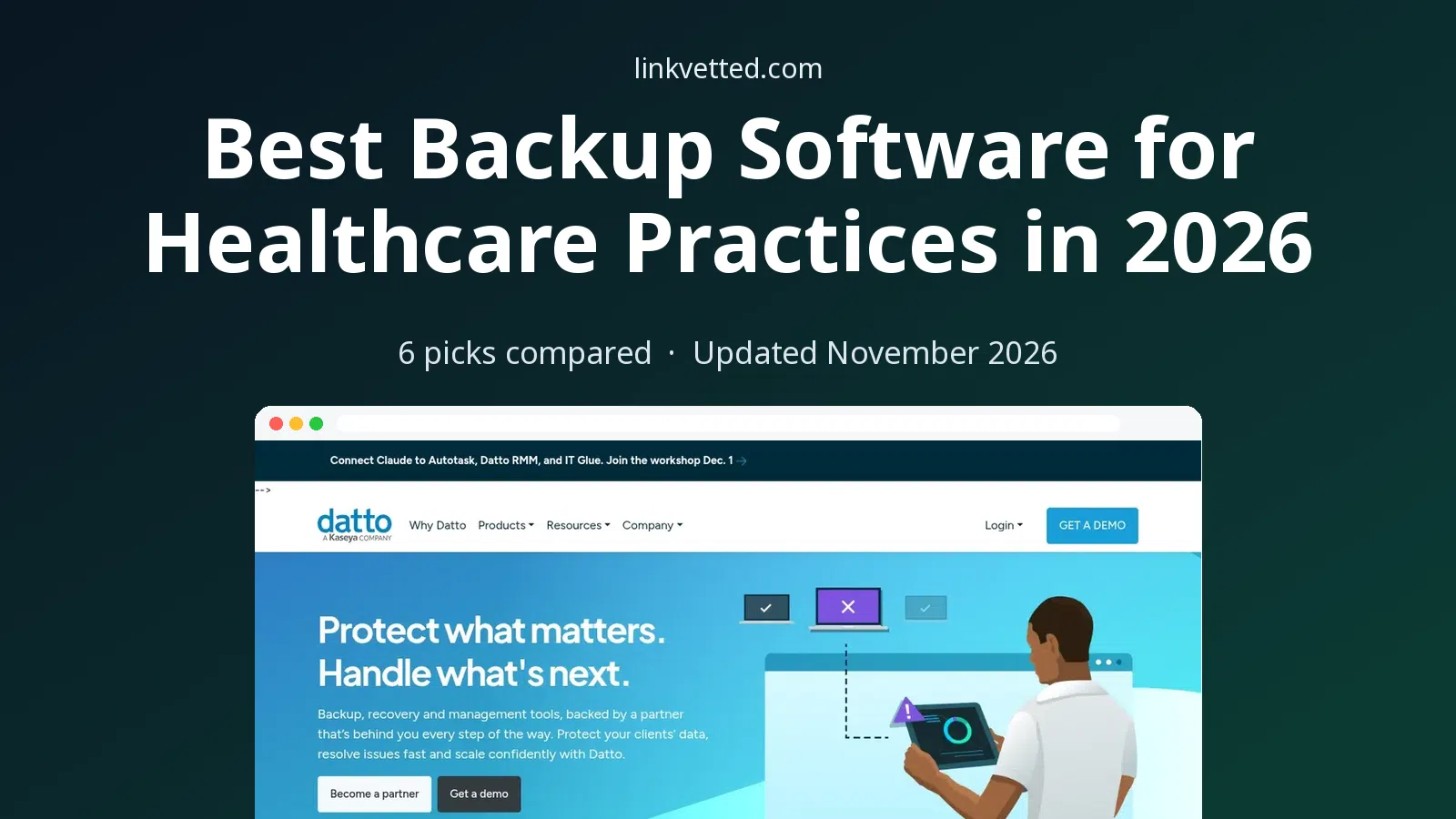
- Editor's choice
 Datto SIRIS
Managed business continuity and disaster recovery
Starts atPricing on requestVisit datto.comFull review - Great alternative
 Cohesity DataProtect
Data security and management combined
Starts atPricing on requestVisit cohesity.comFull review - Also considerVeeam Backup & Replication
Wide workload backup with compliance focus
Starts atPricing on requestVisit veeam.comFull review
Direct answer
Datto SIRIS is the first pick on this list for managed business continuity and disaster recovery. Alternatives: Cohesity DataProtect for data security and management combined, and Veeam Backup & Replication for broad workload backup with compliance focus. The full list of 6 tools follows, with free plan facts. None of these vendors publish plan prices, so pricing is on request for every option.
TL;DR:
- Number one here is Datto SIRIS, a fit for managed business continuity and disaster recovery.
- Every tool from Datto SIRIS to Acronis Cyber Protect works by quote, with no list price shown.
- Datto SIRIS, Acronis Cyber Protect and the 4 others all need a premium plan or a trial, since no free plan is listed.
- For Backup plus security in one console, Acronis Cyber Protect is worth a look.
Last checked November 2026. Pricing on request: vendors did not publish plan prices when this guide was last checked (November 2026), so ask each vendor for a written quote.
Quick comparison
| Tool | Best for | Starts at | Free plan? | |
|---|---|---|---|---|
| Datto SIRIS | Managed business continuity and disaster recovery | Pricing on request | Not stated | Visit |
| Cohesity DataProtect | Data security and management combined | Pricing on request | Not stated | Visit |
| Veeam Backup & Replication | Wide workload backup with compliance focus | Pricing on request | Not stated | Visit |
 Rubrik | Ransomware recovery with immutable backups | Pricing on request | Not stated | Visit |
 Veritas NetBackup | Large-scale enterprise backup and recovery | Pricing on request | Not stated | Visit |
 Acronis Cyber Protect | Backup plus security in one console | Pricing on request | Not stated | Visit |
The best backup software for healthcare practices
Choosing backup software for healthcare practices usually comes down to price, fit and limits. This LinkVetted guide sets 6 tools side by side on those three points, with the facts kept short and checkable.
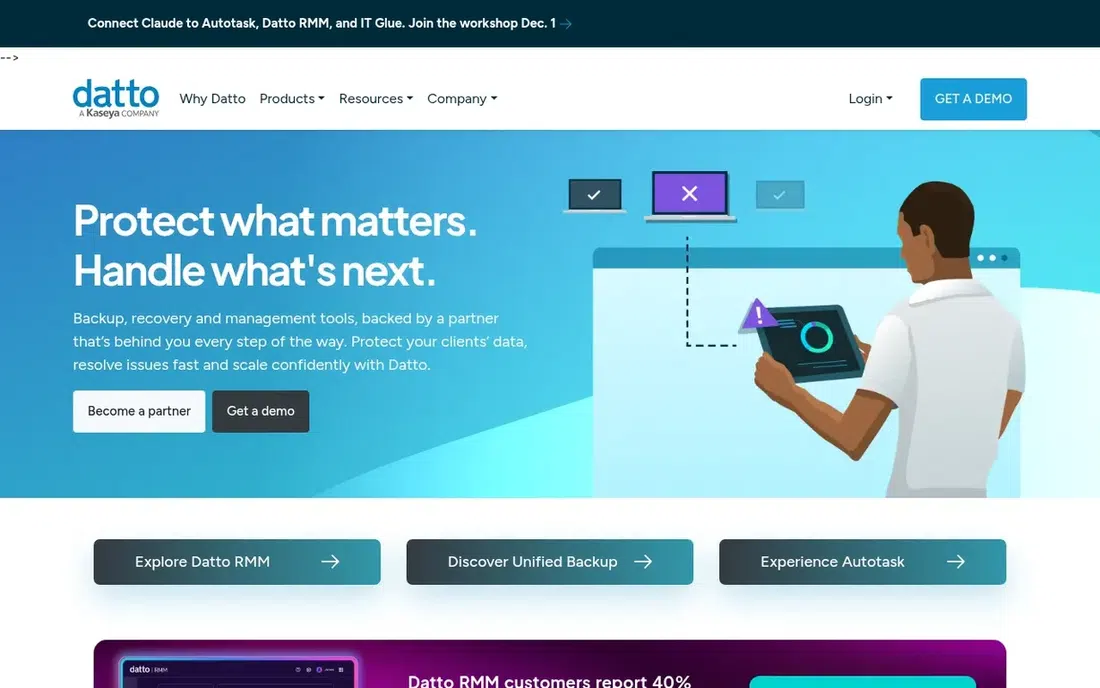
Where Datto SIRIS fits: managed business continuity and disaster recovery. Datto SIRIS sits within Datto's lineup for mission-critical business continuity and disaster recovery, alongside networking and file backup and sync.
Datto SIRIS shows no starting price here, so confirm the cost on the vendor site. Trial and free access: Not stated.
The main drawbacks: Oriented toward managed IT setups.
- Made for IT professionals
- Continuity and recovery focus
- Continuity planning still required
Pick Cohesity DataProtect if this describes you: data security and management combined. Cohesity DataProtect is presented as part of a product that merges data security and data management, defending against ransomware with immutable backup, AI-based early threat detection and rapid recovery.
Limits to weigh: Security features need configuration.
More specifically, pick Cohesity when early threat detection alongside immutable backup is a priority. The product spans plenty of ground, so setup and tuning of detection features take effort and attention. Pricing for Cohesity DataProtect is not stated here, so ask the vendor for current figures. As for free access: Not stated.
- Rapid data recovery emphasis
- Immutable backup for ransomware defense
- Wide product scope
Veeam Backup & Replication
Best for: Wide workload backup with compliance focus
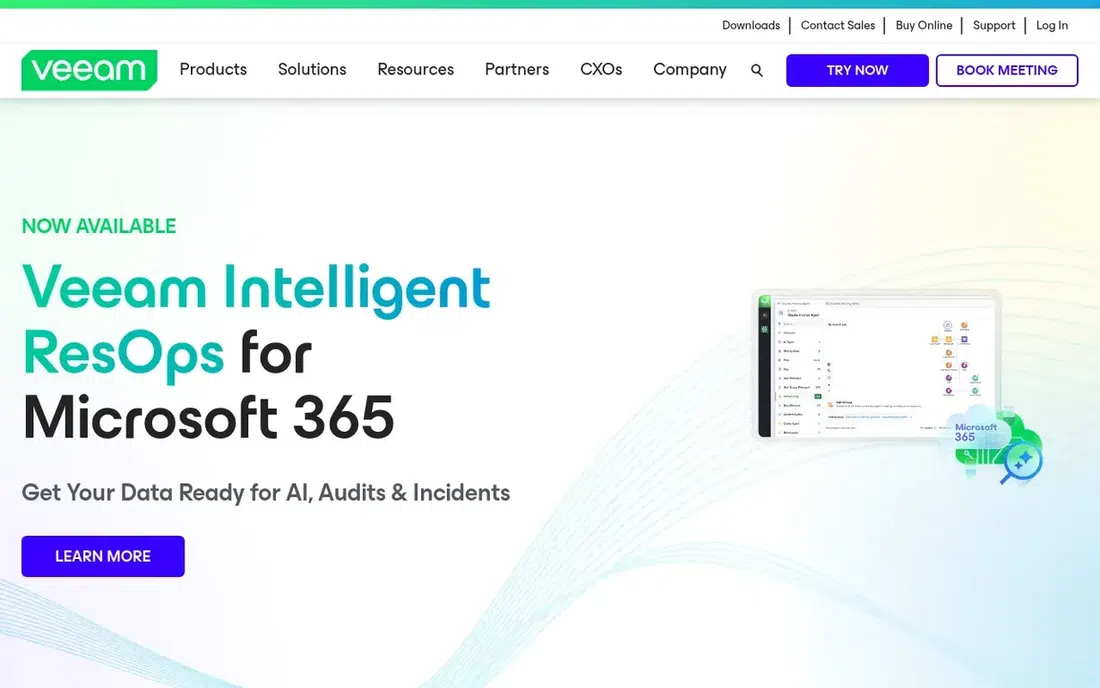
Veeam Backup & Replication serves wide workload backup with compliance focus. Veeam Backup & Replication is positioned by Veeam as a product for cyber resilient data protection, with messaging around seeing risk everywhere, moving data securely and staying compliant. For healthcare practices, that framing suits environments that mix servers, virtual machines and cloud workloads and want one backup layer including them.
Trade-offs to know: Feature depth can need planning.
It tends to suit IT teams with some infrastructure experience who can plan policies and retention around clinical systems. The system is wide, so smaller practices without dedicated IT staff may find configuration and continuing administration demanding. If you chiefly want backup bundled with endpoint security and automation, Acronis Cyber Protect may be a more straightforward fit. In practice, consider Veeam when workload coverage and compliance-oriented controls matter more than a single all-in-one console. Veeam Backup & Replication does not show a starting price in this comparison, so check the vendor site for current pricing. On free options: Not stated.
- Cyber resilient data protection messaging
- Compliance support called out on site
- Not a dedicated clinical app
Rubrik is aimed squarely at ransomware recovery with immutable backups. Rubrik describes an enterprise cyber resilience system for protecting data, securing identities and governing AI agents, with immutable backups and quick restoration after ransomware or cyberattacks.
In practice, Rubrik's enterprise framing may be more than a small clinic needs. The breadth of features can need dedicated staff to operate. Check the vendor site for Rubrik pricing; none is listed in this comparison. On free options: Not stated.
Drawbacks to consider: Enterprise-oriented positioning.
- Machine-speed restore messaging
- Immutable backup approach
- May exceed small practice needs
Veritas NetBackup serves large-scale enterprise backup and recovery. Consider NetBackup when scale and established enterprise processes drive the decision. More specifically, Veritas NetBackup is a widely known enterprise backup product used to protect large and mixed IT environments.
As for the details, NetBackup is usually administered by experienced backup staff, and smaller practices may find it heavy to run without dedicated help. In practice, if you want a consolidated backup and security console, Acronis may be more practical. Veritas NetBackup does not show a starting price in this comparison, so check the vendor site for current pricing. Free options: Not stated.
Where it is weaker: Heavy for small practices.
- Wide product and workload support
- Long-standing enterprise backup tool
- Administration needs expertise
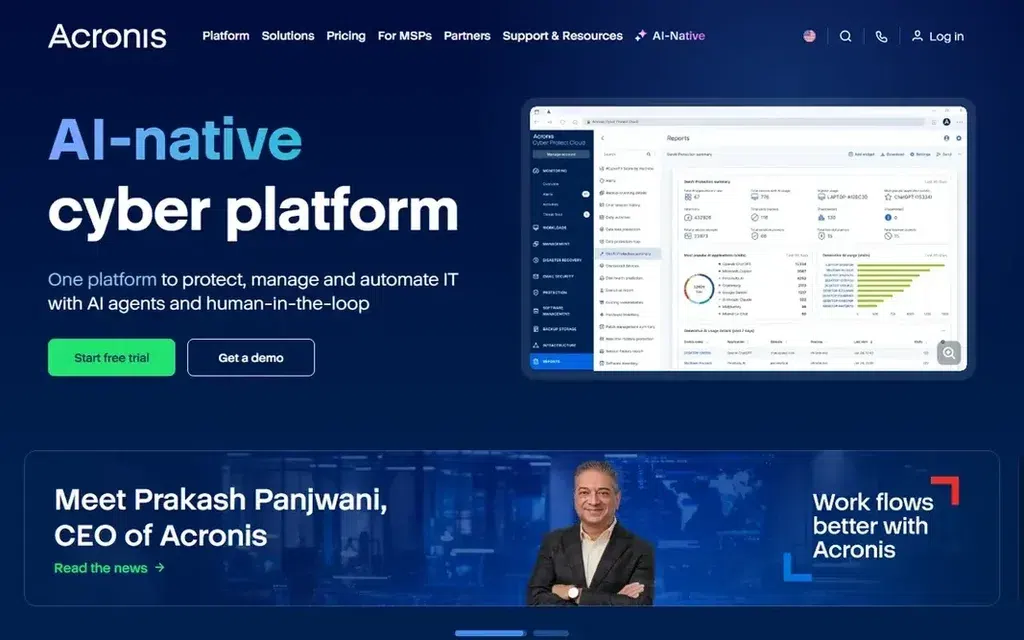
Acronis Cyber Protect works best for Backup plus security in one console. Pick Acronis when consolidation and automation are priorities alongside backup.
Practices that only need pure backup and already have mature security tooling might prefer a narrower product. Pricing for Acronis Cyber Protect is not stated here, so ask the vendor for current figures. Free options: Not stated.
What to check first: Breadth can mean a ramp-up time.
- Endpoint management included
- Automation features for routine tasks
- Security features need tuning
How we compared the tools
We compared the tools on published pricing, free plan or trial availability, feature coverage for backup software for healthcare practices, and the limits each vendor documents. Figures are shown as the vendors publish them. Billing terms, seat minimums and add-ons can change the real cost. The sequence is a judgement call: typical use case first, then pricing transparency, then free access. Use the profiles to check fit.
Before you commit
- Confirm the entry price with every vendor: no tool from Datto SIRIS to Acronis Cyber Protect shows a fixed starting price.
- Read the limits listed for Datto SIRIS first: oriented toward managed IT setups.
- Map your must-have features to a specific Datto SIRIS plan before you compare prices.
- Compare total cost, not headline price: for Cohesity DataProtect, add extra seats, add-ons and any usage-based charges.
- Verify that exporting from Veeam Backup & Replication is possible on your plan and covers all your records.
FAQ
Can I try these tools before paying?
Not by default. None of the tools, from Datto SIRIS to Acronis Cyber Protect, lists a free plan or a free trial here, so ask each vendor for a demo before committing.
Do these tools publish their prices?
No. None of the tools, from Datto SIRIS to Acronis Cyber Protect, shows a fixed starting price here, so budget time for quotes.
What should a healthcare practice look for in backup software?
Prioritize dependable recovery of clinical systems, immutable or isolated backup copies for ransomware defense, and access controls that fit your compliance obligations.
Is Datto SIRIS the right pick for everyone comparing backup software for healthcare practices?
No single tool suits every team. Datto SIRIS comes first because it fits managed business continuity and disaster recovery, while Cohesity DataProtect suits data security and management combined and Veeam Backup & Replication suits broad workload backup with compliance focus. Match the tool to your own size, budget and workflow before deciding.
How are the tools for backup software for healthcare practices ordered?
Datto SIRIS sits first and Acronis Cyber Protect last because the order follows typical fit for backup software for healthcare practices, then price clarity and free access. It is a judgement call, so read each profile for fit and limits.
Sources
- https://www.datto.com
- https://www.cohesity.com
- https://www.veeam.com
- https://www.rubrik.com
- https://www.veritas.com
- https://www.acronis.com