Best Backup Software for Photographers in 2026: Prices, Free Plans and 6 Picks
Best backup software for photographers: 6 contenders ranked by fit, with entry costs and free tiers. Each tool gets a one-line verdict. Straight answers.
- Editor's choice
 IDrive
Multi-device cloud backup
Starts at$11.99 a monthVisit idrive.comFull review - Great alternativeGoodSync
File sync and backup
Starts at$59.95 per yearVisit goodsync.comFull review - Also consider
 Carbonite Safe
Automatic cloud backup
Starts atSee websiteVisit carbonite.comFull review
Direct answer
For multi-device cloud backup, IDrive is where this list starts. Listed starting prices: IDrive from $11.99 a month, GoodSync from $59.95 per year and Arq Backup from $59.99 per computer. GoodSync fits file sync and backup; Carbonite Safe fits automatic cloud backup. Prices, free plans and limits for all 6 tools follow.
TL;DR:
- Number one here is IDrive, a fit for multi-device cloud backup.
- CrashPlan fits enterprise-grade backup.
- The cheapest monthly starting price in the list is $2.50 per user per month, offered by CrashPlan.
- IDrive stands alone as the one tool in this list with a free plan.
- GoodSync comes with a trade-off: Backup features may be entry-level.
Last checked November 2026. Prices and plan details were read from the vendors' own pages in November 2026; vendors change plans often, so confirm the current price on the vendor site before you buy.
Quick comparison
| Tool | Best for | Starts at | Free plan? | |
|---|---|---|---|---|
| IDrive | Multi-device cloud backup | $11.99 a month | Yes | Visit |
| GoodSync | File sync and backup | $59.95 per year | Free trial | Visit |
| Carbonite Safe | Automatic cloud backup | See website | Not stated | Visit |
 Acronis Cyber Protect Home Office | Integrated backup and security | See website | Not stated | Visit |
 Arq Backup | Cloud backup for Mac and Windows | $59.99 per computer | Free trial | Visit |
 CrashPlan | Enterprise-grade backup | $2.50 per user a month | Free trial | Visit |
Every option for backup software for photographers explained
LinkVetted compared 6 backup software for photographers. The goal is a practical shortlist: published prices, free plan facts, best-fit use cases and honest limits for every entry.
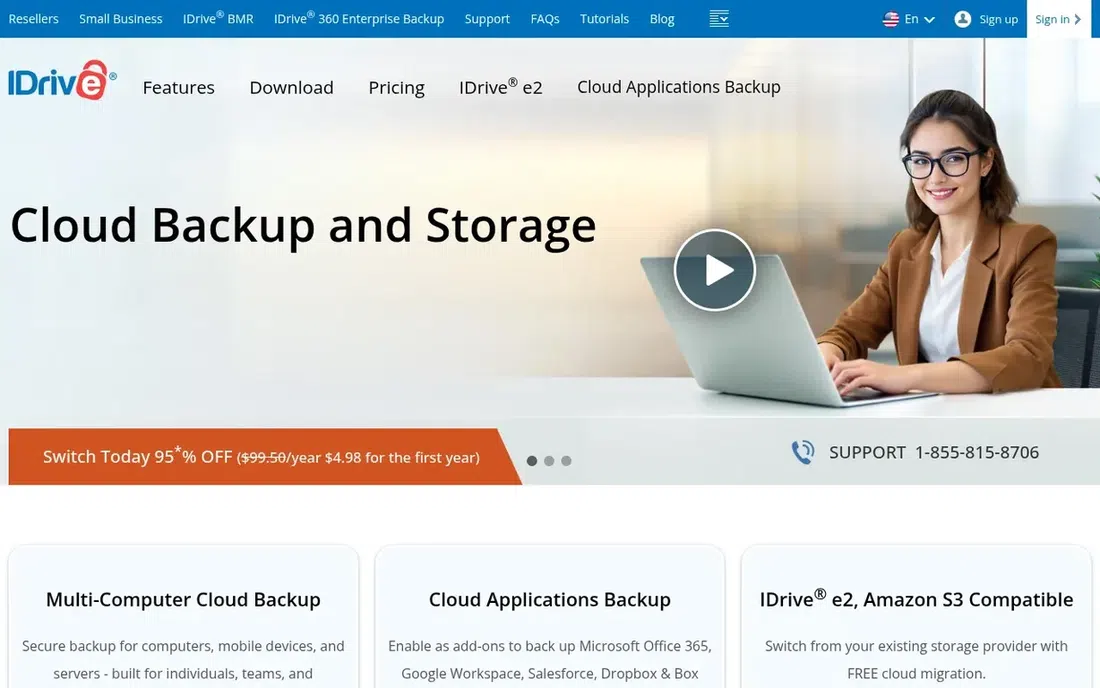
IDrive works best for multi-device cloud backup. If you need unlimited storage or a more straightforward interface, you might look elsewhere. That said, for multi-device backup, IDrive is a solid contender.
Drawbacks to consider: Cloud storage limits apply.
Worth adding: the interface might be overwhelming for some users. The cloud storage limits could be a constraint for those with very large photo libraries. IDrive supplies online cloud backup for PCs, Macs, iPhones, Android, and other mobile devices, all consolidated into one account. Starting cost for IDrive: $11.99 per month. IDrive offers a free plan.
- Backs up several devices
- One account for all devices
- Interface can be complicated
GoodSync
Best for: File sync and backup
Think of GoodSync for file sync and backup. GoodSync offers file sync and backup software that ensures your files are protected and synchronized across devices. It is built for users who require to keep data consistent between several locations, which can be handy for photographers working on different computers.
Where it is weaker: Backup features may be entry-level.
If you primarily need backup instead of sync, consider other choices. It is well suited to those who require both sync and entry-level backup. Price to start with GoodSync: $59.95 per year. Trial and free access: Free trial.
- Supports several systems
- Straightforward and secure
- Sync-focused

Carbonite Safe is designed for automatic cloud backup. Carbonite Safe may lack advanced features like local backup or sync.
Limits to weigh: Cloud-only backup.
The service centres on simplicity and reliability. Beyond that, if you need more control over backup schedules or want to back up to external drives, consider other choices. Pricing for Carbonite Safe is not stated here, so ask the vendor for current figures. Free access: Not stated.
- Straightforward setup
- Automatic backups
- Restricted advanced features
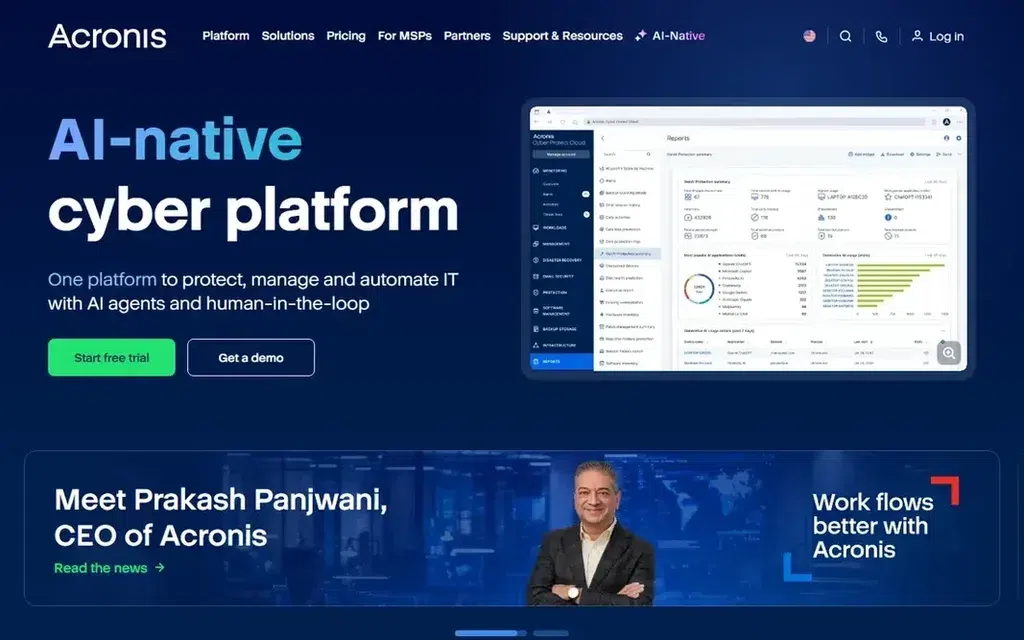
Acronis Cyber Protect Home Office was built for integrated backup and security. Acronis Cyber Protect Home Office, formerly Acronis True Image, is a full solution that integrates backup and anti-malware in one package. It is built for home users and professionals who want to protect their data from both hardware failures and cyber threats.
Points against: May be overkill for entry-level backup needs.
Even so, if you only need straightforward file backup, the additional security features might be unnecessary. Also, it operates on a subscription model, which may not suit those preferring one-time purchases. From a buyer's view, consider alternatives if you want a more focused backup tool without security extras. This comparison lists no price for Acronis Cyber Protect Home Office; ask the vendor. Free options: Not stated.
- Protects personal data
- Merges backup with anti-malware
- Needs subscription
Where Arq Backup fits: cloud backup for Mac and Windows. Arq Backup is cloud backup software for Mac and Windows that lets users to back up their files to several cloud storage services. It is noted for its adaptability and simplicity, making it a good fit for photographers who already use cloud storage and want a dedicated backup tool.
Trade-offs to know: Needs cloud storage account.
For everyday use, if you need an option that manages both local and cloud backups, you might need extra software. Also, Arq concentrates on cloud backup and does not contain local backup features. Starting cost for Arq Backup: $59.99 per computer. Free options: Free trial.
- User-friendly
- Supports Mac and Windows
- Restricted to cloud backup
Choose CrashPlan for enterprise-grade backup. CrashPlan provides enterprise-grade backup and recovery for Microsoft 365, Entra ID, Google Workspace, endpoints, and servers. It is aimed at organizations that require to protect data across several products and cut costs.
Where it shines: Guards endpoints and servers.
Beyond that, consider other choices if you need a straightforward backup tool for personal use. More specifically, photographers running a business with multiple employees might find it suitable. It is primarily designed for enterprise environments, so solo users might prefer more straightforward options. Price to start with CrashPlan: $2.50 per user per month. Free options: Free trial.
What to check first: Geared towards companies.
- Includes Microsoft 365
- Enterprise-grade backup
- May be complicated for individuals
How we chose
LinkVetted looked at what each vendor publishes: pricing, plan limits, feature coverage for backup software for photographers and stated drawbacks. No hands-on testing is claimed. Seat minimums, billing terms and add-ons can move the real cost, so the starting prices here are a guide and not a quote. Order on the page follows fit for the typical buyer first, then price transparency and free access. Your own requirements should decide the final pick.
Things to verify first
- Confirm the entry price on the vendor page. For Carbonite Safe and Acronis Cyber Protect Home Office that means a quote rather than a fixed price.
- Look at the free plan from IDrive closely: its caps decide whether it is usable for real work.
- Use real work to test the free trial from GoodSync, Arq Backup and CrashPlan, rather than a demo project.
- Before choosing IDrive, weigh its main limit: interface can be complicated.
- Check whether CrashPlan bills monthly or annually, and what cancelling early costs.
- Ask whether GoodSync integrates with your current software, and whether that comes standard or as an add-on.
FAQ
How are the tools for backup software for photographers ordered?
IDrive sits first and CrashPlan last because the order follows typical fit for backup software for photographers, then price clarity and free access. It is a judgement call, so read each profile for fit and limits.
Is IDrive the right pick for everyone comparing backup software for photographers?
No single tool suits every team. IDrive comes first because it fits multi-device cloud backup, while GoodSync suits file sync and backup and Carbonite Safe suits automatic cloud backup. Match the tool to your own size, budget and workflow before deciding.
How commonly should I back up my photo files?
The frequency relies on how commonly you add new photos. On top of that, for active photographers, daily or continuous backup is ideal. For others, weekly backups may suffice.
Which options for backup software for photographers have a free plan?
IDrive is the only tool in this list with a free plan. Free plans usually cap users, projects or features, so check the limits on the vendor page. Several others offer a trial instead.
What is the cheapest option for backup software for photographers in this list?
On published monthly entry prices, CrashPlan is the lowest here at $2.50 per user per month. Entry price is only part of the cost, because seats, add-ons and billing terms can change the total.
Sources
- https://www.idrive.com
- https://www.goodsync.com
- https://www.carbonite.com
- https://www.acronis.com/en-us/products/true-image
- https://www.arqbackup.com
- https://www.crashplan.com