5 Best Network Monitoring Software for Photographers for 2026, Vetted and Compared
5 products for the best network monitoring software for photographers, ranked by fit, with starting costs and free tiers. Limits and pricing notes included.
- Editor's choice
 Zabbix
Open-source enterprise monitoring
Starts at€50 per monthVisit zabbix.comFull review - Great alternativePRTG Network Monitor
All-in-one infrastructure monitoring
Starts atSee websiteVisit paessler.comFull review - Also consider
 ManageEngine OpManager
Simple device monitoring on a budget
Starts atSee websiteVisit manageengine.comFull review
Direct answer
Start with Zabbix if you need open-source enterprise monitoring. Listed starting prices: Zabbix from €50 per month. If your case is different, PRTG Network Monitor suits all-in-one infrastructure monitoring and ManageEngine OpManager suits simple device monitoring on a budget. The full list of 5 tools follows, with prices and free plan facts.
TL;DR:
- This list starts with Zabbix, which is built for open-source enterprise monitoring.
- PRTG Network Monitor, ManageEngine OpManager, Datadog Network Monitoring and Auvik: pricing is by quote only, so plan time for a sales conversation.
- ManageEngine OpManager comes with a trade-off: concentrated on network devices.
- Auvik is the one to check for cloud-based network visibility.
Last checked November 2026. Prices and plan details were read from the vendors' own pages in November 2026; vendors change plans often, so confirm the current price on the vendor site before you buy.
Quick comparison
| Tool | Best for | Starts at | Free plan? | |
|---|---|---|---|---|
| Zabbix | Open-source enterprise monitoring | €50 per month | Free trial | Visit |
| PRTG Network Monitor | All-in-one infrastructure monitoring | See website | Not stated | Visit |
| ManageEngine OpManager | Simple device monitoring on a budget | See website | Not stated | Visit |
| Datadog Network Monitoring | Cloud and hybrid network visibility | See website | Not stated | Visit |
 Auvik | Cloud-based network visibility | See website | Free trial | Visit |
Network Monitoring Software for Photographers, one by one
LinkVetted compared 5 network monitoring software for photographers. The goal is a practical shortlist: published prices, free plan facts, best-fit use cases and honest limits for every entry.
Zabbix is built with open-source enterprise monitoring in mind. Photographers with technical comfort can self-host it to watch studio networks and the applications behind their workflow. In daily use, configuration depth may exceed a small studio's needs.
Trade-offs to know: Needs technical setup.
More specifically, open source means you manage deployment and upkeep, which can be a burden for a photographer without IT background. Zabbix is an enterprise-class, open-source monitoring option that makes network and application monitoring straightforward. What you pay to start with Zabbix: €50 per month. On free options: Free trial.
- Free to self-host
- Enterprise-class open source
- Interface can be daunting
PRTG Network Monitor
Best for: All-in-one infrastructure monitoring
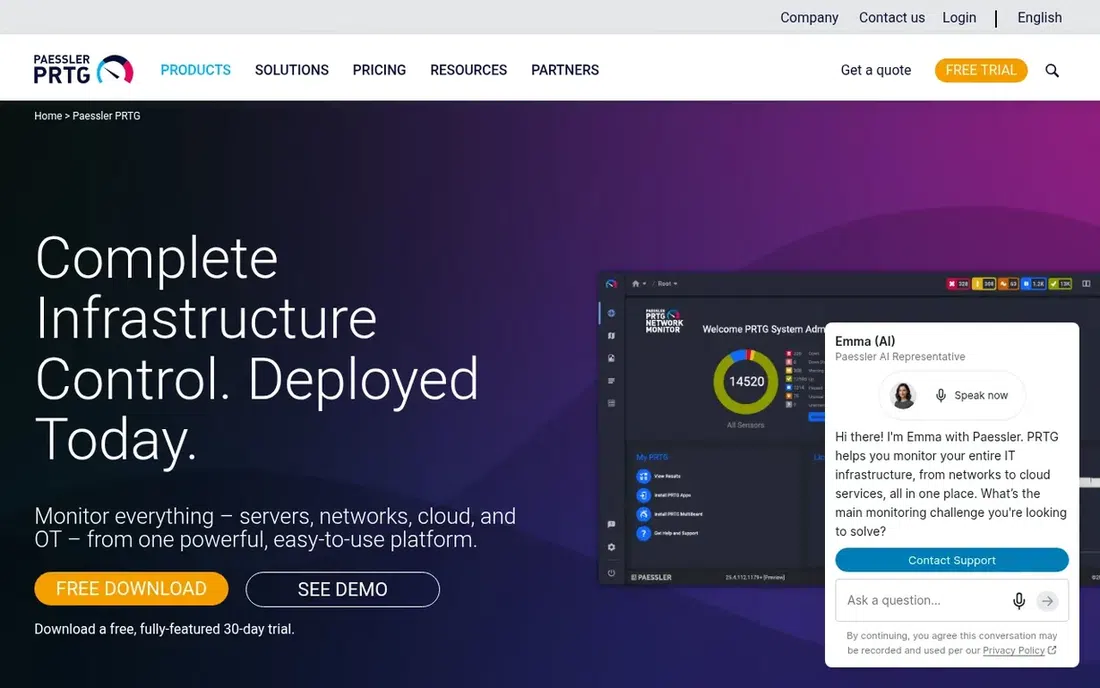
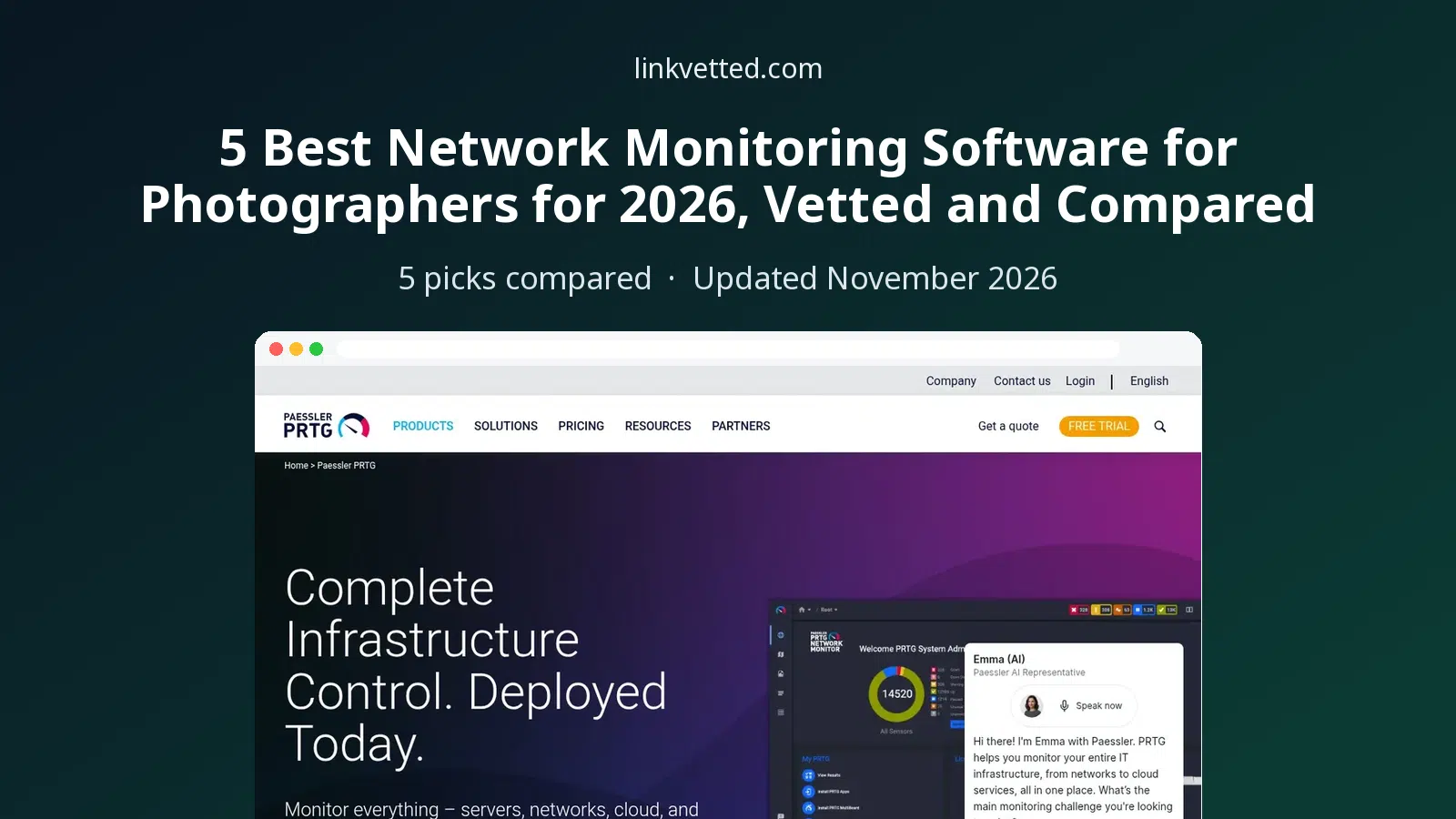
PRTG Network Monitor was built for all-in-one infrastructure monitoring. PRTG Network Monitor is described as professional and adaptable network monitoring software that examines and watches your whole IT infrastructure.
Honest limits: Can be complicated to configure completely.
In practice, photographers who only need entry-level uptime checks might find it oversized. Check the vendor site for PRTG Network Monitor pricing; none is listed in this comparison. Trial and free access: Not stated.
- Professional and adaptable monitoring
- Single tool for numerous device types
- Broader than most studios need
ManageEngine OpManager is built with simple device monitoring on a budget in mind. ManageEngine OpManager is presented as straightforward to use network monitoring software that watches network devices such as routers, switches and more. For everyday use, the emphasis on network devices means it is less about application-level insight.
What to check first: Concentrated on network devices.
So it may not explain every slowdown in editing or upload tools. If you need wide cloud observability, other choices fit better. No starting price is listed for ManageEngine OpManager here; confirm pricing on the vendor site. Free plan details: Not stated.
- Positioned as budget-friendly
- Watches routers
- Fewer creative-workflow features
Datadog Network Monitoring
Best for: Cloud and hybrid network visibility
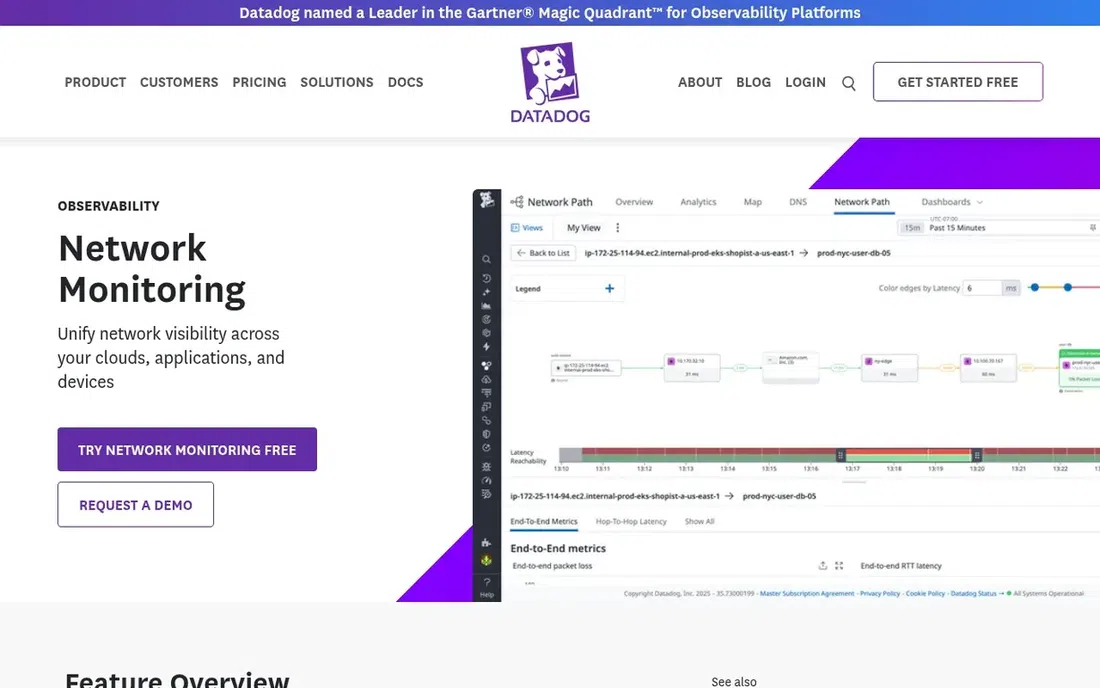
Datadog Network Monitoring was built for cloud and hybrid network visibility. Datadog Network Monitoring supplies full visibility into every layer of your environment, whether it runs in the cloud, on-premise or a hybrid mix.
Downsides: Not tailored to creative workflows.
For everyday use, photographers with a very small, straightforward studio network may prefer a lighter tool. The product is wide, so setup and navigation can feel heavy if you only have to watch a router and a handful of devices. Datadog Network Monitoring shows no starting price here, so confirm the cost on the vendor site. As for free access: Not stated.
- Full visibility across environment layers
- Suits distributed studio and remote work
- Wide system may feel complicated
Auvik is designed for cloud-based network visibility. A single-location solo photographer might find it broader than necessary. As for the details, choose Auvik when cloud-based visibility and control are the priority.
Worth adding: Auvik is cloud-based network management software aimed at today's changing workforce, offering true network visibility and control. From a buyer's view, the tool centers on network management, so it may not include every application-level concern a creative workflow raises. More specifically, photographers who work across a studio and remote locations can benefit from cloud-based oversight without hosting anything themselves. Auvik shows no starting price here, so confirm the cost on the vendor site. Trial and free access: Free trial.
Drawbacks to consider: May be more than a solo studio needs.
- Cloud-based management
- True visibility and control
- Centred on network management
What went into this list
Things to verify first
- Get a written quote from PRTG Network Monitor, ManageEngine OpManager, Datadog Network Monitoring and Auvik; the list shows no starting price for them.
- Take the trial from Zabbix and Auvik and push a live task through it before you pay.
- Read the limits listed for Zabbix first: requires technical setup.
- Ask the daily users to test PRTG Network Monitor on a live task before you roll it out to everyone.
- Before you load data into Zabbix, check what an export looks like and who can run it.
FAQ
Do these tools publish their prices?
Not all of them. PRTG Network Monitor, ManageEngine OpManager, Datadog Network Monitoring and Auvik publish no starting price, so expect a quote request for those. The rest, Zabbix included, show a starting price, though seats and billing terms still change the final cost.
Does any tool for network monitoring software for photographers here have a free plan?
No tool in this list, Zabbix and Auvik included, has a permanent free plan. Zabbix, Auvik offer a trial. Trials and quotes are the usual route, so plan a short evaluation period.
Is Zabbix the right pick for everyone comparing network monitoring software for photographers?
No single tool suits every team. Zabbix comes first because it fits open-source enterprise monitoring, while PRTG Network Monitor suits all-in-one infrastructure monitoring and ManageEngine OpManager suits easy device monitoring on a budget. Match the tool to your own size, budget and workflow before deciding.
What should I check before choosing a monitoring tool?
Confirm the deployment model, the devices and services covered, and how much configuration is required. Also check how alerts are delivered so problems reach you rapidly.
How are the tools for network monitoring software for photographers ordered?
The order follows typical fit for network monitoring software for photographers, with Zabbix first and Auvik last, then price clarity and free access. It is editorial judgement, not a score, so another team could rank the tools differently.
Sources
- https://www.zabbix.com
- https://www.paessler.com/prtg
- https://www.manageengine.com/network-monitoring
- https://www.datadoghq.com/product/network-monitoring
- https://www.auvik.com