Choosing Network Monitoring Software for Branch Offices in 2026: 5 Options Compared
Best network monitoring software for branch offices: 5 tools compared on price, free plans and fit. Hidden costs and gaps are flagged. Updated November 2026.
- Editor's choicePRTG Network Monitor
All-in-one infrastructure monitoring
Starts atSee websiteVisit paessler.comFull review - Great alternativeCisco ThousandEyes
Digital experience assurance
Starts atSee websiteVisit thousandeyes.comFull review - Also consider
 Zabbix
Open-source enterprise monitoring
Starts at€50 a monthVisit zabbix.comFull review
Direct answer
If you need all-in-one infrastructure monitoring, PRTG Network Monitor is the first tool to look at here. Listed starting prices: Zabbix from €50 a month. If your case is different, Cisco ThousandEyes suits digital experience assurance and Zabbix suits open-source enterprise monitoring. Prices, free plans and limits for all 5 tools follow.
TL;DR:
- Top of the list is PRTG Network Monitor, which targets all-in-one infrastructure monitoring.
- SolarWinds Network Performance Monitor comes with a trade-off: self-hosted deployment may need dedicated resources.
- Expect to ask for a quote from PRTG Network Monitor, Cisco ThousandEyes, SolarWinds Network Performance Monitor and Datadog Network Monitoring; the other tools show a starting price.
- Datadog Network Monitoring is the one to check for cloud and hybrid visibility.
- PRTG Network Monitor, Datadog Network Monitoring and the 3 others all need a premium plan or a trial, since no free plan is listed.
Last checked November 2026. Prices and plan details were read from the vendors' own pages in November 2026; vendors change plans often, so confirm the current price on the vendor site before you buy.
Quick comparison
| Tool | Best for | Starts at | Free plan? | |
|---|---|---|---|---|
| PRTG Network Monitor | All-in-one infrastructure monitoring | See website | Not stated | Visit |
| Cisco ThousandEyes | Digital experience assurance | See website | Free trial | Visit |
| Zabbix | Open-source enterprise monitoring | €50 a month | Free trial | Visit |
 SolarWinds Network Performance Monitor | Deep hybrid IT visibility and control | See website | Not stated | Visit |
| Datadog Network Monitoring | Cloud and hybrid visibility | See website | Not stated | Visit |
Our 5 network monitoring software for branch offices
If you are comparing network monitoring software for branch offices, this page covers 5 tools in one place: what each is best for, what it costs to start, whether it has a free plan, and the main limit to know about.
PRTG Network Monitor
Best for: All-in-one infrastructure monitoring
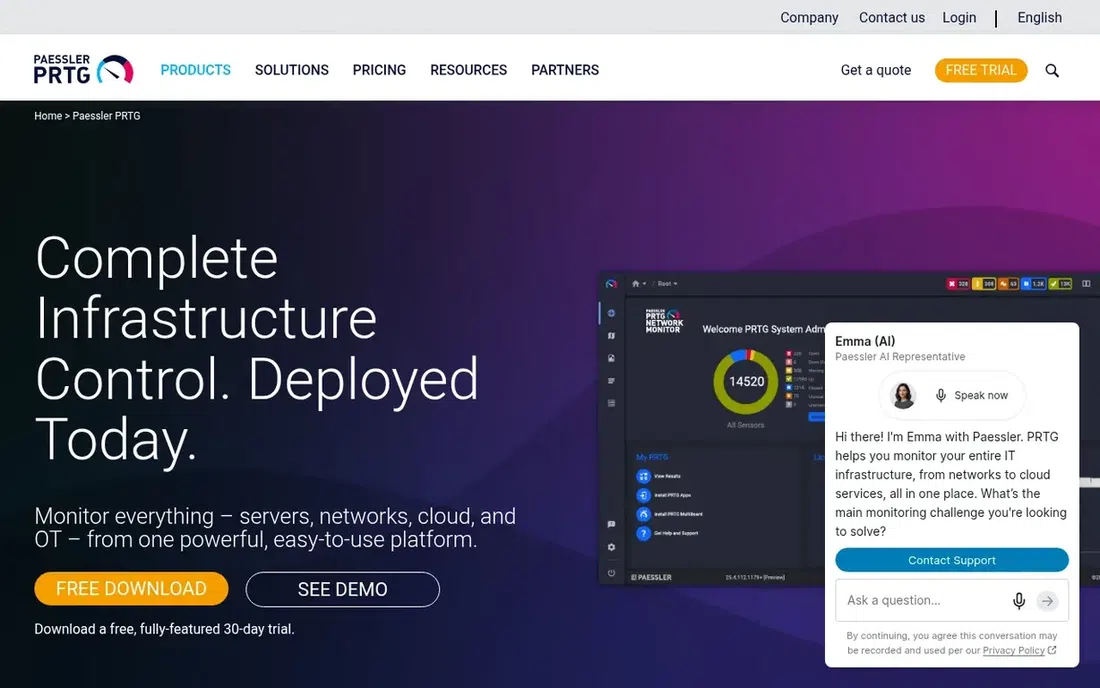
PRTG Network Monitor works best for all-in-one infrastructure monitoring. PRTG Network Monitor by Paessler is professional and adaptable network monitoring software that examines and watches your whole IT infrastructure.
If you need a more specialized or light option, explore other choices. Check the vendor site for PRTG Network Monitor pricing; none is listed in this comparison. As for free access: Not stated.
Trade-offs to know: May need training for advanced features.
- All-in-one approach
- Professional and adaptable
- Can be overwhelming for entry-level needs
Cisco ThousandEyes
Best for: Digital experience assurance
Cisco ThousandEyes targets digital experience assurance. Cisco ThousandEyes enables organizations to assure every digital experience across every network, everywhere, every time. It is a strong match for branch offices that rely on cloud services and internet connectivity, offering visibility into network paths beyond the local LAN.
For straightforward device monitoring, a lighter tool may suffice. Beyond that, ThousandEyes may be more complicated and expensive than needed for entry-level branch monitoring, and it fits best within a Cisco-oriented environment. Cisco ThousandEyes shows no starting price here, so confirm the cost on the vendor site. Free options: Free trial.
Trade-offs to know: May be complicated for straightforward branch networks.
- Assures digital experiences
- Strong for internet and cloud paths
- Needs Cisco ecosystem familiarity
Zabbix targets open-source enterprise monitoring. Zabbix is an enterprise-class, open-source monitoring option that makes network and application monitoring straightforward.
It appeals to branch offices with in-house technical staff who want a capable, configurable tool without licensing costs. The starting price for Zabbix: €50 per month. Free access: Free trial.
Where it is weaker: Needs technical expertise to deploy.
- Watches networks and applications
- No license fees
- Support choices may be restricted
SolarWinds Network Performance Monitor
Best for: Deep hybrid IT visibility and control
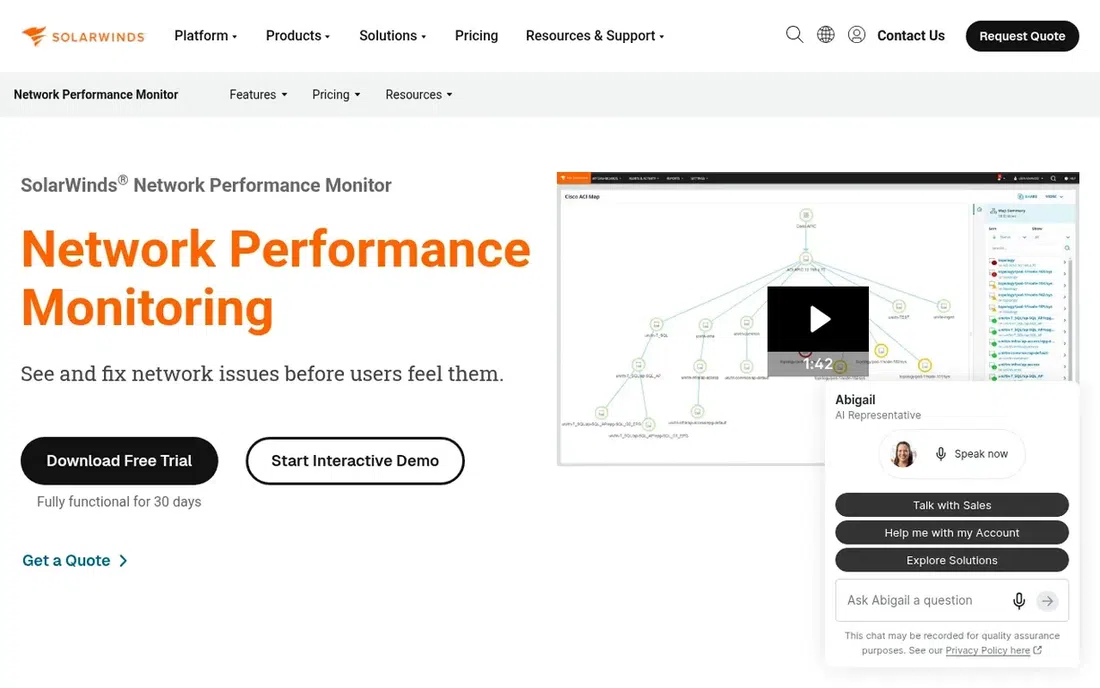
SolarWinds Network Performance Monitor targets deep hybrid IT visibility and control. If you prefer a cloud-native approach or have restricted IT staff, consider a more straightforward or hosted alternative.
Trade-offs to know: Can be complex for very small branch setups.
Check the vendor site for SolarWinds Network Performance Monitor pricing; none is listed in this comparison. On free options: Not stated.
- Troubleshoots health and performance issues
- Boosts network efficiency
- Self-hosted deployment may need dedicated resources
Datadog Network Monitoring
Best for: Cloud and hybrid visibility
Choose Datadog Network Monitoring for cloud and hybrid visibility. It is a good fit for branch offices that are part of a broader cloud-first or hybrid infrastructure and want network monitoring tightly integrated with application and infrastructure observability.
Datadog Network Monitoring does not show a starting price in this comparison, so check the vendor site for current pricing. As for free access: Not stated.
What Datadog Network Monitoring does well: Works in cloud, on-premise.
What to check first: Can become expensive at scale.
- Or hybrid
- Full visibility into every layer
- Needs familiarity with Datadog ecosystem
What went into this list
The comparison looks at four things: starting price, free access, how well the feature set matches network monitoring software for branch offices, and the main limit of each tool. Treat prices as a snapshot: vendors change plans often, so check the vendor site for the figure that applies today. Position on the page reflects fit for a typical buyer first, with price clarity and free access breaking ties. Treat it as a guide, not a ruling.
Before you commit
- Confirm the entry price on the vendor page. For PRTG Network Monitor, Cisco ThousandEyes, SolarWinds Network Performance Monitor and Datadog Network Monitoring that means a quote rather than a fixed price.
- Run a trial of Cisco ThousandEyes and Zabbix with real work before paying for a year; your own workflow is the best test.
- Read the limits listed for PRTG Network Monitor first: may require training for advanced features.
- Ask Cisco ThousandEyes whether prices are locked for the first term and what happens at renewal.
- Test the integrations you rely on with PRTG Network Monitor before committing; some connectors sit on upper tiers.
FAQ
Is open-source network monitoring right for branch offices?
Open-source tools like Zabbix can be cost-effective and adaptable, but they need technical expertise to deploy and maintain. Branch offices with restricted IT staff may prefer commercial options with vendor support.
Is PRTG Network Monitor the right pick for everyone comparing network monitoring software for branch offices?
No single tool suits every team. PRTG Network Monitor comes first because it fits all-in-one infrastructure monitoring, while Cisco ThousandEyes suits digital experience assurance and Zabbix suits open-source enterprise monitoring. Match the tool to your own size, budget and workflow before deciding.
How does cloud-based monitoring differ from self-hosted for branch offices?
Cloud-based monitoring provides simpler scalability and remote access without on-site hardware, whereas self-hosted options offer greater control and data residency. The choice relies on your security policies and IT resources.
What should I look for in network monitoring software for branch offices?
Focus on ease of deployment, visibility into remote sites, and support for hybrid environments. Beyond that, consider whether you need cloud-based or self-hosted monitoring, and ensure the tool can scale with your branch network.
How are the tools for network monitoring software for branch offices ordered?
PRTG Network Monitor sits first and Datadog Network Monitoring last because the order follows typical fit for network monitoring software for branch offices, then price clarity and free access. It is a judgement call, so read each profile for fit and limits.
Can I try these tools before paying?
Often, yes. Cisco ThousandEyes and Zabbix offer a free trial. Use your own data and a real task during the test, and check what the free tier or trial limits before you rely on it. For the full picture, the cards above cover all 5 entries of this network monitoring software for branch offices list, including price, free plan and limits.
Sources
- https://www.paessler.com/prtg
- https://www.thousandeyes.com
- https://www.zabbix.com
- https://www.solarwinds.com/network-performance-monitor
- https://www.datadoghq.com/product/network-monitoring