Choosing Network Discovery and Mapping Software in 2026: 5 Options Compared
Best network discovery and mapping software in 2026: 5 contenders with entry costs and free tiers. Plus the drawbacks of each tool. Refreshed for 2026.
- Editor's choice
 ManageEngine OpManager
Network monitoring with device visibility
Starts atSee websiteVisit manageengine.comFull review - Great alternativePRTG Network Monitor
Adaptable all-in-one infrastructure monitoring
Starts atSee websiteVisit paessler.comFull review - Also considerSolarWinds Network Topology Mapper
Automatic topology discovery and diagrams
Starts at$2 per node per monthVisit solarwinds.comFull review
Direct answer
ManageEngine OpManager leads the list, best for Network monitoring with device visibility. Listed starting prices: SolarWinds Network Topology Mapper from $2 per node per month. PRTG Network Monitor fits adaptable all-in-one infrastructure monitoring; SolarWinds Network Topology Mapper fits automatic topology discovery and diagrams. All 5 tools are compared below on price, free plan and limits.
TL;DR:
- ManageEngine OpManager is the opening pick, best for Network monitoring with device visibility.
- Auvik fits cloud-based network visibility and control.
- The lowest published monthly entry price here is $2 per node per month, from SolarWinds Network Topology Mapper.
- Lansweeper stands alone as the one tool in this list with a free plan.
Last checked November 2026. Prices and plan details were read from the vendors' own pages in November 2026; vendors change plans often, so confirm the current price on the vendor site before you buy.
Quick comparison
| Tool | Best for | Starts at | Free plan? | |
|---|---|---|---|---|
| ManageEngine OpManager | Network monitoring with device visibility | See website | Not stated | Visit |
| PRTG Network Monitor | Adaptable all-in-one infrastructure monitoring | See website | Not stated | Visit |
| SolarWinds Network Topology Mapper | Automatic topology discovery and diagrams | $2 per node per month | Free trial | Visit |
 Lansweeper | Asset intelligence across IT, OT and cloud | See website | Yes | Visit |
 Auvik | Cloud-based network visibility and control | See website | Free trial | Visit |
The 5 tools in detail
Short on time? The summary and table above give the quick view of 5 tools for network discovery and mapping software, and the profiles that follow give the detail behind each entry.
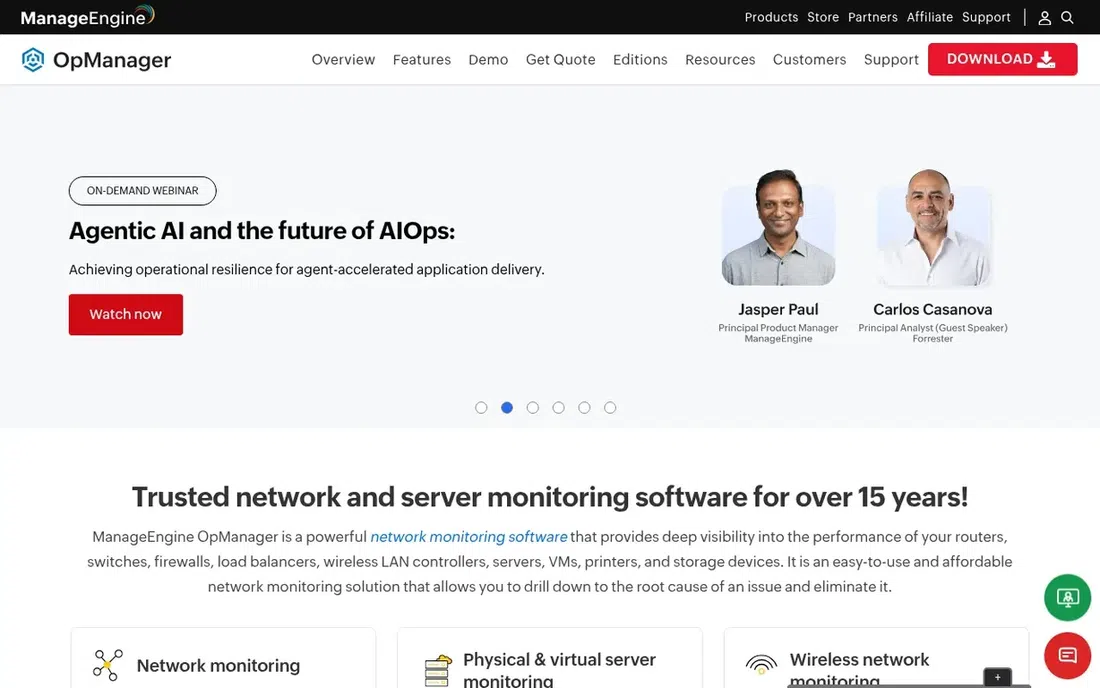
ManageEngine OpManager works best for Network monitoring with device visibility. ManageEngine OpManager is network monitoring software that watches routers, switches and other devices, giving teams visibility into device health and availability. If your primary goal is refined topology documentation, a dedicated mapping tool may serve you better.
The main drawbacks: Feature depth varies by edition.
More specifically, teams with complex multi-vendor estates should verify supported device coverage and integration choices on the vendor site. As for the details, pick OpManager when monitoring and alerting matter more than map creation. Pricing for ManageEngine OpManager is not stated here, so ask the vendor for current figures. As for free access: Not stated.
- Watches routers
- Positioned as budget-friendly
- Mapping is secondary to monitoring
PRTG Network Monitor
Best for: Adaptable all-in-one infrastructure monitoring
For adaptable all-in-one infrastructure monitoring, PRTG Network Monitor is a natural candidate. Paessler PRTG Network Monitor is professional and adaptable monitoring software that examines and watches a whole IT infrastructure. Teams needing in-depth, presentation-ready network diagrams should consider a mapping specialist alongside it.
Choose PRTG when adaptable, all-in-one monitoring is the priority and mapping is secondary. As environments grow, sensor and configuration management can need planning. This comparison lists no price for PRTG Network Monitor; ask the vendor. On free options: Not stated.
Drawbacks to consider: Mapping is a supporting feature.
- All-in-one approach
- Professional and adaptable
- Configuration effort can grow
SolarWinds Network Topology Mapper
Best for: Automatic topology discovery and diagrams
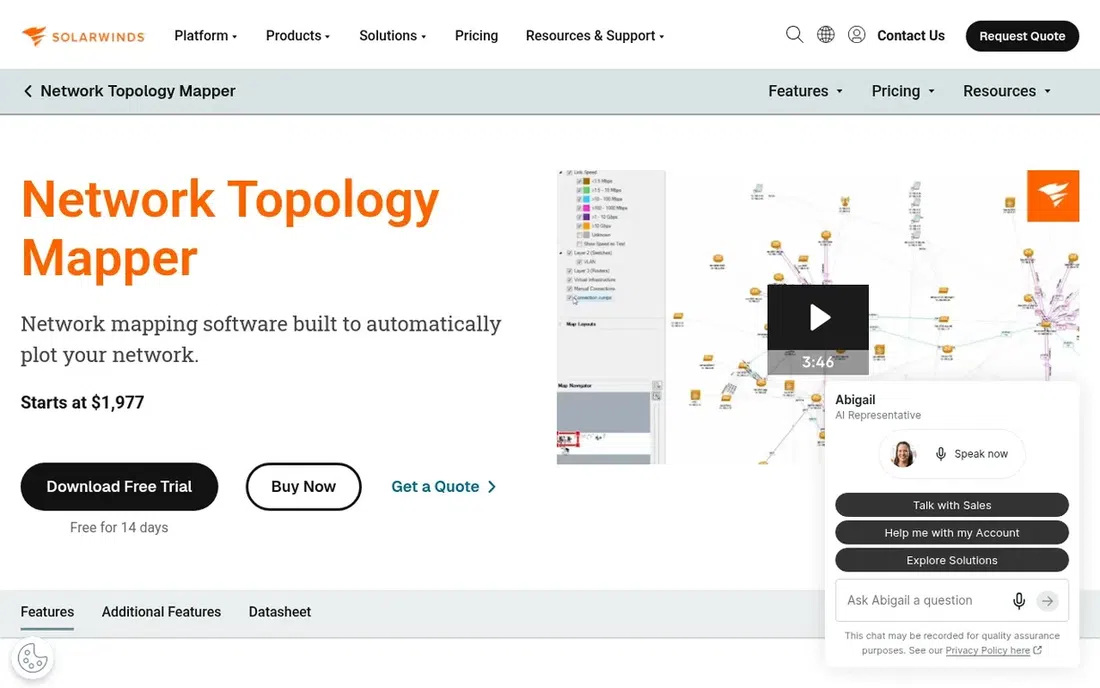
SolarWinds Network Topology Mapper is built with automatic topology discovery and diagrams in mind. It fits network engineers and IT teams that require a clear picture of topology for documentation, planning or troubleshooting.
More specifically, since it centers on topology diagrams, teams wanting continuous alerting or deep performance metrics should look at a monitoring product instead. SolarWinds Network Topology Mapper pricing: $2 per node per month. Trial and free access: Free trial.
What to check first: Restricted use outside mapping.
- Easy-to-view topology diagrams
- Automatic discovery and mapping
- Diagram-centric, not full monitoring
Pick Lansweeper if this describes you: asset intelligence across IT, OT and cloud. Lansweeper is a cyber asset intelligence product that discovers managed and unmanaged assets across IT, OT and cloud, including AI.
Where it is weaker: Asset-focused instead of topology-first.
It hands total visibility and dependable asset intelligence, making it a fit for security and IT operations teams that require an accurate inventory of what exists on the network. If visual topology maps are the primary requirement, a dedicated mapping product may be a better match. Lansweeper shows no starting price here, so confirm the cost on the vendor site. Lansweeper offers a free plan. What Lansweeper does well: OT and cloud.
- Handles IT
- Discovers managed and unmanaged assets
- OT and cloud depth needs checking
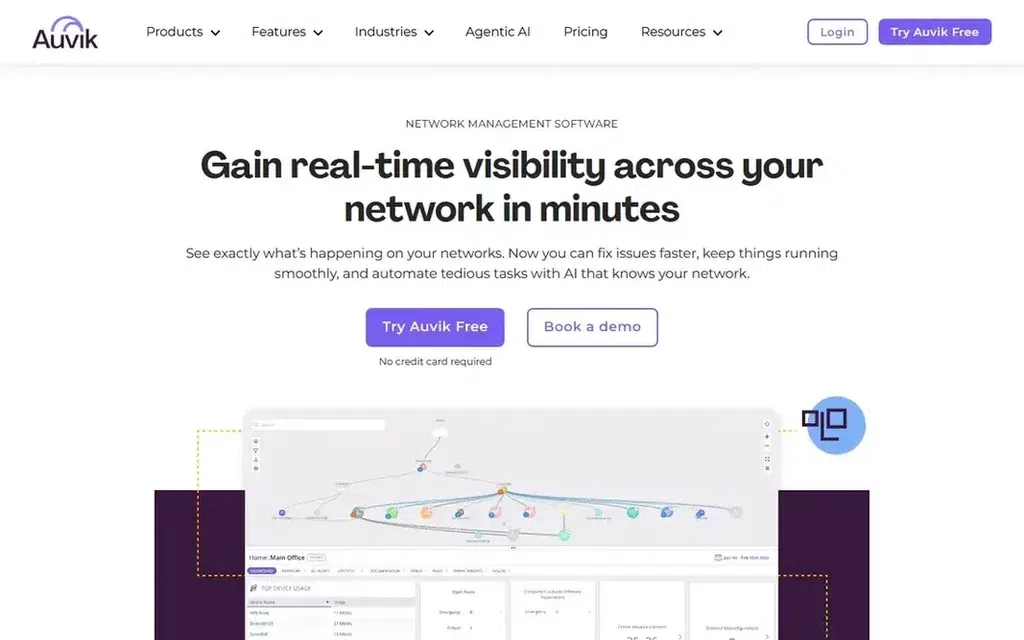
Auvik is designed for cloud-based network visibility and control. Automatic topology and device insight come as part of a broader management system.
Choose Auvik when centralized, remote-friendly visibility across plenty of sites is the priority. Auvik does not show a starting price in this comparison, so check the vendor site for current pricing. Free options: Free trial.
Drawbacks to consider: Cloud dependency.
- Cloud-based management
- Visibility and control in one place
- Mapping is one part of the product
How we chose
We compared the tools on published pricing, free plan or trial availability, feature coverage for network discovery and mapping software, and the limits each vendor documents. Figures are shown as the vendors publish them. Billing terms, seat minimums and add-ons can change the real cost. Tools are placed by general fit for network discovery and mapping software, with price clarity and free access as tie-breakers. A different team can reasonably rank them differently.
Pre-purchase checklist
- Get a written quote from ManageEngine OpManager, PRTG Network Monitor, Lansweeper and Auvik; the list shows no starting price for them.
- Look at the free plan from Lansweeper closely: its caps decide whether it is usable for real work.
- Take the trial from SolarWinds Network Topology Mapper and Auvik and push a live task through it before you pay.
- Read the limits listed for ManageEngine OpManager first: mapping is secondary to monitoring.
- Compare total cost, not headline price: for PRTG Network Monitor, add extra seats, add-ons and any usage-based charges.
- Check whether SolarWinds Network Topology Mapper bills monthly or annually, and what cancelling early costs.
FAQ
What is the difference between discovery and mapping software?
Discovery software spots devices and connections on a network, whereas mapping software turns that information into visual topology diagrams. Plenty of systems combine both, and some pair discovery with monitoring or asset inventory rather than diagrams.
Do these tools publish their prices?
Not all of them. ManageEngine OpManager, PRTG Network Monitor, Lansweeper and Auvik publish no starting price, so expect a quote request for those. The rest, SolarWinds Network Topology Mapper included, show a starting price, though seats and billing terms still change the final cost.
Can I try these options before paying?
Often, yes. Lansweeper has a free plan and SolarWinds Network Topology Mapper and Auvik offer a free trial. Use your own data and a real task during the test, and check what the free tier or trial limits before you rely on it.
Which options for network discovery and mapping software have a free plan?
Lansweeper is the only tool in this list with a free plan. Free plans usually cap users, projects or features, so check the limits on the vendor page. Several others offer a trial instead. For the full picture, the cards above cover all 5 entries of this network discovery and mapping software list, including price, free plan and limits.
What is the cheapest option for network discovery and mapping software in this list?
On published monthly entry prices, SolarWinds Network Topology Mapper is the lowest here at $2 per node per month. Entry price is only part of the cost, because seats, add-ons and billing terms can change the total.
Is open source scanning enough for network discovery?
Open source scanners for example Nmap offer direct, scriptable discovery and port scanning. They suit practical administrators but generally lack managed dashboards and visual mapping, so plenty of teams combine them with a commercial product.
Sources
- https://www.manageengine.com/network-monitoring
- https://www.paessler.com/prtg
- https://www.solarwinds.com/network-topology-mapper
- https://www.lansweeper.com
- https://www.auvik.com