Best Artificial Neural Network Software in 2026: 8 Tools Compared
Compare the best artificial neural network software for building, training and deploying models, with 8 frameworks and platforms for teams and students in 2026.
- Editor's choice
 PyTorch
Research and production deep learning
Starts atFreeVisit pytorch.orgFull review - Great alternative
 TensorFlow
Large scale production models
Starts atFreeVisit tensorflow.orgFull review - Also consider
 Keras
Beginners and fast prototyping
Starts atFreeVisit keras.ioFull review
TL;DR:
- The best artificial neural network software matches your skill level, project size and deployment target, from research to production.
- PyTorch and TensorFlow lead for most deep learning work, with Keras offering the simplest start for beginners.
- MATLAB and KNIME suit teams that want visual workflows, built in toolboxes or low code model building.
- H2O.ai, Amazon SageMaker and Azure Machine Learning suit teams that need managed training, scaling and deployment.
- Check hardware needs, model export options and data privacy rules before you commit, since training costs grow with data and model size.
Quick comparison
| Tool | Best for | Starts at | Free plan? | |
|---|---|---|---|---|
| PyTorch | Research and production deep learning | Free | Yes | Visit |
| TensorFlow | Large scale production models | Free | Yes | Visit |
| Keras | Beginners and fast prototyping | Free | Yes | Visit |
 MATLAB | Engineering and visual workflows | See website | Free trial | Visit |
 KNIME | Low code analytics and modeling | Free | Yes | Visit |
 H2O.ai | Automated machine learning | See website | Free trial | Visit |
 Amazon SageMaker | Managed cloud training | See website | Free trial | Visit |
 Azure Machine Learning | Microsoft cloud teams | See website | Free trial | Visit |
The best artificial neural network software
We compared eight frameworks and platforms for building artificial neural networks. Here are the options that fit different skills and deployment needs.
PyTorch is the most popular deep learning framework for research, and it is widely used in production as well. Its eager execution model lets developers write and debug models in a natural Python style, which speeds up experiments with new architectures. A large ecosystem covers computer vision, natural language, audio and deployment, with tools such as TorchServe and TorchScript for moving models toward production.
The trade off is production setup. PyTorch gives you flexibility, but serving, scaling and monitoring a model still need extra tooling and engineering work. Performance tuning for large models also takes experience with distributed training and hardware. For a team that values research speed, community support and Python flexibility, PyTorch is our first pick for most neural network work.
- Free and open source
- Flexible eager execution for research
- Strong ecosystem for vision, language and deployment
- Production serving needs extra tooling
- Performance tuning takes experience

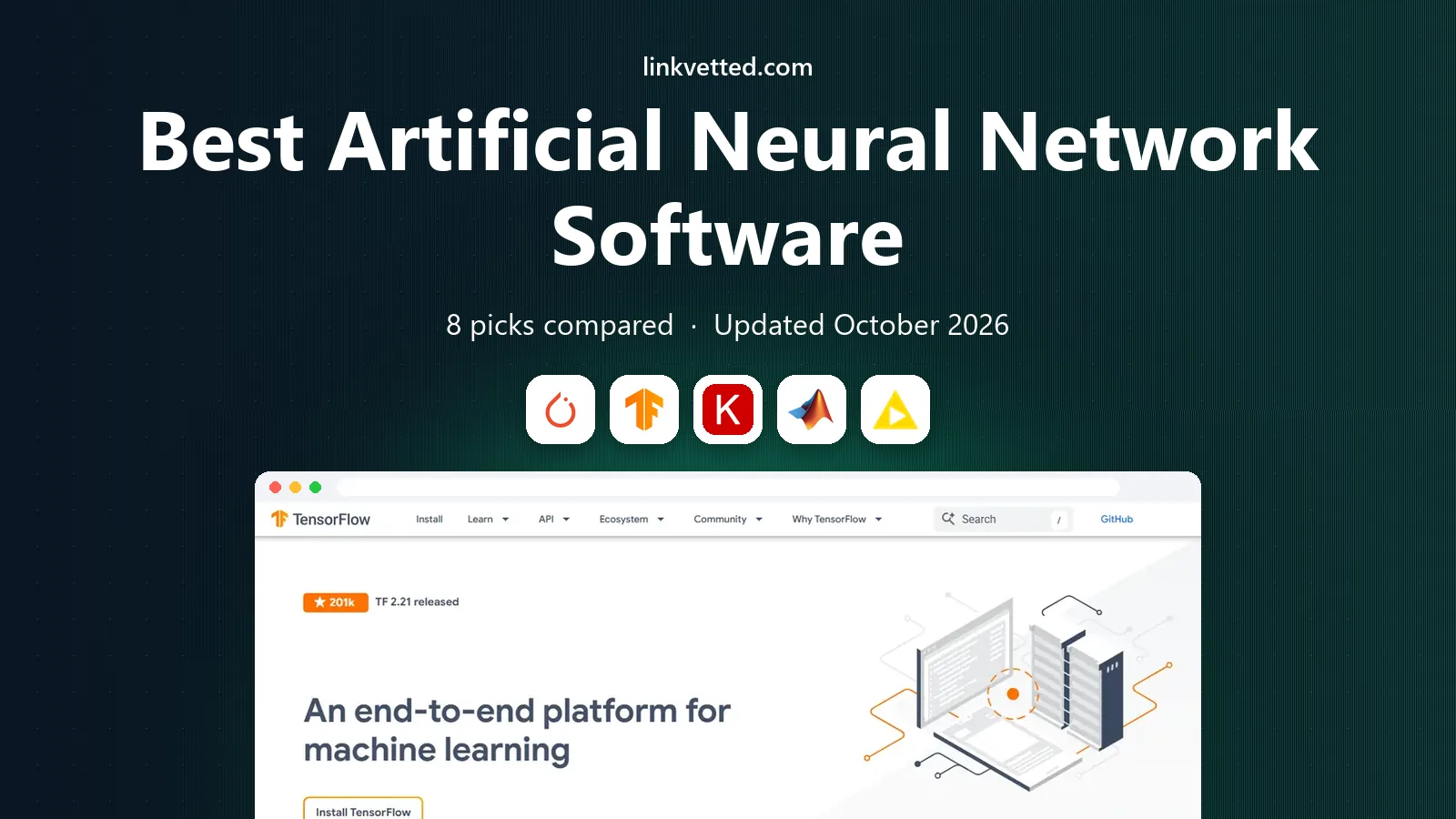
TensorFlow, from Google, is a free and open source framework built for large scale training and deployment. It supports distributed training across GPUs and TPUs, and deployment tools such as TensorFlow Serving, TensorFlow Lite and TensorFlow.js let teams ship models to servers, mobile devices and browsers. That production breadth is why many large firms use TensorFlow for models that must run reliably at scale.
The API can feel verbose for beginners, especially compared with Keras, which now runs on top of TensorFlow and offers a simpler interface. New users should start with Keras and move to lower level TensorFlow only when they need custom training loops or advanced control. For a team that needs proven production deployment and Google cloud integration, TensorFlow remains a top choice.
- Free and open source
- Strong production and mobile deployment
- TensorFlow Lite and TensorFlow Serving for shipping
- API can feel verbose for beginners
- Large framework with many parts to learn
Keras is designed to make neural networks accessible, with a simple and consistent API that reduces the code needed for common models. Beginners can build a classifier, a sequence model or an image model in a few lines, then train and evaluate it quickly. Keras runs on TensorFlow by default and supports other backends, so prototypes can move toward production without rewriting everything.
The limit is control. Advanced researchers who need custom training loops, novel layers or fine grained performance work may need PyTorch or lower level TensorFlow. For most beginners, students and teams that need fast prototypes, that trade off is worth it. Keras is the best starting point in this list for learning neural networks and testing ideas quickly.
- Free and open source
- Simple, consistent API for fast experiments
- Runs on TensorFlow and other backends
- Less low level control than PyTorch or TensorFlow alone
- Advanced custom work may need backend code
MATLAB, with its Deep Learning Toolbox, suits engineers who work with signals, images, control systems and scientific data. Visual apps help users label data, design networks and test models without writing every line from scratch, and built in toolboxes cover preprocessing, training and deployment to embedded and enterprise targets. Documentation and commercial support are strong, which helps teams in regulated engineering work.
License cost is the main drawback, since MATLAB is commercial software and toolboxes add to the price. It is also less common than PyTorch or TensorFlow for large cloud production pipelines. For an engineering team that already uses MATLAB for analysis and simulation, adding neural network work inside the same environment is efficient and well supported.
- Deep Learning Toolbox with visual apps
- Strong for signal, image and control engineering
- Clear documentation and support
- License cost is high for small teams
- Less common for large cloud production than PyTorch or TensorFlow
KNIME Analytics Platform is a free, visual tool for data analytics that also supports neural network modeling. Users build workflows by connecting nodes for data prep, training and evaluation, and KNIME integrates with TensorFlow, Keras and scikit learn for deep learning work. That visual approach suits analysts and business teams that want to build models without writing a full Python program for every step.
The weakness is research depth. KNIME is excellent for applied modeling and data pipelines, but teams inventing new architectures will still need PyTorch or TensorFlow code. Large visual workflows can also become hard to manage. For a data team that wants low code modeling, clear pipelines and free software to start, KNIME is a strong and accessible choice.
- Free Analytics Platform with visual workflows
- Integrates TensorFlow, Keras and scikit learn
- Good for data prep and modeling
- Less suited to novel research architectures
- Visual workflows can get large for complex models
H2O.ai offers automated machine learning and model management for teams that need good models fast, without hand tuning every network. H2O-3 is open source and covers machine learning and deep learning for tabular data, while the commercial H2O AI Cloud adds automation, deployment and governance for enterprise teams. That combination suits banks, insurers and other firms that need many reliable models with audit trails.
Enterprise pricing is quote based, and H2O.ai is not the best choice for novel research architectures that need custom PyTorch or TensorFlow code. For a business team that needs automated modeling, explainable results and managed deployment, H2O.ai offers a practical path from data to a production model with less manual tuning.
- Automated machine learning for tabular and deep learning models
- H2O-3 open source option
- Model management and deployment tools
- Enterprise pricing is quote based
- Deep learning depth is less than PyTorch for novel research
Amazon SageMaker is a managed machine learning platform on AWS that handles training, tuning, deployment and monitoring for neural networks. Teams can use PyTorch, TensorFlow or other frameworks inside SageMaker, scale training across GPUs, and deploy models as endpoints with monitoring and versioning. That managed path saves engineering time compared with building your own training infrastructure.
The cost is usage based, so long training jobs, large datasets and always on endpoints can add up quickly. Teams new to AWS also face a learning curve around storage, permissions and networking. For a team already on AWS that needs managed, scalable neural network training and deployment, SageMaker is a leading choice with a free tier for getting started.
- Managed training, tuning and deployment on AWS
- Supports PyTorch, TensorFlow and other frameworks
- Scaling for large jobs
- Cloud costs grow with training time and data
- AWS learning curve for new teams
Azure Machine Learning is Microsoft's managed platform for building, training and deploying machine learning models, including neural networks. It offers both a visual designer for low code work and code first notebooks for PyTorch and TensorFlow, plus managed compute, pipelines and model registry for production. Integration with Azure data tools, Entra ID and Microsoft 365 helps teams that already work in the Microsoft cloud.
Like SageMaker, costs grow with compute and storage use, and setup can feel complex for teams outside the Microsoft ecosystem. A free tier and trial credits help new teams test the platform. For a Microsoft centered team that needs managed training, governance and deployment in Azure, Azure Machine Learning is a natural and capable choice.
- Managed training and deployment on Azure
- Visual designer and code first workflows
- Integration with Microsoft data tools
- Cloud costs grow with use
- Setup is complex for teams outside the Microsoft ecosystem
How we picked these
We compared official documentation, pricing pages and public user reviews for neural network tools that are actively maintained and used in 2026. We checked for model building, training, evaluation, export and deployment options, plus hardware support, community size and learning resources. We favored tools that cover research, prototyping, low code work and managed cloud deployment, and we used See website where a vendor does not publish a clear starting price.
What to check before you buy neural network software
Start with your data and your deployment target, not the framework with the most stars. A small image classifier for a phone needs different tooling than a large language model for a cloud service. Check data size, label quality, hardware access and latency needs, then pick a framework that fits those constraints. A prototype on a laptop can mislead you if production needs GPUs, large memory or strict privacy controls.
Next, test the full path from training to deployment. Train a small model, export it, run it on your target device or cloud endpoint, and measure speed and accuracy there. Check model versioning, monitoring and rollback, since a model that degrades in production needs a clear fix path. Also confirm data privacy and compliance rules, especially for health, finance or personal data, and ask where training data and model artifacts are stored.
Finally, price training honestly. Add compute, storage, data transfer and engineer time, not just license cost, since free frameworks still cost money to run at scale. Use managed platforms for large jobs if your team lacks infrastructure skill, and use free frameworks for learning and small projects. A short pilot with a real dataset will tell you more than a tutorial on a clean sample set.
FAQ
What is the best artificial neural network software for beginners?
Keras is the simplest start, with a clear API for fast prototypes on top of TensorFlow. KNIME suits beginners who prefer visual workflows, while PyTorch suits learners who want Python flexibility and a large tutorial community. Start with Keras for quick results, then move to PyTorch or TensorFlow as your needs grow.
Is PyTorch or TensorFlow better for neural networks?
PyTorch is often easier for research and experimentation because of its flexible Python style, while TensorFlow offers strong production, mobile and TPU deployment tools. Many teams use both, or use Keras on TensorFlow for prototypes and PyTorch for research. Choose PyTorch for research speed and TensorFlow for large scale production deployment.
Can I build neural networks without coding?
Yes, with KNIME visual workflows, MATLAB apps and managed platforms such as Azure Machine Learning designer and H2O.ai automated modeling. Low code tools work well for applied models on tabular and image data, but novel research and custom architectures still need code in PyTorch or TensorFlow.
How much does neural network software cost?
PyTorch, TensorFlow, Keras and KNIME are free and open source, so license cost is zero, but compute and storage still cost money. MATLAB, H2O.ai enterprise, SageMaker and Azure Machine Learning use license or usage based pricing. Budget for GPUs, cloud compute and engineer time, not just software fees.
What hardware do I need to train neural networks?
Small models can train on a modern laptop CPU, but larger image and language models need a GPU with enough memory, or cloud GPUs from AWS or Azure. Check framework documentation for GPU support, and start with a small model and dataset to test training time before committing to large hardware.
How do I deploy a trained neural network?
Use TensorFlow Serving or TensorFlow Lite for TensorFlow models, TorchServe for PyTorch models, or a managed endpoint on SageMaker or Azure Machine Learning. Test latency, accuracy and cost on your target device or cloud service, and set up monitoring and versioning so you can roll back a model that performs poorly in production.