Best Application Shielding Software in 2026: 8 Tools Compared
Compare the best application shielding software for mobile and desktop apps, with obfuscation, anti-tamper checks, runtime protection and reporting covered.
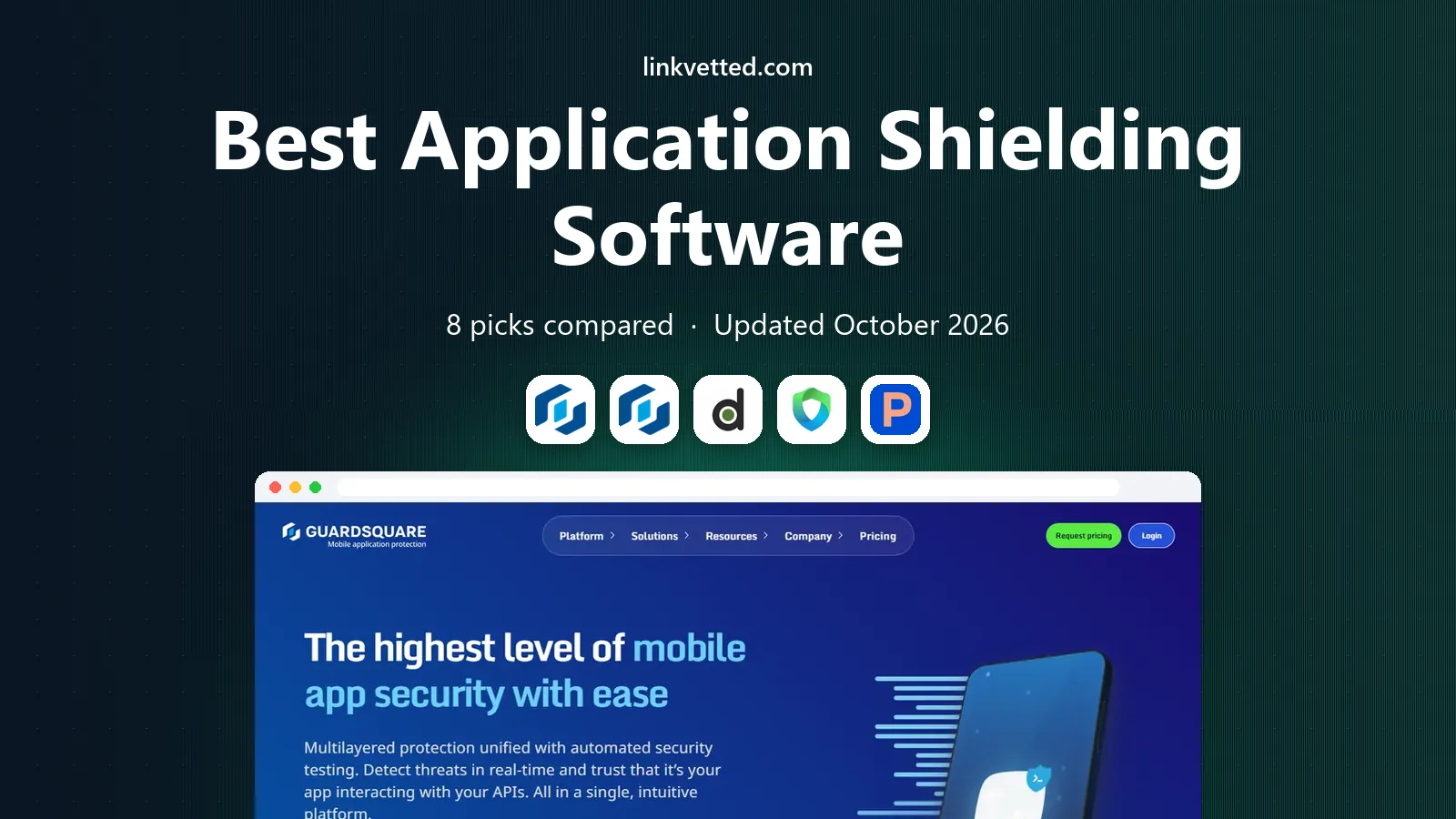
- Editor's choice
 Guardsquare DexGuard
Android code protection
Starts atSee websiteVisit guardsquare.comFull review - Great alternative
 Guardsquare iXGuard
iOS code protection
Starts atSee websiteVisit guardsquare.comFull review - Also consider
 Digital.ai Application Protection
Enterprise app protection
Starts atSee websiteVisit digital.aiFull review
TL;DR:
- Guardsquare and Digital.ai suit teams that need deep code protection, while Appdome suits teams that want no-code shielding.
- Shielding covers two jobs: making code hard to read, and detecting tampering or hostile devices at runtime.
- No shielding tool makes an app fully safe on its own, so pair it with secure coding, server checks and app store protections.
- Most enterprise shielding prices are by quote, so ask what is included per app, platform and release.
Quick comparison
| Tool | Best for | Starts at | Free plan? | |
|---|---|---|---|---|
| Guardsquare DexGuard | Android code protection | See website | No | Visit |
| Guardsquare iXGuard | iOS code protection | See website | No | Visit |
| Digital.ai Application Protection | Enterprise app protection | See website | No | Visit |
 Appdome | No-code mobile protection | See website | No | Visit |
 Promon SHIELD | Runtime protection for finance apps | See website | No | Visit |
 Licel DexProtector | Payment and fintech apps | See website | No | Visit |
 OneSpan App Shielding | Banking and high-security apps | See website | No | Visit |
 Zimperium zShield | Mobile threat-aware protection | See website | No | Visit |
The best application shielding software
Application shielding software protects an app after it is built, by hiding code, checking for tampering and responding when the app runs in a hostile environment. It is used most for mobile banking, payment, health and other apps that handle sensitive data on devices the developer does not control. We compared official feature pages, pricing pages and public reviews, and we focused on tools that shield released apps, not general code scanners alone.

DexGuard is Guardsquare's protection tool for Android apps and SDKs, building on the company's long ProGuard history. It offers code obfuscation, string and class encryption, anti-tamper checks and runtime application self-protection, plus threat reporting through its ThreatCast service at higher tiers. Teams that already use ProGuard rules can extend them rather than starting from scratch.
The trade-off is complexity and cost. DexGuard is an enterprise product with quote-based pricing, and tuning protection rules takes Android build experience. Over-protection can also affect performance or debugging if applied carelessly. DexGuard fits Android teams that need strong static and runtime protection and have the build expertise to configure it well.
- Deep Android obfuscation
- Runtime checks
- Builds on ProGuard experience
- Quote-only pricing
- Setup needs Android build knowledge

iXGuard is the iOS counterpart to DexGuard, protecting Swift and Objective-C apps against reverse engineering and tampering. It offers obfuscation, string encryption, anti-tamper checks and jailbreak detection, helping iOS teams apply a similar protection level to their Android apps. Using both tools gives a consistent approach across platforms under one vendor.
iOS protection works differently from Android because of platform controls, so teams should not assume identical features on both sides. Pricing is by quote, and a trial or proof of concept is the best way to test performance on a real build. iXGuard fits teams shipping both Android and iOS apps that want matched protection from one vendor.
- IOS-specific obfuscation
- Anti-tamper and jailbreak checks
- Paired with DexGuard
- Quote-only pricing
- IOS protection options differ from Android

Digital.ai Application Protection, which includes the former Arxan technology, protects mobile and desktop apps for large enterprises. It combines code obfuscation, encryption, anti-tamper checks and runtime protection, with management tools for large app portfolios. Enterprises in finance, health and government use it where protection must be consistent across many apps and teams.
The sales and setup process is enterprise-grade, which can feel heavy for a small team with one app. Pricing is by quote, and the full value depends on portfolio size and support needs. Digital.ai fits large organizations that need a managed, enterprise-wide protection program rather than a single-app tool.
- Broad enterprise coverage
- Arxan heritage
- Runtime and code protection
- Quote-only pricing
- Enterprise sales and setup process
Appdome takes a different approach: it adds protection to a compiled app without code changes, through a cloud-based fusion process. Teams can add obfuscation, encryption, anti-tamper, anti-fraud and other protections from a catalog of plugins, then test the protected build. That no-code model appeals to teams that cannot easily change source code or that ship frequently.
The trade-off is pipeline dependence and cost structure. Pricing is quote and usage based, so high release volumes can raise costs. Some teams also prefer protection integrated into their own build system rather than a vendor cloud step. Appdome fits mobile teams that want fast, flexible protection without SDK work, especially when release speed matters.
- No-code protection in the build pipeline
- Many security plugins
- Fast to try
- Quote and usage-based pricing
- Dependence on vendor pipeline
Promon SHIELD focuses on runtime protection, detecting tampering, debugging, hooking and hostile environments while the app runs. It is widely used in banking and finance, where runtime threats such as rooted devices and hooking tools are a daily concern. Integration is post-compile and does not require source changes, which helps teams with tight release schedules.
Static code hiding is less central to Promon than runtime detection, so teams that need deep obfuscation may pair it with another tool or choose a broader platform. Pricing is by quote. Promon fits finance and payment apps where runtime integrity checks and real-time threat response matter most.
- Strong runtime detection
- Low performance impact focus
- No-code integration
- Quote-only pricing
- Static code protection is less central
Licel DexProtector protects Android apps with class encryption, resource encryption, code virtualization options and runtime protection. It has a strong record in payment and fintech, where certification and audit expectations are high. Teams in regulated payment work often value that sector experience when choosing a vendor.
Licensing is enterprise and quote-based, so small teams may find the cost high relative to a single app. Integration also needs care to balance protection with performance. DexProtector fits fintech and payment teams that need proven, certification-aware Android protection and are prepared to pay for that depth.
- Strong payment-sector use
- Class and resource encryption
- Full runtime checks
- Quote-only pricing
- Enterprise licensing can be costly
OneSpan App Shielding protects mobile apps with obfuscation, encryption and runtime integrity checks, and it sits naturally alongside OneSpan authentication and transaction signing tools. Banks and high-security apps benefit when shielding, authentication and fraud checks share a consistent security model. That pairing can simplify compliance discussions for regulated teams.
As a standalone purchase, OneSpan shielding may be less flexible than broader no-code platforms, and pricing is by quote. Teams should test how shielding interacts with their existing authentication flow. OneSpan fits banks and regulated apps that already use, or plan to use, OneSpan security tools.
- Banking-focused protection
- Runtime integrity checks
- Paired with authentication tools
- Pricing by quote
- Best value inside a wider OneSpan setup
Zimperium zShield hardens mobile apps with obfuscation and runtime protection, and it pairs with zDefend in-app protection and the wider mobile threat defense platform. That pairing gives an app context about its device, such as whether the device shows signs of compromise, which helps it respond more wisely than a blind integrity check alone. Threat intelligence from many devices adds further context.
The full benefit is clearest inside the Zimperium platform, so a team buying shielding alone should check what is included. Pricing is by quote. zShield fits mobile teams that want app protection informed by device threat data, especially in finance, health and enterprise mobility.
- Pairs shielding with device threat signals
- Runtime protection
- Threat intelligence
- Pricing by quote
- Full value needs the wider Zimperium platform
How we picked these
We compared official feature pages, pricing pages and public reviews for tools that protect released apps through obfuscation, encryption, anti-tamper checks or runtime protection. We mixed Android and iOS specialists with cross-platform and no-code options, and we favored tools with real use in finance and other regulated sectors. We did not claim hands-on testing, and we marked pricing as quote-based where vendors do not publish a price.
What to check before you choose
Shielding should be tested on a real build, since protection that breaks a release is worse than no protection at all.
Test performance and stability on real devices
Run the protected build on low-end and older devices, not just flagship phones. Check startup time, battery use and crash rates, and test key flows such as login, payment and offline use. Protection settings should be tuned, not simply turned to maximum, since heavy obfuscation can slow an app.
Check what happens on a detected threat
Decide in advance how the app should respond to tampering, rooting, jailbreaking or hooking: warn, limit features, block sensitive actions or close. Test each response, and make sure legitimate users on unusual but safe devices are not locked out unfairly. A harsh default can create support problems.
Confirm platform and store rules
Check that protection methods comply with Apple and Google store rules and with any certification needs for your sector. Some techniques, such as hiding behavior or interfering with system checks, can create review problems. Ask the vendor for store and certification guidance in writing.
Pair shielding with server-side checks
Shielding raises the cost of attacking an app, but it does not replace server validation, secure APIs and proper authentication. Check that sensitive decisions are still verified on the server, and that keys and secrets are not stored in the app alone. A layered plan is the honest standard for high-risk apps.
FAQ
What does application shielding software do?
It protects a released app by hiding code, encrypting sensitive parts, checking for tampering and detecting hostile devices at runtime. The goal is to make reverse engineering harder and to let the app respond when it runs in an unsafe environment. It works alongside secure coding and server-side checks, not instead of them.
Is shielding the same as obfuscation?
No, obfuscation is one part of shielding. Obfuscation makes code hard to read, while shielding also adds anti-tamper checks, encryption and runtime protection. A good shielding tool combines several layers, since any single layer alone is easier to bypass.
Does shielding slow down an app?
It can, especially if protection is set to maximum on all code. Test protected builds on real devices and tune settings for sensitive code first. Most vendors help teams balance protection with performance during a proof of concept.
Do small apps need application shielding?
It depends on risk. Apps that handle payments, health data or sensitive accounts benefit most, even at small scale. A simple app with no sensitive data may not need enterprise shielding, and a lighter tool or good coding practice may be enough.
How is application shielding priced?
Most enterprise tools price by quote, based on app count, platforms, users and protection tier. Appdome also uses usage-based elements tied to builds. Ask for a written quote that covers all apps and platforms you plan to protect, plus support and renewal terms.