5 Best Network Monitoring Software for Consultants for 2026, Vetted and Compared
Compare 5 best network monitoring software for consultants, with prices, free plans and who each fits. Each entry gets a plain verdict. Full profiles inside.
- Editor's choice
 Zabbix
Open-source monitoring for self-managed clients
Starts at€50 a monthVisit zabbix.comFull review - Great alternativeWhatsUp Gold
Adaptable cloud or on-premises network monitoring
Starts atSee websiteVisit whatsupgold.comFull review - Also consider
 Nagios XI
Self-hosted monitoring with perpetual licensing
Starts atSee websiteVisit nagios.comFull review
Direct answer
For open-source monitoring for self-managed clients, Zabbix is where this list starts. Listed starting prices: Zabbix from €50 a month. WhatsUp Gold fits adaptable cloud or on-premises network monitoring; Nagios XI fits self-hosted monitoring with perpetual licensing. The full list of 5 tools follows, with prices and free plan facts.
TL;DR:
- Top of the list is Zabbix, which targets open-source monitoring for self-managed clients.
- None of the 5 tools, from Zabbix to PRTG Network Monitor, has a free plan, so budget for a subscription or use a trial.
- WhatsUp Gold, Nagios XI, SolarWinds Network Performance Monitor and PRTG Network Monitor: pricing is by quote only, so plan time for a sales conversation.
- One limit worth knowing about Zabbix: needs in-house expertise to run.
- PRTG Network Monitor fits all-in-one infrastructure monitoring across client sites.
Last checked November 2026. Prices and plan details were read from the vendors' own pages in November 2026; vendors change plans often, so confirm the current price on the vendor site before you buy.
Quick comparison
| Tool | Best for | Starts at | Free plan? | |
|---|---|---|---|---|
| Zabbix | Open-source monitoring for self-managed clients | €50 a month | Free trial | Visit |
| WhatsUp Gold | Adaptable cloud or on-premises network monitoring | See website | Free trial | Visit |
| Nagios XI | Self-hosted monitoring with perpetual licensing | See website | Not stated | Visit |
 SolarWinds Network Performance Monitor | Deep hybrid network visibility for bigger clients | See website | Not stated | Visit |
| PRTG Network Monitor | All-in-one infrastructure monitoring across client sites | See website | Not stated | Visit |
The best network monitoring software for consultants
LinkVetted put together this guide to network monitoring software for consultants for readers who want a clear shortlist without reading every vendor page. It compares 5 tools on starting price, free plans, who each one suits and where each one falls short.
Zabbix works best for open-source monitoring for self-managed clients. Zabbix is an enterprise-class open-source monitoring option that makes network and application monitoring simple, based on its homepage.
Choose Zabbix when the client is comfortable self-managing an open-source monitoring system and values adaptability over out-of-the-box simplicity. The open-source model can appeal when clients want to avoid vendor lock-in and retain full control of their monitoring stack. Entry price for Zabbix: €50 per month. Free access: Free trial.
Limits to weigh: No vendor-managed support model by default.
- Self-managed and configurable
- Spans network and application monitoring
- Needs in-house expertise to run
WhatsUp Gold
Best for: Adaptable cloud or on-premises network monitoring
WhatsUp Gold is aimed squarely at adaptable cloud or on-premises network monitoring. Consultants working with clients that have mixed deployment preferences will value the adaptability to match the tool to each environment. Offering both cloud and on-premises choices can mean more planning to choose the right deployment for each client.
What to check first: Feature depth varies by environment.
As for the details, WhatsUp Gold gives you network monitoring tools for application, device, and server performance on the cloud or on-premises, according to its homepage. In practice, pick WhatsUp Gold when you want a single vendor that can adapt to either cloud or on-premises monitoring and handle applications, devices, and servers together. This comparison lists no price for WhatsUp Gold; ask the vendor. On free options: Free trial. Where it shines: Available for cloud or on-premises.
- Server performance
- Watches application, device
- Deployment choice may add planning complexity
Nagios XI is built with self-hosted monitoring with perpetual licensing in mind. Nagios XI is enterprise infrastructure and network monitoring software that watches servers, network devices, applications, and services from one self-hosted install. Worth adding: consultants who want a single, self-hosted monitoring hub across client environments may find the unified scope handy, and the perpetual license model can appeal to clients who prefer to own their tooling instead of subscribe.
Watch-outs: Licensing is priced per node.
Also, self-hosting means the client or consultant must handle installation and maintenance, which layers on overhead. On top of that, the vendor notes a perpetual license priced per node. In daily use, choose Nagios XI when a self-hosted, perpetually licensed monitoring hub suits the client's operational model. No starting price is listed for Nagios XI here; confirm pricing on the vendor site. Free options: Not stated.
- Watches servers, devices, applications, services
- Single self-hosted install
- Self-hosted setup and upkeep required
SolarWinds Network Performance Monitor
Best for: Deep hybrid network visibility for bigger clients
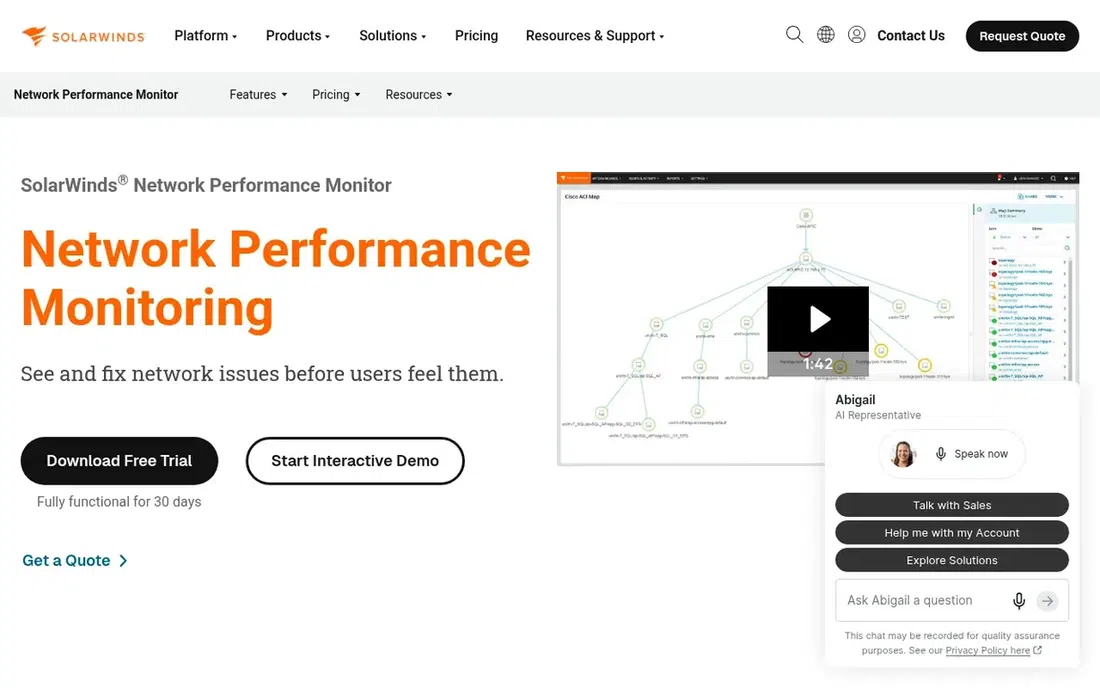
SolarWinds Network Performance Monitor targets deep hybrid network visibility for bigger clients. Consultants working with clients that run both on-premises and cloud infrastructure will find the hybrid focus relevant, and the emphasis on deep insights fits engagements where network efficiency is a core deliverable.
SolarWinds Network Performance Monitor does not show a starting price in this comparison, so check the vendor site for current pricing. On free options: Not stated.
Honest limits: May be more than small clients need.
- Self-hosted observability for hybrid IT
- Troubleshooting and visibility features
- Self-hosted deployment needs client infrastructure
PRTG Network Monitor
Best for: All-in-one infrastructure monitoring across client sites
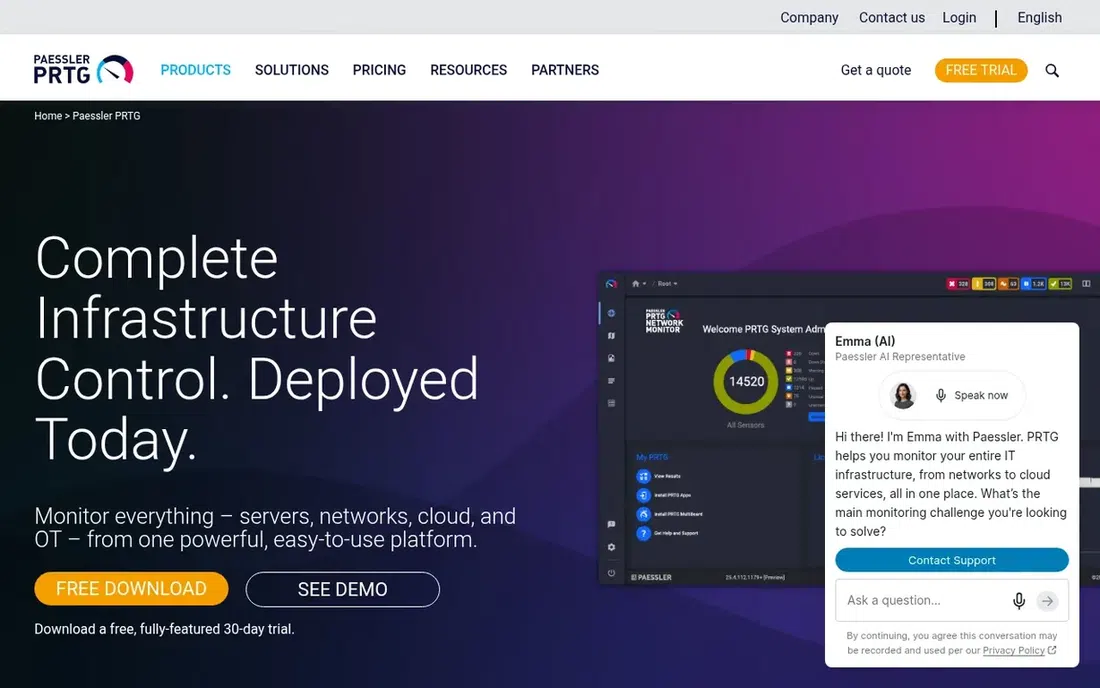
Choose PRTG Network Monitor for all-in-one infrastructure monitoring across client sites. Choose PRTG when you want one monitoring framework that can adapt to different client environments without changing systems. Worth adding: the sensor-based approach lets you tailor monitoring to each client.
The all-in-one scope cuts the have to stitch together separate tools for every layer of the network. From a buyer's view, PRTG Network Monitor is described by Paessler as professional and adaptable network monitoring software that examines and watches a whole IT infrastructure. PRTG Network Monitor shows no starting price here, so confirm the cost on the vendor site. Trial and free access: Not stated.
Points against: Needs planning to scale across plenty of sites.
- Wide coverage of network and IT infrastructure
- Adaptable sensor-based monitoring model
- Can feel complicated for very small client networks
How we built this list
Selection started from tools commonly considered for network monitoring software for consultants, then narrowed to 5 that have clear pricing information or a clear quote process. Plan names, prices and limits change often. Treat the figures here as a starting point and verify them with the vendor. The order reflects how well each tool fits the most common buying scenario for network monitoring software for consultants, then price clarity, then free plan access. It is a starting point, not a verdict.
A buyer's checklist
- Confirm the entry price on the vendor page. For WhatsUp Gold, Nagios XI, SolarWinds Network Performance Monitor and PRTG Network Monitor that means a quote rather than a fixed price.
- Take the trial from Zabbix and WhatsUp Gold and push a live task through it before you pay.
- Before choosing Zabbix, weigh its main limit: needs in-house expertise to run.
- Make sure WhatsUp Gold lets you export your data in a format another tool can read.
- Look at the renewal terms for PRTG Network Monitor: auto-renewal, notice periods and price changes can matter more than the first-year price.
FAQ
Do these tools publish their prices?
Not all of them. WhatsUp Gold, Nagios XI, SolarWinds Network Performance Monitor and PRTG Network Monitor publish no starting price, so expect a quote request for those. The rest, Zabbix included, show a starting price, though seats and billing terms still change the final cost.
Can I try these tools before paying?
Often, yes. Zabbix and WhatsUp Gold offer a free trial. Use your own data and a real task during the test, and check what the free tier or trial limits before you rely on it. Each of the 5 options in this network monitoring software for consultants guide has its own card above with the price, free plan and limits.
Is open-source monitoring like Zabbix a solid fit for consultants?
It may be less right for clients who require vendor-managed support or a turnkey experience, so match the tool to the client's operational capacity.
How are the tools for network monitoring software for consultants ordered?
The order follows typical fit for network monitoring software for consultants, with Zabbix first and PRTG Network Monitor last, then price clarity and free access. It is editorial judgement, not a score, so another team could rank the tools differently.
Is Zabbix the right pick for everyone comparing network monitoring software for consultants?
No single tool suits every team. Zabbix comes first because it fits open-source monitoring for self-managed clients, while WhatsUp Gold suits flexible cloud or on-premises network monitoring and Nagios XI suits self-hosted monitoring with perpetual licensing. Match the tool to your own size, budget and workflow before deciding.
What should consultants look for in network monitoring software?
Focus on adaptability across client environments, clear deployment requirements, and licensing that scales with the number of monitored nodes. Also consider how easily a client can take over the tool after your engagement ends, since handover matters for long-term value.
Sources
- https://www.zabbix.com
- https://www.whatsupgold.com
- https://www.nagios.com/products/nagios-xi
- https://www.solarwinds.com/network-performance-monitor
- https://www.paessler.com/prtg