5 Best Mobile Application Making Software for 2026, Vetted and Compared
Best mobile application making software, compared. 5 tools with published prices, free plans and limits. Honest caveats for every entry. Easy to scan.
- Editor's choice
 Xcode
Native Apple system development
Starts atSee websiteVisit developer.apple.comFull review - Great alternative
 React Native
Web developers moving into mobile
Starts atSee websiteVisit reactnative.devFull review - Also consider
 Flutter
Cross-platform apps from one codebase
Starts atSee websiteVisit flutter.devFull review
Direct answer
Xcode comes first here, mainly for Native Apple system development. Listed starting prices: Microsoft Visual Studio from $45 per user a month. Look at React Native for web developers moving into mobile, and at Flutter for cross-platform apps from one codebase. Details, prices and limits for the rest of the 5 tools are below.
TL;DR:
- Xcode takes the first slot, best suited to Native Apple product development.
- Check the limits for React Native before you commit: Native modules may be needed for some features.
- For enterprise app building and modernization, OutSystems is worth a look.
- Starting prices begin at $45 per user per month with Microsoft Visual Studio.
- Neither Xcode nor OutSystems, nor any of the other 3 tools, has a permanent free plan; trials and quotes are the norm.
Last checked November 2026. Prices and plan details were read from the vendors' own pages in November 2026; vendors change plans often, so confirm the current price on the vendor site before you buy.
Quick comparison
| Tool | Best for | Starts at | Free plan? | |
|---|---|---|---|---|
| Xcode | Native Apple system development | See website | Not stated | Visit |
| React Native | Web developers moving into mobile | See website | Not stated | Visit |
| Flutter | Cross-platform apps from one codebase | See website | Not stated | Visit |
| Microsoft Visual Studio | Multi-language, multi-platform development | $45 per user a month | Not stated | Visit |
 OutSystems | Enterprise app building and modernization | See website | Not stated | Visit |
5 options for mobile application making software in detail
If you are comparing mobile application making software, this page covers 5 tools in one place: what each is best for, what it costs to start, whether it has a free plan, and the main limit to know about.
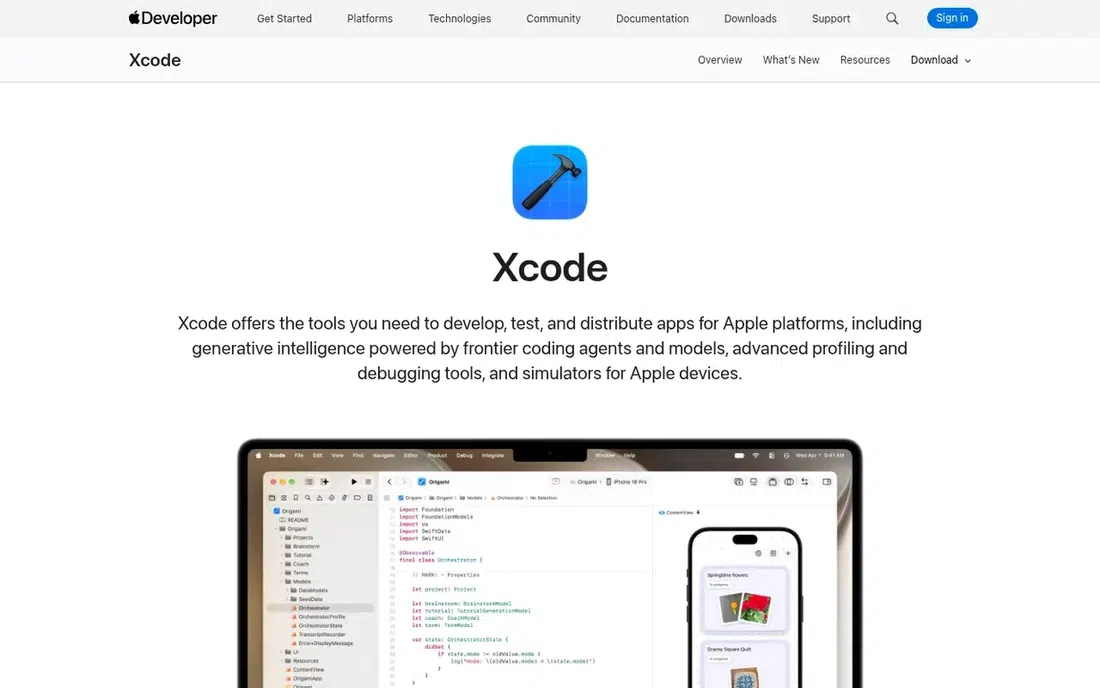
Pick Xcode if this describes you: Native Apple system development. Xcode is restricted to Apple hardware and Apple products, so cross-platform teams need a second toolchain.
Strengths: Everything needed to develop.
Trade-offs to know: Runs only on Apple hardware.
If you plan to ship on Android as well, consider a cross-platform framework or a separate Android environment. Check the vendor site for Xcode pricing; none is listed in this comparison. On free options: Not stated.
- Spans all Apple systems
- Tight integration with Apple developer tooling
- Apple systems only
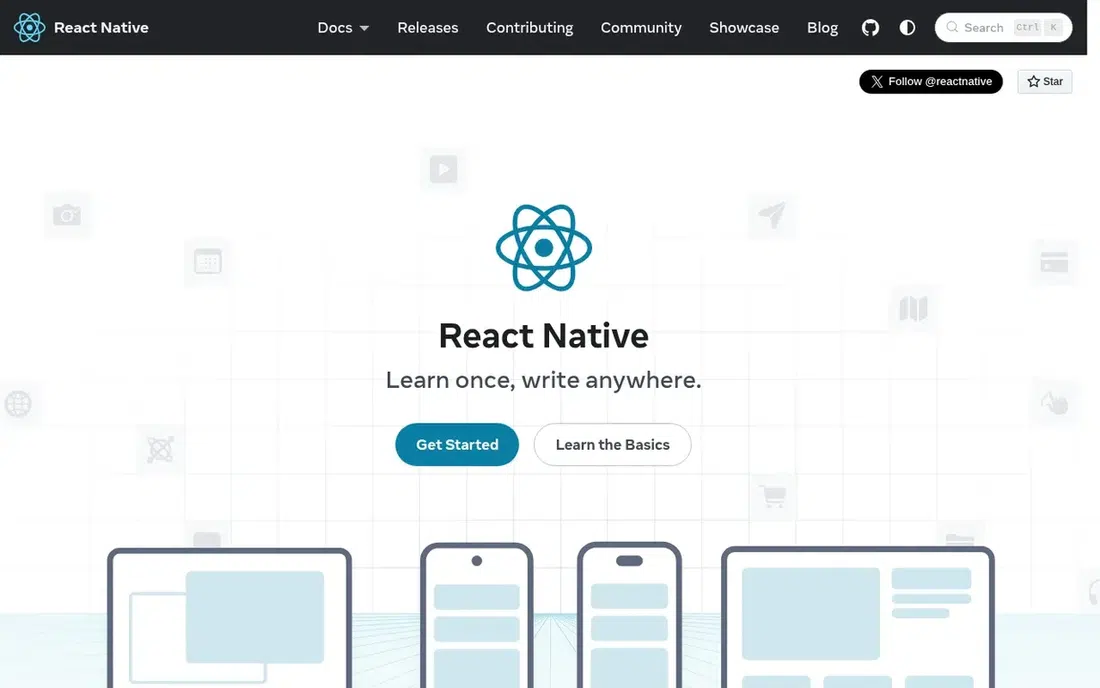
Where React Native fits: web developers moving into mobile. React Native follows a learn once, write anywhere model, which makes it a natural step for developers who already work with React on the web.
Where it is weaker: Native modules may be needed for some features.
Reasons to shortlist it: Shares logic across products. It is pitched at teams that want to reuse component thinking and JavaScript skills whereas shipping apps to several mobile products from a shared codebase. Check the vendor site for React Native pricing; none is listed in this comparison. Free options: Not stated.
- Suits teams already comfortable with React
- Learn once
- Performance tuning can take effort
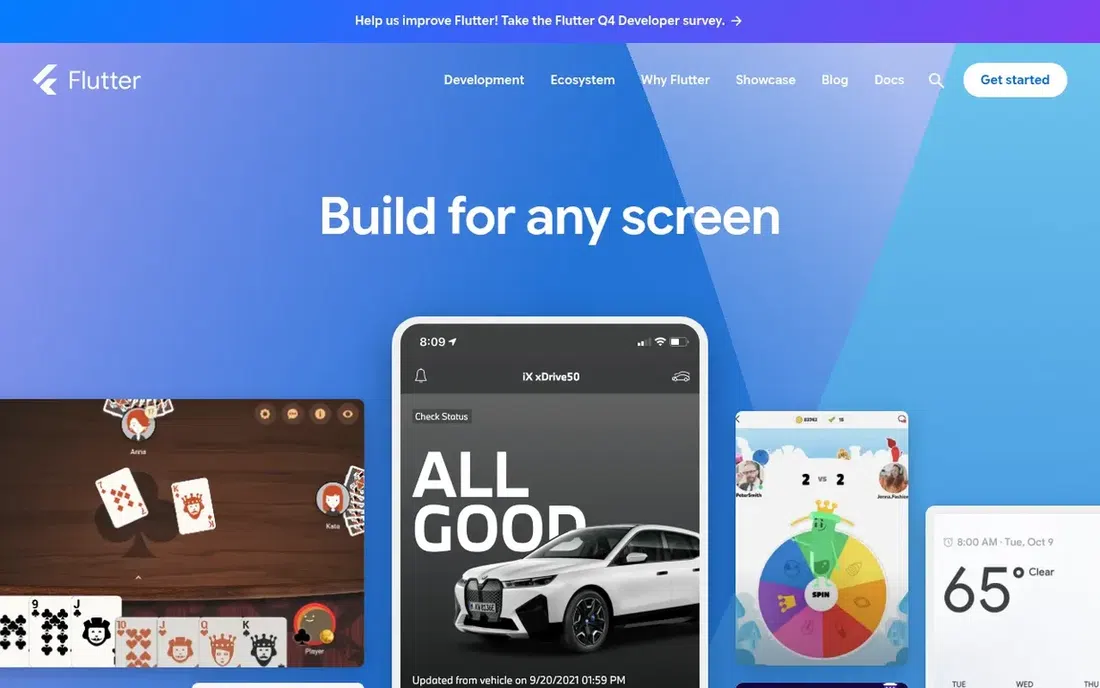
Flutter serves cross-platform apps from one codebase. Flutter is a framework that transforms the whole app development process, letting you build, test and deploy apps for mobile, web, desktop and embedded targets from a single codebase. If you need deep native Apple or Android tooling, a product IDE may be a better fit.
Limits to weigh: Needs learning the Dart language.
Beyond that, since Flutter uses its own language and rendering approach, teams coming from native development face a ramp-up time. Some platform-specific integrations still need additional work. This comparison lists no price for Flutter; ask the vendor. Free options: Not stated.
- Single codebase for mobile, web
- Consistent interfaces
- Bigger app sizes than some native builds
Microsoft Visual Studio
Best for: Multi-language, multi-platform development
Microsoft Visual Studio targets multi-language, multi-platform development. Microsoft Visual Studio provides development tools and services that make app development simpler for any developer, on any system and language, with a code editor or IDE.
Watch-outs: Full IDE is Windows-centric.
Starting cost for Microsoft Visual Studio: $45 per user per month. On free options: Not stated.
- Wide tooling and services ecosystem
- Supports plenty of products and languages
- Feature set can feel large for small apps
OutSystems is built with enterprise app building and modernization in mind. As a product approach, it provides less low-level control than code-first frameworks, and it is not geared toward small native app projects.
In daily use, teams wanting full ownership of the codebase may prefer Flutter, React Native or a product IDE. Check the vendor site for OutSystems pricing; none is listed in this comparison. Free access: Not stated.
Points against: Product approach limits low-level control.
- Supports custom apps and AI agents
- Aimed at enterprise governance needs
- Less suited to small native app projects
How the list was put together
For each of the 5 tools we noted price, free plan or trial, fit for mobile application making software and the main limit, using vendor pages and documentation. Seat minimums, billing terms and add-ons can move the real cost, so the starting prices here are a guide and not a quote. Position on the page reflects fit for a typical buyer first, with price clarity and free access breaking ties. Treat it as a guide, not a ruling.
Pre-purchase checklist
- Get a written quote from Xcode, React Native, Flutter and OutSystems; the list shows no starting price for them.
- Read the limits listed for Xcode first: runs only on Apple hardware.
- Ask React Native whether prices are locked for the first term and what happens at renewal.
- Work out what Flutter costs with your real seat count, add-ons and usage, not just the entry price.
- Check whether the features you need in Microsoft Visual Studio sit on the entry plan or only on higher tiers.
FAQ
Does any tool for mobile application making software here have a free plan?
A permanent free plan is not offered by Xcode, OutSystems or the other tools here. Plan a short evaluation period instead.
Do these tools publish their prices?
Not all of them. Xcode, React Native, Flutter and OutSystems publish no starting price, so expect a quote request for those. The rest, Microsoft Visual Studio included, show a starting price, though seats and billing terms still change the final cost.
Can web developers move into mobile development easily?
React Native is designed around a learn once, write anywhere model, which helps developers with React experience. Flutter also supports several targets but uses its own language, so expect some learning time either way.
Which tool is a good match for building both iOS and Android apps?
Xcode is the pick this page puts first, mainly for Native Apple product development. If your situation differs, React Native suits web developers moving into mobile, and Flutter suits cross-platform apps from one codebase. Compare price and limits before you decide.
What is the cheapest option for mobile application making software in this list?
On published monthly entry prices, Microsoft Visual Studio is the lowest here at $45 per user per month. Entry price is only part of the cost, because seats, add-ons and billing terms can change the total.
Can I try these options before paying?
Not by default. None of the tools, from Xcode to OutSystems, lists a free plan or a free trial here, so ask each vendor for a demo before committing.
Sources
- https://developer.apple.com/xcode
- https://reactnative.dev
- https://flutter.dev
- https://visualstudio.microsoft.com
- https://www.outsystems.com