Best Mobile Device Management Software for Field Technicians for 2026: Our 6 Vetted Picks
Best mobile device management software for field technicians: 6 tools compared on price, free plans and fit. With pricing notes and limits. Costs up front.
- Editor's choice
 Jamf Pro
Apple device management and security
Starts atSee websiteVisit jamf.comFull review - Great alternative
 SOTI MobiControl
Rugged and IoT device management
Starts atSee websiteVisit soti.netFull review - Also consider
 Microsoft Intune
Unified endpoint management across systems
Starts atSee websiteVisit microsoft.comFull review
Direct answer
Start with Jamf Pro if you need Apple device management and security. Listed starting prices: Hexnode UEM from $2.2 per device a month. Alternatives: SOTI MobiControl for rugged and IoT device management, and Microsoft Intune for unified endpoint management across systems. The remaining 3 options are covered below with prices and limits.
TL;DR:
- Jamf Pro takes the first slot, best suited to Apple device management and security.
- The lowest published monthly entry price here is $2.2 per device per month, from Hexnode UEM.
- Kandji fits Apple-focused device management and security.
- A fair warning about Jamf Pro: restricted support for non-Apple devices.
- Jamf Pro, Kandji and the 4 others all need a premium plan or a trial, since no free plan is listed.
Last checked November 2026. Prices and plan details were read from the vendors' own pages in November 2026; vendors change plans often, so confirm the current price on the vendor site before you buy.
Quick comparison
| Tool | Best for | Starts at | Free plan? | |
|---|---|---|---|---|
| Jamf Pro | Apple device management and security | See website | Not stated | Visit |
| SOTI MobiControl | Rugged and IoT device management | See website | Not stated | Visit |
| Microsoft Intune | Unified endpoint management across systems | See website | Not stated | Visit |
 ManageEngine Mobile Device Manager Plus | Cross-platform MDM with simplicity | See website | Free trial | Visit |
 Hexnode UEM | Unified endpoint management and security | $2.2 per device a month | Free trial | Visit |
 Kandji | Apple-focused device management and security | See website | Not stated | Visit |
Mobile Device Management Software for Field Technicians compared in detail
This LinkVetted guide covers 6 mobile device management software for field technicians. Each profile lists a starting price, free plan details, strengths and drawbacks, so you can drop poor fits quickly.
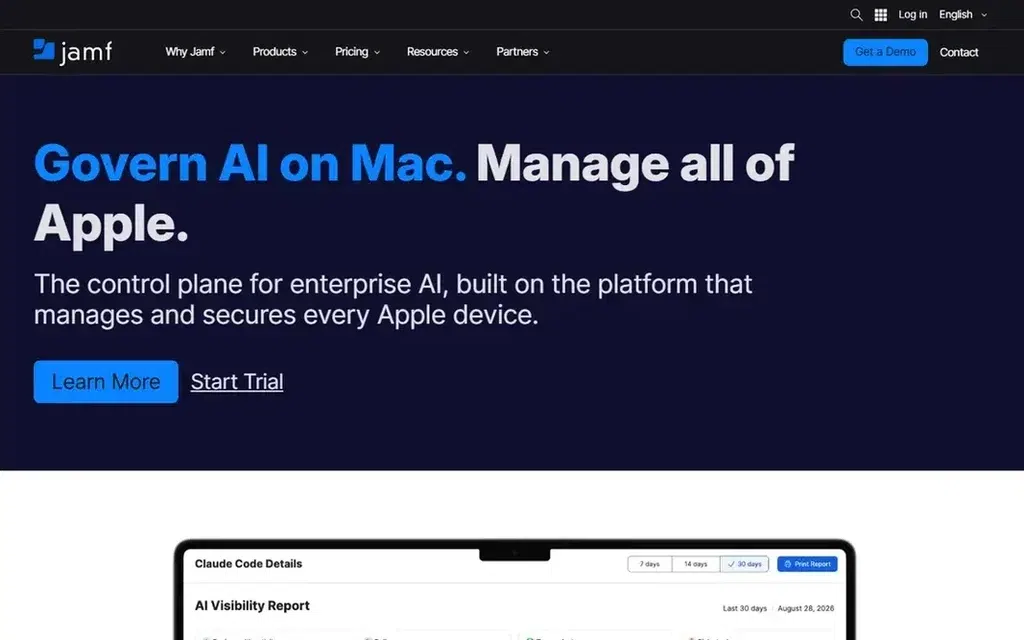
In short, Jamf Pro is for Apple device management and security. Field technicians using iPads or iPhones for diagnostics, inventory, or communication will benefit from Jamf Pro's native Apple management capabilities. For everyday use, Jamf Pro is enterprise-level mobile device management software designed specifically for Apple devices.
Watch-outs: Higher ramp-up time for Apple-specific features.
If your fleet contains non-Apple devices, consider a cross-platform solution. Jamf Pro does not natively handle Android or Windows devices, so mixed-device environments may need extra tools. It is also a good match for organizations with dedicated Apple expertise. Jamf Pro does not show a starting price in this comparison, so check the vendor site for current pricing. Trial and free access: Not stated.
- Scalable for large deployments
- Advanced security and compliance tools
- Restricted support for non-Apple devices
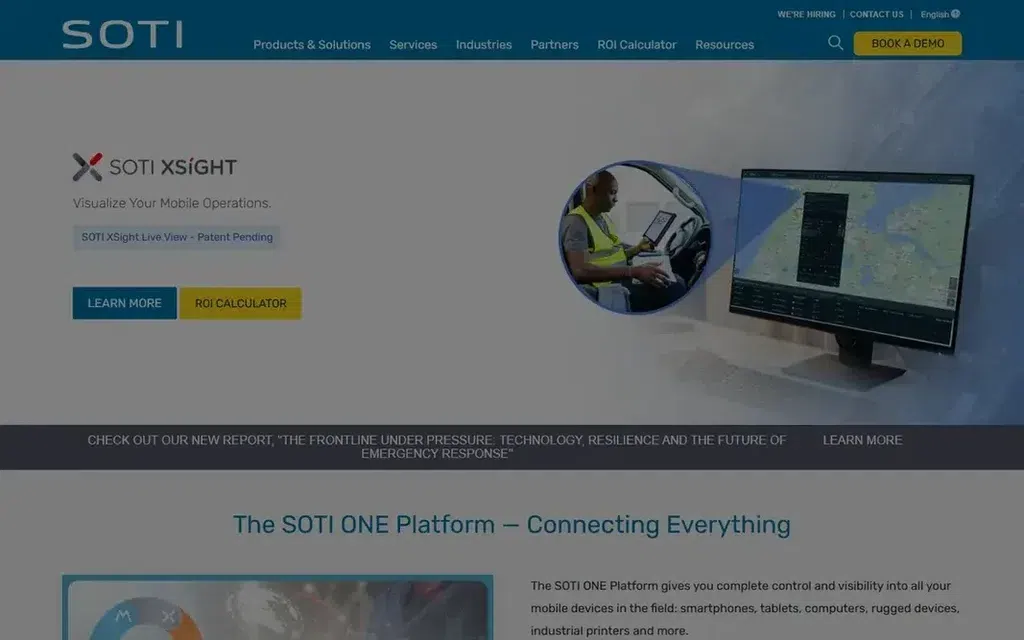
SOTI MobiControl is aimed squarely at rugged and IoT device management. The product's broad feature set can make the interface complicated for new users. If you need a more straightforward option for entry-level device management, other choices may be more appropriate.
SOTI MobiControl is an enterprise mobility management option that enhances the management and security of mobile device deployments and IoT endpoints. It is especially well-suited for field technicians using ruggedized devices in challenging environments, offering remote control and support features that keep operations running smoothly. Check the vendor site for SOTI MobiControl pricing; none is listed in this comparison. On free options: Not stated.
Honest limits: Interface can be overwhelming.
- Comprehensive EMM for mobile and IoT
- Solid security for device deployments
- May need training for full utilization
For unified endpoint management across products, Microsoft Intune is a natural candidate. Microsoft Intune is a cloud-based unified endpoint management option built on Zero Trust principles. It enables IT to run, secure, and govern devices, apps, and endpoints from a single console.
This makes it a solid fit for organizations with diverse device fleets that require consistent security policies and remote management capabilities for field technicians. From a buyer's view, consider alternatives if you need a more straightforward, standalone MDM or have a predominantly Apple fleet. Intune can be complicated to configure and may need extra licensing for full functionality. Microsoft Intune shows no starting price here, so confirm the cost on the vendor site. Trial and free access: Not stated.
Where it falls short: Complicated setup for advanced features.
- Supports Windows, macOS, iOS, Android
- Zero Trust security model
- Needs Microsoft ecosystem familiarity
ManageEngine Mobile Device Manager Plus
Best for: Cross-platform MDM with simplicity
ManageEngine Mobile Device Manager Plus is a good fit for cross-platform MDM with simplicity. ManageEngine Mobile Device Manager Plus is an enterprise mobile device management software that lets you run and secure Apple, Android, Windows, and Chrome OS devices. It provides a straightforward approach to device enrollment, app management, and security, making it accessible for IT teams supporting field technicians with mixed device fleets.
The main drawbacks: Advanced features may need extras.
In practice, some advanced features may need extra modules. Whereas capable on mobile products, its macOS management capabilities are less deep than dedicated Apple options. ManageEngine Mobile Device Manager Plus does not show a starting price in this comparison, so check the vendor site for current pricing. Free access: Free trial.
- Approachable interface
- Chrome OS
- Restricted macOS management depth
Hexnode UEM makes the most sense for unified endpoint management and security. Field technicians benefit from centralized control and security across their devices, ensuring productivity and data protection. For teams focused solely on entry-level MDM, a more straightforward option might be more economical.
The main drawbacks: XDR features may need extra setup.
That said, for those prioritizing integrated security, Hexnode UEM is a capable contender. It securely runs mobiles, desktops, and IoT devices whereas defending against advanced cyber threats. The inclusion of XDR may be more than some organizations need, and configuring it needs security expertise. Entry price for Hexnode UEM: $2.2 per device per month. Free access: Free trial.
- Complete UEM system
- Handles mobiles, desktops, IoT
- Can be complicated for entry-level needs
Pick Kandji if this describes you: Apple-focused device management and security. From deployment to maintenance to security, Kandji supplies a thorough approach to managing Apple devices. If your field team is exclusively on Apple devices, Kandji is a focused and effective choice.
Points against: Apple-only support.
In daily use, organizations with Android or Windows devices will need additional options. Field technicians equipped with iPhones or iPads will appreciate the simplified management and security features. Check the vendor site for Kandji pricing; none is listed in this comparison. Free options: Not stated.
- Purpose-built for Apple devices
- Solid security features
- Restricted to Apple ecosystem
Our selection method
For each of the 6 tools we noted price, free plan or trial, fit for mobile device management software for field technicians and the main limit, using vendor pages and documentation. Where a price is missing, the vendor does not list one publicly or ties it to a quote. Always confirm before budgeting. Tools are placed by general fit for mobile device management software for field technicians, with price clarity and free access as tie-breakers. A different team can reasonably rank them differently.
Before you commit
- Ask Jamf Pro, SOTI MobiControl, Microsoft Intune and others for a written quote, since no starting price is shown.
- Run a trial of ManageEngine Mobile Device Manager Plus and Hexnode UEM with real work before paying for a year; your own workflow is the best test.
- Read the limits listed for Jamf Pro first: restricted support for non-Apple devices.
- Map your must-have features to a specific Kandji plan before you compare prices.
- Ask whether ManageEngine Mobile Device Manager Plus integrates with your current software, and whether that comes standard or as an add-on.
FAQ
Is Jamf Pro the right pick for everyone comparing mobile device management software for field technicians?
No single tool suits every team. Jamf Pro comes first because it fits Apple device management and security, while SOTI MobiControl suits rugged and IoT device management and Microsoft Intune suits unified endpoint management across platforms. Match the tool to your own size, budget and workflow before deciding.
Can I try these tools before paying?
Often, yes. ManageEngine Mobile Device Manager Plus and Hexnode UEM offer a free trial. Use your own data and a real task during the test, and check what the free tier or trial limits before you rely on it. All 6 picks in this mobile device management software for field technicians comparison list a starting price, free plan details and the main limits on their cards above.
Does any tool for mobile device management software for field technicians here have a free plan?
A permanent free plan is not offered by Jamf Pro, Kandji or the other tools here. ManageEngine Mobile Device Manager Plus, Hexnode UEM offer a trial. Plan a short evaluation period instead.
Do these tools publish their prices?
Not all of them. Jamf Pro, SOTI MobiControl, Microsoft Intune and others publish no starting price, so expect a quote request for those. The rest, Hexnode UEM included, show a starting price, though seats and billing terms still change the final cost.
How does MDM support security for field devices?
MDM enforces security policies like passcodes, encryption, and remote wipe, protecting sensitive data if devices are lost or stolen. It also handles app security and compliance, helping maintain a secure field environment.
Sources
- https://www.jamf.com/products/jamf-pro
- https://soti.net/products/soti-mobicontrol
- https://www.microsoft.com/en-us/security/business/microsoft-intune
- https://www.manageengine.com/mobile-device-management
- https://www.hexnode.com
- https://www.kandji.io