Best Application Security Platforms in 2026: 10 Tools Compared
Compare the best application security platforms in 2026, from Snyk and Semgrep to Veracode and Checkmarx, for code, dependencies and running apps safely.
- Editor's choice
 Snyk
Developer-friendly code and dependency scanning
Starts at$25 per monthVisit snyk.ioFull review - Great alternative
 Semgrep
Custom rules and fast SAST
Starts at$30 per monthVisit semgrep.devFull review - Also consider
 SonarQube
Code quality plus security
Starts atFreeVisit sonarsource.comFull review
TL;DR:
- Snyk, Semgrep and SonarQube are the most accessible starting points for small and mid-size teams, with free tiers for some use cases.
- Veracode and Checkmarx suit large enterprises that need deep SAST, DAST, compliance reporting and portfolio governance.
- GitHub Advanced Security suits teams already on GitHub, since it brings scanning into pull requests and code review.
- No single scanner covers everything, so most teams combine SAST, dependency scanning and secret scanning at minimum.
- Fix speed matters more than scan count, so check how each tool fits pull requests, triage and developer workflow before you buy.
Quick comparison
| Tool | Best for | Starts at | Free plan? | |
|---|---|---|---|---|
| Snyk | Developer-friendly code and dependency scanning | $25 per month | Yes | Visit |
| Semgrep | Custom rules and fast SAST | $30 per month | Yes | Visit |
| SonarQube | Code quality plus security | Free | Yes | Visit |
 Veracode | Enterprise SAST, DAST and compliance | See website | No | Visit |
 Checkmarx | Enterprise AppSec platform | See website | No | Visit |
 GitHub Advanced Security | Scanning inside GitHub workflows | $49 per month | No | Visit |
 Invicti | Web application DAST scanning | See website | Free trial | Visit |
 Burp Suite Professional | Manual and automated web testing | See website | Free trial | Visit |
 OWASP ZAP | Free open source DAST | Free | Yes | Visit |
 Contrast Security | Runtime application protection and testing | See website | Free trial | Visit |
The best application security platforms
Application security platforms find flaws in code, dependencies, containers and running apps before attackers do. The list below covers static testing, dynamic testing, dependency scanning and runtime protection, with notes on who each tool suits.

Snyk is our pick for most development teams starting with application security. It scans code, open source dependencies, containers and infrastructure files, and it gives fix advice inside the developer workflow. The free tier covers small projects, while the Team plan starts at $25 per month on current listings.
The catch is scale. Project and test caps on lower plans matter once you add many repositories, and enterprise pricing moves to credits. Test Snyk on your largest repositories first, and check how it handles pull request comments and triage before you roll it out widely.
- Covers code, dependencies, containers and infrastructure as code
- Clear fix guidance
- Free tier for small projects
- Team plan caps projects and tests
- Enterprise pricing is credit-based
- Large teams need careful plan checks
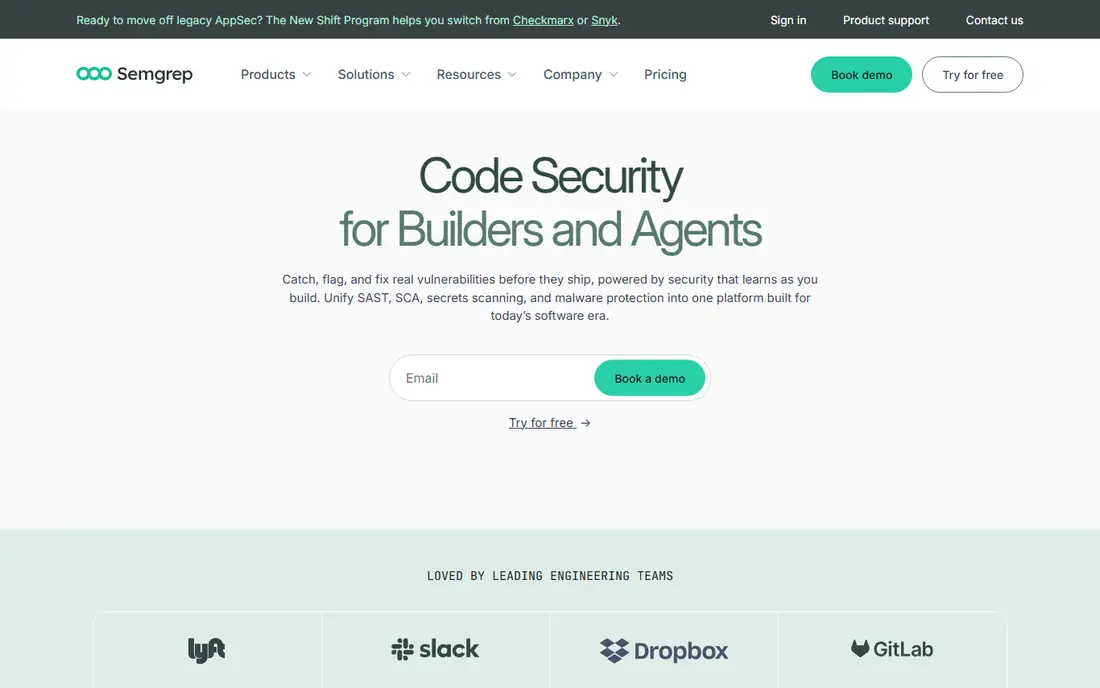
Semgrep suits teams that want to write their own security rules. The open source engine and community rules cover common patterns, while paid plans add hosted scanning, supply chain and secrets coverage. Scans run fast, which helps when you gate pull requests on results.
Custom rules are a strength and a cost. A team with security expertise can encode its own dangerous patterns, while a team without that skill may get more from a tool with curated rules out of the box. Check the per-contributor price for code, supply chain and secrets together, since the total is higher than the code-only figure.
- Fast scans
- Custom rules for your own patterns
- Free community engine and rules
- Paid features need per-contributor pricing
- Supply chain and secrets are separate add-ons
- Rule writing takes skill
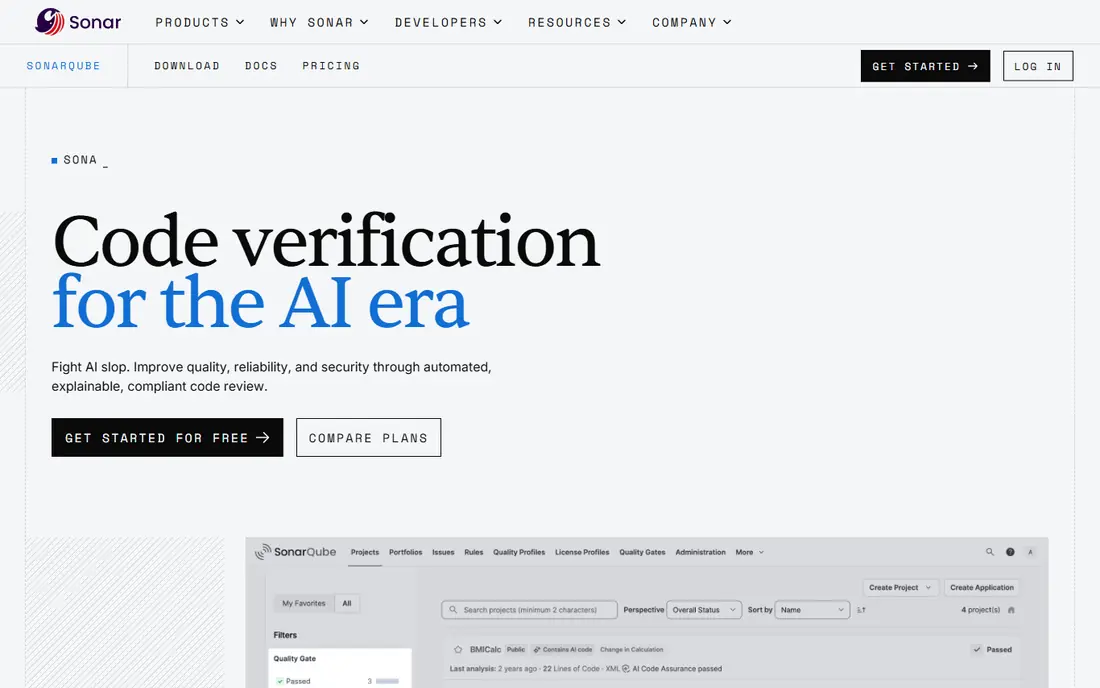
SonarQube combines code quality and security in one view, which helps teams that want to fix bugs and security flaws together. The Community Build is free and self-hosted, while SonarQube Cloud offers a free tier up to a lines-of-code limit. Quality gates can block a pull request when new issues exceed a threshold.
Security depth grows on paid tiers. Teams that need full SAST and software composition analysis should check which tier covers their languages and code size. For a team that already tracks code quality, SonarQube is a natural security step.
- Free Community Build for self-hosting
- Quality gates for pull requests
- Broad language coverage
- Full SAST and SCA need paid tiers
- Pricing scales by lines of code
- Setup needs care for large codebases
Veracode is an enterprise platform that covers static testing, dynamic testing, dependency scanning and compliance reporting in one place. Large organisations use it to govern an application portfolio, track risk across teams, and produce reports for auditors and regulators. Binary analysis and pipeline scanning add depth for complex estates.
The trade is access and cost. Veracode does not publish a self-serve price, and there is no free tier for small teams. It suits organisations with a security budget, a compliance need and staff to run the platform, rather than a small team that needs a quick scan.
- Broad SAST, DAST, SCA and container coverage
- Compliance reporting
- Portfolio governance
- Quote-only pricing
- No self-serve free tier
- Implementation needs planning and training
Checkmarx One brings SAST, SCA, DAST, API security and container security into a single enterprise platform. It suits large, regulated organisations that need deep code analysis, broad language coverage and central governance. Cloud and self-hosted options cover different deployment needs.
Like Veracode, Checkmarx is quote-only and has no entry-level free tier. Small teams will find Snyk, Semgrep or SonarQube more accessible. Large teams with complex estates and compliance duties are the audience Checkmarx is built for.
- Deep SAST and API security
- Cloud and self-hosted options
- Strong compliance and governance features
- Quote-only pricing
- No free tier
- Needs dedicated staff for large deployments
GitHub Advanced Security, often called GHAS, suits teams that already live on GitHub. Code scanning, secret scanning and dependency review appear inside pull requests, so developers see flaws where they work. Dependabot covers some dependency alerts for free, while GHAS adds the fuller scanning set.
Pricing is per committer, which needs a check for large teams. Teams outside GitHub will get less value, since the strength is native integration. For GitHub teams, though, that integration often beats a separate tool with a separate dashboard.
- Native GitHub pull request integration
- Code scanning, secret scanning and dependency review
- Dependabot for free parts
- Priced per committer
- Needs GitHub Enterprise or paid plans for full features
- Less useful outside GitHub
Invicti scans running web applications from the outside, like an attacker would. It crawls the app, tests for common web flaws, and provides proof for many findings, which helps teams triage faster. That outside-in view complements code scanning, which sees the code but not the running behaviour.
Invicti does not replace SAST or dependency scanning. Use it alongside a code scanner for web apps, especially where authentication, forms and workflows matter. Check pricing and scan limits before you commit to a large estate.
- Dynamic scanning of running web apps
- Proof-based findings reduce false positives
- Useful for large web estates
- DAST only, not code scanning
- Pricing needs a sales check
- Setup needs care for authenticated areas
Burp Suite Professional is the standard toolkit for web application testers. It combines a proxy for manual testing, an automated scanner, and extensions that add new checks. Security teams use it for penetration tests, bug bounties and deep manual reviews that automated scanners miss.
Burp needs skill. A team without web testing experience will get less from it than from an automated DAST tool. For teams with testers, though, Burp is the tool those testers already know, and that familiarity matters.
- Industry-standard web testing toolkit
- Manual and automated scanning
- Strong community and extensions
- Needs skilled testers for full value
- Per-user pricing
- Not a set-and-forget platform
OWASP ZAP, often called ZAP, is a free open source web application scanner. It offers a proxy, automated scanning and API scanning, and it suits small teams, learners and projects with no security budget. The community around ZAP is active, with guides and add-ons that extend its reach.
ZAP needs more setup and tuning than a commercial DAST tool, and enterprise reporting and support are thinner. For a small team or a learning project, that trade is fine. For a large estate with compliance reporting needs, a commercial tool such as Invicti may fit better.
- Free and open source
- Active community
- Good for learning and small projects
- Needs setup and tuning
- Fewer enterprise features
- Support is community-based
Contrast Security takes a runtime approach. Agents inside a running application observe real data flows and report flaws with code context, which helps developers fix issues faster. Runtime protection features can also block some attacks in production, which adds a layer beyond pre-release scanning.
Agent deployment needs planning, especially in production, and pricing is quote-based. Teams that can deploy agents and want runtime accuracy will get the most from Contrast. Teams that only need pre-release scanning may prefer Snyk, Semgrep or SonarQube.
- Runtime visibility inside running apps
- Interactive testing with code context
- Protection features for production
- Agent deployment needs planning
- Pricing needs a sales check
- Less useful for teams without runtime access
How we picked these
We compared official feature pages, pricing pages and public reviews in October 2026. We kept platforms that exist and work today, that cover a clear AppSec job, and that suit a stated audience, from small teams to enterprises. We excluded tools with no clear vendor, tools that only promise security without scanning, and tools that duplicate a listed product without a distinct strength.
How to build an AppSec stack that works
Start with the basics for every repository: SAST for your code, dependency scanning for open source libraries, and secret scanning for keys and tokens. Add those checks to pull requests, so flaws are caught before merge, not weeks later in a report.
Next, add dynamic testing for web apps. A DAST tool such as Invicti or ZAP tests the running app, which catches configuration and workflow issues that code scanning misses. For high-risk apps, add manual testing with Burp Suite.
Finally, measure fix time, not scan count. A tool that finds a thousand issues no one fixes is less useful than a tool that finds fifty issues developers actually close. Tune rules, triage false positives, and track time from detection to fix each month.
FAQ
What is the best application security platform for a small team?
Snyk, Semgrep and SonarQube are the most accessible starting points, with free tiers or low entry prices. Start with code and dependency scanning in pull requests, then add secret scanning and, for web apps, a DAST tool such as ZAP.
What is the difference between SAST and DAST?
SAST analyses source code without running it, while DAST tests a running application from the outside. SAST finds flaws early in code, while DAST finds runtime, configuration and workflow issues. Most teams need both for web apps.
Do I need an enterprise platform like Veracode or Checkmarx?
Only if you have enterprise needs, such as a large application portfolio, deep compliance reporting, or complex governance. Smaller teams usually get enough coverage from Snyk, Semgrep, SonarQube and GitHub Advanced Security at lower cost and with faster setup.
How much does application security software cost?
Free tiers cover small projects on Snyk, Semgrep, SonarQube and ZAP. Paid developer tools commonly start at $25 to $49 per user or committer per month, while enterprise platforms are quote-only and can run far higher. Check lines of code, committer counts and credit models before you budget.
Can a scanner replace a penetration test?
No. Scanners find known patterns at scale, while penetration testers think like attackers, chain flaws together, and test business logic. Use scanners for continuous coverage and penetration tests for high-risk apps and major releases.
How do I reduce false positives in AppSec tools?
Tune rules for your stack, suppress patterns that do not apply, and track which rules produce real fixes. Tools with proof-based findings, such as Invicti, and runtime context, such as Contrast, can help, but triage discipline matters more than any single feature.