Choosing Architectural 3D Modeling Software in 2026: 5 Options Compared
Compare 5 picks for the best architectural 3D modeling software, with prices, free plans and who each fits. Honest caveats for every entry. Read before you buy.
- Editor's choice
 Chief Architect
Residential and interior design
Starts atPricing on requestVisit chiefarchitect.comFull review - Great alternative
 Allplan
Structural and civil engineering BIM
Starts atPricing on requestVisit allplan.comFull review - Also consider
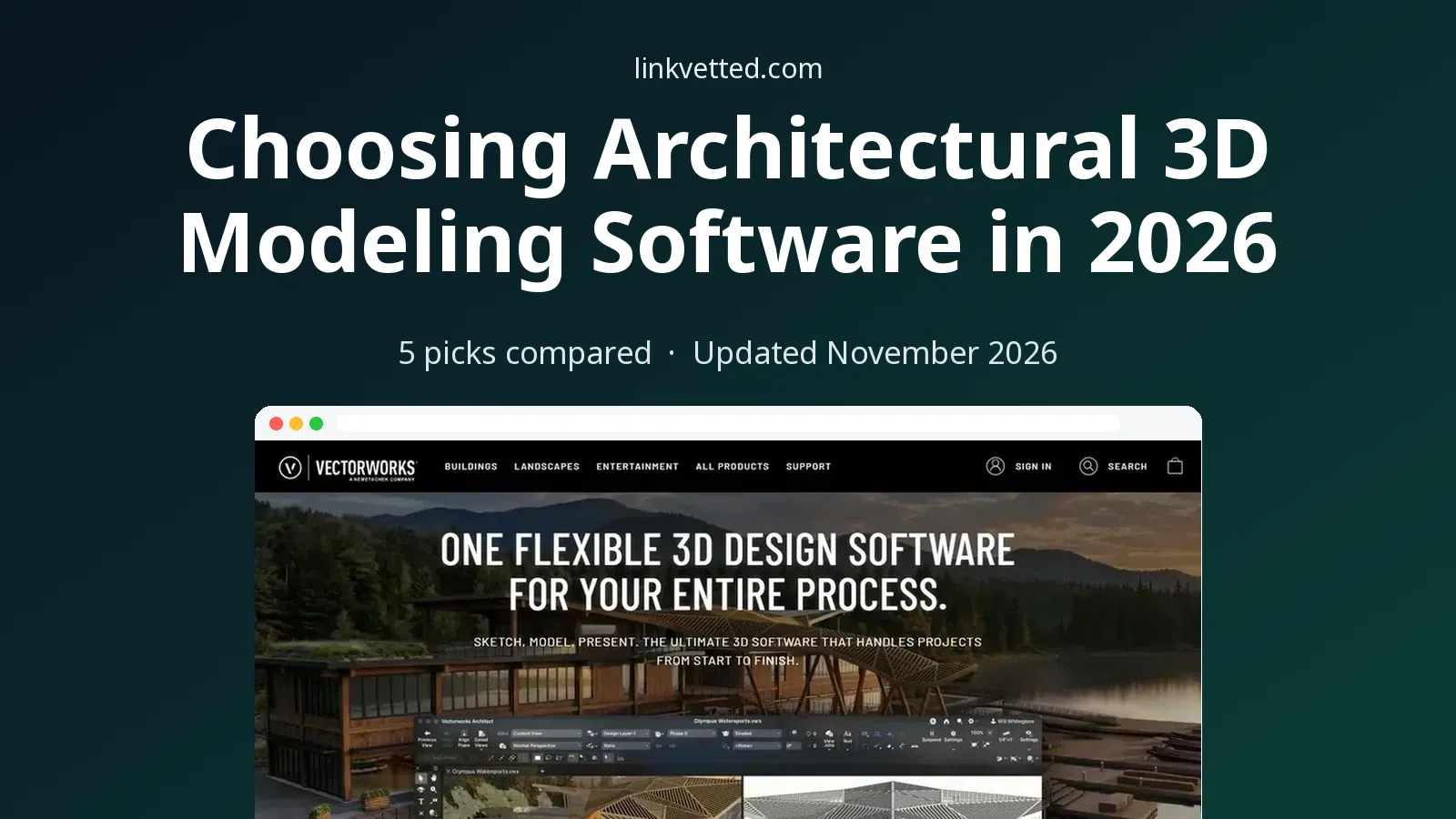
 Vectorworks Architect
Adaptable BIM from concept to construction
Starts atPricing on requestVisit vectorworks.netFull review
Direct answer
Chief Architect leads the list, best for residential and interior design. Allplan is better for structural and civil engineering BIM, and Vectorworks Architect is better for flexible BIM from concept to construction. All 5 tools are compared below on fit, free plan and limits. None of these vendors publish plan prices, so pricing is on request for every option.
TL;DR:
- Top of the list is Chief Architect, which targets residential and interior design.
- Chief Architect, ArchiCAD and the 3 others all need a premium plan or a trial, since no free plan is listed.
- No starting price is shown for any of the 5 tools, Chief Architect and ArchiCAD included, so plan time for sales calls.
- ArchiCAD fits architects seeking easy-to-learn BIM workflows.
- The main caution on Chief Architect: restricted for large commercial.
Last checked November 2026. Pricing on request: vendors did not publish plan prices when this guide was last checked (November 2026), so ask each vendor for a written quote.
Quick comparison
| Tool | Best for | Starts at | Free plan? | |
|---|---|---|---|---|
| Chief Architect | Residential and interior design | Pricing on request | Not stated | Visit |
| Allplan | Structural and civil engineering BIM | Pricing on request | Not stated | Visit |
| Vectorworks Architect | Adaptable BIM from concept to construction | Pricing on request | Not stated | Visit |
 Autodesk Revit | Full BIM design and documentation | Pricing on request | Not stated | Visit |
 ArchiCAD | Architects seeking easy-to-learn BIM workflows | Pricing on request | Not stated | Visit |
Our 5 picks for architectural 3D modeling software
LinkVetted put together this guide to architectural 3D modeling software for readers who want a clear shortlist without reading every vendor page. It compares 5 tools on starting price, free plans, who each one suits and where each one falls short.
Think of Chief Architect for residential and interior design. Chief Architect is professional home design software for residential design, interior design, and remodeling. It gives you tools tailored to home builders and remodelers, with an emphasis on simplicity for residential projects.
Honest limits: Less BIM interoperability.
For everyday use, for commercial or multidisciplinary work, consider Revit or ArchiCAD. In daily use, Chief Architect is less suited for large commercial or complicated BIM projects. Its interoperability with other BIM products may be restricted. This comparison lists no price for Chief Architect; ask the vendor. On free options: Not stated.
- Home design focus
- Approachable for residential
- Restricted for large commercial
Allplan is aimed squarely at structural and civil engineering BIM. For architectural design-led BIM, consider Revit or ArchiCAD; for engineering-heavy projects, Allplan is a capable choice. Allplan, a Nemetschek company, offers 3D CAD software for structural, civil, and precast concrete engineering.
It is designed for in-depth engineering and construction workflows, making it a fit for engineers and precast fabricators who require precise BIM models. Its user base is more niche compared with mainstream BIM tools. This comparison lists no price for Allplan; ask the vendor. Trial and free access: Not stated.
Watch-outs: Niche user base.
- Multidisciplinary BIM
- Capable structural tools
- Less architect-friendly
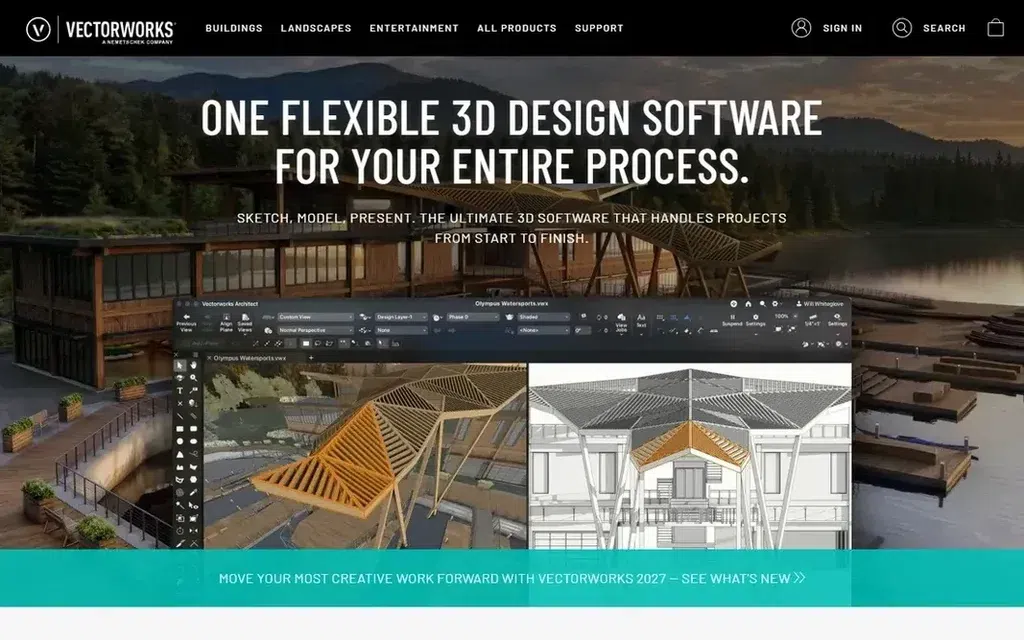
Vectorworks Architect targets adaptable BIM from concept to construction. Vectorworks Architect is BIM software that supports architectural projects from concept to construction. As for the details, the software can be complicated for new users, and it is less universally adopted than Revit, which may affect collaboration with external teams.
Upsides: Capable 2D drafting.
For large-scale, highly coordinated BIM projects, Revit or ArchiCAD might be preferred. More specifically, Vectorworks shines for design-oriented practices needing adaptability. Pricing for Vectorworks Architect is not stated here, so ask the vendor for current figures. On free options: Not stated. Limits to weigh: Can be complicated for beginners.
- Concept-to-construction support
- Adaptable modeling
- Less industry-standard than Revit
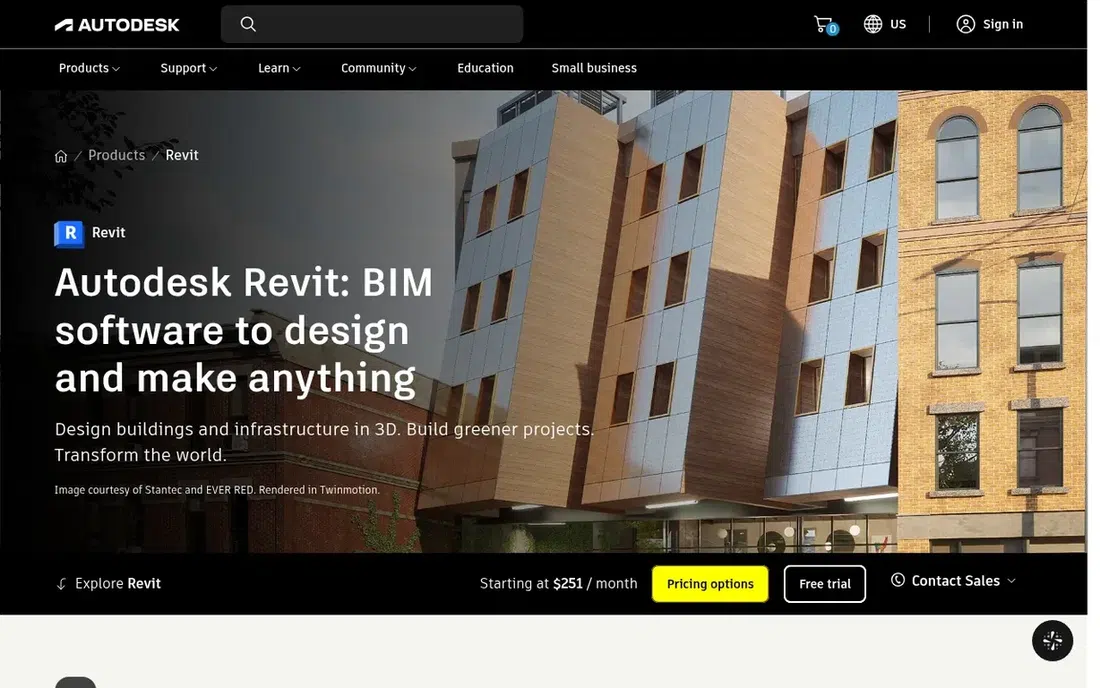
In short, Autodesk Revit is for thorough BIM design and documentation. Revit has a steep ramp-up time and demands significant computing resources, which can be challenging for small firms or straightforward projects. Its subscription model may not suit tight budgets.
Points against: Needs capable hardware.
In practice, Autodesk Revit is a BIM software for designing, documenting, and coordinating building projects. It creates intelligent 3D models that update drawings immediately and contains optional AI-assisted workflows. Autodesk Revit does not show a starting price in this comparison, so check the vendor site for current pricing. Free options: Not stated.
- AI-assisted workflows
- Instant drawing updates
- Steep ramp-up time

ArchiCAD is aimed squarely at architects seeking easy-to-learn BIM workflows. It emphasizes efficient workflows for design and documentation.
Watch-outs: Restricted structural tools.
More specifically, choose ArchiCAD for architecture-focused BIM with a gentler ramp-up time. From a buyer's view, ArchiCAD may lack advanced structural or MEP tools compared to broader BIM systems, and its adoption varies by region. No starting price is listed for ArchiCAD here; confirm pricing on the vendor site. Free access: Not stated.
- Capable built-in tools
- Approachable interface
- Less typical in some regions
What went into this list
For each of the 5 tools we noted price, free plan or trial, fit for architectural 3D modeling software and the main limit, using vendor pages and documentation. Treat prices as a snapshot: vendors change plans often, so check the vendor site for the figure that applies today. The order reflects how well each tool fits the most common buying scenario for architectural 3D modeling software, then price clarity, then free plan access. It is a starting point, not a verdict.
A buyer's checklist
- Confirm the entry price with every vendor: no tool from Chief Architect to ArchiCAD shows a fixed starting price.
- Read the limits listed for Chief Architect first: restricted for large commercial.
- Confirm that ArchiCAD connects to the apps your team already uses, on the plan you would actually buy.
- A short pilot of Vectorworks Architect with your real workflow tells you more than a feature table.
- Check whether the features you need in Allplan sit on the entry plan or only on higher tiers.
FAQ
Does any tool for architectural 3D modeling software here have a free plan?
No tool in this list, Chief Architect and ArchiCAD included, has a permanent free plan. Trials and quotes are the usual route, so plan a short evaluation period.
Which tool is a good match for residential architecture?
Chief Architect comes first here and is built for residential and interior design. Buyers with other needs may prefer Allplan (for structural and civil engineering BIM) or Vectorworks Architect (for adaptable BIM from concept to construction). Compare costs and limits first.
Can I try these options before paying?
Not by default. None of the tools, from Chief Architect to ArchiCAD, lists a free plan or a free trial here, so ask each vendor for a demo before committing.
How are the tools for architectural 3D modeling software ordered?
The order follows typical fit for architectural 3D modeling software, with Chief Architect first and ArchiCAD last, then price clarity and free access. It is editorial judgement, not a score, so another team could rank the tools differently.
Is Chief Architect the right pick for everyone comparing architectural 3D modeling software?
No single tool suits every team. Chief Architect comes first because it fits residential and interior design, while Allplan suits structural and civil engineering BIM and Vectorworks Architect suits flexible BIM from concept to construction. Match the tool to your own size, budget and workflow before deciding.
Sources
- https://www.chiefarchitect.com
- https://www.allplan.com
- https://www.vectorworks.net/en-US/architect
- https://www.autodesk.com/products/revit
- https://graphisoft.com/archicad