Best Algo Trading Platform in 2026: 9 Platforms Compared
Compare the best algo trading platform options for backtesting, automation and broker access, with risks, costs and honest limits for traders in 2026.
- Editor's choice
 QuantConnect
Coders who want research and backtesting
Starts atSee websiteVisit quantconnect.comFull review - Great alternative
 Interactive Brokers
Serious traders who want broad market access
Starts atSee websiteVisit interactivebrokers.comFull review - Also consider
 TradeStation
Traders who want EasyLanguage automation
Starts atSee websiteVisit tradestation.comFull review
TL;DR:
- This is not financial advice. Trading carries risk, and automated strategies can lose money fast, including from bugs, gaps and margin.
- QuantConnect, Interactive Brokers and TradeStation suit traders who can code and test rigorously, while no code tools suit simpler rules.
- Backtest results do not guarantee live results. Check slippage, fees, data quality and live paper trading before risking real capital.
- Start small, use position limits, and keep a kill switch and manual override for every automated strategy.
Quick comparison
| Tool | Best for | Starts at | Free plan? | |
|---|---|---|---|---|
| QuantConnect | Coders who want research and backtesting | See website | Free trial | Visit |
| Interactive Brokers | Serious traders who want broad market access | See website | No | Visit |
| TradeStation | Traders who want EasyLanguage automation | See website | Free trial | Visit |
 MetaTrader 5 | Forex and CFD traders who use expert advisors | See website | Free trial | Visit |
 NinjaTrader | Futures traders who build strategies | See website | Free trial | Visit |
 Alpaca | Developers building stock trading apps | See website | Free trial | Visit |
 TradingView | Chart based traders who use Pine Script | See website | Free trial | Visit |
 TrendSpider | Technical traders who want automated analysis | See website | Free trial | Visit |
 Composer | US investors who want rule based portfolios | See website | Free trial | Visit |
The best algorithmic trading software
We compared algo platforms on backtesting, data, broker access, coding options, costs and risk controls. This article is educational only. It does not recommend a strategy, and past performance does not predict future results.
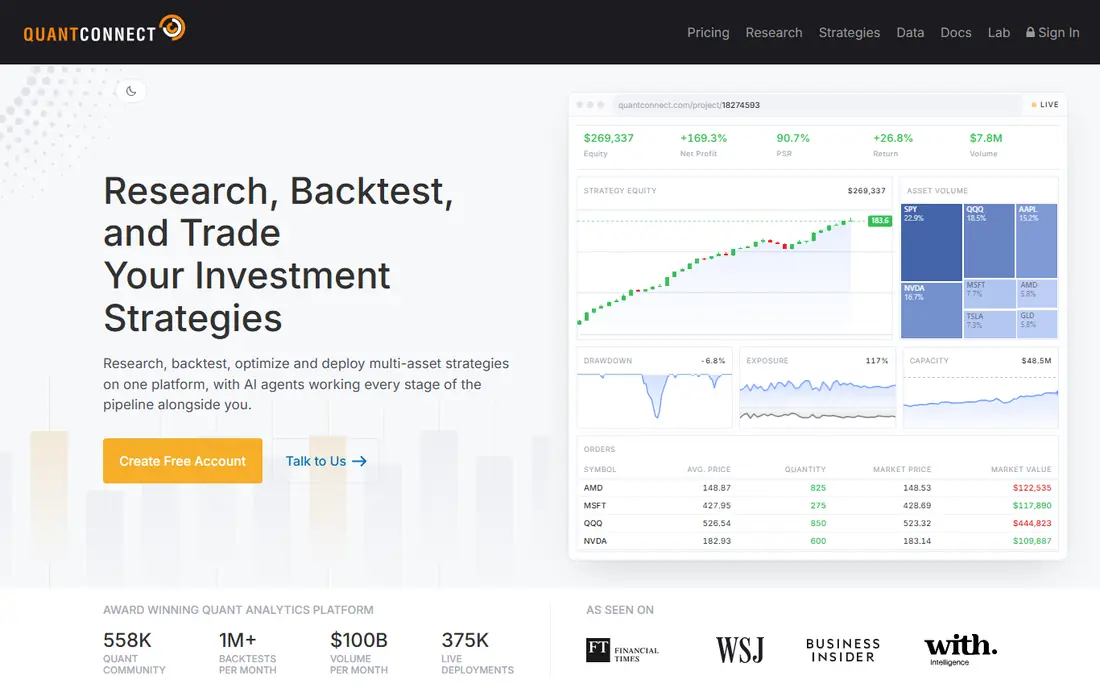
QuantConnect is a cloud research platform for traders who code in Python or C Sharp and want serious backtesting. It provides historical data, a research environment and a backtesting engine, so a strategy can be tested across years and market conditions before any live order is placed. Broker connections let tested ideas move to live trading, subject to broker approval and account rules.
The learning curve is steep for beginners, and live trading, data and compute costs add up. A backtest that looks strong can still fail live from overfitting, slippage or changing market conditions. Use it for disciplined research, paper trade first, and risk only capital you can afford to lose.
- Cloud backtesting and large data library
- Supports several brokers
- Active research community
- Coding skill required
- Live trading costs and data fees apply
Interactive Brokers
Best for: Serious traders who want broad market access
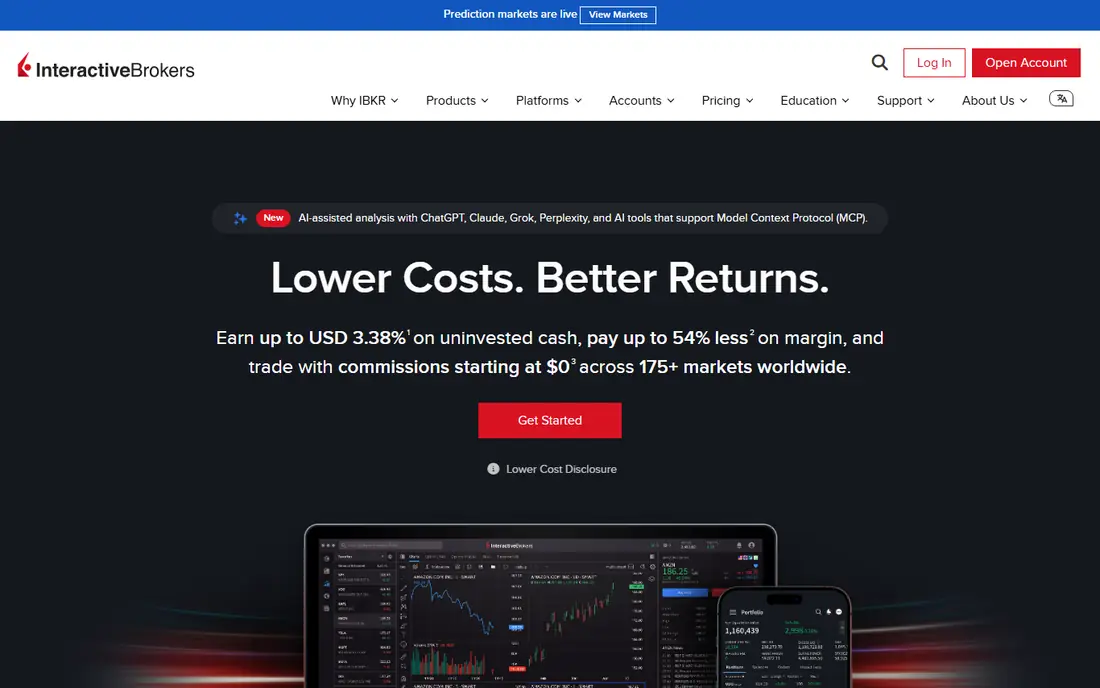
Interactive Brokers suits experienced traders who want broad markets, an API and a mature trading platform in one account. Its Trader Workstation and API support automated order placement, while market access covers stocks, options, futures and foreign exchange products where permitted. That breadth helps traders who run strategies across more than one asset class.
Complexity is the main drawback. The platform, margin rules and API docs assume experience, and beginners can make costly mistakes. Automated trading also needs careful risk controls, position limits and monitoring. It is a strong choice for skilled traders, not a shortcut for new investors.
- Wide market and asset access
- API for automation
- Competitive commissions for active traders
- Platform is complex for beginners
- API work needs coding skill

TradeStation appeals to traders who like building and testing strategies in EasyLanguage, its own scripting language. Charting, backtesting and automated execution sit in one desktop platform, so a trader can move from an idea to a tested rule set without switching vendors. Its broker access keeps execution and strategy in the same account.
EasyLanguage still requires learning, and commissions, platform and market data fees should be checked for your trading style. Backtests need realistic assumptions for slippage and fees, or live results will disappoint. TradeStation suits dedicated traders who will invest time in testing.
- EasyLanguage strategy tools
- Strong charting and backtesting
- Direct broker access
- Costs and data fees vary
- Platform learning curve is real
MetaTrader 5 is widely used for automated forex and CFD trading through expert advisors, which are programs that place trades by rules. Its strategy tester, charting and large library of indicators and advisors make it easy to test an idea, and many brokers offer it as their main platform. That availability is a practical advantage.
Broker quality varies, and margin based forex and CFD products can lose money quickly. An advisor bought online is not proof of future profit, and untested settings can blow through an account. Only use regulated brokers, test on demo first, and set strict loss limits. This is not financial advice.
- Huge expert advisor and indicator library
- Backtesting in platform
- Many brokers support it
- Broker quality varies widely
- Margin based products carry high risk
NinjaTrader is popular with futures traders who build, backtest and automate strategies in NinjaScript. Its charting, order flow tools and simulated trading help traders practise execution before risking capital, and its strategy tools support both discretionary and automated approaches. For futures focused traders, that depth is valuable.
Futures margin means small price moves can create large gains or losses, so risk control is essential. The free tier covers core use, but advanced features and live data may cost more. Beginners should use simulation for a long period and learn futures margin rules before trading live.
- Strong futures charting and strategy tools
- NinjaScript for custom code
- Simulated trading
- Futures margin is high risk
- Advanced features need paid tiers
Alpaca suits developers who want to build trading algorithms through a clean API. It offers paper trading, real time data options and commission free stock trading in the United States, which makes it a practical sandbox for coding and testing ideas. Documentation and community examples help new API users get started.
It is not a full service broker for every asset class, and its focus is mainly US stocks and related products. API trading still needs risk controls, error handling and monitoring, because a bug can place repeated orders. It is best for developers who treat trading code as production software.
- Developer friendly API
- Commission free stock trading in the US
- Paper trading accounts
- US focused
- Limited asset range versus large brokers
- API skill required
TradingView is best known for charting, but its Pine Script language lets traders build indicators, strategies and alerts on clean charts. Backtesting on charts helps traders see how a rule behaved in past conditions, and community scripts offer starting points for new ideas. Its social features also help traders learn from others.
TradingView alone does not execute trades for most users. Automated execution depends on broker integration, and an alert is not the same as a tested, risk managed system. Traders should verify execution options for their broker and avoid copying a popular script without testing it themselves.
- Excellent charting
- Pine Script for indicators and alerts
- Large community scripts
- Automated execution needs broker integration
- Alerts are not a trading system alone
TrendSpider helps technical traders automate chart analysis rather than write code from scratch. It scans for patterns, trendlines and indicator signals, backtests ideas and sends alerts when conditions change. That automation saves time for traders who follow technical rules across many symbols.
It is an analysis tool, not a broker for most users, so execution still needs a separate account and careful order handling. Backtested patterns can fail in live markets, and subscription costs should be weighed against actual use. It suits technical traders who want systematic analysis.
- Automated chart pattern and indicator analysis
- Backtesting and alerts
- Multi timeframe tools
- Not a full broker platform
- Subscription costs apply
Composer lets US investors build rule based portfolios without coding. Users set conditions, such as moving between ETFs when a trend changes, backtest the rules, and let the platform rebalance on schedule. That no code approach opens systematic investing to people who do not program.
Market risk remains. A backtested rule can underperform, and frequent switching can create taxes and costs. Composer covers US stocks and ETFs, not every market, and it is not a substitute for advice. Use small allocations first, understand the rules, and keep a long term view.
- No code rule builder for portfolios
- Backtesting and automated rebalancing
- Simple interface
- US stocks and ETFs only
- Rule based investing still carries market risk
How we picked these
We compared official product pages, documentation, pricing and broker access for each platform, and we weighted backtesting quality, data, execution options, coding or no code options and risk controls. We did not test live trading, and we did not verify any return claim. Products were included only where the vendor clearly supports automated or rule based trading today, and we flagged margin and broker risk where it applies.
How to choose an algo platform without fooling yourself
Algo trading rewards discipline and punishes overconfidence. A good platform makes testing honest, execution reliable and risk limits easy to enforce. This is not financial advice, and trading carries risk of loss.
Test like a sceptic
Use out of sample data, include fees and slippage, and avoid tuning a strategy until it fits past data perfectly. A strategy that only works on one narrow period or one symbol is a warning sign. Paper trade it live for weeks before using real money.
Check execution and failure modes
Ask what happens when data stops, an order is rejected, or a broker connection drops. Every live strategy needs position limits, daily loss limits and a manual kill switch. Log every order and review errors daily, because small bugs compound fast.
Match the tool to your skill
Coders can use QuantConnect, Interactive Brokers or Alpaca with full control. No code traders should pick Composer or TrendSpider for simpler rules and accept narrower scope. Do not buy a complex platform hoping it will replace learning how markets and risk work.
FAQ
What is the best algorithmic trading software for beginners?
Beginners should start with paper trading on TradingView, Composer or Alpaca, where rules can be tested without risking capital. Coding skill helps, but the first step is learning risk, position sizing and backtest limits. Avoid margin based products until you understand margin and loss risk.
What is the best algo trading software for backtesting?
QuantConnect, TradeStation and NinjaTrader offer strong backtesting for coders and futures traders, while TradingView suits chart based backtests. Good backtesting needs clean data, realistic fees and out of sample checks. No backtest guarantees live results.
Is algo trading profitable?
Some systematic traders profit, but many strategies fail from overfitting, fees, slippage or market change, and margin based trading can lose money fast. Treat any profit claim with scepticism, test independently, and risk only capital you can afford to lose. This is not financial advice.
Do I need to code to trade algorithmically?
No. Composer and TrendSpider offer no code or low code rules, while QuantConnect, Alpaca and NinjaTrader need coding. No code tools are easier to start with, but they still require testing, risk limits and monitoring.
What risks should I check before live algo trading?
Check strategy risk, margin, liquidity, data errors, broker outages and code bugs, and set daily loss limits and a kill switch. Start with a small allocation, paper trade first, and review live trades daily. If you cannot explain a strategy simply, do not trade it live.