Best Algorithmic Trading Platform in 2026: 8 Platforms Compared
Best algorithmic trading platform options for beginners and developers, with APIs, backtesting, pricing and honest limits for 8 platforms for 2026 readers.
- Editor's choice
 QuantConnect
Cloud quant research and backtesting
Starts atFreeVisit quantconnect.comFull review - Great alternative
 Alpaca
Simple API-first stock trading
Starts atFreeVisit alpaca.marketsFull review - Also consider
 Interactive Brokers
Global multi-asset trading
Starts atFreeVisit interactivebrokers.comFull review
TL;DR:
- QuantConnect suits Python and C# developers who want cloud research, backtesting and live deployment in one place.
- Alpaca suits developers who want a simple API, paper trading and commission-free US stock trading.
- Interactive Brokers suits experienced traders who need global markets, many asset classes and a mature API.
- TradingView suits chart-first traders who build strategies in Pine Script and automate through alerts.
- MetaTrader 5, NinjaTrader and TradeStation each suit a specific market, so match the platform to what you actually trade.
- This is not financial advice. Trading carries risk, including loss of capital, and past backtest results do not guarantee future results.
Quick comparison
| Tool | Best for | Starts at | Free plan? | |
|---|---|---|---|---|
| QuantConnect | Cloud quant research and backtesting | Free | Yes | Visit |
| Alpaca | Simple API-first stock trading | Free | Yes | Visit |
| Interactive Brokers | Global multi-asset trading | Free | Yes | Visit |
 TradingView | Chart-based strategy building | Free | Yes | Visit |
 MetaTrader 5 | Forex and CFD automation | Free | Yes | Visit |
 NinjaTrader | Futures trading and simulation | Free | Yes | Visit |
 TradeStation | All-in-one US trading and scripting | Free | Yes | Visit |
 TrendSpider | No-code chart automation | $82 per month | No | Visit |
The best algorithmic trading platforms
Algorithmic trading covers a wide range, from a simple script that buys an ETF on a schedule to a research system that backtests years of data before risking money. The best platform depends on your coding skill, the markets you trade and how much control you want over execution. The eight platforms below cover that range, from no-code chart tools to developer APIs and professional futures platforms. This is not financial advice, and trading carries risk. Terms, fees and available markets vary by broker and account type, so confirm them on the vendor site before you trade.
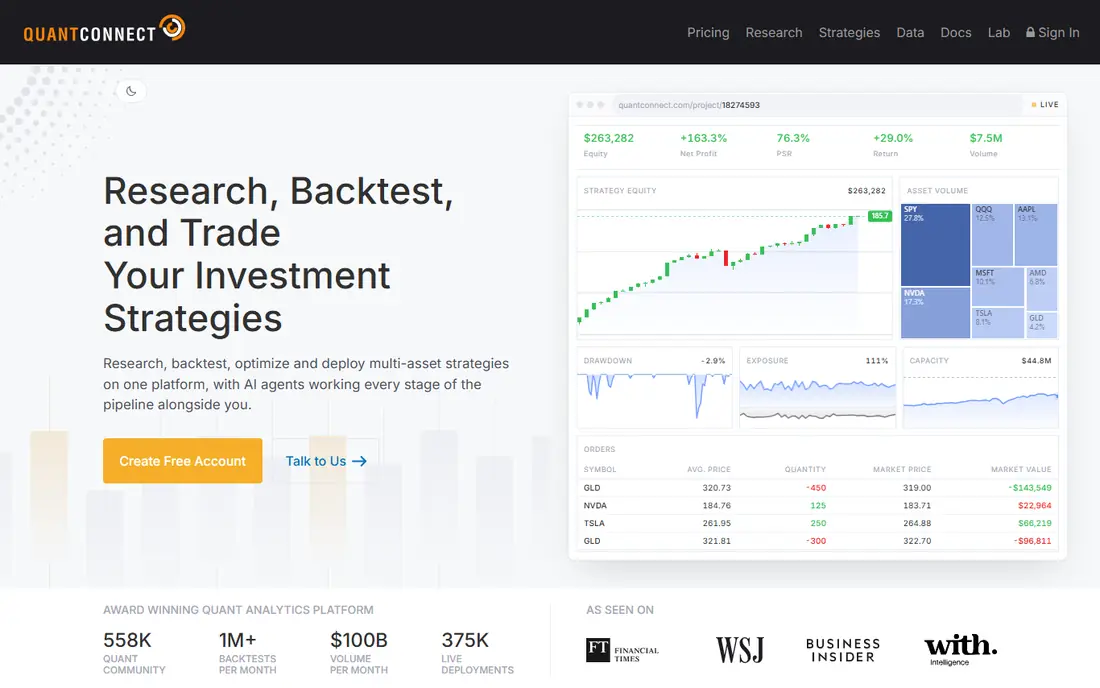
QuantConnect is built for developers who want research, backtesting and deployment in one cloud system. Its LEAN engine supports US equities, options, futures, forex, crypto and CFDs, with historical data included for research. You can write a strategy in Python or C#, test it over years of data, and then deploy it to a live node connected to a supported broker.
The free tier covers research and backtesting, which makes it a good place to learn whether a strategy holds up before spending money. Paid plans add live trading nodes and more compute. The honest catch is complexity. QuantConnect assumes you can code, read backtest reports critically and manage risk controls. Beginners who want a no-code tool should look at TrendSpider or Composer-style options first, and use QuantConnect once they are comfortable with code.
- Cloud backtesting on extensive historical data
- Python and C# support
- Live trading through supported brokers
- Paid tiers are needed for live research nodes
- Learning curve is steep for non-developers
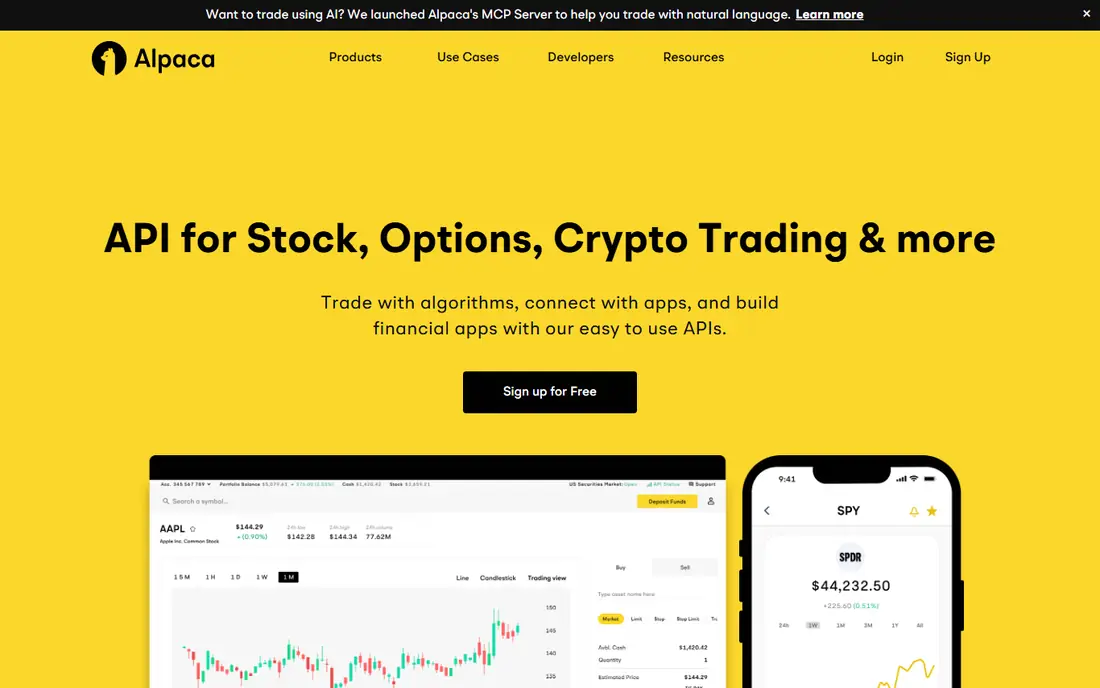
Alpaca is the easiest broker API for many new algo traders to start with. Documentation is clear, SDKs cover Python, JavaScript, Go and C#, and paper trading lets you test a strategy against live market data without risking money. For US stock and ETF strategies, commission-free trading keeps costs simple, subject to regulatory fees and account terms.
The limit is scope. Alpaca does not cover global stocks, futures or bonds in the way Interactive Brokers does, and its order types are simpler. That is a fair trade for most first strategies, since a simple, well-tested stock strategy beats a complex multi-asset system that is hard to debug. Start with paper trading, add risk limits such as position caps and daily loss limits, and only move to live trading when the paper results and the code are both stable.
- Clean REST and WebSocket API
- Paper trading at no cost
- Commission-free US stock and ETF trading for eligible accounts
- Limited to US stocks, ETFs, options and crypto
- Fewer advanced order types than larger brokers
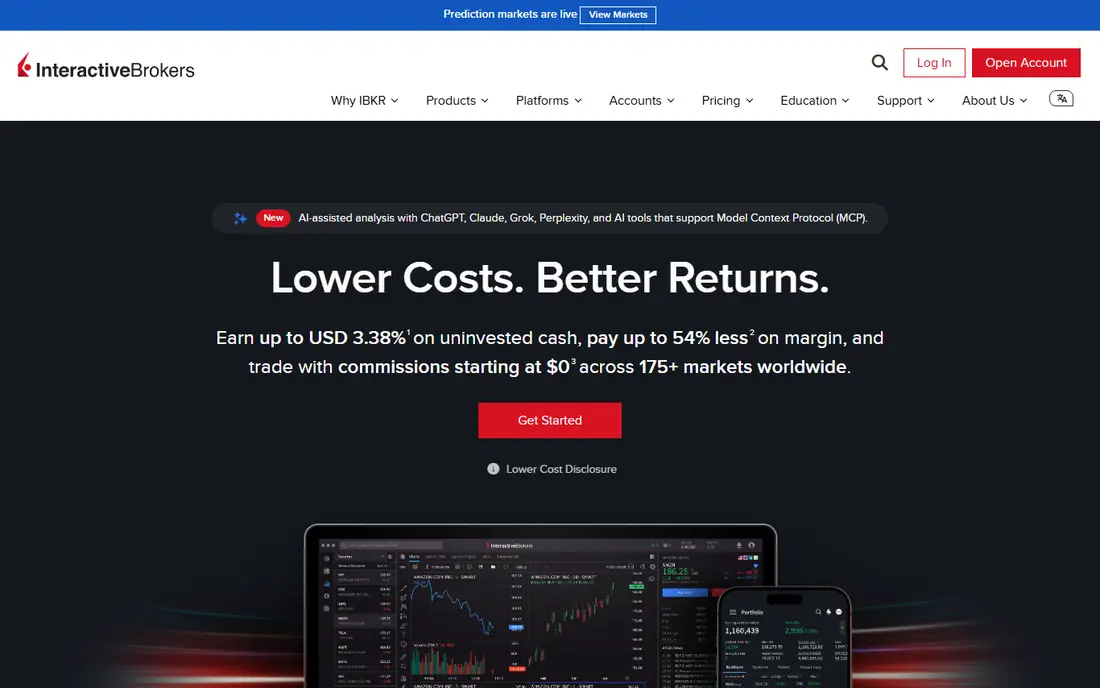
Interactive Brokers, often called IBKR, is the choice for traders who need more than US stocks. Its API covers stocks, options, futures, forex, bonds and more across many countries, with Trader Workstation, Web API, Excel and FIX options for different workflows. IBKR Lite offers commission-free US stock and ETF trading for eligible US residents, while IBKR Pro uses tiered or fixed per-share pricing.
Power comes with complexity. Account setup, market data subscriptions and API configuration take time, and the documentation assumes a fair amount of trading knowledge. For a first API project, Alpaca is simpler. For a strategy that needs global markets, futures hedging or advanced orders, IBKR is hard to replace. Test with a paper account where available, and read the commission and data fee pages for your exact markets before you size a live strategy.
- Very broad global market and asset coverage
- Mature APIs in several languages
- Advanced order types and risk tools
- Platform and API setup are complex
- Data fees and commission tiers need careful reading
TradingView is where many traders first turn an idea into a testable strategy. Pine Script lets you code indicators and strategies directly on a chart, backtest them visually, and share or study community scripts. The charting itself is excellent, with multi-asset data, drawing tools and alerts that can notify you or trigger automation through services such as TradersPost.
The catch is execution. TradingView is primarily a charting and research platform, not a broker, so live algo trading usually needs a broker connection, a webhook or a bridge tool. That extra layer adds a point of failure to check. For research, learning and signal generation, TradingView is excellent. For direct, low-latency execution, pair it with a broker API or use a platform built for execution from the start.
- Excellent charting and Pine Script strategy tools
- Large community scripts
- Alerts can trigger automation through third-party tools
- Live execution usually needs a webhook or third-party bridge
- Paid plans start at about $14.95 per month
MetaTrader 5, or MT5, remains the standard for retail forex and CFD automation. Brokers offer the platform free, traders code Expert Advisors in MQL5, and the built-in strategy tester backtests those advisors on broker data. For forex traders, that combination of free platform, broad broker support and a large library of indicators and advisors is hard to beat.
Broker choice matters more here than with a single-broker API. Spreads, margin terms, execution quality and available instruments vary by broker, and CFD trading carries high risk, including loss greater than your deposit in some cases, depending on account terms and region. Check the broker's regulation, fees and risk disclosures before running an advisor live, and always test on a demo account first.
- Free through many brokers
- Expert Advisors automate forex and CFD strategies
- Built-in strategy tester
- Broker quality and fees vary widely
- MQL5 learning curve
- Less suited to US stock strategies
NinjaTrader is a futures-first platform that traders use for charting, strategy development and simulation before risking capital. The free tier covers charting, backtesting and simulated trading, which is a sensible way to learn futures mechanics, order types and margin without live risk. NinjaScript, based on C#, lets developers build indicators and automated strategies.
The main cost is not the platform but the trading itself. Live futures trading needs a brokerage account, margin and data feeds, and futures margin borrowing can amplify losses quickly. NinjaTrader also offers paid plans, including a monthly plan at about $99 and a lifetime option, for traders who want the full feature set. Start in simulation, learn how margin and contract expiry work, and keep position sizes small when you move live.
- Free platform for charting, backtesting and simulation
- Strong futures tools
- NinjaScript for custom strategies
- Live futures trading needs a funded brokerage account
- Full platform features sit on paid plans
TradeStation suits active US traders who want charting, backtesting, scripting and execution in one desktop platform. EasyLanguage lets traders describe strategies in plain-English-like code, which is friendlier than a full programming language for many users. Python access is also available for developers who prefer it. US stock and ETF commissions are $0 on eligible plans, with options and futures pricing depending on the plan.
The trade-off is modern API feel. TradeStation's developer platform is capable, but it does not feel as clean as Alpaca for a new API project, and some traders find the desktop interface busy. For traders who want an all-in-one platform with strong strategy tools and who trade mainly US markets, TradeStation remains a solid choice. For API-first projects, compare it with Alpaca and Interactive Brokers before committing.
- Strong charting and strategy tools
- EasyLanguage scripting
- Commission-free US stock and ETF trading on eligible plans
- API feels dated beside newer broker APIs
- Options and futures fees depend on plan and volume
TrendSpider is the no-code option for traders who think in charts rather than code. You can build rules from technical conditions, test them in the strategy tester, and set alerts that trigger when conditions are met. Multi-timeframe analysis, automated trendlines and chart pattern tools help traders who want structure without writing a script.
Cost is the main barrier. Plans start at about $82 per month, with higher tiers for more alerts and features, and there is no permanent free plan, only a trial. Execution also needs a broker or bridge, since TrendSpider is an analysis and alerting platform first. For traders who already use chart-based rules and want to automate them without coding, the price can pay for itself in time saved. For beginners, start with TradingView free tools or Alpaca paper trading before paying for TrendSpider.
- No-code rule builder and strategy tester
- Automated alerts and chart analysis
- Multi-timeframe tools
- No permanent free plan
- Paid plans are costly for casual traders
- Execution needs a connected broker or alert bridge
How we picked these
We compared official feature pages, pricing pages, API documentation and public reviews for platforms that support algorithmic trading in October 2026, including broker APIs, research platforms and chart-based automation tools. We favored platforms that are actively maintained, that support paper trading or simulation where possible, and that cover different skill levels and markets. Prices are starting prices or free tiers from vendor and comparison sources, and brokerage fees, data fees and terms vary by account, so confirm them before trading.
How to choose an algorithmic trading platform
Start with the market you trade. Forex traders should shortlist MetaTrader 5, futures traders should shortlist NinjaTrader, and US stock developers should shortlist Alpaca, QuantConnect and Interactive Brokers. A platform that is excellent for one market can be a poor fit for another, no matter how good its marketing looks.
Next, be honest about coding skill. No-code tools such as TrendSpider and chart tools such as TradingView suit traders who do not code. Python developers will move faster on QuantConnect and Alpaca. C# developers will feel at home on QuantConnect and NinjaTrader. Finally, test risk controls before performance. Paper trade with position limits, daily loss limits and kill switches, and check how the platform handles outages, bad data and partial fills. A strategy that cannot fail safely should not run live.
FAQ
What is the best algorithmic trading platform for beginners?
Alpaca and TradingView are strong starting points, since Alpaca offers a simple API with paper trading and TradingView offers Pine Script on real charts. Beginners should paper trade first, keep strategies simple, and learn risk controls before using live money.
Which platform is best for algorithmic trading in Python?
QuantConnect and Alpaca are the strongest Python choices. QuantConnect adds cloud backtesting and historical data, while Alpaca offers a simpler broker API for live and paper trading. Interactive Brokers also supports Python, with broader market coverage.
Do I need to know how to code for algorithmic trading?
Not always. TrendSpider and TradingView let traders build rules and strategies without full coding, and alert bridges can automate execution. Coding in Python or C# gives more control, better backtesting and easier risk management for complex strategies.
How much does an algorithmic trading platform cost?
Many platforms are free to start, including QuantConnect research, Alpaca paper trading, Interactive Brokers API access and NinjaTrader simulation. Paid costs come from live trading nodes, data feeds, platform subscriptions such as TrendSpider from about $82 per month, and brokerage commissions and fees.
Is algorithmic trading risky?
Yes. Automated strategies can lose money quickly, especially with margin borrowing, and backtest results do not guarantee future results. This is not financial advice. Use paper trading, position limits, daily loss limits and careful testing before trading live, and never trade money you cannot afford to lose.
What is the difference between backtesting and live trading?
Backtesting tests a strategy on past data, while live trading faces real spreads, slippage, fees, outages and changing market conditions. A strategy that looks strong in a backtest can fail live if it was overfitted to past data or if execution costs were ignored.