6 Best AI Work Management Software for 2026, Vetted and Compared
Need the best AI work management software? We compare 6 tools on cost, free access and who each suits. Limits and pricing notes included. Choose faster.
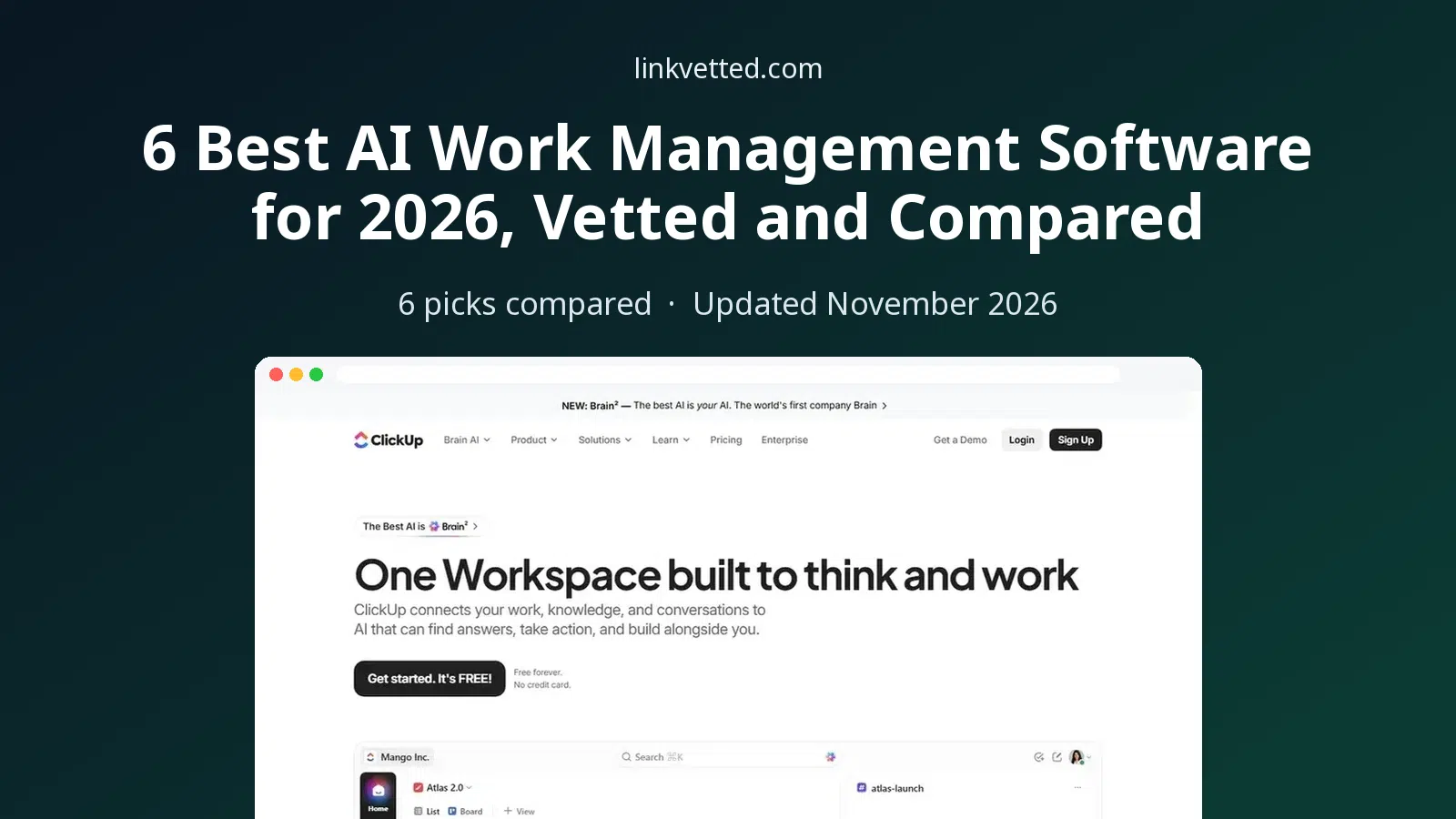
- Editor's choice
 ClickUp
Consolidating work into one app
Starts at$9 per user per monthVisit clickup.comFull review - Great alternative
 Notion
Adaptable AI workspace and docs
Starts at$10 per member per monthVisit notion.comFull review - Also consider
 Asana
Human and AI agent collaboration
Starts at$10.99 per user per monthVisit asana.comFull review
Direct answer
For consolidating work into one app, ClickUp is where this list starts. Listed starting prices: ClickUp from $9 per user per month, Notion from $10 per member per month and Asana from $10.99 per user per month. For a different need, Notion covers adaptable AI workspace and docs and Asana covers human and AI agent collaboration. The other 3 tools in the list cover narrower or pricier cases.
TL;DR:
- The list opens with ClickUp, aimed at consolidating work into one app.
- Airtable fits custom AI workflows and apps.
- A fair warning about Notion: less structured for heavy project tracking.
- For the cheapest start, look at ClickUp: $9 per user per month.
Last checked November 2026. Prices and plan details were read from the vendors' own pages in November 2026; vendors change plans often, so confirm the current price on the vendor site before you buy.
Quick comparison
| Tool | Best for | Starts at | Free plan? | |
|---|---|---|---|---|
| ClickUp | Consolidating work into one app | $9 per user per month | Yes | Visit |
| Notion | Adaptable AI workspace and docs | $10 per member per month | Yes | Visit |
| Asana | Human and AI agent collaboration | $10.99 per user per month | Yes | Visit |
 Monday.com | Visual AI workspace with agents | $9 per seat a month | Yes | Visit |
 Smartsheet | Enterprise governance and visibility | $12 per Member/month | Not stated | Visit |
 Airtable | Custom AI workflows and apps | $20 per user a month | Yes | Visit |
6 options for AI work management software in detail
Choosing AI work management software usually comes down to price, fit and limits. This LinkVetted guide sets 6 tools side by side on those three points, with the facts kept short and checkable.
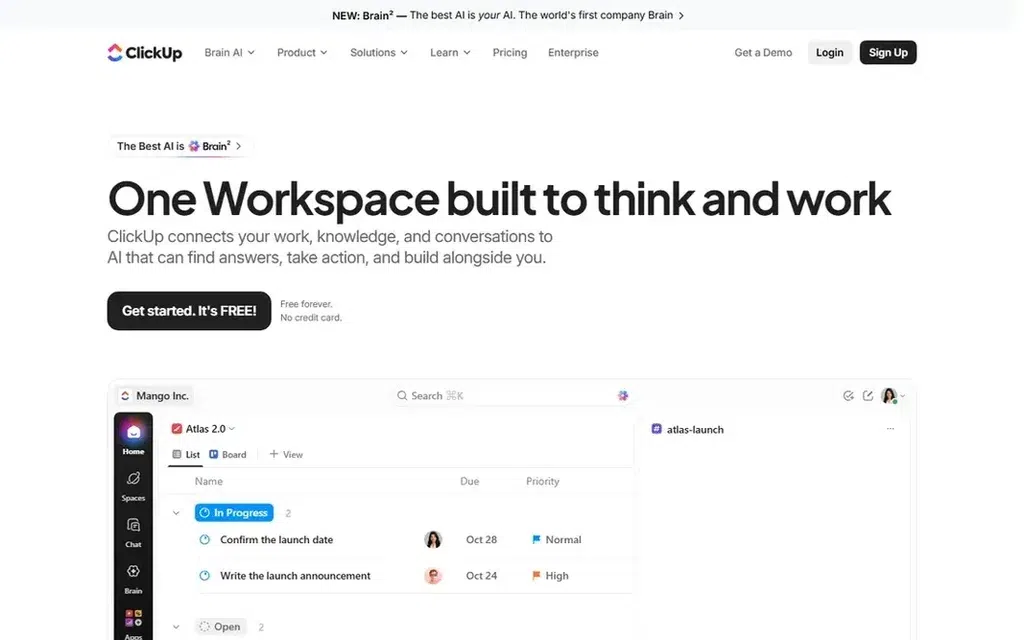
For consolidating work into one app, ClickUp is a natural candidate. ClickUp positions itself as the everything app for work, bringing tasks, docs, goals and chat together with software, AI and humans converging in one place. As for the details, fast-moving teams with varied workflows are a typical match.
The all-in-one scope means new users can feel lost without a clear setup plan, and teams may not need every module. In practice, if you want a more straightforward document-first workspace, Notion could be a better fit. ClickUp pricing: $9 per user per month. ClickUp has a free plan.
Where it is weaker: Feature density can slow onboarding.
- Goals and Chat together
- Suits teams replacing scattered tools
- Numerous settings need deliberate setup
Notion targets adaptable AI workspace and docs. Since Notion is highly flexible, it provides less built-in structure for complicated project execution than dedicated work management products.
What you pay to start with Notion: $10 per member per month. You can start on Notion without paying.
Limits to weigh: Adaptable pages need team conventions.
- Search across all your connected apps
- Automate busywork inside one workspace
- Less structured for heavy project tracking
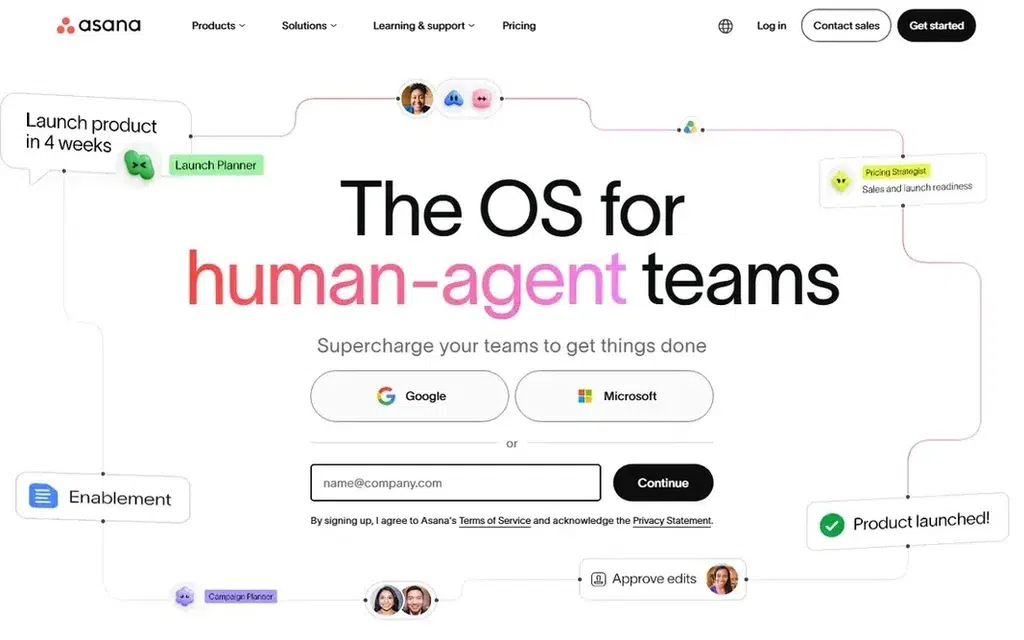
For human and AI agent collaboration, Asana is a natural candidate. It suits organizations that want a shared home for projects, tasks and automatic processes, with agents taking part in the same system people use.
Upsides: automate and execute in one place.
Drawbacks to consider: Complicated projects can feel layered. Entry price for Asana: $10.99 per user per month. Asana has a free plan.
- AI agents share workflows with teams
- Solid fit for critical cross-team work
- Advanced automation may need setup effort
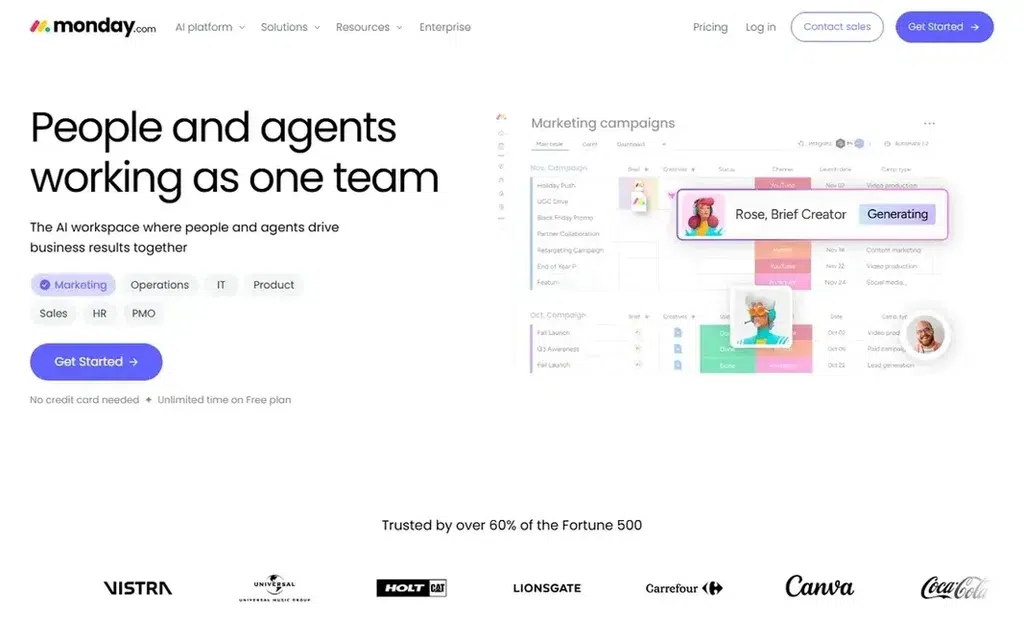
Choose Monday.com for visual AI workspace with agents. Monday.com describes itself as an AI workspace for people and agents, where AI agents work alongside your people to execute, run and operate together.
Downsides: Heavy customization may need admin support.
If your priority is enterprise governance and visibility over visual boards, Smartsheet may be the better pick. Operations, marketing and project teams often fit this style. Monday.com cost at the entry level: $9 per seat per month. You can start on Monday.com without paying.
- One workspace for execution and management
- AI agents work side by side with people
- Breadth of features can overwhelm new users
Smartsheet is built with enterprise governance and visibility in mind. Smartsheet presents itself as the execution hub for enterprise work, where people and AI get work done together with the governance and visibility large organizations need. As for the details, if you want a lighter, visual workspace, Monday.com may be simpler to adopt.
Pick Smartsheet when governance and visibility drive the decision. Also, the enterprise orientation means smaller teams may find the structure and controls more than they need, and the sheet-based model takes adjustment. What you pay to start with Smartsheet: $12 per Member/month. As for free access: Not stated.
Limits to weigh: Spreadsheet-style interface may not suit everyone.
- Execution hub for enterprise work
- People and AI work together at scale
- Enterprise focus can feel heavy for small teams
Airtable makes the most sense for custom AI workflows and apps. Operations, product and creative teams frequently use it to simplify business processes.
Points against: Custom builds need planning and upkeep.
Airtable cost at the entry level: $20 per user per month. You can start on Airtable without paying. Highlights: apps and agents.
- Live collaboration on structured data
- Automate repetitive manual tasks
- Less opinionated project structure from day one
How we built this list
LinkVetted used vendor pricing pages and product documentation as the base, then compared plans, free access and documented limits for 6 tools. Where a vendor does not publish a price, the entry says quote. Where a price depends on seats or billing term, the entry says so. The order reflects how well each tool fits the most common buying scenario for AI work management software, then price clarity, then free plan access. It is a starting point, not a verdict.
Pre-purchase checklist
- Check the vendor page for the current price: ClickUp starts at $9 per user per month here, and seats or billing terms can move it.
- Read the fine print on the free plans from ClickUp, Notion, Asana and others; seat, project and feature caps differ.
- Before choosing ClickUp, weigh its main limit: feature density can slow onboarding.
- Run a one or two week pilot of Asana with the people who will use it every day.
- See whether Smartsheet offers onboarding or training, and whether it is included in the price.
FAQ
Which options for AI work management software have a free plan?
On this list, ClickUp, Notion, Asana, Monday.com and Airtable include a free plan. Caps on seats, usage or features are common, so test the free plan against your real workload.
Do these tools publish their prices?
Yes. Every tool from ClickUp to Airtable shows a starting price, though seats, add-ons and billing terms still change the final cost.
Which tool is best for a small team new to AI work management?
ClickUp is the pick this page puts first, mainly for consolidating work into one app. If your situation differs, Notion suits adaptable AI workspace and docs, and Asana suits human and AI agent collaboration. Compare price and limits before you decide.
What makes work management software AI-powered?
That can mean agents executing tasks, searching across connected apps or automating repetitive steps. The depth varies, so confirm what each tool actually automates.
What is the cheapest option for AI work management software in this list?
On published monthly entry prices, ClickUp is the lowest here at $9 per user per month. Entry price is only part of the cost, because seats, add-ons and billing terms can change the total. Prices, free plan details and limits for all 6 tools in this AI work management software roundup sit on the individual cards above.
How are the tools for AI work management software ordered?
ClickUp sits first and Airtable last because the order follows typical fit for AI work management software, then price clarity and free access. It is a judgement call, so read each profile for fit and limits.
Sources
- https://clickup.com
- https://www.notion.com
- https://asana.com
- https://monday.com
- https://www.smartsheet.com
- https://www.airtable.com