Best AI Virtual Staging Software for Remote Teams in 2026: Prices, Free Plans and 6 Picks
6 best AI virtual staging software for remote teams, with entry costs, free tiers and the buyer each one serves. Concise write-ups of every option. Facts only.
- Editor's choice
 BoxBrownie
Editing plus staging services
Starts at$1.60 per imageVisit boxbrownie.comFull review - Great alternativeApply Design
Photorealistic real estate renders
Starts at$7 per imageVisit applydesign.ioFull review - Also considerVirtual Staging Solutions
Designer-reviewed listing staging
Starts at$286Visit virtualstagingsolutions.comFull review
Direct answer
This list puts BoxBrownie first for editing plus staging services. Listed starting prices: BoxBrownie from $1.60 per image, Apply Design from $7 per image and Virtual Staging Solutions from $286. Alternatives: Apply Design for Photorealistic real estate renders, and Virtual Staging Solutions for designer-reviewed listing staging. Details, prices and limits for the rest of the 6 tools are below.
TL;DR:
- BoxBrownie takes the first slot, best suited to editing plus staging services.
- Starting prices begin at $14 per month with REimagineHome.
- Rocket Matter fits legal practice management.
- A fair warning about BoxBrownie: less instant than AI-only tools.
Last checked November 2026. Prices and plan details were read from the vendors' own pages in November 2026; vendors change plans often, so confirm the current price on the vendor site before you buy.
Quick comparison
| Tool | Best for | Starts at | Free plan? | |
|---|---|---|---|---|
| BoxBrownie | Editing plus staging services | $1.60 per image | Not stated | Visit |
| Apply Design | Photorealistic real estate renders | $7 per image | Free trial | Visit |
| Virtual Staging Solutions | Designer-reviewed listing staging | $286 | Not stated | Visit |
 REimagineHome | Staging with design ideas | $14 per month | Free trial | Visit |
 Virtual Staging AI | Quick one-click AI staging | $16 a month | No | Visit |
 Rocket Matter | Legal practice management | $39 a month per user billed annually | Free trial | Visit |
The full AI virtual staging software for remote teams list
LinkVetted put together this guide to AI virtual staging software for remote teams for readers who want a clear shortlist without reading every vendor page. It compares 6 tools on starting price, free plans, who each one suits and where each one falls short.
BoxBrownie is a good fit for editing plus staging services. The human editing layer can help teams maintain consistency across large photo sets.
In practice, BoxBrownie supplies real estate photo editing, virtual staging, floor plans, clipping and CGI renders, with digital experts editing or enhancing images. In daily use, choose it when you value edited, consistent results across numerous image types, and use an instant AI tool when you need a fast first draft. BoxBrownie cost at the entry level: $1.60 per image. As for free access: Not stated.
Limits to weigh: Less instant than AI-only tools.
- Digital experts manage edits
- Photo editing and floor plans
- Service-based turnaround
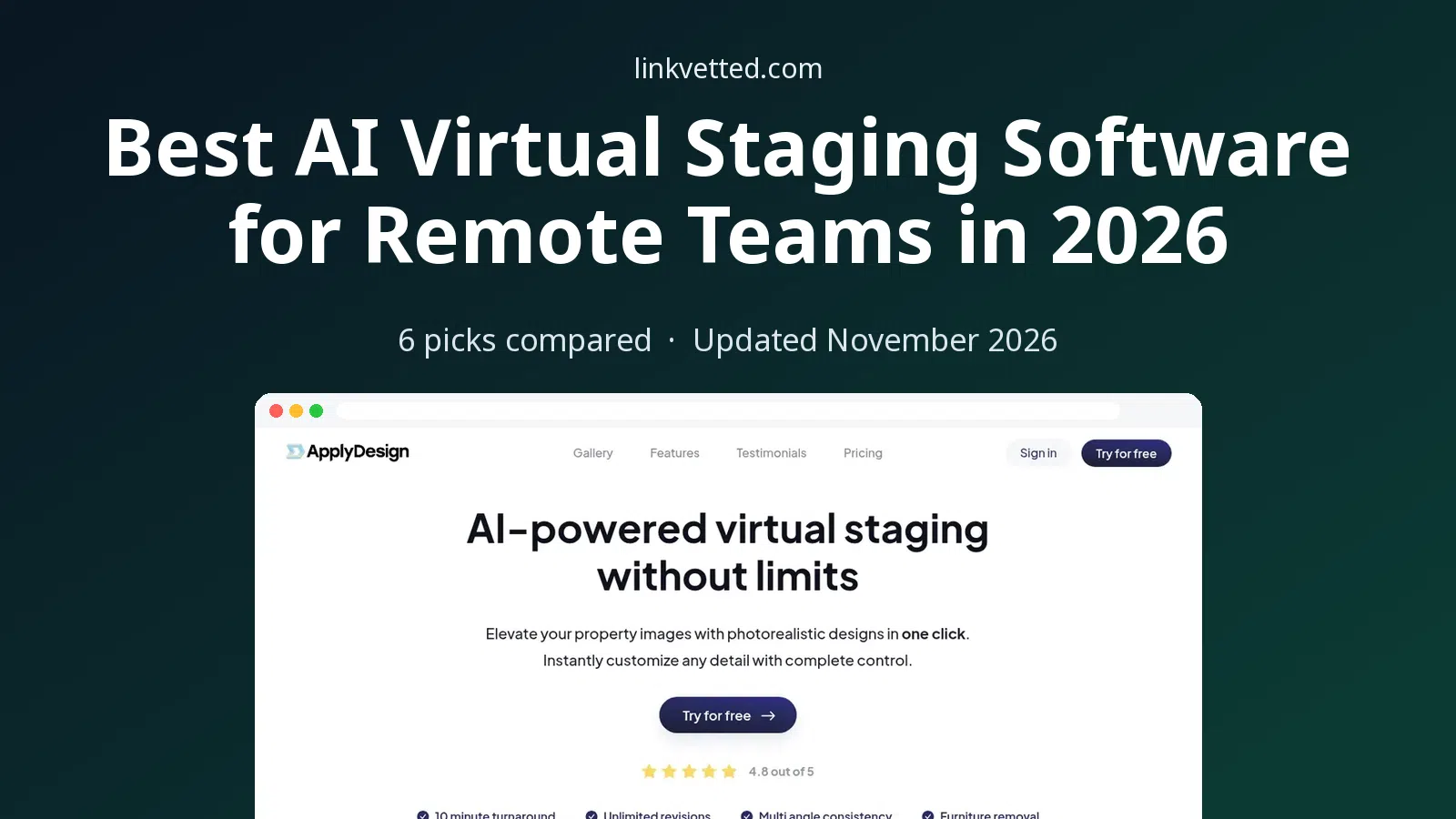
Apply Design
Best for: Photorealistic real estate renders
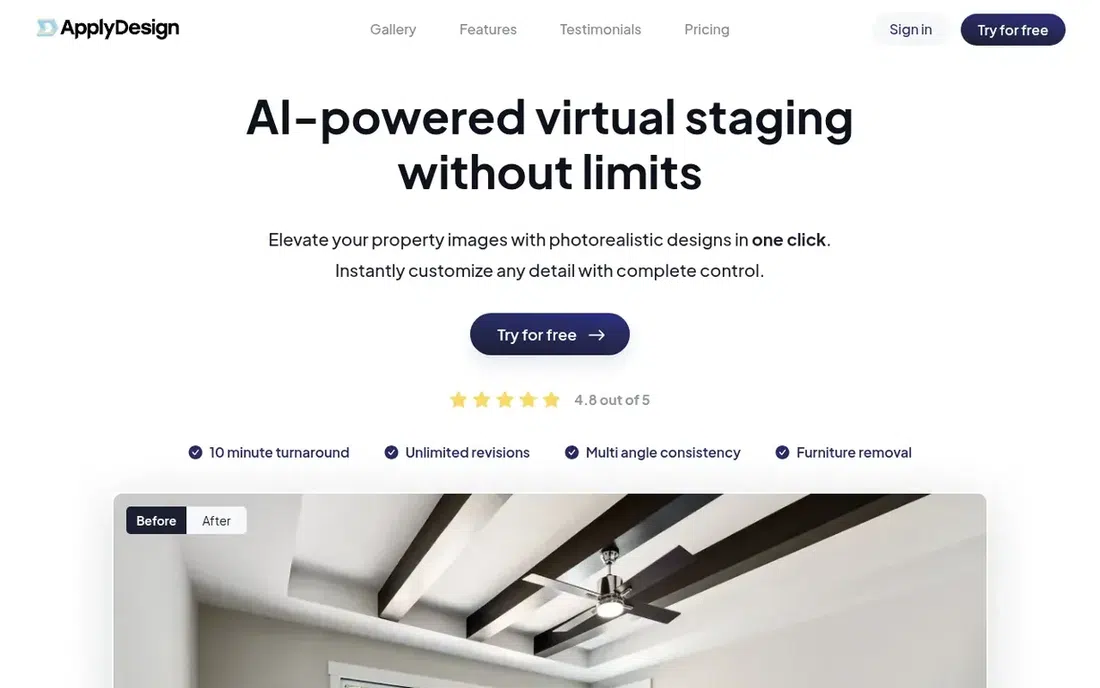
Apply Design is designed for Photorealistic real estate renders. Pick Apply Design when render quality and furniture variety are the priority, and check output carefully before publishing.
The stated render turnaround is measured in minutes, which helps teams working on tight listing timelines. Price to start with Apply Design: $7 per image. As for free access: Free trial.
Where it falls short: Ramp-up time for new users.
- Photorealistic render output
- Real estate focus
- Render time may vary
Virtual Staging Solutions
Best for: Designer-reviewed listing staging
Pick Virtual Staging Solutions if this describes you: designer-reviewed listing staging. It is a service instead of a self-serve AI tool, so teams needing instant results may find it slower.
Price to start with Virtual Staging Solutions: $286. As for free access: Not stated.
Trade-offs to know: Turnaround relies on service.
- Buyer-focused staging approach
- Longstanding service history
- Not an instant AI tool
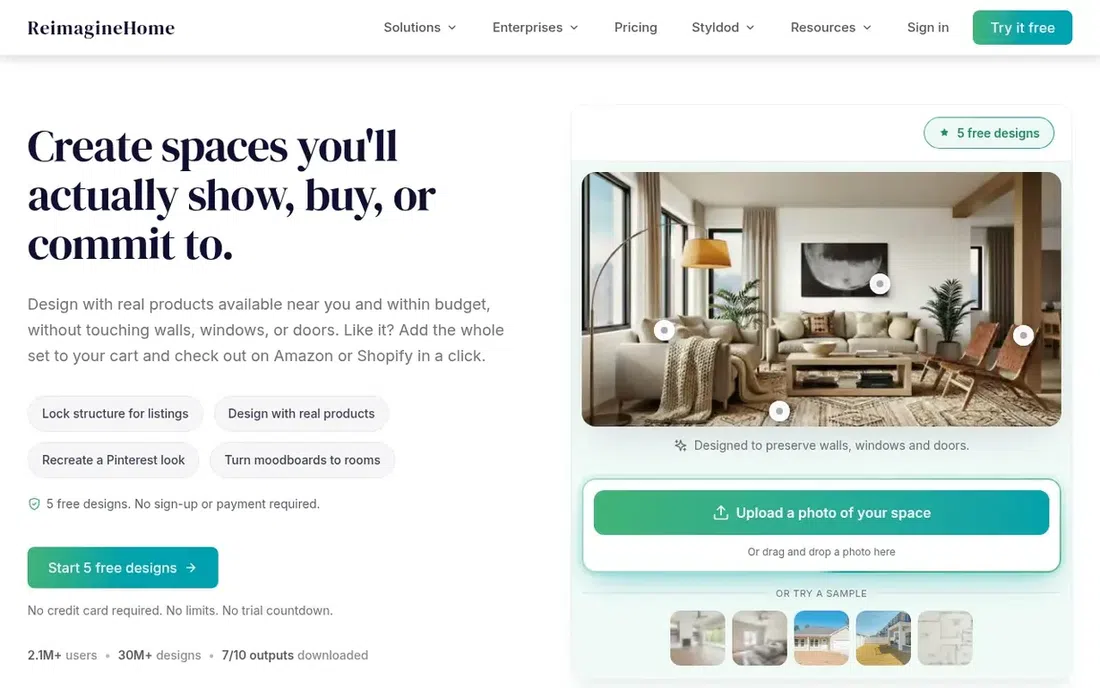
Pick REimagineHome if this describes you: Staging with design ideas. REimagineHome merges AI interior design with virtual staging, letting users upload a room photo to receive personalized designs and real shoppable products matched to space, style and budget.
Beyond that, choose it when creative direction matters, and pair it with a service tool if you need consistent, reviewed renders at scale. REimagineHome pricing: $14 per month. As for free access: Free trial.
Downsides: Outputs may need review.
- Personalized design suggestions
- Style and budget choices
- Less concentrated on listing editing
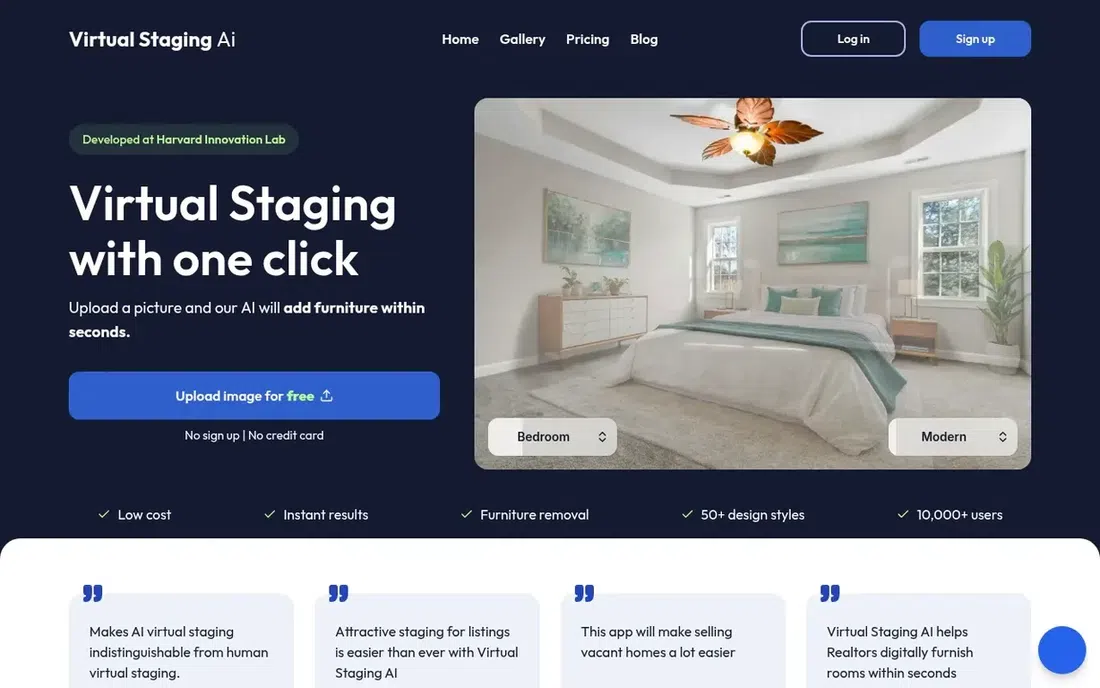
Virtual Staging AI is aimed squarely at quick one-click AI staging. Virtual Staging AI is built around a one-click staging process that turns empty room photos into furnished images with realistic furnishings.
Limits to weigh: Narrower service range.
It suits remote teams that require to move rapidly through listing prep and prefer a straightforward, automatic workflow over manual editing. Virtual Staging AI pricing: $16 per month. Virtual Staging AI has no free tier.
- Realistic furnishings
- One-click staging workflow
- Restricted human review
Rocket Matter makes the most sense for legal practice management. Businesses handling real estate legal work may encounter it in their broader software search.
Rocket Matter is legal practice management software for modern businesses, positioned as a single source of truth for managing and expanding a practice. Entry price for Rocket Matter: $39 per month per user billed annually. On free options: Free trial.
Limits to weigh: Not a staging tool.
- Designed for modern businesses
- Practice management focus
- Different industry focus
How we chose
Selection started from tools commonly considered for AI virtual staging software for remote teams, then narrowed to 6 that have clear pricing information or a clear quote process. Treat prices as a snapshot: vendors change plans often, so check the vendor site for the figure that applies today. The order reflects how well each tool fits the most common buying scenario for AI virtual staging software for remote teams, then price clarity, then free plan access. It is a starting point, not a verdict.
Before you commit
- Confirm the entry price on the vendor page: REimagineHome starts at $14 per month, but seat counts and billing terms change the total.
- Run a trial of Apply Design, REimagineHome and Rocket Matter with real work before paying for a year; your own workflow is the best test.
- Read the limits listed for BoxBrownie first: less instant than AI-only tools.
- Check how data leaves Virtual Staging Solutions: formats, limits and whether exports are available on every plan.
- Confirm that BoxBrownie connects to the apps your team already uses, on the plan you would actually buy.
FAQ
Is AI staging as good as designer-reviewed staging?
AI staging is quick and consistent for straightforward rooms, whereas designer-reviewed staging brings a human quality check that can help with complicated spaces.
Can these tools manage photo editing beyond staging?
Some providers, for example BoxBrownie, offer editing, floor plans and renders alongside staging.
What is the cheapest option for AI virtual staging software for remote teams in this list?
On published monthly entry prices, REimagineHome is the lowest here at $14 per month. Entry price is only part of the cost, because seats, add-ons and billing terms can change the total.
What should remote teams look for in virtual staging software?
Look for a workflow that works fully online, clear turnaround expectations and output quality that matches your listings. Teams with high volume should also check whether human review is available when images need a final polish.
Does any tool for AI virtual staging software for remote teams here have a free plan?
No tool in this list, BoxBrownie and Rocket Matter included, has a permanent free plan. Apply Design, REimagineHome, Rocket Matter offer a trial. Trials and quotes are the usual route, so plan a short evaluation period.
Is BoxBrownie the right pick for everyone comparing AI virtual staging software for remote teams?
No single tool suits every team. BoxBrownie comes first because it fits editing plus staging services, while Apply Design suits Photorealistic real estate renders and Virtual Staging Solutions suits designer-reviewed listing staging. Match the tool to your own size, budget and workflow before deciding.
Sources
- https://www.boxbrownie.com
- https://www.applydesign.io
- https://www.virtualstagingsolutions.com
- https://www.reimaginehome.ai
- https://www.virtualstagingai.app
- https://www.rocketmatter.com