Best Virtual Staging Software for Listing Agents in 2026: Prices, Free Plans and 5 Picks
Weighing the best virtual staging software for listing agents? We lined up 5 products by cost, free access and fit. Prices and drawbacks included. Easy to scan.
- Editor's choiceVirtual Staging Lab
Design-led home staging
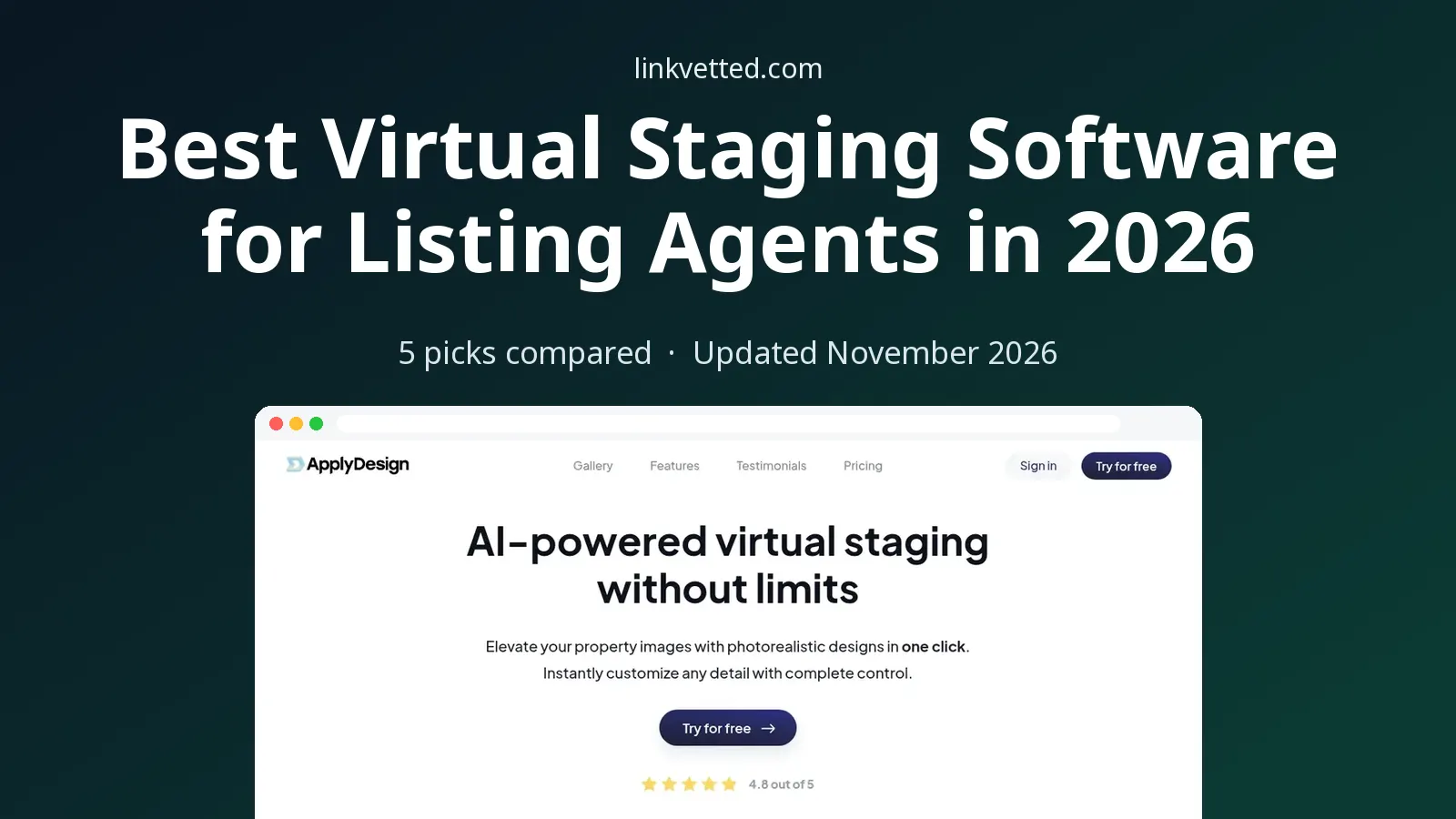
Starts atSee websiteVisit virtualstaginglab.comFull review - Great alternativeApply Design
AI staging with a large furniture library
Starts at$7 per imageVisit applydesign.ioFull review - Also consider
 BoxBrownie
Bundled photo editing and staging
Starts at$1.60 per imageVisit boxbrownie.comFull review
Direct answer
Virtual Staging Lab leads the list, best for Design-led home staging. Listed starting prices: Apply Design from $7 per image, BoxBrownie from $1.60 per image and Virtual Staging AI from $16 per month. For a different need, Apply Design covers AI staging with a large furniture library and BoxBrownie covers bundled photo editing and staging. The full list of 5 tools follows, with prices and free plan facts.
TL;DR:
- This list starts with Virtual Staging Lab, which is built for Design-led home staging.
- For the cheapest start, look at Virtual Staging AI: $16 per month.
- Virtual Staging AI comes with a trade-off: restricted practical design control.
- For Virtual tours and 3D spaces, iStaging is worth a look.
Last checked November 2026. Prices and plan details were read from the vendors' own pages in November 2026; vendors change plans often, so confirm the current price on the vendor site before you buy.
Quick comparison
| Tool | Best for | Starts at | Free plan? | |
|---|---|---|---|---|
| Virtual Staging Lab | Design-led home staging | See website | Not stated | Visit |
| Apply Design | AI staging with a large furniture library | $7 per image | Free trial | Visit |
| BoxBrownie | Bundled photo editing and staging | $1.60 per image | Not stated | Visit |
 Virtual Staging AI | Quick one-click AI staging | $16 per month | No | Visit |
| iStaging | Virtual tours and 3D spaces | €5 a month | Free trial | Visit |
5 virtual staging software for listing agents in detail
LinkVetted compared 5 virtual staging software for listing agents. The goal is a practical shortlist: published prices, free plan facts, best-fit use cases and honest limits for every entry.
Virtual Staging Lab
Best for: Design-led home staging
Virtual Staging Lab serves Design-led home staging. Virtual Staging Lab merges interior design know-how with virtual staging technology for real estate photos. Worth adding: agents needing instant batch output may prefer a one-click AI tool.
The homepage hands restricted detail on automation and turnaround, so confirm scope and timing before ordering. The homepage frames the service around helping a home sell more rapidly, which suits agents who want a designed look instead of generic furniture placement. It is a reasonable fit for listings where styling choices should feel intentional. Virtual Staging Lab does not show a starting price in this comparison, so check the vendor site for current pricing. Free access: Not stated.
Points against: Less detail on automation.
- Interior design expertise
- Furniture staging for photos
- Turnaround varies by project
Apply Design
Best for: AI staging with a large furniture library
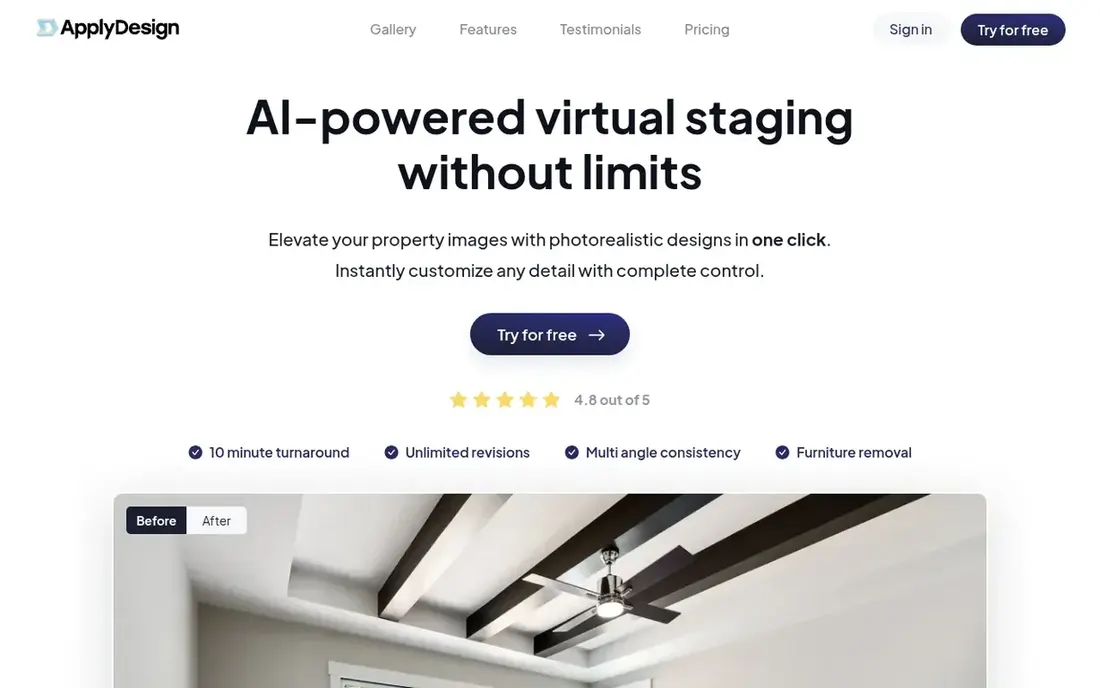
Choose Apply Design for AI staging with a large furniture library. Apply Design is an AI virtual staging tool that produces photorealistic renders of empty rooms.
The main drawbacks: AI renders need quality checks.
For everyday use, more choices mean more decisions, so first-time users may spend time learning the interface before renders look right. What you pay to start with Apply Design: $7 per image. As for free access: Free trial.
- Large furniture selection
- Photorealistic render output
- Ramp-up time for best results
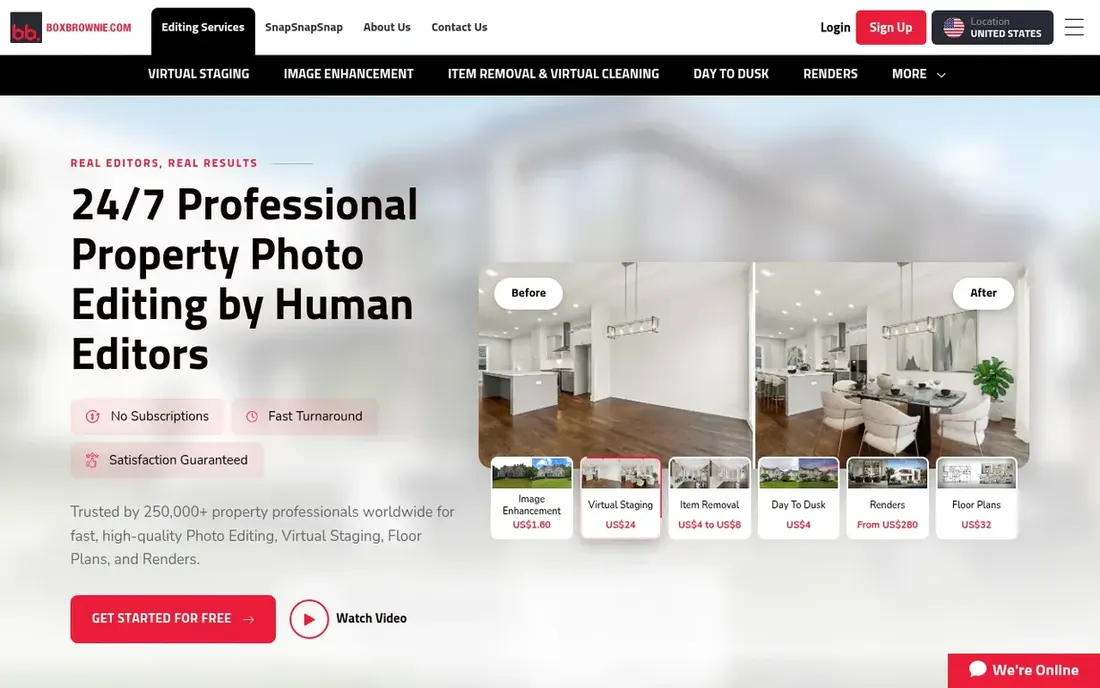
BoxBrownie works best for bundled photo editing and staging. Since work is handled by editors, it is not the instant self-serve experience some AI tools offer, and complicated orders may take longer than the stated window.
The homepage describes digital experts handling edits with a stated 24-hour delivery window. BoxBrownie pricing: $1.60 per image. Free options: Not stated.
Drawbacks to consider: Turnaround relies on order volume.
- Floor plans and CGI renders
- Stated 24-hour delivery
- Not a pure instant-AI tool
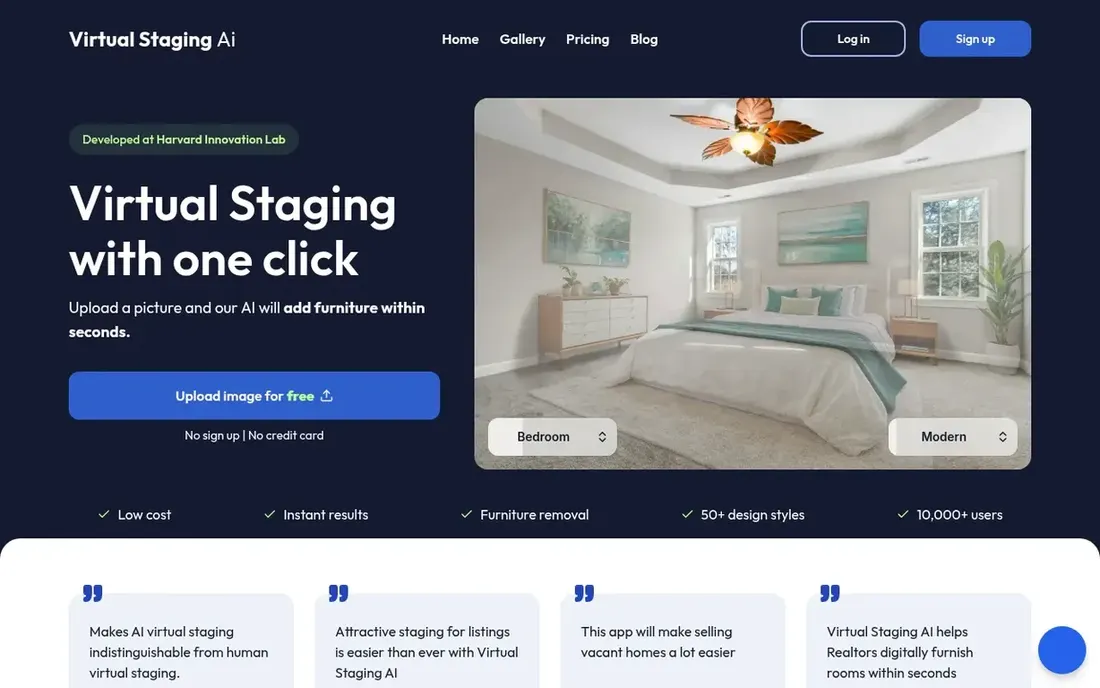
Pick Virtual Staging AI if this describes you: quick one-click AI staging. Virtual Staging AI is built around a one-click process that turns a photo of an empty room into a furnished scene in seconds.
Drawbacks to consider: Restricted practical design control.
For everyday use, the homepage emphasizes realistic furnishings and a straightforward upload-and-go flow, which suits high-volume agents who stage plenty of rooms at once. Worth adding: choose this when speed and simplicity matter more than fine styling. Virtual Staging AI cost at the entry level: $16 per month. Virtual Staging AI does not include a free plan.
- One-click staging workflow
- Realistic furnishings
- AI output may need spot checks
iStaging
Best for: Virtual tours and 3D spaces
iStaging serves Virtual tours and 3D spaces. iStaging is a virtual tour and 3D model system with XR tools, digital twins and AI features.
As for the details, pick iStaging when tours and 3D presentation are part of the plan. Beyond that, since it is a wider product, it involves more setup than a single-purpose staging tool and may be more than a photo-only workflow needs. The starting price for iStaging: €5 per month. Free access: Free trial.
What to check first: Staging is one part of a wider system.
- XR and digital twin tools
- Broader spatial marketing
- More setup than straightforward photo staging
How the list was put together
Things to verify first
- Confirm the entry price on the vendor page. For Virtual Staging Lab that means a quote rather than a fixed price.
- Run a trial of Apply Design and iStaging with real work before paying for a year; your own workflow is the best test.
- Before choosing Virtual Staging Lab, weigh its main limit: less detail on automation.
- List the apps you already depend on and check that Virtual Staging Lab supports each one on the plan you would buy.
- Map your must-have features to a specific Apply Design plan before you compare prices.
FAQ
Can I try these tools before paying?
Often, yes. Apply Design and iStaging offer a free trial. Use your own data and a real task during the test, and check what the free tier or trial limits before you rely on it.
What is the cheapest option for virtual staging software for listing agents in this list?
On published monthly entry prices, Virtual Staging AI is the lowest here at $16 per month. Entry price is only part of the cost, because seats, add-ons and billing terms can change the total.
Do these tools publish their prices?
Not all of them. Virtual Staging Lab publishes no starting price, so expect a quote request for it. The rest, Apply Design included, show a starting price, though seats and billing terms still change the final cost.
How do I keep staged images compliant with listing rules?
Plenty of several listing services need virtual staging to be disclosed, so label staged photos plainly and keep the original empty-room images on file. Check your local rules before uploading staged images to any listing system.
How are the tools for virtual staging software for listing agents ordered?
The order follows typical fit for virtual staging software for listing agents, with Virtual Staging Lab first and iStaging last, then price clarity and free access. It is editorial judgement, not a score, so another team could rank the tools differently.
Is AI virtual staging decent enough for real listings?
AI staging can produce realistic furnished rooms rapidly, but output quality varies by photo and tool. Review each image for odd proportions, lighting or furniture placement before publishing, and consider designer-reviewed staging for higher-value listings.
Sources
- https://www.virtualstaginglab.com
- https://www.applydesign.io
- https://www.boxbrownie.com
- https://www.virtualstagingai.app
- https://www.istaging.com