5 AI Tools for Virtual Assistant Management Worth Shortlisting in 2026
Searching for the best AI tools for virtual assistant management? Here are 5 options with prices and free plans. Caveats come with every verdict. Easy to scan.
- Editor's choice
 Monday.com
AI workspace for people and agents
Starts at$9 per seat per monthVisit monday.comFull review - Great alternative
 Asana
Project management with AI agents
Starts at$10.99 per user a monthVisit asana.comFull review - Also consider
 Make
No-code workflow automation
Starts atSee websiteVisit make.comFull review
Direct answer
This list puts Monday.com first for AI workspace for people and agents. Listed starting prices: Monday.com from $9 per seat per month, Asana from $10.99 per user a month and Notion from $10 per member a month. Asana fits project management with AI agents; Make fits no-code workflow automation. The full list of 5 tools follows, with prices and free plan facts.
TL;DR:
- This list starts with Monday.com, which is built for AI workspace for people and agents.
- Fireflies.ai fits meeting transcription and summaries.
- A free plan is available from 5 of the 5 tools: Monday.com, Asana, Make, Notion, Fireflies.ai.
- What to know about Notion first: can become cluttered without structure.
- Monday.com is the lowest-priced starter here at $9 per seat per month.
Last checked November 2026. Prices and plan details were read from the vendors' own pages in November 2026; vendors change plans often, so confirm the current price on the vendor site before you buy.
Quick comparison
| Tool | Best for | Starts at | Free plan? | |
|---|---|---|---|---|
| Monday.com | AI workspace for people and agents | $9 per seat per month | Yes | Visit |
| Asana | Project management with AI agents | $10.99 per user a month | Yes | Visit |
| Make | No-code workflow automation | See website | Yes | Visit |
 Notion | All-in-one workspace and custom agents | $10 per member a month | Yes | Visit |
 Fireflies.ai | Meeting transcription and summaries | $10 per seat per month, billed yearly | Yes | Visit |
AI Tools for Virtual Assistant Management compared in detail
This LinkVetted guide covers 5 options for AI tools for virtual assistant management. Each profile lists a starting price, free plan details, strengths and drawbacks, so you can drop poor fits quickly.
Monday.com is designed for AI workspace for people and agents. Virtual assistants can use it to plan projects, track progress, and automate workflows with AI. It is well-suited for assistants who thrive on visual boards and collaborative planning.
Monday.com may be more than needed for solo assistants, and its AI capabilities are best utilized with team buy-in. Also, Monday.com is an AI workspace where people and agents work side by side to execute tasks and run operations. Choose Monday.com when you want a collaborative AI-powered workspace. Price to start with Monday.com: $9 per seat per month. Free access exists with Monday.com.
Drawbacks to consider: Can be expensive for small teams.
- Collaboration features
- AI agents for task execution
- AI features may need a ramp-up time
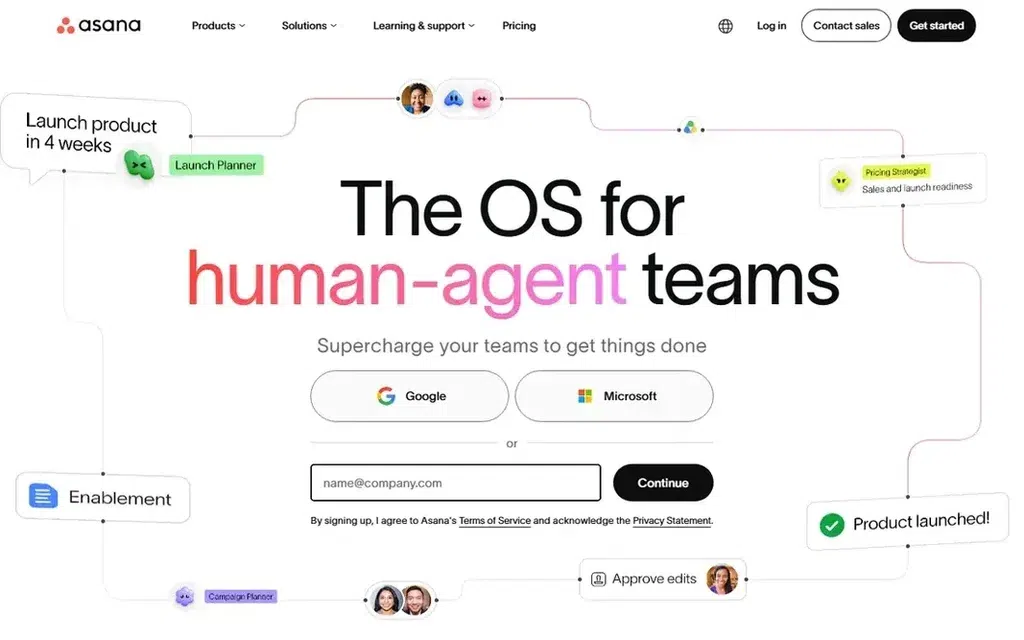
Asana serves project management with AI agents. Virtual assistants can use it to track tasks, assign responsibilities, and monitor progress. It is a strong match for assistants who handle several projects and need a structured way to coordinate with others.
Points against: May be complicated for straightforward tasks.
As for the details, Asana is work management software aimed at teams and AI agents to plan, automate, and execute workflows together. In daily use, if you need a more light tool, consider alternatives. The starting price for Asana: $10.99 per user per month. Asana offers a free plan.
- Clear task and project tracking
- Supports team collaboration
- AI features are still evolving

Think of Make for no-code workflow automation. Make is a no-code automation system that lets you visually build and scale workflows across your apps.
Watch-outs: Advanced features may need technical know-how.
Pricing for Make is not stated here, so ask the vendor for current figures. Make includes a free tier.
- Links plenty of apps without code
- Supports AI and agentic workflows
- Complicated automations need a ramp-up time
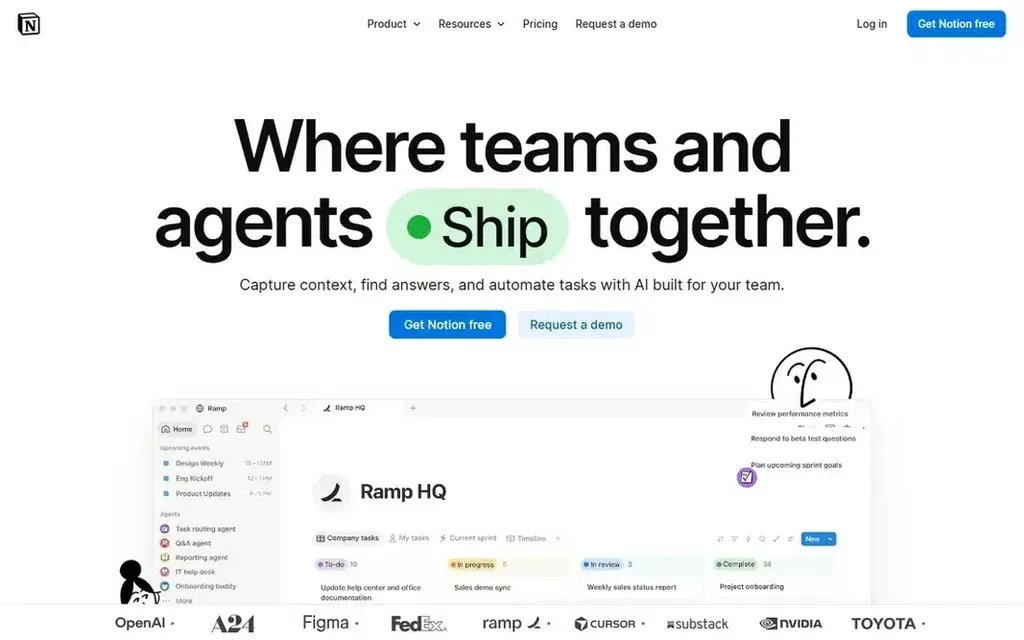
Notion serves all-in-one workspace and custom agents. Pick Notion when you want a configurable workspace with built-in AI assistance.
Watch-outs: AI features may need setup.
Virtual assistants can use it to organize information, handle projects, and automate busywork with AI. Beyond that, Notion's adaptability means it can get messy if not set up carefully, and some AI features need configuration to be handy. On cost, Notion starts like this: $10 per member per month. Notion offers a free plan.
- Adaptable workspace for notes and tasks
- Links up with plenty of other apps
- Can become cluttered without structure
Fireflies.ai is designed for meeting transcription and summaries. Fireflies.ai concentrates on meetings, so it is not a full project management option. Transcription may need editing for accuracy.
Watch-outs: Limited to meeting-related tasks.
Choose Fireflies.ai when meeting documentation is a core part of your assistant duties. More specifically, if you need broader task management, pair it with another tool. The starting price for Fireflies.ai: $10 per seat per month, billed annually. Fireflies.ai offers a free plan.
- Creates smart summaries
- Automatic meeting notes
- Transcription accuracy varies
How we chose
LinkVetted looked at what each vendor publishes: pricing, plan limits, feature coverage for AI tools for virtual assistant management and stated drawbacks. No hands-on testing is claimed. Treat prices as a snapshot: vendors change plans often, so check the vendor site for the figure that applies today. The ranking is editorial: typical fit first, then clear pricing, then free access. If your needs are unusual, read the profiles rather than relying on position.
Things to verify first
- Get a written quote from Make; the list shows no starting price for them.
- Check what the free option really includes: Monday.com, Asana, Make and others offer a free plan, and usage caps differ.
- Read the limits listed for Monday.com first: can be expensive for small teams.
- Confirm minimum seats and billing terms with Fireflies.ai before you commit to an annual plan.
- Ask Monday.com how an export works before you move any records in; an easy exit lowers the risk.
FAQ
Do these tools publish their prices?
Not all of them. Make publishes no starting price, so expect a quote request for it. The rest, Monday.com included, show a starting price, though seats and billing terms still change the final cost.
Can I try these tools before paying?
Often, yes. Monday.com, Asana, Make and others have a free plan. Use your own data and a real task during the test, and check what the free tier or trial limits before you rely on it.
Can these AI tools replace a virtual assistant?
No, these tools are meant to augment a virtual assistant's capabilities, not replace them. They deal with time-consuming tasks like scheduling, note-taking, and workflow automation, freeing the assistant to focus on higher-level work.
What should a virtual assistant look for in an AI tool?
Virtual assistants should prioritize tools that automate repetitive tasks, centralize information, and connect with existing apps. Meeting transcription and project management features are also valuable based on the assistant's responsibilities.
Is Monday.com the right pick for everyone comparing AI tools for virtual assistant management?
No single tool suits every team. Monday.com comes first because it fits AI workspace for people and agents, while Asana suits project management with AI agents and Make suits no-code workflow automation. Match the tool to your own size, budget and workflow before deciding.
Which options for AI tools for virtual assistant management have a free plan?
Monday.com, Asana, Make, Notion and Fireflies.ai offer a free plan in this list. Free plans usually cap users, projects or features, so check the limits on the vendor page.
Sources
- https://monday.com
- https://asana.com
- https://www.make.com
- https://www.notion.so
- https://fireflies.ai