Best AI Tools for Generating Images in 2026: 10 Tools Compared
Best AI tools for generating images compared on price, text rendering, commercial use and editing, from Midjourney and Firefly to Gemini, Ideogram and Canva.
- Editor's choice
 Midjourney
Artistic style
Starts at$10 per monthVisit midjourney.comFull review - Great alternative
 ChatGPT Images
Conversational edits
Starts at$20 per monthVisit chatgpt.comFull review - Also consider
 Adobe Firefly
Commercial safety
Starts at$9.99 per monthVisit adobe.comFull review
TL;DR:
- Midjourney still leads on pure visual style, while Ideogram leads when the image must contain readable text.
- Adobe Firefly is the safest pick for commercial client work, thanks to its trained on licensed content approach and Adobe integration.
- If you already pay for ChatGPT or Google Gemini, the image tools inside those plans may cover everyday needs without a second subscription.
- Free tiers vary a lot on commercial rights, so check whether free outputs can be used for client work before you publish them.
Quick comparison
| Tool | Best for | Starts at | Free plan? | |
|---|---|---|---|---|
| Midjourney | Artistic style | $10 per month | No | Visit |
| ChatGPT Images | Conversational edits | $20 per month | Yes | Visit |
| Adobe Firefly | Commercial safety | $9.99 per month | Yes | Visit |
 Google Gemini | Photo edits in Google | $19.99 per month | Yes | Visit |
 Ideogram | Text and logos | $20 per month | Yes | Visit |
 Leonardo AI | Game and product art | $12 per month | Yes | Visit |
 Recraft | Vectors and brand art | $12 per month | Yes | Visit |
 Canva AI | Finished social designs | $15 per month | Yes | Visit |
 Flux | Open model control | See website | Yes | Visit |
 Playground | Fast casual creation | $15 per month | Yes | Visit |
The best AI tools for generating images
We compared official feature pages, pricing pages, app store listings, privacy policies and public reviews for the tools below. We looked at image quality, text handling, editing, commercial terms and the real monthly cost, not just the headline price.
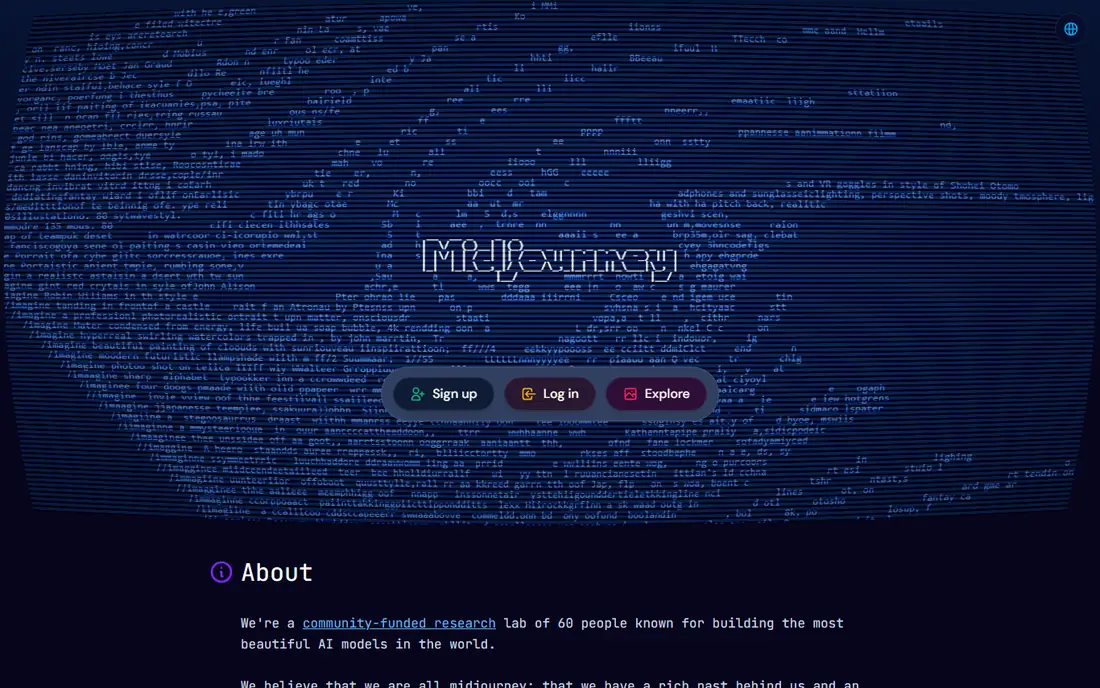
Midjourney remains the tool many creators name first when the look matters more than anything else. Concept art, illustration, mood boards and stylised brand imagery tend to come out with a coherence that is hard to match. The Basic plan starts at $10 per month, with higher plans adding more fast generation time.
The catch is the workflow. Much of Midjourney still runs through Discord, and there is no free tier to test it properly. If you need readable text in posters or a simple web editor, another tool on this list will frustrate you less. If you need a striking look, Midjourney is still our first pick.
- Distinctive, polished visual style
- Strong community prompts and styles
- Steady model updates
- No free tier
- Discord based workflow can feel awkward for new users
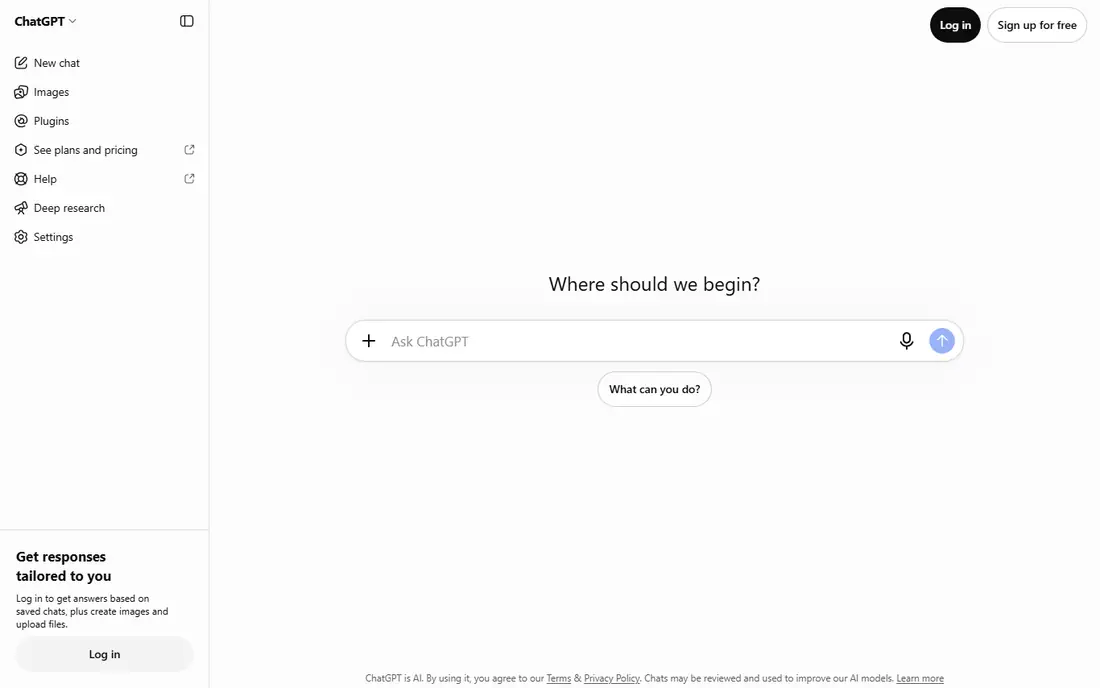
ChatGPT Images suits people who think in conversation rather than in prompt syntax. You can generate an image, ask for a different background, change the mood and keep refining in the same chat. That loop is fast for social posts, blog art and mockups.
The limit is control and caps. You cannot tune a model the way you can in Leonardo or Flux, and free users face limited image generation. Paid Plus at $20 per month is the practical starting point for regular use. For everyday images, though, the convenience is hard to beat.
- Edit by describing the change in plain words
- Strong prompt following
- Useful inside a plan many people already pay for
- Generation caps vary with demand
- Less fine control than a dedicated art tool
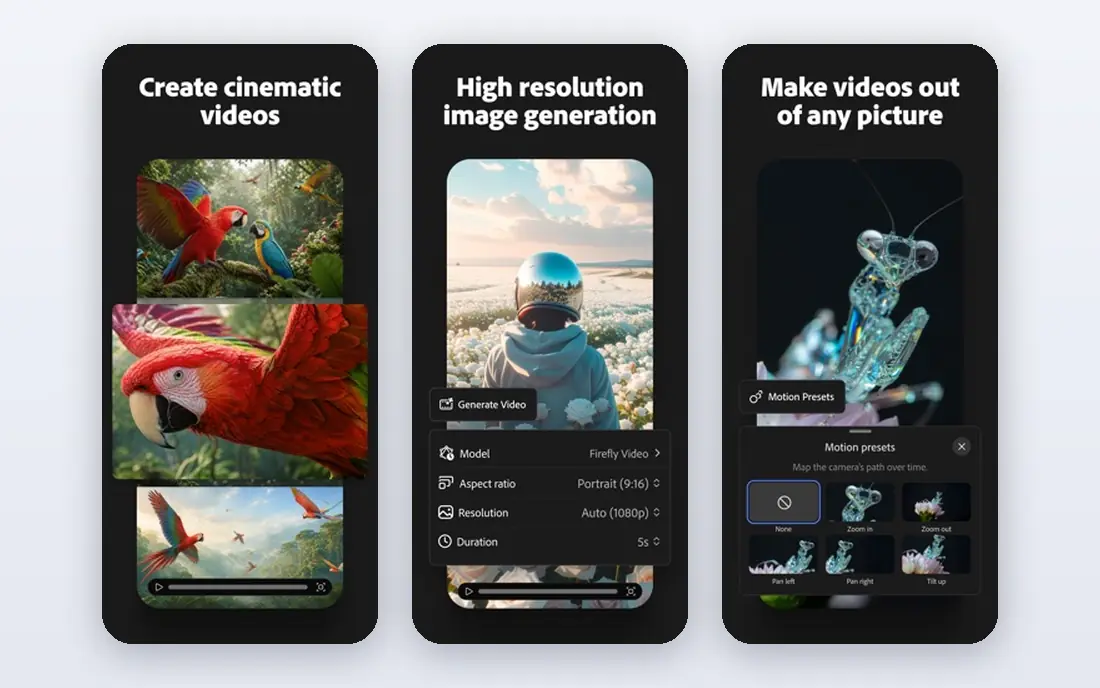
Firefly is the calm choice for commercial work. Adobe says its models are trained on licensed content, and that gives agencies and in house teams a clearer story when a client asks about rights. Inside Photoshop, Generative Fill and Generative Expand make Firefly part of a real editing workflow, not just a picture generator.
Credits are the thing to watch. The Firefly Standard plan starts at $9.99 per month and includes a monthly credit allowance, so heavy users need a higher tier. If you live in Adobe apps already, Firefly earns its place even if its raw style is less dramatic than Midjourney.
- Models trained on licensed content
- Deep Photoshop and Express integration
- Commercial use terms suited to client work
- Credit based system needs watching
- Some styles are less striking than Midjourney
Gemini, with its Nano Banana image model, has become a strong everyday image tool, especially for editing a photo you already have. Describe the change, and Gemini can adjust a scene, restyle a portrait or place text with surprising accuracy. Google AI Pro starts at $19.99 per month, while a free tier covers light use.
For pure art direction, Gemini is not as distinctive as Midjourney. For a marketer, teacher or small business owner who needs a usable image in minutes, the combination of chat, editing and Google integration is very practical.
- Strong photo editing from a description
- Text handling has improved a lot
- Works inside Google apps
- Free tier limits apply
- Style control is less deep than dedicated tools
Ideogram solves the problem that trips up most image tools: words inside the picture. Posters, logo concepts, social cards and product labels come out with text that is actually spelled correctly far more often. The Plus plan starts at $20 per month, with a lower annual rate, and a free tier offers slow credits each week.
Check the free tier terms before using it for client work, because free generations can be public. For anyone whose images carry headlines, Ideogram is the tool we would shortlist first.
- Best in class readable text in images
- Good for posters, logos and memes
- Clean web editor
- Free tier images are public
- Paid plan needed for private commercial work at volume
Leonardo AI is built for production volume, especially game assets, product mockups and character work. The free tier gives daily tokens, and the Apprentice plan starts at $12 per month. Fine tuned models and consistent character features help when you need the same figure or product across many images.
The token maths is the learning curve. You need to understand how each generation spends tokens, and free outputs are not suited to commercial use in the same way as paid outputs. Once you learn the system, Leonardo offers a lot of control for the price.
- Generous daily free tokens
- Fine tuning and consistent characters
- Canvas editor for refinements
- Token system takes time to learn
- Free outputs have usage limits
Recraft stands apart because it can produce true vector graphics, not just flat pictures that look like vectors. Icons, illustrations and brand assets can be scaled and edited in a design tool, which matters for logos and print. Plans start at $12 per month, with a free tier offering daily credits.
Photorealism is not its strength, so do not pick Recraft for lifelike scenes. For design led teams that need a consistent brand style across many assets, it is one of the most useful tools here.
- Real vector output for icons and illustrations
- Style controls for brand consistency
- Clean editor
- Weaker for photorealistic scenes
- Free tier outputs are public and not for commercial use
Canva AI is for people who need a finished post, not just a picture file. Generate an image, drop it into a template, add text, adjust the brand colours and export for social, print or web, all in one place. Canva Pro costs about $15 per month when billed annually, and a free plan includes limited AI uses.
Heavy image generation will hit the AI allowance, and Canva is not the best choice for fine art control. For a small business owner who makes their own marketing, the all in one workflow saves more time than a slightly better image from another tool.
- Images inside a full design editor
- Templates, brand kits and text tools
- Easy for non designers
- AI allowance limits heavy use
- Image quality alone trails dedicated generators
Flux, from Black Forest Labs, is the pick for builders and advanced users who want control. Open weights can run locally with suitable hardware, and hosted services charge per image, which suits variable volume. Prompt fidelity and text handling are strong for a model family in this class.
Beginners may find Flux harder to start with than a polished app like Canva or Gemini. There is no single consumer subscription that covers every hosted option, so pricing depends on the provider you choose. If control and cost per image matter more than a simple app, Flux deserves a look.
- Strong prompt following and typography
- Open weights allow local use
- Pay per image options via hosted services
- No simple flat subscription for most users
- Setup is harder for beginners
Playground is a friendly middle ground for casual creators. The editor is easy, styles are quick to apply, and you can move from idea to image without learning prompt engineering. A free tier lets you test the tool, and paid plans start at $15 per month.
Professional teams may outgrow it, because model control and brand tools are thinner than in Leonardo, Recraft or Firefly. For social content, personal projects and quick mockups, Playground is a pleasant, low friction choice.
- Simple editor and fast generation
- Useful filters and styles
- Free tier for trying ideas
- Less depth for professional workflows
- Free tier limits apply
How we picked these
We compared official pricing and feature pages, app store listings, privacy policies and public reviews, checking October 2026 prices and free tier terms where vendors publish them. We favoured tools that are live today, that serve different jobs (art, text, vectors, editing, finished design) and that state commercial terms clearly. We did not claim hands on testing, and we used See website where a single price would mislead because of per image or hosted pricing.
How to choose the right image tool
Start with the job, not the model
A poster needs text accuracy, a brand kit needs vectors, and a mood board needs style. Matching the tool to the job saves more money than chasing the newest model name.
Check commercial rights before client work
Free tiers often limit commercial use or make outputs public. Read the terms for the plan you will actually use, and keep a record of the licence for client files.
Watch credits and caps
Credit systems, token banks and generation caps decide the real monthly cost. Estimate how many images you make in a busy week, then pick a plan with headroom, not just the cheapest entry price.
Test editing, not just generation
Most real work is revision. A tool that lets you edit part of an image, extend it or keep a character consistent will save more time than one that only makes a good first draft.
FAQ
What AI tool is best for generating images?
Midjourney leads on artistic style, Ideogram leads on readable text, and Adobe Firefly leads on commercial safety. ChatGPT and Gemini are strong all round picks if you already use those plans. The best tool depends on whether you need art, text, vectors or finished designs.
Which AI image generator is best for beginners?
Canva AI and Google Gemini are the easiest starting points, because they guide you with templates and plain language prompts. Playground is also friendly for casual use. Midjourney and Flux reward more learning, so they suit users who want deeper control.
Can I use AI generated images commercially?
It depends on the tool and the plan. Adobe Firefly and paid plans from most major tools allow commercial use under their terms, while some free tiers restrict it or make outputs public. Always read the terms for your plan and keep proof of the licence for client work.
What is the best app for generating AI images on a phone?
ChatGPT, Gemini and Canva all offer mobile apps with image generation, which suits quick social content. Leonardo and Ideogram work well in a mobile browser too. For detailed editing, a desktop screen is still easier.
How much do AI image tools cost?
Entry paid plans in this list start from $9.99 to $20 per month, with free tiers for light use. Per image pricing via Flux hosts or APIs can be cheaper for low volume and dearer for high volume. Compare credit allowances, not just the monthly price.
Do AI image tools replace designers?
No, not for most professional work. They speed up drafts, mockups and variations, but brand judgement, layout, legal checks and final polish still need a human. The best results come from a designer or marketer directing the tool, then refining the output.
Sources
- https://www.midjourney.com
- https://chatgpt.com/pricing
- https://www.adobe.com/products/firefly/pricing.html
- https://gemini.google.com
- https://www.ideogram.ai/pricing
- https://www.leonardo.ai/pricing
- https://www.recraft.ai/pricing
- https://www.canva.com/pricing/
- https://blackforestlabs.ai
- https://playground.com/pricing