Best AI Tools for Game Development in 2026: 9 Tools Compared
Compare the best AI tools for game development in 2026, from asset generation and NPC dialogue to coding help, voice, and testing tools before you buy.
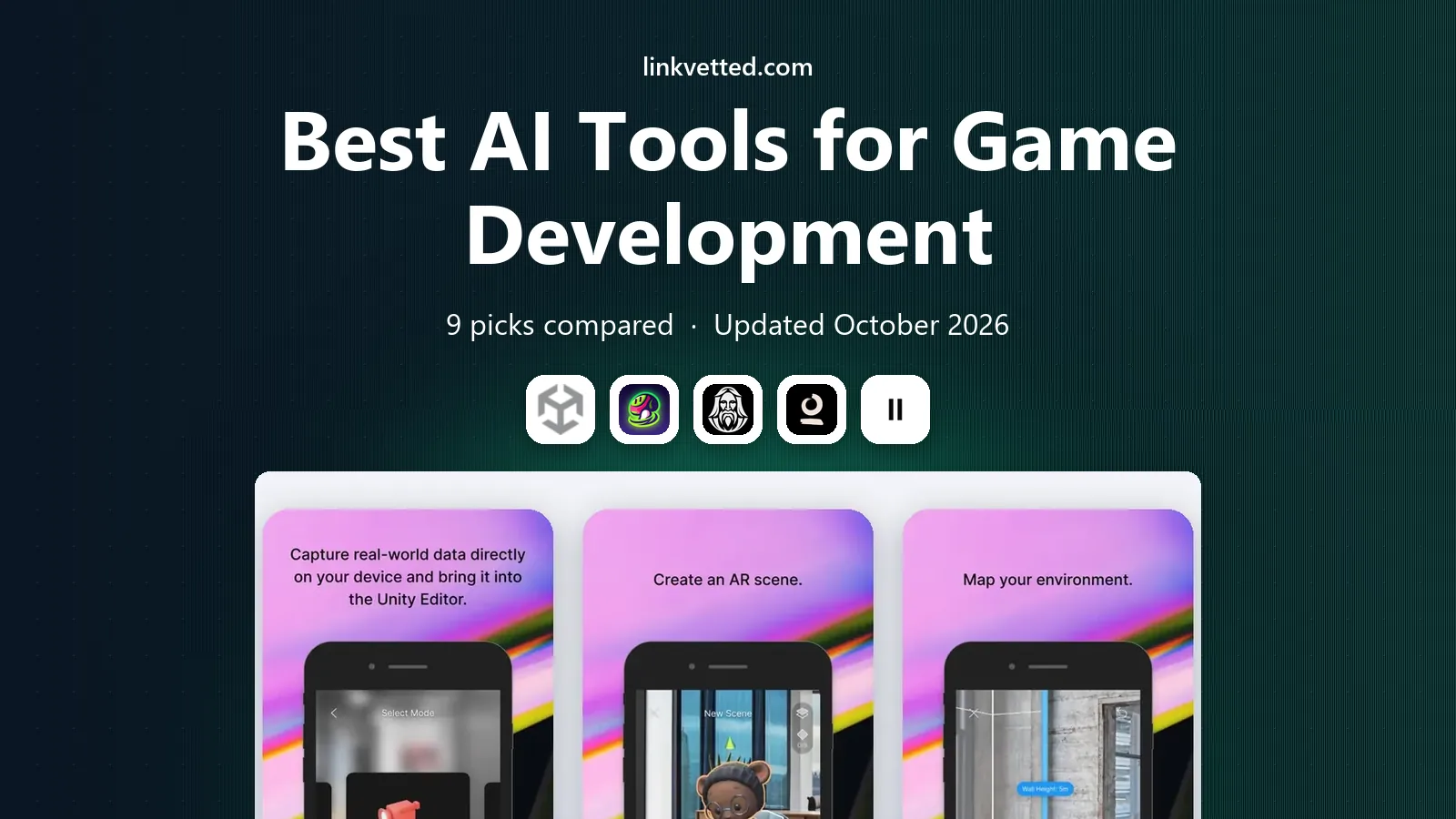
- Editor's choice
 Unity Muse
Unity asset and behaviour help
Starts atSee websiteVisit unity.comFull review - Great alternative
 Meshy
Text to 3D assets
Starts atFreeVisit meshy.aiFull review - Also consider
 Leonardo AI
Concept art and textures
Starts atFreeVisit leonardo.aiFull review
TL;DR:
- No single tool builds a complete polished game: the best ai game development tools each cover one part of the pipeline.
- Meshy and Leonardo AI suit asset work, Inworld AI suits NPC dialogue, and GitHub Copilot suits code help.
- The best ai game development platform for Unity teams differs from the best pick for Unreal or web based teams.
- The best ai tool for game development depends on your bottleneck: art, code, dialogue, animation, or testing, so start there.
Quick comparison
| Tool | Best for | Starts at | Free plan? | |
|---|---|---|---|---|
| Unity Muse | Unity asset and behaviour help | See website | Yes | Visit |
| Meshy | Text to 3D assets | Free | Yes | Visit |
| Leonardo AI | Concept art and textures | Free | Yes | Visit |
 Inworld AI | NPC dialogue and memory | See website | No | Visit |
 ElevenLabs | AI voice for games | Free | Yes | Visit |
 Midjourney | Concept art exploration | See website | No | Visit |
 GitHub Copilot | Coding help for games | See website | Free trial | Visit |
 Scenario | Style consistent game art | See website | No | Visit |
 Promethean AI | World and level building | See website | No | Visit |
The best AI tools for game development
The best ai tools for game development speed up parts of making a game, from concept art and 3D models to dialogue, voice, and code. They work best as assistants to human designers, not as replacements for design, tuning, and playtesting.

For many people, this is the first name worth trying because it covers the basics without a steep learning curve. It suits Unity developers who want AI help without leaving the editor. It keeps AI help inside the engine where Unity developers already work.
In day to day use, the appeal is practical rather than flashy. You can get a result without a long manual, and the main controls stay close at hand. We checked official feature pages, pricing pages, and app store listings rather than relying on marketing claims alone.
The honest catch is worth knowing before you sign up. Teams on Unreal or Godot will need different tools for the same jobs. Check current pricing and free plan limits, then test it with a real task from your own routine before you commit.
- Works inside the Unity editor
- Asset generation and behaviour tools
- Free tier for Unity users
- Unity only
- Some features need a Unity subscription
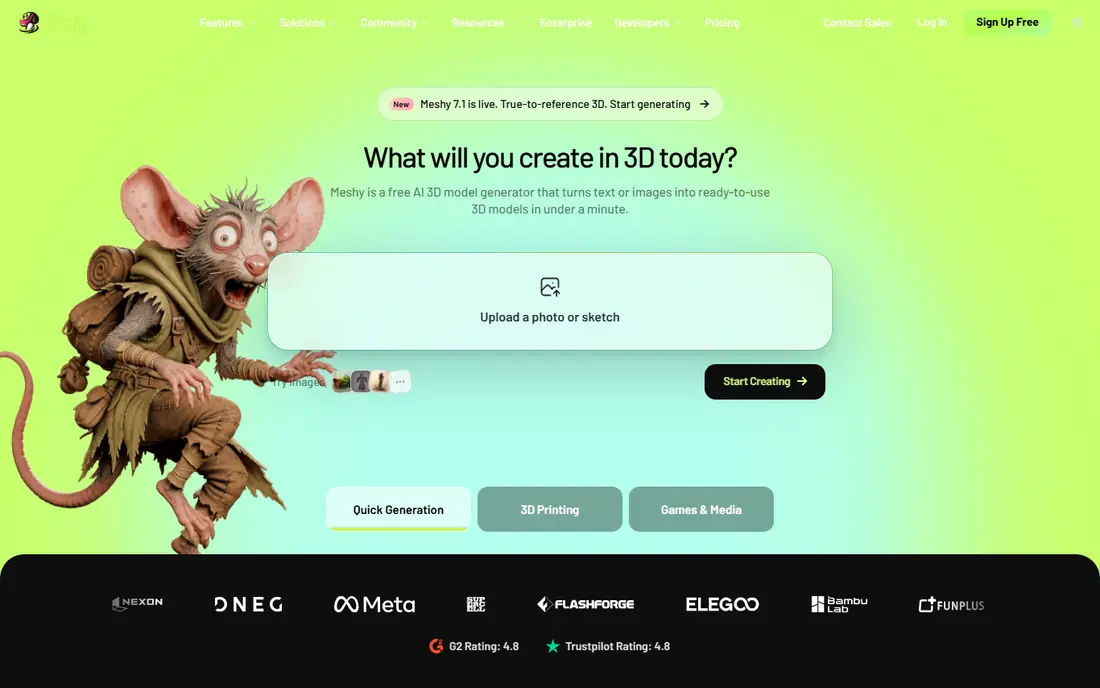
This option stands out for a narrower job, and it does that job with more focus than a general tool. It suits indie teams prototyping 3D worlds and props quickly. It turns a text prompt into a usable 3D blockout in minutes, which speeds up prototyping.
In day to day use, the appeal is practical rather than flashy. You can get a result without a long manual, and the main controls stay close at hand. We checked official feature pages, pricing pages, and app store listings rather than relying on marketing claims alone.
The honest catch is worth knowing before you sign up. Final hero models still need artist polish and topology checks. Check current pricing and free plan limits, then test it with a real task from your own routine before you commit.
- Text and image to 3D models
- Auto rigging and retopology options
- Exports FBX, GLB, and OBJ
- Generated models need cleanup for hero assets
- Credit limits on lower plans
If you want a balance of features and price, this one deserves a close look before you commit elsewhere. It suits game artists who need fast concept and texture drafts. It helps artists explore styles and generate texture bases fast.
In day to day use, the appeal is practical rather than flashy. You can get a result without a long manual, and the main controls stay close at hand. We checked official feature pages, pricing pages, and app store listings rather than relying on marketing claims alone.
The honest catch is worth knowing before you sign up. Results vary by prompt, and keeping one style across many assets takes work. Check current pricing and free plan limits, then test it with a real task from your own routine before you commit.
- Daily free tokens
- Style consistent image generation
- Texture and concept workflows
- Free tokens run out quickly
- Output needs curation
A practical choice for regular use, this tool keeps everyday tasks simple while leaving room to grow. It suits studios building living NPCs for larger worlds. Its NPCs can respond beyond scripted lines, which suits open world and role play games.
In day to day use, the appeal is practical rather than flashy. You can get a result without a long manual, and the main controls stay close at hand. We checked official feature pages, pricing pages, and app store listings rather than relying on marketing claims alone.
The honest catch is worth knowing before you sign up. Unscripted dialogue needs moderation and testing to avoid off character lines. Check current pricing and free plan limits, then test it with a real task from your own routine before you commit.
- Real time NPC conversation
- Memory and personality controls
- Unity and Unreal integrations
- Usage based pricing can grow with players
- Needs dialogue guardrails
This pick suits people who already know what they want and prefer a direct route to the result. It suits teams prototyping dialogue and localising games on a budget. It cuts recording time for prototypes and localisation drafts.
In day to day use, the appeal is practical rather than flashy. You can get a result without a long manual, and the main controls stay close at hand. We checked official feature pages, pricing pages, and app store listings rather than relying on marketing claims alone.
The honest catch is worth knowing before you sign up. Final shipped voice still benefits from directed human recording for key characters. Check current pricing and free plan limits, then test it with a real task from your own routine before you commit.
- Natural voice generation in many languages
- Voice cloning with consent controls
- Free tier for testing
- Commercial voice use needs a paid plan
- Voice quality varies by language
For households and small teams, this option makes sharing and coordination less of a chore. It suits art directors exploring look and feel early in a project. It remains a favourite for mood boards and concept exploration, with fast style iteration.
In day to day use, the appeal is practical rather than flashy. You can get a result without a long manual, and the main controls stay close at hand. We checked official feature pages, pricing pages, and app store listings rather than relying on marketing claims alone.
The honest catch is worth knowing before you sign up. It produces images, not game ready 3D assets, so artists must translate concepts into production art. Check current pricing and free plan limits, then test it with a real task from your own routine before you commit.
- Fast high quality concept art
- Strong style exploration
- Large community for reference
- No free tier for full use
- Not a 3D or texture pipeline on its own
This is a good fit when you value control over automation and want to adjust the details yourself. It suits programmers who want faster drafting for routine game code. It speeds up boilerplate code, tooling, and test drafts for game programmers.
In day to day use, the appeal is practical rather than flashy. You can get a result without a long manual, and the main controls stay close at hand. We checked official feature pages, pricing pages, and app store listings rather than relying on marketing claims alone.
The honest catch is worth knowing before you sign up. It can suggest plausible but wrong code, so review and testing remain essential. Check current pricing and free plan limits, then test it with a real task from your own routine before you commit.
- Code suggestions in many languages
- Works in common editors
- Helps with boilerplate and tests
- Suggestions need review
- Game specific logic still needs design
Budget buyers should start here, since the free or low cost entry point covers a surprising amount. It suits art teams that need many assets in one defined style. Training on your own style helps keep generated art consistent across a game.
In day to day use, the appeal is practical rather than flashy. You can get a result without a long manual, and the main controls stay close at hand. We checked official feature pages, pricing pages, and app store listings rather than relying on marketing claims alone.
The honest catch is worth knowing before you sign up. Setup takes time, and results depend on the quality of training art. Check current pricing and free plan limits, then test it with a real task from your own routine before you commit.
- Train models on your own art style
- Consistent props and characters
- Credit based pricing
- Needs training images and setup
- Credit costs add up
This final option works best as a specialist pick, strong in one area even if it is not for everyone. It suits environment teams building large worlds and levels. It lets designers describe a scene and place assets faster than manual layout.
In day to day use, the appeal is practical rather than flashy. You can get a result without a long manual, and the main controls stay close at hand. We checked official feature pages, pricing pages, and app store listings rather than relying on marketing claims alone.
The honest catch is worth knowing before you sign up. Its pricing and setup suit studios more than solo hobby projects. Check current pricing and free plan limits, then test it with a real task from your own routine before you commit.
- Natural language world building
- Works with Unity and Unreal
- Asset placement help
- Enterprise focused pricing
- Needs engine setup
How we picked these
We compared official product pages, engine integrations, output formats, and pricing models. We checked whether each tool exports game ready formats, works with Unity or Unreal, and offers a free tier or trial. We left out tools with no clear game pipeline or no current public version.
Using AI in a game pipeline without losing creative control
Use AI for drafts, blockouts, and first passes, then let artists and designers refine the result. A generated model or texture often needs cleanup, retopology, or style passes before it ships. Keep a style guide and a review step, so generated assets stay consistent with the rest of the game.
Check licensing and ownership before shipping AI generated art, voice, or dialogue. Terms vary by tool and by plan, and commercial use may need a paid tier. Also keep player data and dialogue moderation in mind for NPC tools, since unscripted dialogue can produce unwanted lines without guardrails.
FAQ
What are the best ai tools for game development?
Meshy, Leonardo AI, Inworld AI, ElevenLabs, Midjourney, and GitHub Copilot are strong picks across art, dialogue, voice, and code. Unity Muse suits Unity teams, while Promethean AI suits world building. Pick by pipeline stage, not by hype.
What is the best ai game development platform?
Unity with Muse and ML-Agents is a strong platform for Unity teams, while Unreal Engine suits teams using its built in tools and third party AI plugins. For rapid prototypes, Rosebud style tools help, but they do not replace an engine for a shipped game.
Can AI make a full game on its own?
Not yet for a polished commercial game. AI can draft assets, code, and dialogue, but design, balance, bug fixing, and player feel still need human work. The best results come from AI drafts plus human direction and testing.
Is AI generated game art safe to use commercially?
It depends on the tool, the plan, and the training data terms. Check the commercial licence for your tier, keep records of assets used, and review outputs for copied or trademarked elements. When in doubt, use AI for concept work and commission final art.