Best AI Tools for Faceless YouTube Videos in 2026: 8 Tools Compared
Compare the best AI tools for faceless YouTube videos in 2026, with current pricing, voices, stock footage, editing, and Shorts features for creators.

- Editor's choice
 Fliki
Voice-led narration videos
Starts at$28 per monthVisit fliki.aiFull review - Great alternative
 Pictory
Article and script to video
Starts at$29 per monthVisit pictory.aiFull review - Also consider
 InVideo AI
Prompt to video with control
Starts at$25 per monthVisit invideo.ioFull review
TL;DR:
- Fliki is our pick for voice-led faceless channels because it pairs a large voice library with straightforward script to video editing.
- Pictory suits creators who start from written articles or long scripts and want stock footage matched to the text.
- InVideo AI gives more creative control, but its credit limits mean you should plan video length before you start.
- Free plans are useful for testing a voice and a format, but most include watermarks or short export limits.
Quick comparison
| Tool | Best for | Starts at | Free plan? | |
|---|---|---|---|---|
| Fliki | Voice-led narration videos | $28 per month | Yes | Visit |
| Pictory | Article and script to video | $29 per month | Free trial | Visit |
| InVideo AI | Prompt to video with control | $25 per month | Yes | Visit |
 Lumen5 | Fast blog to video drafts | $19 per month | Yes | Visit |
 Canva | Thumbnails and simple edits | Free | Yes | Visit |
 vidIQ | YouTube research and titles | $19 per month | Yes | Visit |
 Opus Clip | Clips from long videos | $20 per month | Yes | Visit |
 AutoShorts | Automated faceless Shorts | $19 per month | No | Visit |
The best ai tools for faceless youtube videos
Faceless channels still need a clear idea, a steady voice, and visuals that hold attention. The tools below cover different parts of that job, from turning a script into a narrated video to cutting Shorts and designing thumbnails. We compared official feature pages, pricing pages, app store listings, and public reviews.

Fliki is built around narration, which is the core of most faceless videos. You paste a script, choose a voice, and the tool pairs the audio with visuals and captions. That speed helps creators who publish on a regular schedule, because the main work becomes writing a good script rather than editing for hours. The range of voices also helps channels in more than one language.
The watch point is credits. Editing text after audio is made can use more credits, so proofread the script before you generate audio. Stock clips also need a quick review, since an automatic match can feel off topic. With a careful script and a short review pass, Fliki is a strong all-round choice.
- Large library of AI voices in many languages
- Script to video workflow is fast
- Voice cloning on higher plans
- Credits are used when audio is regenerated
- Stock footage can mismatch the script at times
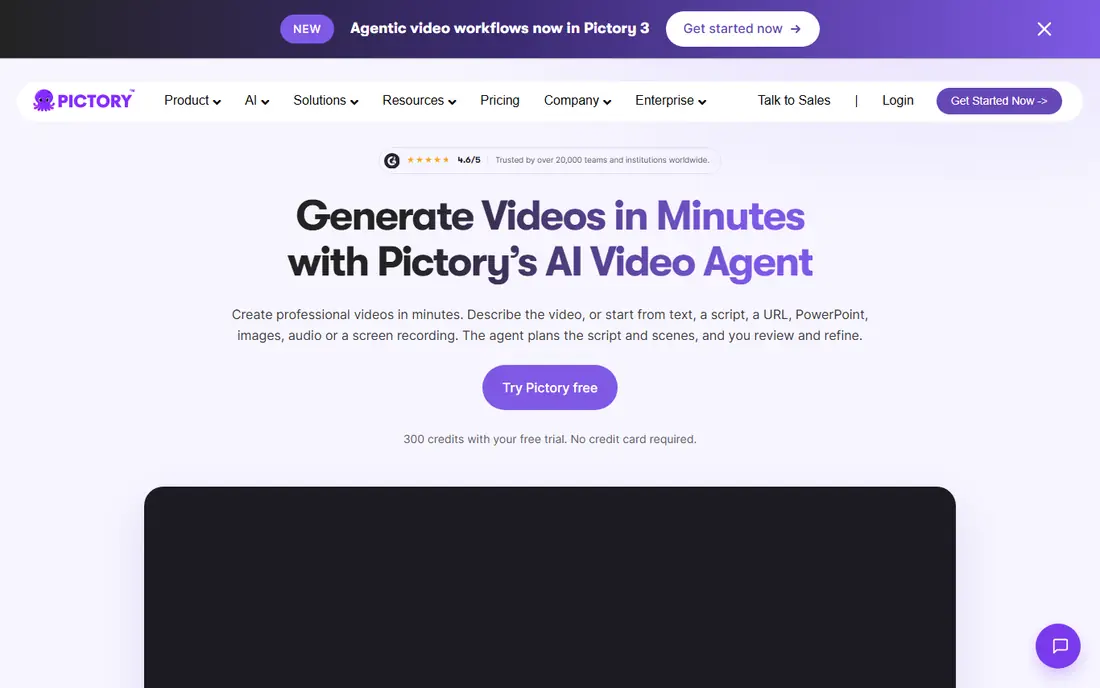
Pictory suits creators who already write. If you have a blog post or a detailed script, Pictory can turn it into a video with scenes, captions, and a voiceover. That repurposing angle is useful for site owners who want a YouTube version of content they already own. The scene editor lets you swap clips and adjust text without starting again.
The limit to plan around is minutes. A Starter plan covers a set amount of video each month, so three long explainers can use it quickly. Shorter, well-planned videos fit better. If your channel is built on long-form content, check the higher plan before you commit to a posting schedule.
- Turns articles, URLs, and scripts into captioned video
- Good stock library
- Supports longer videos on paid plans
- Starter plan limits monthly video minutes
- Editing still needs a human review
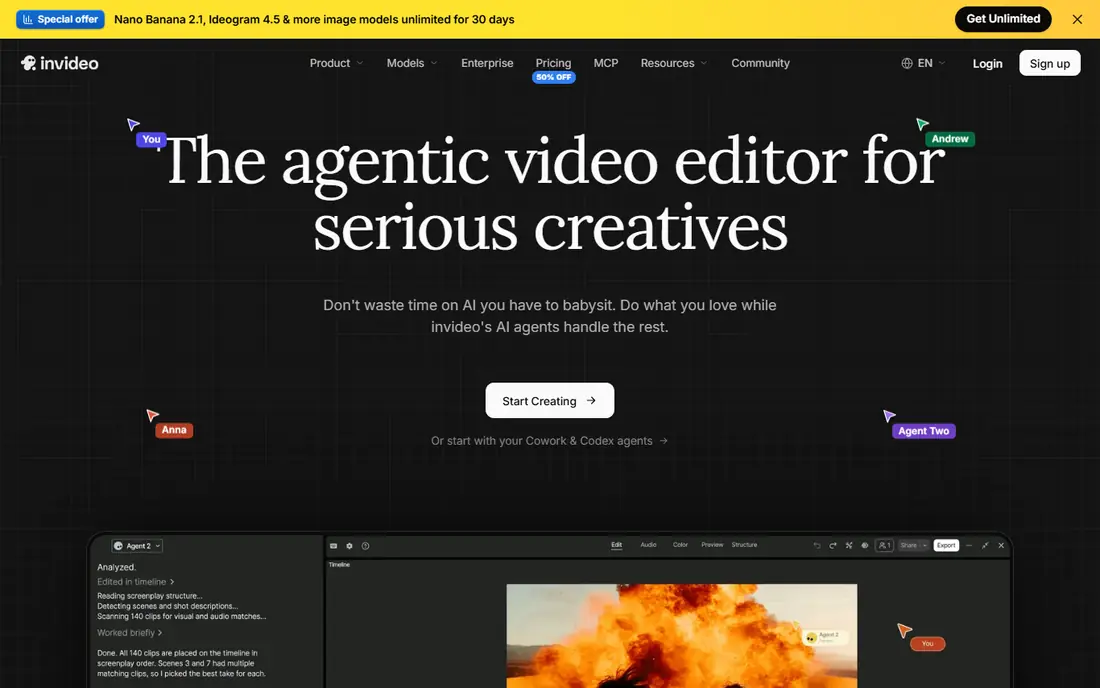
InVideo AI is a good fit when you want to describe a video and then shape the draft. You can start from a prompt, review the scenes, and change visuals, text, and pacing. That control matters for creators who care about pacing and who want a consistent look across videos. The stock library is broad, which helps for topics where filmed footage is hard to source.
Credits are the main thing to learn first. Different clip types use credits at different rates, and credits do not roll over on some plans. Test with a short video, learn what each step costs, and then plan your monthly output. Once you know the system, it is a flexible tool for both Shorts and longer pieces.
- Prompt-based generation with many stock and AI clip options
- Flexible editing
- Useful for Shorts and longer videos
- Credit system can be confusing
- Free exports carry a watermark
Lumen5 is the simplest tool on this list for turning written content into video. Paste text, pick a style, and you get a draft with scenes and captions that you can adjust. For beginners, that low friction is valuable, because it removes the blank timeline problem. You can publish a decent video without learning a complex editor.
The trade is sameness. Templates are clean, but channels that use only default styles can start to look alike. Use your own colours, fonts, and thumbnail style to build a recognisable channel. Lumen5 works best as a fast draft tool, with a short polish pass at the end.
- Very easy blog to video workflow
- Clean templates
- Quick first drafts
- Less control than a full editor
- Some templates look similar across channels
Canva does not replace a video generator, but it fills a gap that many faceless creators miss, which is packaging. Thumbnails, channel art, and short intro graphics shape whether people click, and Canva makes those assets fast to produce. Its free plan is genuinely useful, and the drag-and-drop editor is easy for new creators.
For video itself, Canva is best for short edits, clips, and social cuts rather than a full narrated documentary. Use it alongside Fliki, Pictory, or InVideo AI. That split keeps costs low and gives you better control over the part viewers see first, which is the thumbnail and title.
- Huge template library
- Easy thumbnail and title design
- Generous free plan
- Not a full long-form video editor
- Some video features need a paid plan
vidIQ helps you choose topics people actually search for, which is where many faceless channels fail. A well-made video on a topic with no demand will still struggle. vidIQ shows search interest, related terms, and title ideas, and it can flag gaps in your upload settings. That research step is cheap compared with making videos that no one finds.
Treat its scores as guidance, not as a promise. A high score does not mean a video will rank, and a lower score on a strong niche topic can still work well. Use vidIQ to shape ideas and titles, then judge success by watch time and subscriber growth over several videos.
- Keyword and title research for YouTube
- Competitor and trend insights
- Useful upload checklist
- It does not make video
- Scores are guides, not guarantees
Opus Clip is useful once you have a longer video worth cutting down. It scans the source, suggests short clips, and adds captions in a vertical format. For faceless creators, that turns one long video into several Shorts without re-editing from scratch. It is a practical way to test short-form reach while keeping the main channel focused on longer work.
Review every clip before posting. An automatic cut can miss context or pick a moment that sounds odd on its own. Add a clear hook at the start and a clean caption style, and keep only the clips that stand alone. Used that way, Opus Clip can extend the life of each video you make.
- Finds strong moments in long videos
- Adds captions automatically
- Good for Shorts repurposing
- Clip choices need review
- Quality varies by source video
AutoShorts is aimed at creators whose main problem is consistency. It can generate and schedule Shorts on a regular basis, which helps channels that need daily posts to grow. For a new creator testing a niche, that steady output can reveal what topics get attention faster than occasional uploads.
The risk is generic output. Automated scripts and visuals can feel flat if you never edit them. Use AutoShorts for volume and testing, and keep your best ideas for videos you shape by hand. Check YouTube rules on AI content and disclose synthetic media where the platform asks you to, since rules change and channels are judged on trust as well as output.
- Automated generation and posting schedule
- Built for consistent Shorts output
- Low hands-on time
- Less creative control
- Automated content can feel generic without review
How we picked these
We compared official feature pages, pricing pages, app store listings, and public reviews for tools that make, edit, package, or research faceless YouTube videos. We favoured tools that are active in 2026, that state a price or a clear free option, and that fit a real creator workflow. We also weighed voice quality, export limits, and credit rules, because those details decide whether a tool is affordable at a real posting pace.
We did not include tools that only promise viral growth, or tools with no clear product page. Faceless growth still depends on topic choice, script quality, and retention, and no generator can replace those parts. The eight tools above cover the main jobs without asking you to buy a large stack at once.
How to build a faceless video that holds attention
Start with the script, not the tool
Write a script with a clear promise in the first 30 seconds, one main idea per section, and a simple ending. Short sentences read better in AI narration, and a clear structure helps viewers stay through the middle of the video. Read the script aloud in your head before you generate audio, and cut any line that does not add value.
Keep the voice consistent
Pick one voice per channel, or one voice per series, and stay with it. Viewers learn to recognise a channel by its voice and pacing, just as they do by its thumbnails. If you change voices often, the channel can feel disjointed, even when the topics are strong. Test a voice on a short video before you commit to a series.
Check visuals and captions before posting
Watch the full video once, with captions on, before you upload. Look for mismatched stock clips, awkward pauses, and text that is hard to read. Fix the worst two or three issues rather than trying to perfect every frame. A clean, consistent video will outperform a flashy video with errors.
Disclose AI use where required
YouTube asks creators to disclose certain kinds of synthetic media, and rules can change. Follow the platform guidance at upload time, and be honest in descriptions where AI voices or visuals are central to the video. Trust is part of growth, especially for channels with no presenter on screen.
FAQ
Can I run a faceless YouTube channel with only free tools?
Yes, for testing, but with limits. Free plans often add watermarks or cap export minutes, so they suit a first few videos rather than a daily schedule. Start free, learn which format works, and then pay for the tool that covers your main bottleneck.
Which tool is best for long faceless videos?
Pictory and Fliki both support longer videos on paid plans, with Pictory strong for article-based content and Fliki strong for narration. Check the monthly minute limit on your plan before you promise yourself a weekly long video, since minutes are the real budget.
Do I need to show my face to get monetised?
No, faceless channels can be monetised if they meet YouTube partner rules and offer original value. Reused or low-effort automated content can face problems, so add original scripts, editing, and commentary rather than posting raw generated output with no changes.
How much should I budget per month?
Many creators start at $20 to $30 per month for one video tool, plus a free or low-cost tool for thumbnails and research. Costs rise with video length, voice minutes, and posting frequency, so price your real monthly output, not a single test video.
Are AI voices good enough for YouTube?
For many narration topics, yes, especially when the script is well written and the pacing is natural. Some voices still sound flat on emotional or technical topics, so test several voices and listen on a phone speaker, where many viewers will hear your video first.
Should I use one tool or a small stack?
Start with one video tool and one packaging tool. Add a research tool like vidIQ when topic choice becomes your bottleneck, and add a clipping tool when you have long videos worth cutting into Shorts. A small stack is easier to learn and cheaper to keep.