The 6 Best AI Platforms for Collaborative Design in 2026, Ranked
6 tools for the best AI platforms for collaborative design, compared on pricing, free plans and best-fit use. Read the caveats before you buy. Start here.

- Editor's choice
 Miro
Visual collaboration and ideation
Starts at$8 per member a monthVisit miro.comFull review - Great alternative
 Mural
AI-powered team strategy sessions
Starts at$9.99 per member per monthVisit mural.coFull review - Also consider
 Sketch
Mac-based UI design and prototyping
Starts at$12 per editor a monthVisit sketch.comFull review
Direct answer
Miro is the first pick on this list for visual collaboration and ideation. Listed starting prices: Miro from $8 per member a month, Mural from $9.99 per member per month and Sketch from $12 per editor a month. Alternatives: Mural for AI-powered team strategy sessions, and Sketch for Mac-based UI design and prototyping. All 6 tools are compared below on price, free plan and limits.
TL;DR:
- Number one here is Miro, a fit for visual collaboration and ideation.
- Check the limits for Mural before you commit: not a dedicated design tool.
- Miro, Mural, Penpot: these are the 3 tools out of 6 that offer a free plan.
- Starting prices begin at $3 per month with Figma.
- For open-source design collaboration, Penpot is worth a look.
Last checked November 2026. Prices and plan details were read from the vendors' own pages in November 2026; vendors change plans often, so confirm the current price on the vendor site before you buy.
Quick comparison
| Tool | Best for | Starts at | Free plan? | |
|---|---|---|---|---|
| Miro | Visual collaboration and ideation | $8 per member a month | Yes | Visit |
| Mural | AI-powered team strategy sessions | $9.99 per member per month | Yes | Visit |
| Sketch | Mac-based UI design and prototyping | $12 per editor a month | Free trial | Visit |
 Adobe Firefly | Generative AI for creative assets | See website | Not stated | Visit |
 Figma | End-to-end product design with AI | $3 a month | Not stated | Visit |
 Penpot | Open-source design collaboration | $7 per editor a month | Yes | Visit |
Tool-by-tool breakdown
LinkVetted put together this guide to AI platforms for collaborative design for readers who want a clear shortlist without reading every vendor page. It compares 6 tools on starting price, free plans, who each one suits and where each one falls short.
In short, Miro is for visual collaboration and ideation. If you have to produce refined UI assets, pair Miro with a product like Figma or Sketch.
Miro is an AI innovation workspace that accelerates product development from ideation to launch, helping teams align, break tool silos, and ship what customers need in one AI-powered visual system. Miro is not made for high-fidelity interface design or code handoff, so it performs best alongside a dedicated design tool. What you pay to start with Miro: $8 per member per month. Miro offers a free plan.
What to check first: Can become cluttered with large boards.
- Supports ideation through to launch
- Breaks down tool silos
- Not a dedicated UI design tool
Mural targets AI-powered team strategy sessions. The system's AI features aim to boost collaboration and innovation. Also, Mural is not intended for high-fidelity design or prototyping, so it complements instead of replaces a dedicated design platform.
Mural is an AI-powered visual workspace for team collaboration, helping teams plan, strategize, and execute projects smoothly on one easy-to-learn tool. If your goal is to build and iterate on product interfaces, pair Mural with a tool like Figma or Sketch. Mural starts at: $9.99 per member per month. Free access exists with Mural.
Best features of Mural: Easy-to-learn visual workspace for collaboration.
Points against: Can be less structured for in-depth UI work.
- AI features to boost innovation
- Supports planning, strategizing, execution
- Not a dedicated design tool
Where Sketch fits: Mac-based UI design and prototyping. If your team works across operating systems or needs live co-design, consider Figma or Penpot instead.
In daily use, Sketch is a design, prototype, collaborate, and handoff tool that puts the focus back on you and your work, made by designers for designers. Entry price for Sketch: $12 per editor per month. As for free access: Free trial.
What to check first: Mac-only system.
- Designer-friendly interface
- Solid prototyping and handoff features
- Collaboration features less live than some rivals
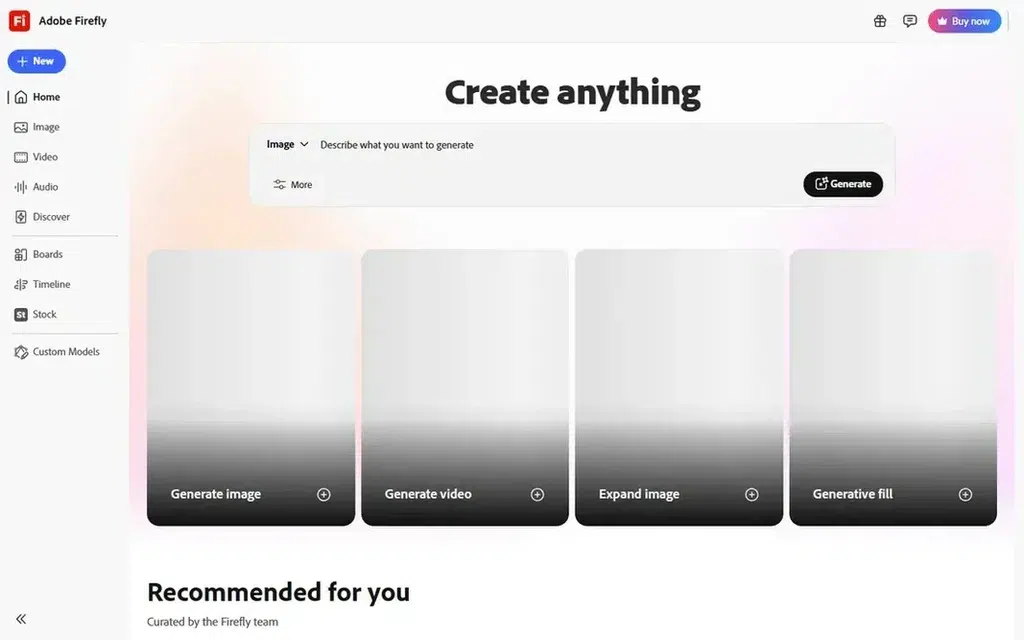
Adobe Firefly makes the most sense for Generative AI for creative assets. The system can complement collaborative design workflows by speeding up asset creation.
Watch-outs: Not a full collaborative design canvas.
Firefly is not a standalone collaborative design system; it specializes in generative AI instead of live team design. In daily use, if your priority is a shared canvas for interface design and feedback, a tool like Figma or Penpot would be a better primary choice. This comparison lists no price for Adobe Firefly; ask the vendor. Free plan details: Not stated.
- Access to top models from Google, OpenAI, more
- Creates and edits images, audio, video
- Concentrated on asset generation instead of team workflows
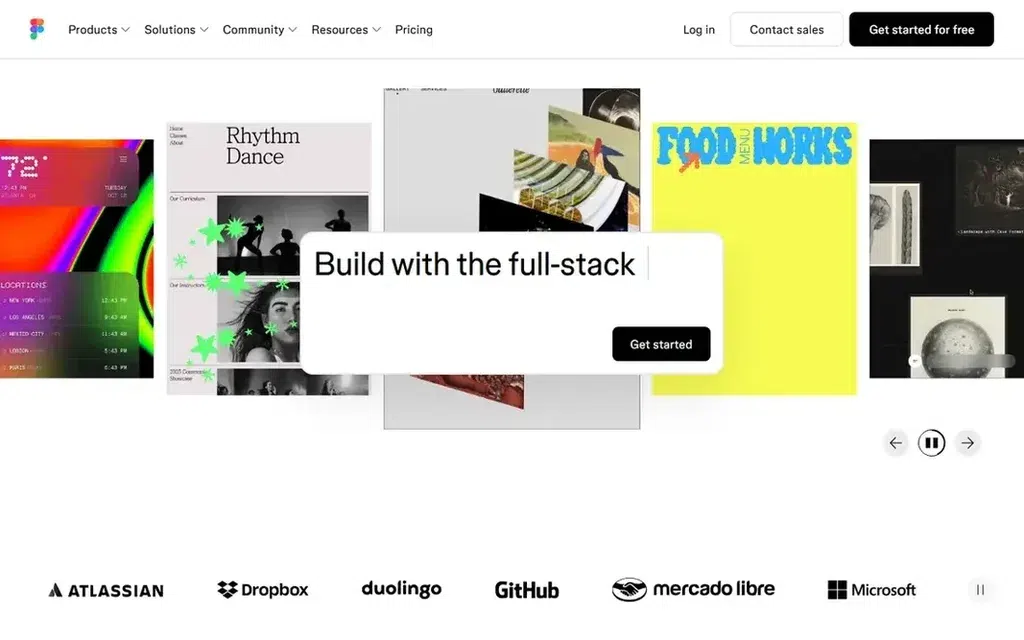
Pick Figma if this describes you: end-to-end product design with AI. Figma is a collaborative canvas where design, code, and AI come together, enabling teams to go from first idea to shipped product in one place.
On top of that, the system emphasizes live collaboration, allowing several stakeholders to contribute throughout the design process. From a buyer's view, Figma's depth may overwhelm users seeking straightforward graphic design, and its browser-based nature means you need a stable connection. The starting price for Figma: $3 per month. Free plan details: Not stated.
The main drawbacks: Can be complicated for beginners.
Strengths: Brings together design, code.
- Supports live collaboration from concept to production
- AI on one canvas
- Needs internet connection for full functionality
Where Penpot fits: open-source design collaboration. If you need deep integrations or advanced prototyping, a tool like Figma might be more suitable.
What to check first: Smaller ecosystem than established tools.
In daily use, Penpot is the open-source design product for teams building digital products at scale, enabling deeper collaboration across design, code, and AI workflows. The starting price for Penpot: $7 per editor per month. Penpot offers a free plan.
- Deep collaboration across design, code, AI
- Open-source and self-hostable
- May lack some advanced features of commercial rivals
How we built this list
The comparison looks at four things: starting price, free access, how well the feature set matches AI platforms for collaborative design, and the main limit of each tool. Treat prices as a snapshot: vendors change plans often, so check the vendor site for the figure that applies today. The sequence is a judgement call: typical use case first, then pricing transparency, then free access. Use the profiles to check fit.
Before you commit
- Get a written quote from Adobe Firefly; the list shows no starting price for them.
- Check what the free option really includes: Miro, Mural and Penpot offer a free plan, and usage caps differ.
- Take the trial from Sketch and push a live task through it before you pay.
- Read the limits listed for Miro first: not a dedicated UI design tool.
- Map your must-have features to a specific Penpot plan before you compare prices.
- Ask the daily users to test Figma on a live task before you roll it out to everyone.
FAQ
Can I try these tools before paying?
Often, yes. Miro, Mural and Penpot have a free plan and Sketch offers a free trial. Use your own data and a real task during the test, and check what the free tier or trial limits before you rely on it.
Do these tools publish their prices?
Not all of them. Adobe Firefly publishes no starting price, so expect a quote request for it. The rest, Miro included, show a starting price, though seats and billing terms still change the final cost.
Which options for AI platforms for collaborative design have a free plan?
Miro, Mural and Penpot offer a free plan in this list. Free plans usually cap users, projects or features, so check the limits on the vendor page. One other tool offers a trial instead.
Can Adobe Firefly be used for collaborative design projects?
It can enhance collaborative projects by generating assets, but teams should pair it with a dedicated system like Figma or Miro for live collaboration.
Is Penpot a decent alternative to Figma for collaborative design?
Penpot is an open-source design product that supports collaboration across design, code, and AI workflows, making it a viable alternative for teams that value open-source adaptability. Evaluate your need for ecosystem support and self-hosting choices.
What is the cheapest option for AI platforms for collaborative design in this list?
On published monthly entry prices, Figma is the lowest here at $3 per month. Entry price is only part of the cost, because seats, add-ons and billing terms can change the total. Each of the 6 options in this AI platforms for collaborative design guide has its own card above with the price, free plan and limits.
Sources
- https://miro.com
- https://www.mural.co
- https://www.sketch.com
- https://www.adobe.com/products/firefly.html
- https://www.figma.com
- https://penpot.app