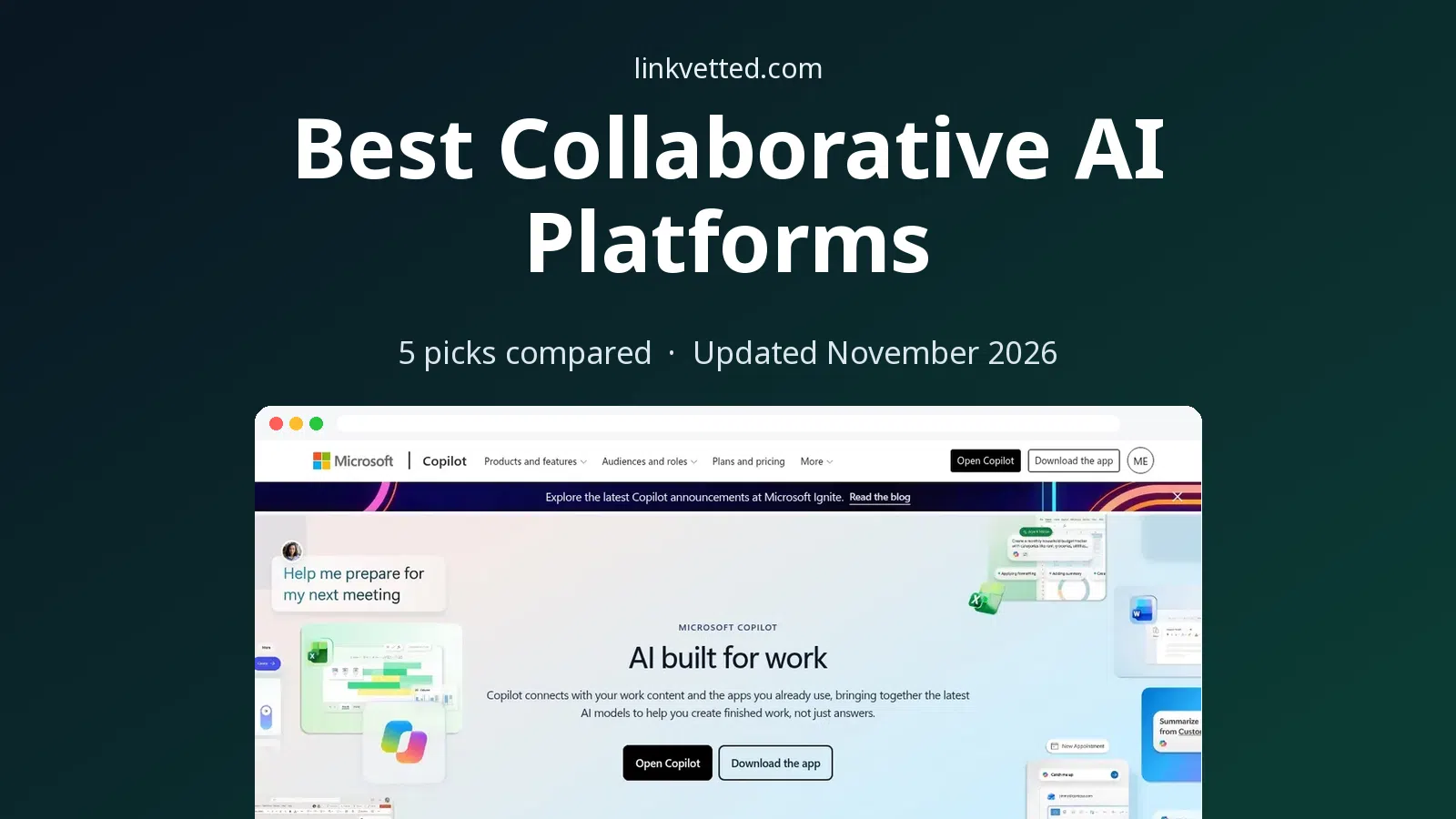
Best Collaborative AI Platforms (2026): 5 Picks Checked on Vendor Pages
Comparing the best collaborative AI platforms? 5 contenders, each with entry cost, free tier and best-fit buyer. Concise write-ups of every option. No filler.
- Editor's choice
 Zoom AI Companion
Meeting-focused AI assistance
Starts atSee websiteVisit zoom.comFull review - Great alternative
 Notion AI
Notion workspace users
Starts atSee websiteVisit notion.comFull review - Also consider
 Asana AI
AI-assisted project management
Starts at$10.99 per user per monthVisit asana.comFull review
Direct answer
Start with Zoom AI Companion if you need meeting-focused AI assistance. Listed starting prices: Asana AI from $10.99 per user per month and Slack AI from $4.38 per user per month. Look at Notion AI for Notion workspace users, and at Asana AI for AI-assisted project management. The other 2 tools in the list cover narrower or pricier cases.
TL;DR:
- This list starts with Zoom AI Companion, which is built for meeting-focused AI assistance.
- Free plans exist at 2 of 5 tools (Asana AI, Slack AI).
- For Slack-centric team communication, Slack AI is worth a look.
- Slack AI has the lowest monthly starting price in this list: $4.38 per user per month.
- Asana AI comes with a trade-off: concentrated on project and work management.
Last checked November 2026. Prices and plan details were read from the vendors' own pages in November 2026; vendors change plans often, so confirm the current price on the vendor site before you buy.
Quick comparison
| Tool | Best for | Starts at | Free plan? | |
|---|---|---|---|---|
| Zoom AI Companion | Meeting-focused AI assistance | See website | Not stated | Visit |
| Notion AI | Notion workspace users | See website | Not stated | Visit |
| Asana AI | AI-assisted project management | $10.99 per user per month | Yes | Visit |
 Microsoft 365 Copilot | Microsoft 365 app users | See website | Not stated | Visit |
 Slack AI | Slack-centric team communication | $4.38 per user per month | Yes | Visit |
Every option for collaborative AI platforms explained
Choosing collaborative AI platforms usually comes down to price, fit and limits. This LinkVetted guide sets 5 tools side by side on those three points, with the facts kept short and checkable.
Zoom AI Companion is aimed squarely at meeting-focused AI assistance. Zoom AI Companion, presented as ZoomMate, is an AI teammate that examines, learns, and acts on your conversations to help complete work. Also, if your priority is AI inside documents and chat, Microsoft 365 Copilot or Slack AI may be more relevant.
Teams seeking broader workspace AI may need extra tools. For everyday use, Zoom AI Companion is focused on conversations and meetings, so it may not offer deep document editing or project management features. Zoom AI Companion shows no starting price here, so confirm the cost on the vendor site. Free access: Not stated.
Where it falls short: Centered on Zoom meetings and calls.
- Acts on conversation content
- Examines conversations to complete work
- May not cover document or project work
Notion AI was built for Notion workspace users. Notion AI is an AI layer inside Notion that lets users search, produce, analyze, and chat within their workspace. It is presented as a single tool that does it all, making it a fit for teams that already use Notion for notes, documents, and project tracking.
Strengths: chat in Notion.
It helps with drafting content and extracting insights from existing pages. Its usefulness is tied to how much work lives in Notion; teams using other document or project tools may not get full value. If your team depends on Slack for communication and Google Workspace for documents, those native AI choices may be more practical. Check the vendor site for Notion AI pricing; none is listed in this comparison. Free access: Not stated.
Limits to weigh: Needs using Notion as your workspace.
- One tool for writing and analysis
- Search, produce, analyze
- May overlap with other AI assistants
Asana AI targets AI-assisted project management. Asana AI brings AI project management and agentic work management to the Asana platform.
It is meant to let AI coordinate your team and your agents, helping automate and handle work across projects. On top of that, teams not using Asana would have to adopt the product first. Price to start with Asana AI: $10.99 per user per month. Free access exists with Asana AI.
Trade-offs to know: Concentrated on project and work management.
- Supports agentic work management
- Coordinates teams and AI agents
- Best for teams already using Asana
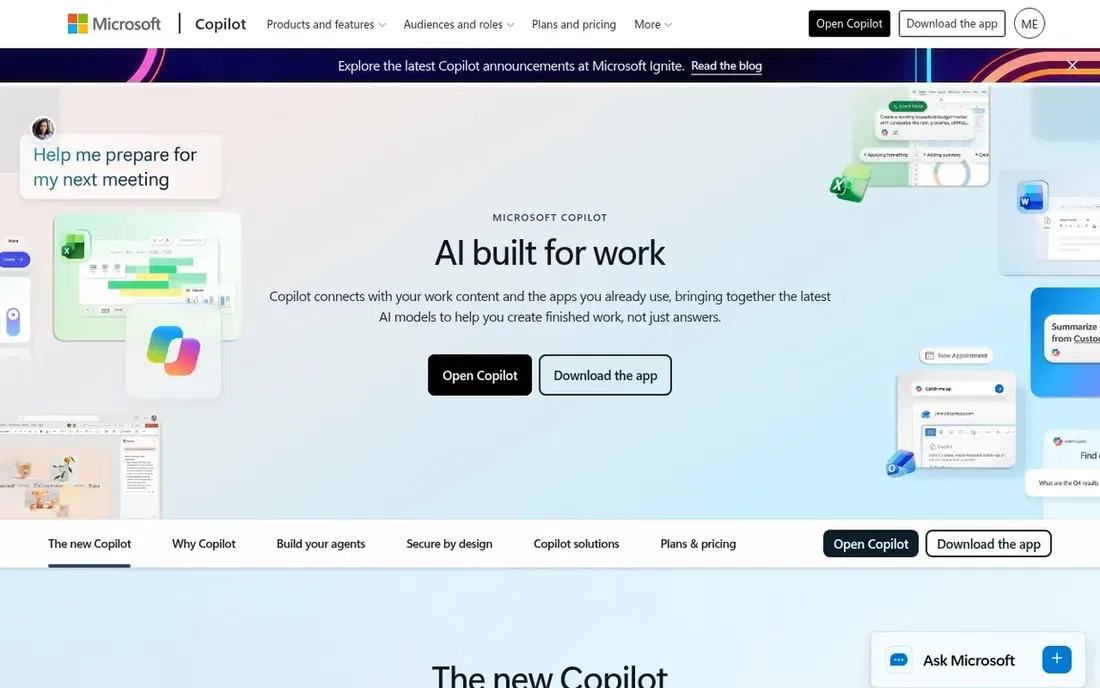
Think of Microsoft 365 Copilot for Microsoft 365 app users. It knows your work context, lives in applications like Word, Excel, Outlook. Teams, and brings leading AI models to tasks for example drafting, summarizing, and data analysis.
Downsides: Feature depth varies by app.
Its benefits rely on how deeply your team uses Microsoft 365; mixed environments may see uneven coverage. From a buyer's view, if your team works chiefly in Google Workspace, a Google-native choice may be a better fit. Some advanced features are tied to specific apps or licensing levels. Pricing for Microsoft 365 Copilot is not stated here, so ask the vendor for current figures. Free access: Not stated.
- Supports individuals, business, enterprise
- Draws on your work context and files
- Best value for organizations already on Microsoft 365
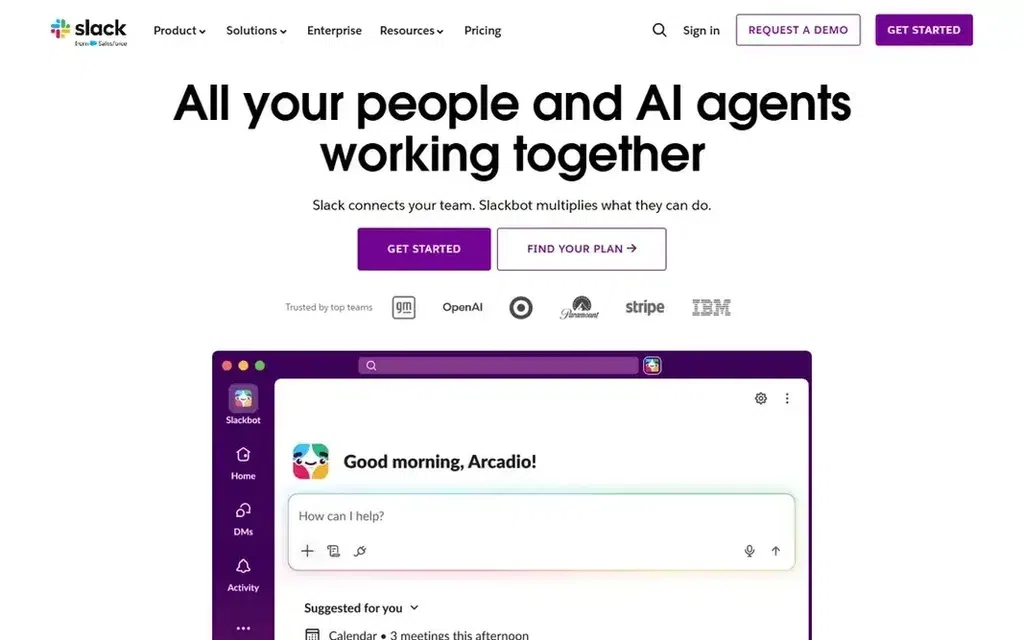
Slack AI makes the most sense for Slack-centric team communication. Slack AI layers on AI features and assistants to the Slack product, aiming to boost productivity in team communication.
Drawbacks to consider: Centred on Slack instead of documents.
Slack AI is centered on Slack conversations, so it may not cover document creation or project management as deeply as dedicated platforms. If your work revolves around documents, Notion AI or Microsoft 365 Copilot could be more suitable. What you pay to start with Slack AI: $4.38 per user per month. You can start on Slack AI without paying.
- AI features built into Slack channels
- Helps summarize conversations
- Value relies on active Slack usage
How these tools were picked
For each of the 5 tools we noted price, free plan or trial, fit for collaborative AI platforms and the main limit, using vendor pages and documentation. Where a price is missing, the vendor does not list one publicly or ties it to a quote. Always confirm before budgeting. The sequence is a judgement call: typical use case first, then pricing transparency, then free access. Use the profiles to check fit.
Questions to settle before buying
- Ask Zoom AI Companion, Notion AI and Microsoft 365 Copilot for a written quote, since no starting price is shown.
- Look at free plan limits closely: Asana AI and Slack AI have one, and the caps decide whether it is usable for real work.
- Read the limits listed for Zoom AI Companion first: centered on Zoom meetings and calls.
- Test the integrations you rely on with Asana AI before committing; some connectors sit on upper tiers.
- Get the contract term, renewal terms and any onboarding fees from Zoom AI Companion in writing.
FAQ
What is the cheapest option for collaborative AI platforms in this list?
On published monthly entry prices, Slack AI is the lowest here at $4.38 per user per month. Entry price is only part of the cost, because seats, add-ons and billing terms can change the total. Each of the 5 options in this collaborative AI platforms guide has its own card above with the price, free plan and limits.
Which options for collaborative AI platforms have a free plan?
Asana AI and Slack AI offer a free plan in this list. Free plans usually cap users, projects or features, so check the limits on the vendor page. All 5 picks in this collaborative AI platforms comparison list a starting price, free plan details and the main limits on their cards above.
What is a collaborative AI product?
A collaborative AI product embeds AI assistance into tools teams use for communication, documents, or project management. It helps with tasks like drafting, summarizing, and coordinating work without switching to a separate AI app.
Is Zoom AI Companion the right pick for everyone comparing collaborative AI platforms?
No single tool suits every team. Zoom AI Companion comes first because it fits meeting-focused AI assistance, while Notion AI suits Notion workspace users and Asana AI suits AI-assisted project management. Match the tool to your own size, budget and workflow before deciding.
Is Asana AI only for project managers?
Asana AI is designed for work management and agentic coordination, so it is most handy for teams that plan and track projects in Asana.
How are the tools for collaborative AI platforms ordered?
The order follows typical fit for collaborative AI platforms, with Zoom AI Companion first and Slack AI last, then price clarity and free access. It is editorial judgement, not a score, so another team could rank the tools differently.
Sources
- https://www.zoom.com/en/products/ai-companion
- https://www.notion.com/product/ai
- https://asana.com/product/ai
- https://www.microsoft.com/en-us/microsoft-365/copilot
- https://slack.com/features/ai