Best Collaborative AI Workflows Software in 2026: Prices, Free Plans and 5 Picks
Best collaborative AI workflows software: 5 tools compared on price, free plans and fit. Costs and caveats sit beside each pick. Skim the table first.
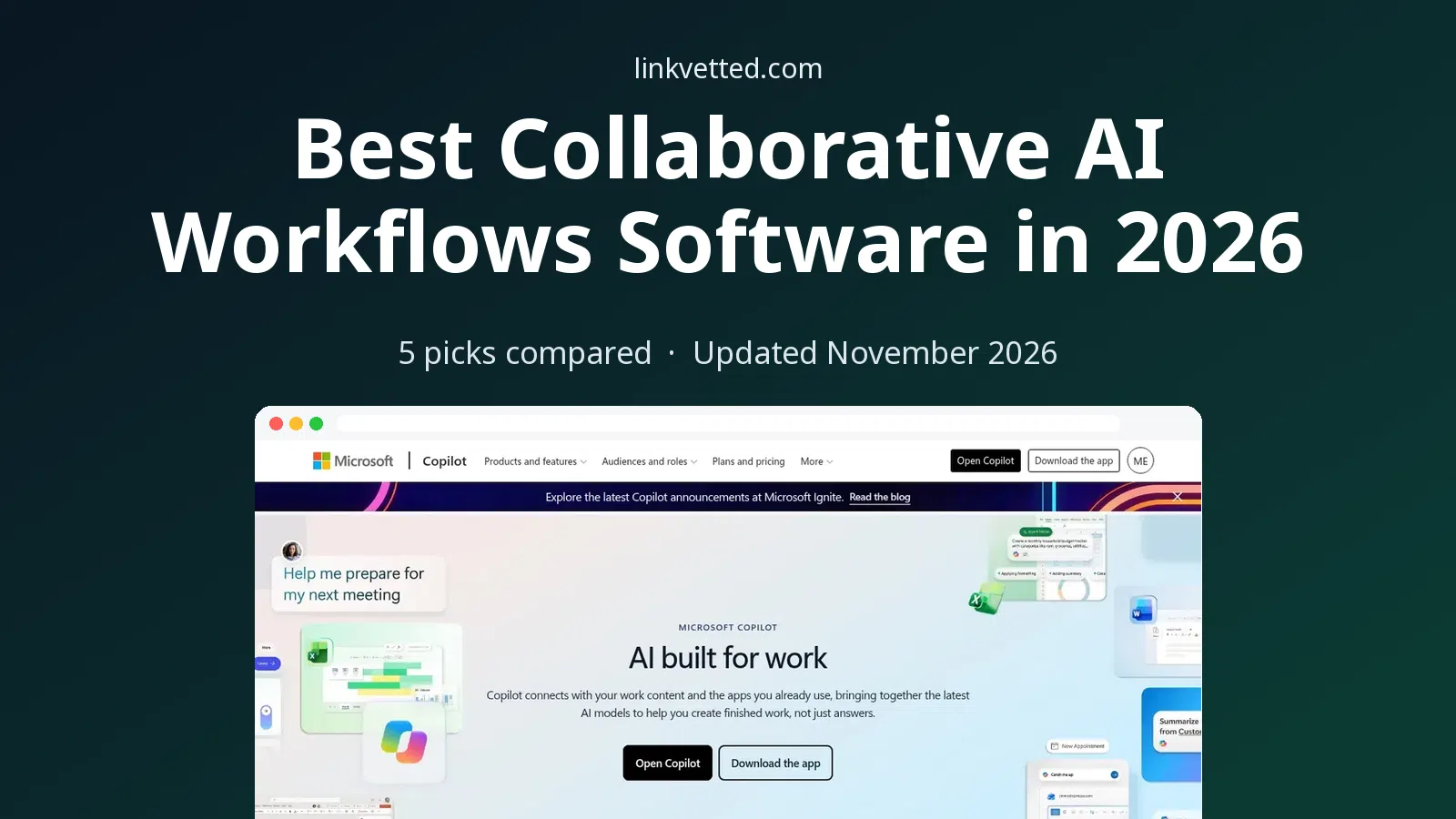
- Editor's choice
 Zoom AI Companion
Meeting and conversation follow-through
Starts atSee websiteVisit zoom.comFull review - Great alternative
 Asana AI
Coordinating projects and agents
Starts at$10.99 per user a monthVisit asana.comFull review - Also consider
 Microsoft Copilot
Teams embedded in Microsoft apps
Starts atSee websiteVisit microsoft.comFull review
Direct answer
Start with Zoom AI Companion if you need meeting and conversation follow-through. Listed starting prices: Asana AI from $10.99 per user a month and Slack AI from $4.38 per user a month. Asana AI is better for coordinating projects and agents, and Microsoft Copilot is better for teams embedded in Microsoft apps. The other 2 tools in the list cover narrower or pricier cases.
TL;DR:
- The list opens with Zoom AI Companion, aimed at meeting and conversation follow-through.
- Asana AI, Slack AI: these are the 2 tools out of 5 that offer a free plan.
- Slack AI fits AI in team conversations.
- Asana AI comes with a trade-off: concentrated on Asana work management.
- Slack AI has the lowest monthly starting price in this list: $4.38 per user per month.
Last checked November 2026. Prices and plan details were read from the vendors' own pages in November 2026; vendors change plans often, so confirm the current price on the vendor site before you buy.
Quick comparison
| Tool | Best for | Starts at | Free plan? | |
|---|---|---|---|---|
| Zoom AI Companion | Meeting and conversation follow-through | See website | Not stated | Visit |
| Asana AI | Coordinating projects and agents | $10.99 per user a month | Yes | Visit |
| Microsoft Copilot | Teams embedded in Microsoft apps | See website | Not stated | Visit |
 Google Gemini | Teams in the Google ecosystem | See website | Not stated | Visit |
 Slack AI | AI in team conversations | $4.38 per user a month | Yes | Visit |
Our 5 picks for collaborative AI workflows software
This LinkVetted guide covers 5 options for collaborative AI workflows software. Each profile lists a starting price, free plan details, strengths and drawbacks, so you can drop poor fits quickly.
Where Zoom AI Companion fits: meeting and conversation follow-through. It is a practical choice for meeting-heavy roles such as sales, support and coordination. Its scope is centered on Zoom conversations, so it is not a general workspace or project assistant.
Worth adding: if your collaboration happens largely in documents or tickets, pair it with a workspace-native tool or choose one instead. Feature access varies by account type and admin settings. Pricing for Zoom AI Companion is not stated here, so ask the vendor for current figures. Free access: Not stated.
Where it falls short: Centred on Zoom conversations.
- Acts on meeting content
- Examines and learns from conversations
- Feature access varies by account
Asana AI makes the most sense for coordinating projects and agents. Its strengths are centered on Asana's work management model, so teams on other project tools get little from it.
Limits to weigh: Centred on Asana work management.
From a buyer's view, if your primary need is drafting or knowledge search instead of project coordination, a workspace or chat assistant may fit better. Price to start with Asana AI: $10.99 per user per month. Asana AI has a free plan.
- Agentic work management framing
- Coordinates team and agents
- Advanced features rely on edition
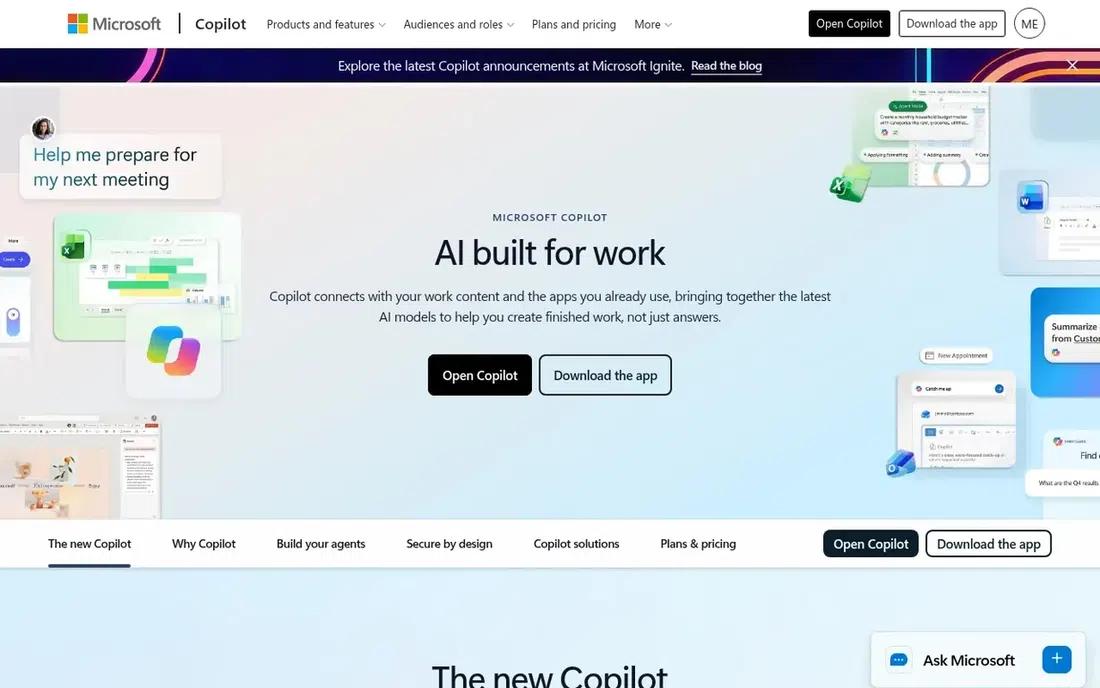
Where Microsoft Copilot fits: teams embedded in Microsoft apps. The experience is tied to the Microsoft ecosystem, so teams running largely other suites may see less benefit.
Honest limits: Feature access varies by edition.
From a buyer's view, Microsoft Copilot is an AI assistant designed for work that lives in the apps teams already use and knows your work context. Check the vendor site for Microsoft Copilot pricing; none is listed in this comparison. Free options: Not stated. What works well: business and enterprise paths.
- Understands your work context
- Provides individual
- Best value relies on Microsoft ecosystem fit
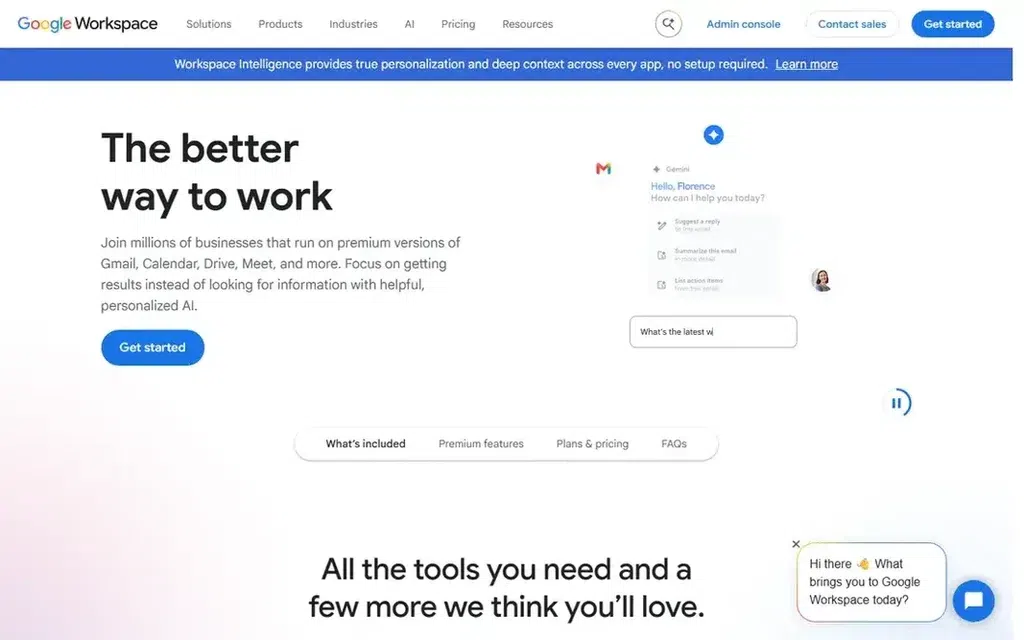
Google Gemini works best for teams in the Google ecosystem. Google Gemini is Google's AI assistant, widely known for general assistance and integration with Google's productivity tools. It also works as a general-purpose helper for drafting, summarizing and research-style questions.
Trade-offs to know: Features vary by account type.
Teams standardized on Microsoft or other suites may find less overlap. In daily use, consider a suite-native assistant when most of your work happens elsewhere. Google Gemini does not show a starting price in this comparison, so check the vendor site for current pricing. On free options: Not stated.
- Wide general-purpose help
- Assistant from Google
- Value relies on Google app usage
Slack AI is aimed squarely at AI in team conversations. Slack AI adds AI features and assistant support inside Slack to boost productivity in team conversations. It is notably relevant for fast-moving teams with heavy channel activity.
If your work is largely structured projects, a project-native assistant may serve you better. The value is limited if Slack is not your primary communication tool, and availability relies on plan and administrator settings. It does not replace project planning or document authoring. Price to start with Slack AI: $4.38 per user per month. You can start on Slack AI without paying.
Where it is weaker: Availability relies on plan and admin settings.
- AI features inside Slack
- Suits chat-centered teams
- Needs Slack as your hub
How the list was put together
Selection started from tools commonly considered for collaborative AI workflows software, then narrowed to 5 that have clear pricing information or a clear quote process. Where a price is missing, the vendor does not list one publicly or ties it to a quote. Always confirm before budgeting. The ranking is editorial: typical fit first, then clear pricing, then free access. If your needs are unusual, read the profiles rather than relying on position.
Pre-purchase checklist
- Ask Zoom AI Companion, Microsoft Copilot and Google Gemini for a written quote, since no starting price is shown.
- Read the fine print on the free plans from Asana AI and Slack AI; seat, project and feature caps differ.
- Before choosing Zoom AI Companion, weigh its main limit: centred on Zoom conversations.
- Make sure Asana AI lets you export your data in a format another tool can read.
- Read the plan comparison for Google Gemini carefully; key features often start on a higher tier.
FAQ
Do these tools publish their prices?
Not all of them. Zoom AI Companion, Microsoft Copilot and Google Gemini publish no starting price, so expect a quote request for those. The rest, Asana AI included, show a starting price, though seats and billing terms still change the final cost.
What counts as collaborative AI workflow software?
It is software that brings AI assistants or agents to the places teams already plan, write and talk. Examples contain suite assistants, workspace AI and project or chat AI.
What is the cheapest option for collaborative AI workflows software in this list?
On published monthly entry prices, Slack AI is the lowest here at $4.38 per user per month. Entry price is only part of the cost, because seats, add-ons and billing terms can change the total. Each of the 5 options in this collaborative AI workflows software guide has its own card above with the price, free plan and limits.
How are the tools for collaborative AI workflows software ordered?
The order follows typical fit for collaborative AI workflows software, with Zoom AI Companion first and Slack AI last, then price clarity and free access. It is editorial judgement, not a score, so another team could rank the tools differently.
Can I try these options before paying?
Often, yes. Asana AI and Slack AI have a free plan. Use your own data and a real task during the test, and check what the free tier or trial limits before you rely on it.
What should I check before committing?
Confirm which apps the assistant links to, how permissions and admin controls work, and whether features are available for your account type. Also ask how agent actions are reviewed.
Sources
- https://www.zoom.com/en/products/ai-companion
- https://asana.com/product/ai
- https://www.microsoft.com/en-us/microsoft-copilot
- https://gemini.google.com
- https://slack.com/features/ai