8 Best Accounting Software for Restaurants in 2026
Compare the best accounting software for restaurants, from Restaurant365 and MarginEdge to Xero and QuickBooks Online, for food cost, payroll and reporting.
- Editor's choice
 Restaurant365
Multi-unit restaurant groups
Starts atSee websiteVisit restaurant365.comFull review - Great alternative
 MarginEdge
Food cost and invoice capture
Starts atSee websiteVisit marginedge.comFull review - Also consider
 QuickBooks Online
Single units and small groups
Starts atSee websiteVisit quickbooks.intuit.comFull review
TL;DR:
- Restaurant365 suits multi-unit groups that want accounting, inventory, scheduling, and payroll in one system.
- MarginEdge fits independent restaurants that want fast invoice capture and food cost tracking on top of QuickBooks Online or Xero.
- QuickBooks Online and Xero work well as the main ledger for single units and small groups, especially with class or location tracking.
- Sage Intacct suits larger restaurant groups with many entities and stricter reporting needs.
- FreshBooks, Zoho Books, and Wave suit small cafes and food businesses with simpler books and fewer locations.
Quick comparison
| Tool | Best for | Starts at | Free plan? | |
|---|---|---|---|---|
| Restaurant365 | Multi-unit restaurant groups | See website | No | Visit |
| MarginEdge | Food cost and invoice capture | See website | No | Visit |
| QuickBooks Online | Single units and small groups | See website | Free trial | Visit |
 Xero | Simple ledger for independents | See website | Free trial | Visit |
 Sage Intacct | Multi-entity restaurant groups | See website | No | Visit |
 FreshBooks | Small cafes and service billing | See website | Free trial | Visit |
 Zoho Books | Low-cost restaurant accounting | Free | Yes | Visit |
 Wave | Very small food businesses | Free | Yes | Visit |
The best accounting software for restaurants
We compared restaurant tools on invoice processing, food cost tracking, inventory, payroll, multi-location reporting, and POS connections. The eight below include restaurant-specific platforms and general ledgers that work well when paired with a restaurant layer.
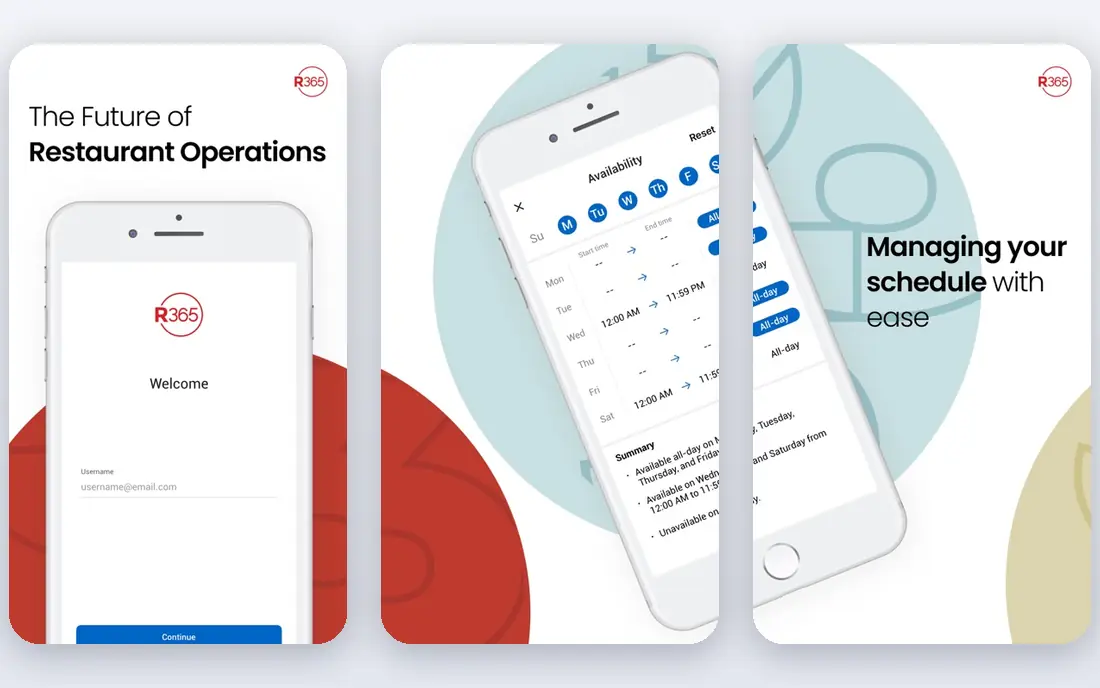
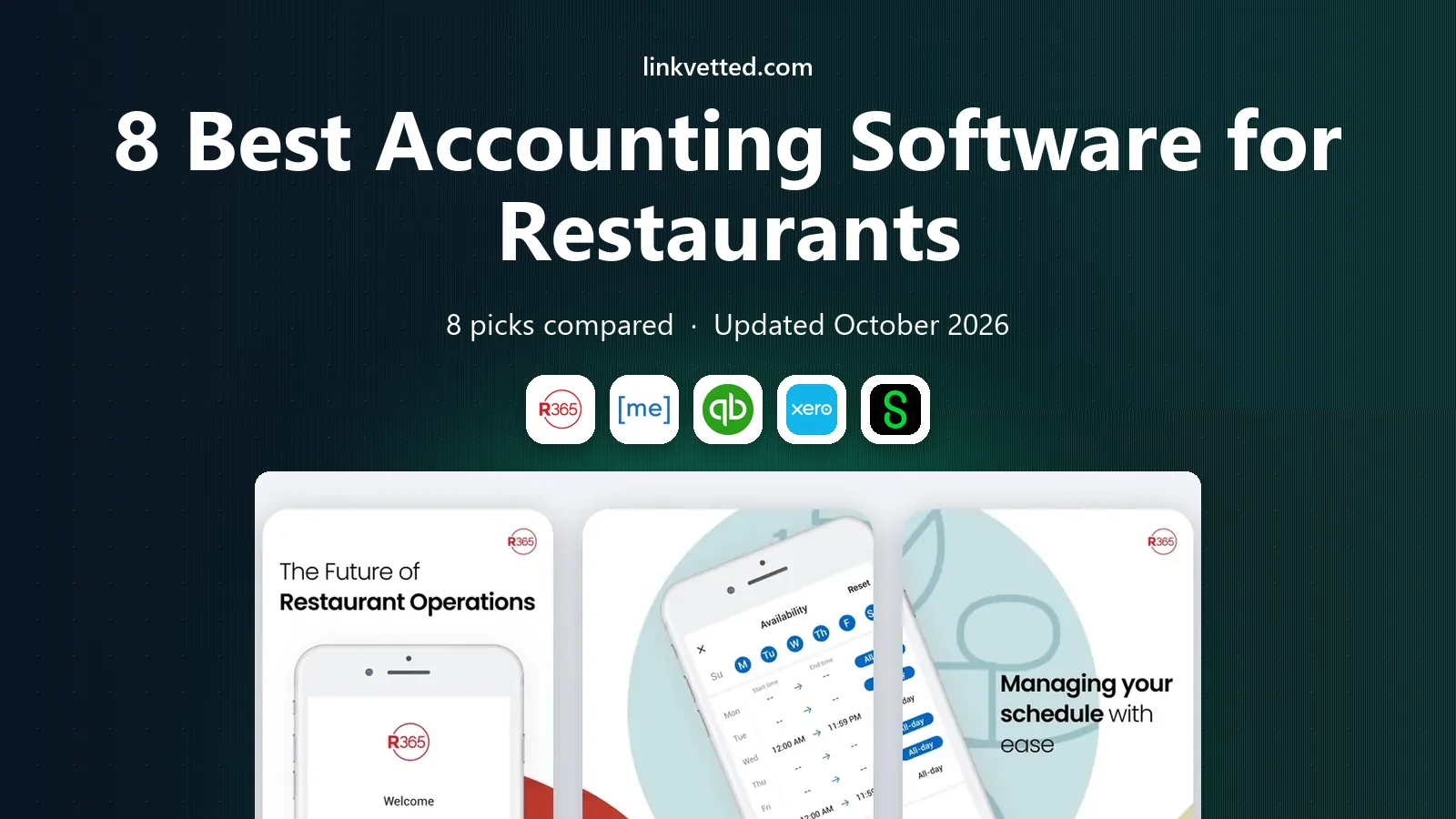
Restaurant365 is built as an all-in-one back office for restaurants, so accounting, accounts payable, inventory, scheduling, and reporting live in the same system. That structure helps multi-unit groups compare locations, track prime cost, and close the books without stitching together many tools. Managers can see sales, labor, and food cost by location in one place.
The trade-off is effort. Setup takes time, and smaller teams may find the depth more than they need for a single restaurant. Pricing is quote-based and varies by location count and modules, so get a written quote for your exact footprint. If you run five or more locations and need consolidated reporting, Restaurant365 is often the most complete option.
- Accounting, inventory, scheduling, and payroll in one system
- Multi-location reporting
- POS integrations
- Higher cost and setup time
- Learning curve for smaller teams
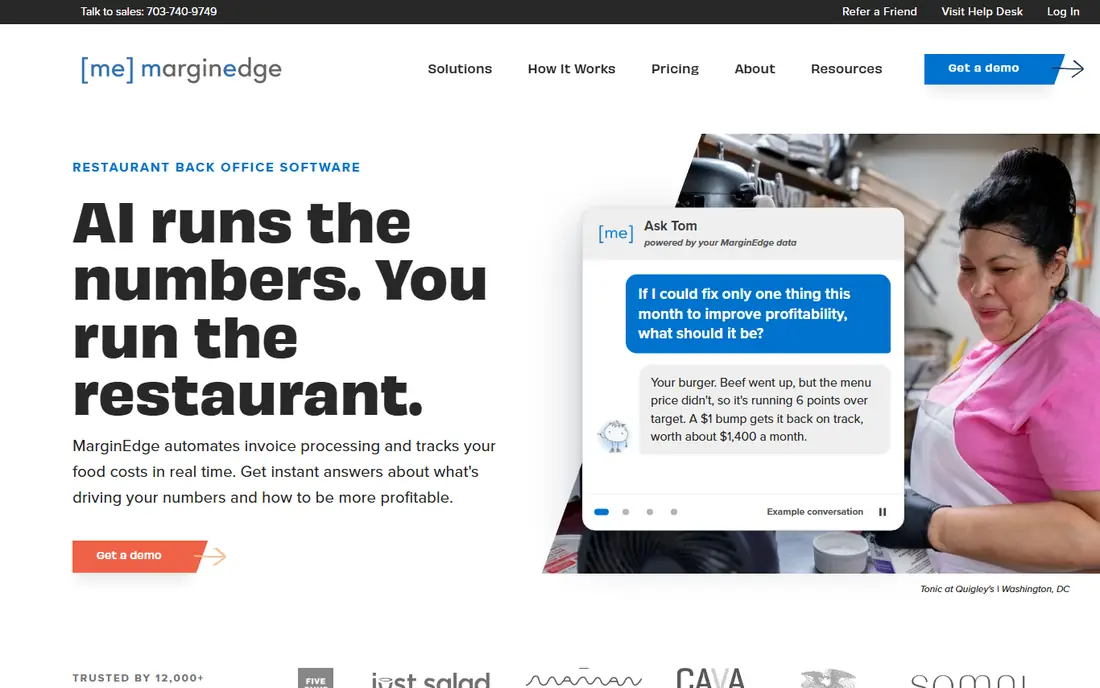
MarginEdge focuses on the daily paperwork that eats time in a restaurant, starting with invoices. You photograph an invoice, and MarginEdge captures line-item detail, updates prices, and sends the data to your accounting system. That flow gives owners a current view of food cost, rather than a month-end surprise when the books finally close.
MarginEdge pairs with QuickBooks Online, Xero, and other ledgers, so it works best as a restaurant layer on top of a ledger you already trust. Recipe costing and inventory counts help chefs spot waste and price changes early. For an independent restaurant or a small group that wants tighter cost control without replacing its ledger, MarginEdge is a practical addition.
- Fast invoice capture with line-item detail
- Food cost and recipe costing
- Connects to many POS systems
- Not a full standalone ledger
- Monthly cost adds up for very small restaurants
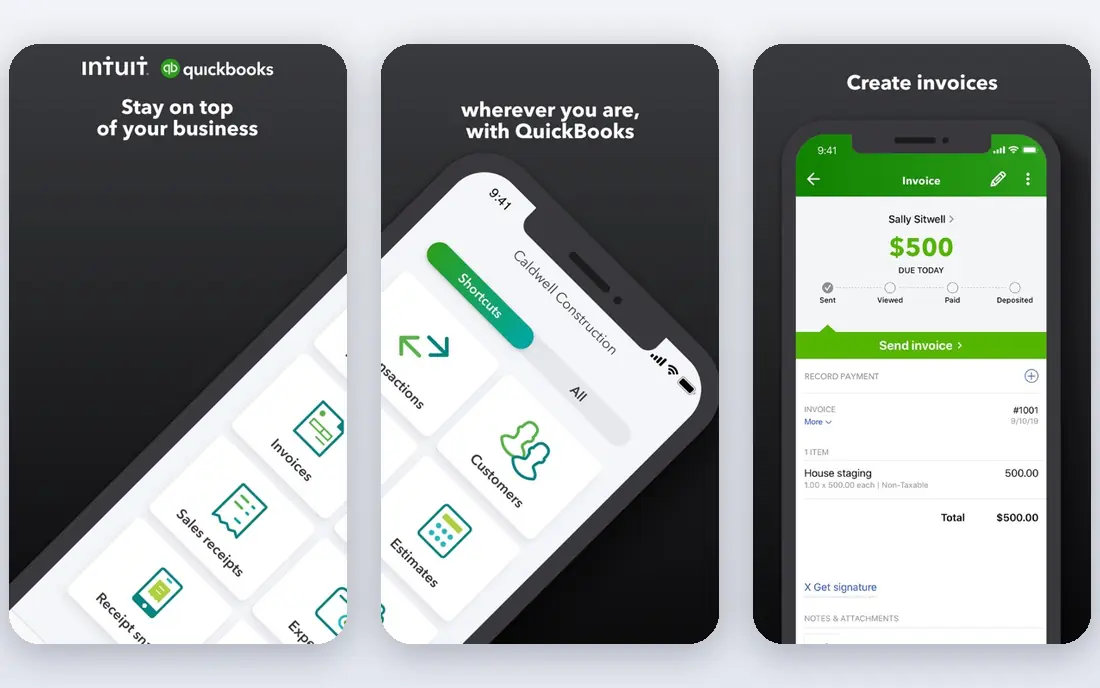
QuickBooks Online is a familiar choice for restaurants because most accountants already know it, and many POS and restaurant tools connect to it. Single units can track income, expenses, payroll, and sales tax in one ledger, while small groups can use class or location tracking to compare sites. That familiarity also makes it easier to find bookkeeping help.
Plan choice matters for restaurants. Lower plans lack class and location tracking, so groups with more than one site usually need Plus or Advanced. Payroll, payment processing, and restaurant add-ons add cost, so total the monthly bill for your setup. For a single restaurant or a small group with a trusted accountant, QuickBooks Online remains a safe, flexible ledger.
- Widely used by accountants
- Class and location tracking on higher plans
- Broad app connections
- Multi-location reporting needs higher plans
- Payroll is a separate cost
Xero suits independent restaurants and cafes that want a clean ledger without a complex setup. Bank feeds, invoicing, expense tracking, and reporting cover the core books, and unlimited users on each plan make it easy to give access to managers and an accountant. The interface is easy to learn, which helps when staff turnover is high.
Xero is not a restaurant system on its own, so food cost, recipe costing, and detailed inventory usually come from an add-on like MarginEdge or a POS connection. That pairing works well for a single location with straightforward operations. If you need multi-entity consolidation or deep inventory, compare Xero with Sage Intacct or Restaurant365 before you commit.
- Clean interface
- Unlimited users on plans
- Bank reconciliation and reporting
- Restaurant-specific features need add-ons
- Inventory depth is limited on lower plans
Sage Intacct fits restaurant groups with many legal entities, franchises, or locations that need consolidated reporting and tighter controls. It handles multi-entity accounting, approvals, and dimensional reporting in a way that simpler ledgers cannot match. Finance teams can close faster and produce reports by entity, location, or concept without manual spreadsheets.
The cost and setup reflect that depth, with quote-based pricing and a longer implementation than a small-business ledger. Smaller restaurants will find it more than they need, and the learning curve is steeper for non-finance staff. For a growing group that needs audit-ready books and clean consolidation, Sage Intacct is a strong long-term pick.
- Multi-entity consolidation
- Strong controls and audit trails
- Deep reporting dimensions
- Quote-based pricing
- Implementation needs planning and training
FreshBooks works for a small cafe, bakery, or catering business that bills clients and needs simple books. Invoicing is polished, expenses are easy to record, and time tracking helps catering or consulting-style work. Owners who do most of their own bookkeeping will find the setup quick and the daily tasks clear.
FreshBooks is not designed for detailed food cost tracking or multi-location inventory, so larger restaurants should look elsewhere. If your business is small, service-led, and focused on client billing rather than complex kitchen costing, FreshBooks keeps the books tidy without extra complexity.
- Simple invoicing
- Expense tracking
- Client-friendly billing
- Limited inventory and food cost tools
- Less suited to multi-unit groups
Zoho Books gives small restaurants a low-cost ledger with real double-entry accounting, invoicing, expenses, and bank reconciliation. The free plan suits very small businesses under its revenue limit, while paid plans add users, automation, and inventory features. Businesses already using other Zoho apps will benefit from shared customer and item data.
Restaurant-specific costing still needs a POS connection or an add-on, since Zoho Books is a general ledger rather than a kitchen system. For a small restaurant, cafe, or food truck with straightforward books, that trade-off is acceptable given the price. Check user limits and inventory needs on the plan you pick, then test a month of POS sales imports during a trial.
- Free plan for small businesses
- Full double-entry accounting
- Inventory on paid plans
- Free plan has limits
- Restaurant add-ons need separate tools
Wave suits a very small food business, such as a single food truck, market stall, or home bakery, that needs free core accounting to start. You can send invoices, track expenses, and connect a bank account without a monthly subscription for the core ledger. That keeps early costs low while the business finds its footing.
Wave lacks restaurant-specific tools, so food cost, recipe costing, and multi-location reporting need spreadsheets or another tool. Payment processing and payroll carry separate fees. If your books are simple and your main need is clean invoicing and expense tracking, Wave is a practical starting point, with a move to QuickBooks Online or Xero later as you grow.
- Free core accounting and invoicing
- Simple setup
- Payments available
- No built-in food cost tracking
- Payroll and advanced reports cost extra
How we picked these
We compared official feature pages, pricing pages, app store listings, privacy policies, and public reviews for each tool. We focused on restaurant tasks such as invoice capture, food cost, inventory, POS connections, payroll, and multi-location reporting, rather than general accounting alone. We did not claim hands-on testing or long-term daily use, and prices change often, so we point readers to vendor pricing pages where a current price was not clearly confirmed.
How to choose restaurant accounting software
The right choice depends on how many locations you run, how you track food cost, and who closes the books each month.
Start with your ledger or your restaurant layer
Some restaurants need a new ledger first, while others only need a restaurant layer on top of QuickBooks Online or Xero. If your ledger is sound but food cost is a blind spot, MarginEdge may solve the bigger problem. If your books are messy across locations, an all-in-one system like Restaurant365 may be the cleaner reset.
Check POS and vendor connections early
Your POS, payroll, bank, and main vendors should connect without manual CSV work each week. During a trial, import a week of POS sales and a batch of vendor invoices, then check that sales, tax, and cost categories land correctly. A broken connection will create more work than the software saves.
Track prime cost, not just profit
Food cost plus labor cost, known as prime cost, is the number most restaurant owners watch weekly. Pick a tool that shows food cost and labor by location and by week, not only at month end. If a tool only shows prime cost after close, you will spot problems too late to fix them in that period.
Plan for payroll and tax
Payroll, tip handling, and sales tax vary by state and by concept, so confirm those features before you buy. Ask whether payroll is included or an add-on, how tips are reported, and how sales tax is tracked by location. A tool that handles those details cleanly will save your accountant time at year end.
FAQ
What is the best accounting software for a small restaurant?
QuickBooks Online and Xero are common picks for a small restaurant, because accountants know them and many POS tools connect to them. MarginEdge adds food cost tracking on top of either ledger. For a very small cafe or food truck, Wave or Zoho Books can cover the basics at a lower cost.
What is the best restaurant accounting software for multiple locations?
Restaurant365 suits multi-unit groups that want accounting, inventory, scheduling, and reporting in one system. Sage Intacct suits larger groups with many entities and stricter consolidation needs. QuickBooks Online with location tracking can work for a small group, but check plan limits before you rely on it for many sites.
How does restaurant bookkeeping differ from normal bookkeeping?
Restaurant bookkeeping adds daily sales from a POS, food and beverage cost, inventory counts, waste, tips, and labor scheduling to normal income and expense tracking. Those items change daily, so weekly food cost and prime cost reports matter more than month-end reports alone. A restaurant layer helps capture invoice detail and sales data in time to act on it.
Do I still need an accountant if I use restaurant software?
Yes, for most restaurants, because software records transactions but an accountant reviews tax, payroll, and year-end close. Many owners handle daily invoicing and expense entry themselves, then work with an accountant monthly or quarterly. Ask your accountant which tools they support, since that choice affects the cost of their help.
What is the best accounting software for a restaurant business with inventory?
Restaurant365 and Sage Intacct handle inventory at scale, while Zoho Books and QuickBooks Online handle inventory on suitable paid plans. MarginEdge helps with recipe costing and price updates when paired with a ledger. Compare stock counts, waste tracking, and purchase order handling in a trial with your real menu items.
Can restaurant software connect to my POS system?
Most restaurant tools connect to common POS systems, including Toast, Square, and Lightspeed, but the depth of the connection varies. Check whether sales, tax, tips, and payment fees import automatically, and whether the connection is direct or needs a third-party link. Test the connection with real sales data before you commit to a long contract.