8 Best Accounting Automation Apps for Mobile in 2026
Best accounting automation apps for mobile compared: 8 apps for invoicing, bank feeds, receipt capture, and reports on your phone in 2026, and what to check.

- Editor's choice
 QuickBooks Online
Full depth and automation
Starts at$38 per monthVisit quickbooks.intuit.comFull review - Great alternative
 Xero
Unlimited users
Starts at$25 per monthVisit xero.comFull review - Also consider
 FreshBooks
Freelancer invoicing
Starts at$23 per monthVisit freshbooks.comFull review
TL;DR:
- The best mobile accounting apps let owners invoice, capture receipts, reconcile bank feeds, and check cash flow without opening a laptop.
- QuickBooks Online leads for depth and accountant availability, while Xero leads for unlimited users and clean reconciliation.
- Zoho Books and Wave are the strongest low cost starts, with free tiers that cover basic invoicing and bookkeeping.
- Check bank feed support, receipt scanning, and payroll options in your country before you pick, since those vary by plan and region.
Quick comparison
| Tool | Best for | Starts at | Free plan? | |
|---|---|---|---|---|
| QuickBooks Online | Full depth and automation | $38 per month | No | Visit |
| Xero | Unlimited users | $25 per month | No | Visit |
| FreshBooks | Freelancer invoicing | $23 per month | No | Visit |
 Zoho Books | Low cost mobile accounting | Free | Yes | Visit |
 Wave | Free core accounting | Free | Yes | Visit |
 Sage Accounting | Small business compliance | See website | No | Visit |
 FreeAgent | UK freelancers and small firms | See website | No | Visit |
 Zoho Invoice | Free mobile invoicing | Free | Yes | Visit |
The best accounting automation apps for mobile
Mobile accounting automation is about removing manual entry. Bank feeds pull transactions in, receipt scans read amounts, rules sort repeat items, and invoices go out from a phone. The apps below differ in depth, price, and how much of that work they handle on mobile alone.
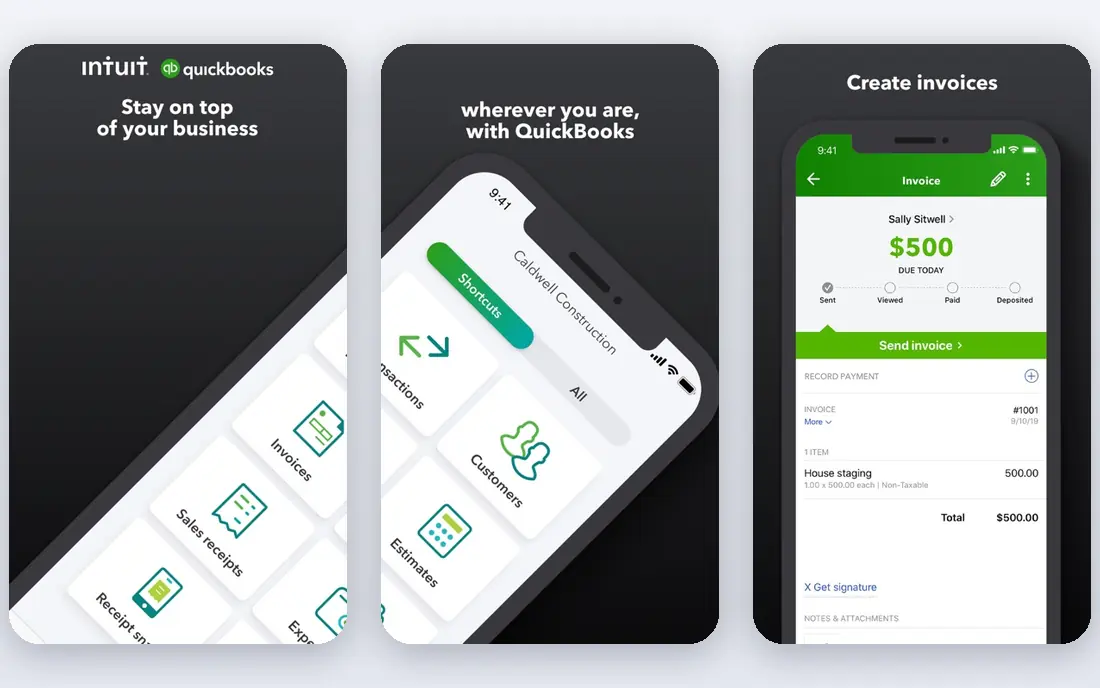
QuickBooks Online is the default for many US small businesses for a reason. Its mobile app handles invoicing, expense capture, mileage, and bank reconciliation, and its automation rules sort repeat transactions so month end takes less time. The cost is the main drawback. Plans start higher than rivals, and payroll and advanced features add fees. For a growing firm that needs a bookkeeper or accountant who already knows the system, that premium is often worth paying.
- Strong mobile receipt capture
- Automated bank feeds and rules
- Wide accountant availability
- Price rises with plan tiers
- User limits vary by plan

Xero stands out for teams. Every plan includes unlimited users, so a founder, a bookkeeper, and a part time helper can all log in without seat fees. Its mobile app covers invoicing, bill approval, bank reconciliation, and cash flow checks in a clean layout. US owners should check payroll before committing, since Xero payroll in the US relies on partners. For firms with several people touching the books, the user model alone can make Xero cheaper than its headline price suggests.
- Unlimited users on every plan
- Clean mobile reconciliation
- Strong app ecosystem
- US payroll needs a partner app
- Higher plans needed for some features
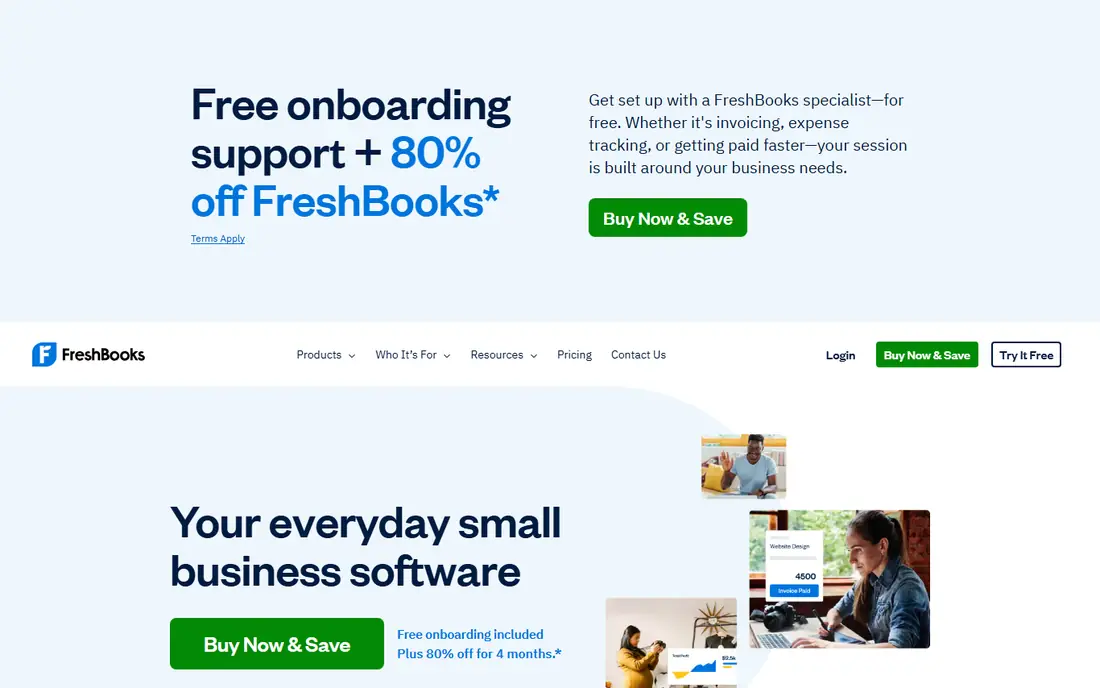
FreshBooks is built for service businesses that live on invoices. Creating and sending an invoice from a phone takes a few taps, clients can pay online, and time tracking feeds straight into billing. Larger firms with inventory, complex payroll, or multi entity books may outgrow it. For freelancers and small agencies, the speed of invoicing and the simple client view matter more than deep accounting features.
- Fast mobile invoicing
- Built in time tracking
- Simple client portal
- Full accounting depth is lighter than QuickBooks
- User limits vary by plan
Zoho Books gives small firms a surprising amount for little money. The free tier covers basic invoicing and bookkeeping for very small businesses, and paid plans add automation, bank feeds, and client portal features at prices below the big names. The trade-off is ecosystem. Fewer US accountants work in Zoho daily, and some US specific payroll and tax workflows need extra setup. For a cost conscious owner who handles books in house, Zoho Books is hard to beat on value.
- Free tier for small firms
- Good mobile invoicing and receipts
- Integrates with Zoho apps
- Fewer US accountants know it well
- Some advanced features need higher plans
Wave is the simplest free start. Invoicing, accounting, and receipt scanning are free, and the mobile app keeps daily tasks short. New freelancers can send a first invoice the same day they sign up, with no subscription to justify. Wave is not a full replacement for a growing firm. Payroll, advanced reporting, and multi currency support are limited, so firms that outgrow it usually move to QuickBooks or Xero once revenue and staff grow.
- Free invoicing and accounting
- Simple mobile layout
- Easy start for new firms
- No built in payroll in many regions
- Support and depth are limited
Sage Accounting suits firms that need steady compliance and reporting, especially in the UK where Sage has deep roots. The mobile app handles invoicing, expense capture, and bank feeds, while the desktop and web versions add fuller reporting. US owners should compare Sage carefully with QuickBooks and Xero, since Sage strength varies by market. For UK small firms already working with a Sage based accountant, the fit is often smoother than switching platforms.
- Established compliance features
- Mobile invoicing and expenses
- Strong UK presence
- Interface feels dated in places
- Pricing varies by country and plan
FreeAgent is designed for UK freelancers, contractors, and small companies. It explains tax timelines in plain terms, tracks expenses and invoices from a phone, and helps owners see what they owe without digging through reports. The main limit is geography. FreeAgent is a UK focused product, so US firms should look elsewhere. For a UK sole trader or small limited company, the tax clarity is a genuine advantage over generic accounting apps.
- Clear UK tax and filing help
- Simple mobile invoicing
- Bank feeds and expenses
- US availability is limited
- Smaller app ecosystem than Xero
Zoho Invoice is for owners whose main need is sending invoices and getting paid, not running full books. It is free, it works well on a phone, and it tracks invoice status and payments without a subscription. Owners who later need balance sheets, bank reconciliation, and fuller reporting can move to Zoho Books. Starting with Zoho Invoice keeps early costs at zero while the business is still finding its footing.
- Free invoicing with no time limit
- Mobile invoice and payment tracking
- Simple client records
- Not full double entry accounting
- Needs Zoho Books for fuller books
How we picked these
We compared official pricing pages, mobile app listings, and feature pages for accounting apps with real mobile automation in October 2026. We favored apps with bank feeds, receipt capture, mobile invoicing, and reconciliation, and we kept only products that are actively sold and supported for small businesses today.
Choosing a mobile accounting app that fits your firm
Match the app to your bookkeeping load
A freelancer sending ten invoices a month needs speed, not depth. A firm with staff, inventory, and payroll needs user roles, approvals, and reporting. Write down your monthly invoice count, staff count, and payroll needs before you compare prices.
Test bank feeds and receipt scanning first
Connect your real bank account during a trial and scan five real receipts. If feeds fail, duplicates appear, or receipt amounts need manual fixing every time, the automation promise will not hold in daily use.
Check who else needs access
Accountants, bookkeepers, and business partners all need access at different levels. Unlimited users, as in Xero, can save money for teams, while single user plans suit solo owners who keep books themselves.
Plan for tax time early
Ask how the app handles sales tax, payroll tax, and year end reports in your country. A cheap app that leaves tax work to spreadsheets will cost more in accountant time than a pricier app that handles it cleanly.
Reconcile little and often on your phone
Reconciliation feels heavy when it is left to month end, but it takes minutes when done weekly on a phone. Open the app, match bank transactions to invoices and bills, and clear the small items while you still remember them. That habit keeps the books close to real life, and it makes tax time far less stressful. Weekly reconciliation also catches problems early. A missing payment, a duplicate charge, or a receipt that did not scan correctly is easy to fix in the same week. Left for a month, the same issue needs detective work, bank statements, and messages to clients. A short weekly phone session is one of the simplest automation habits a small firm can build.
FAQ
Can I run all my bookkeeping from a phone?
Daily tasks like invoicing, receipt capture, and bank reconciliation work well on a phone. Month end review, payroll setup, and complex reports are still easier on a larger screen, so plan for a mix of phone and web use.
Is free accounting software safe to use?
Free tiers from established vendors like Zoho and Wave use standard bank connection security and encryption. Check the privacy policy, use two factor authentication, and keep backups or exports of your data regardless of price.
Do these apps replace an accountant?
No, they reduce manual entry and keep records tidy, but an accountant still helps with tax planning, payroll rules, and year end filings. Many accountants prefer QuickBooks or Xero because they already work in those systems.
What is bank feed automation?
A bank feed pulls transactions from your bank into the accounting app automatically. Rules then sort repeat items, match invoices to payments, and flag items that need review, which cuts manual typing and errors.
How much should a small firm pay for accounting software?
Solo freelancers can start free with Zoho Books, Wave, or Zoho Invoice. Growing firms usually pay from about $23 to $38 per month for a core plan, with payroll and advanced features adding cost on top.