Accounting Software with Best Invoicing Features in 2026: 8 Tools Compared
Compare accounting software with best invoicing features for templates, recurring bills, reminders and payments, with pricing for small firms in 2026.
- Editor's choice
 QuickBooks Online
Full accounting with invoicing
Starts at$38 per monthVisit quickbooks.intuit.comFull review - Great alternative
 Xero
Teams needing unlimited users
Starts at$25 per monthVisit xero.comFull review - Also consider
 FreshBooks
Service billing and reminders
Starts at$23 per monthVisit freshbooks.comFull review
TL;DR:
- QuickBooks Online, Xero and FreshBooks lead on invoicing, but they suit different businesses: full accounting, team access and service billing respectively.
- Zoho Invoice and Wave offer free invoicing for very small firms, with limits on users and invoice volume.
- Recurring invoices, automated reminders and online payment links do more for cash flow than fancy templates alone.
- Payment processing fees and user limits matter as much as the subscription price, so check both before you buy.
- Test an invoice end to end, from creation to payment and reconciliation, before you switch your books.
Quick comparison
| Tool | Best for | Starts at | Free plan? | |
|---|---|---|---|---|
| QuickBooks Online | Full accounting with invoicing | $38 per month | Free trial | Visit |
| Xero | Teams needing unlimited users | $25 per month | Free trial | Visit |
| FreshBooks | Service billing and reminders | $23 per month | Free trial | Visit |
 Zoho Books | Growing firms on a budget | See website | Yes | Visit |
 Zoho Invoice | Free invoicing only | Free | Yes | Visit |
 Wave | Free invoicing for freelancers | Free | Yes | Visit |
 Square Invoices | Fast payment collection | Free | Yes | Visit |
 Sage Accounting | Small firms wanting solid books | See website | Free trial | Visit |
The best accounting software with best invoicing features
Invoicing features matter only if they connect to your books. The tools below all create professional invoices, but they differ on recurring billing, reminders, payment collection and accounting depth.
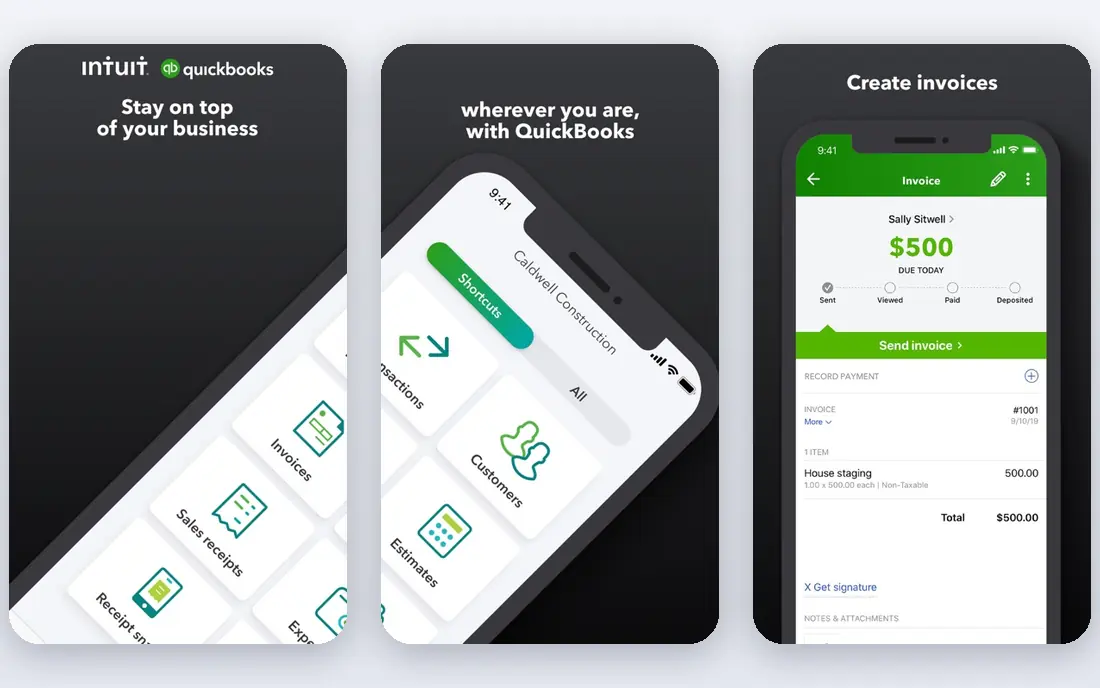
QuickBooks Online is our pick for small businesses that want invoicing inside full accounting. Invoices link directly to accounts receivable, the general ledger and reports, so you can see who owes what without a separate system. Templates are customisable, recurring invoices and reminders are built in, and online payments speed collection.
The price is higher than FreshBooks or Xero entry tiers, and the full feature set takes time to learn. For a product business, a growing firm or a business with inventory and payroll needs, that depth is worth it. For a solo freelancer who only sends invoices, a simpler tool may be cheaper.
- Customisable invoices tied to accounts receivable
- Strong reporting and bank reconciliation
- Many integrations and payment options
- Higher price than rivals
- Learning curve for new users
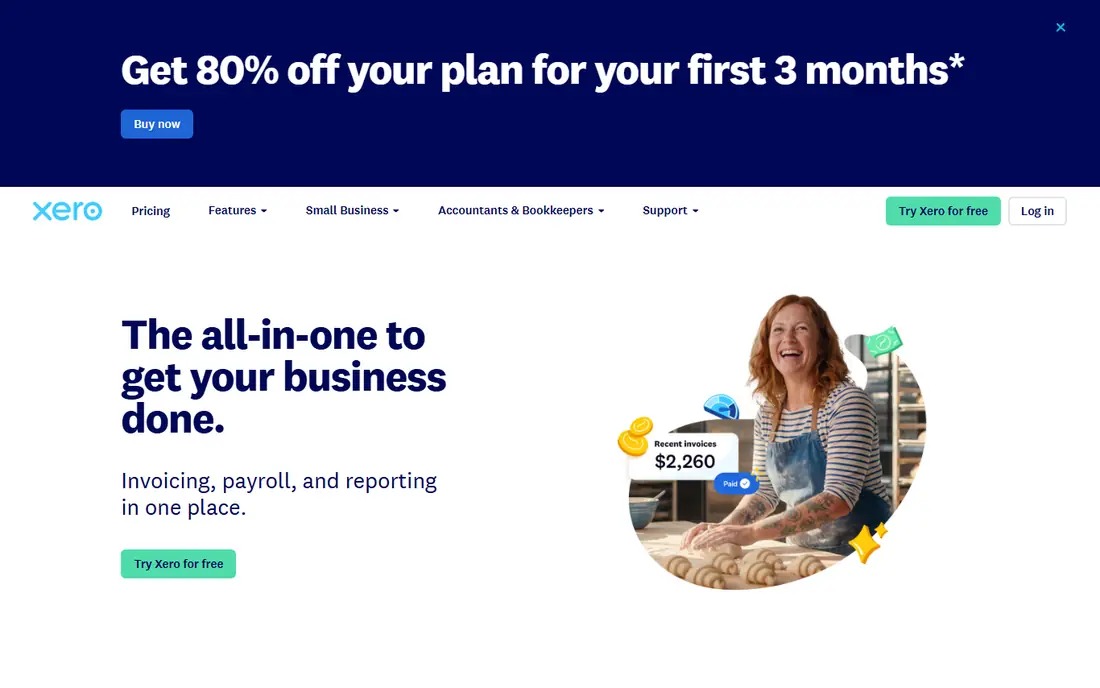
Xero suits teams that need several staff in the books at once, since all plans allow unlimited users. Invoices are clean and professional, with recurring billing, reminders and online payment options through Stripe and GoCardless. Bank reconciliation and a large app marketplace add depth for growing firms.
Starter has transaction caps, so a busy firm may need a higher tier sooner than expected. Xero is still a strong pick for a team business, especially one working with an accountant, since accountants widely support it and collaboration is easy.
- Unlimited users on all plans
- Clean professional invoices
- Strong bank reconciliation and integrations
- Transaction caps on Starter
- Invoicing depth varies by plan
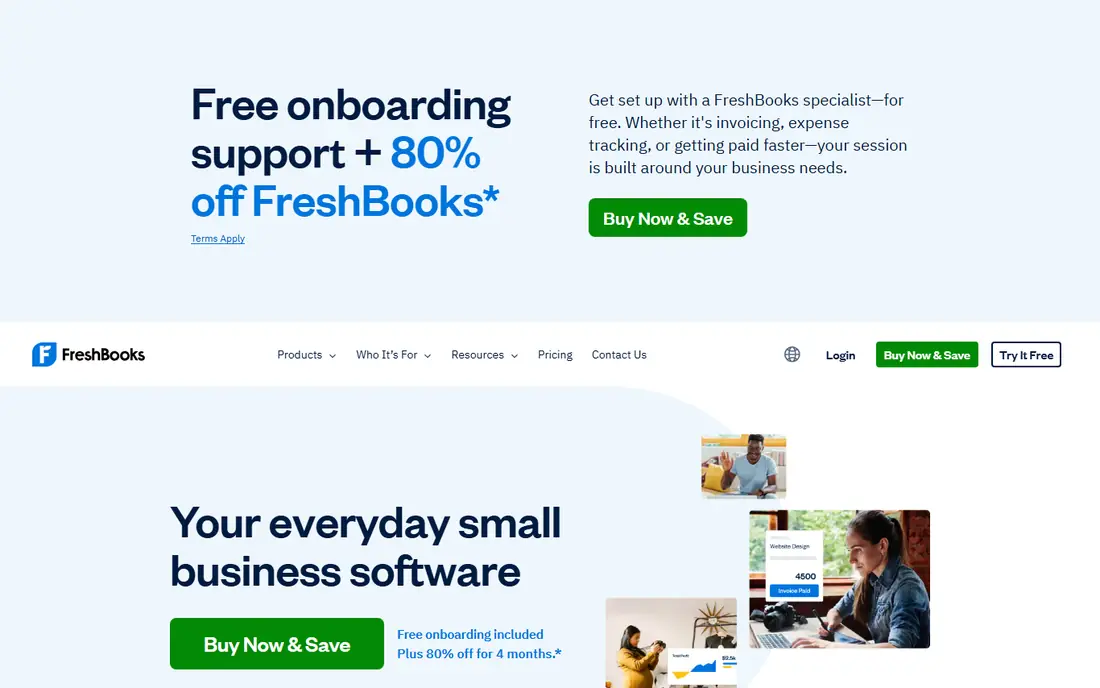
FreshBooks is built for service businesses. Invoices look polished, reminders go out automatically, late fees can be applied, and clients pay through a portal that tracks the whole flow. Time tracking and project billing suit consultants, agencies and freelancers who bill by the hour.
Inventory and full accounting depth are thinner than QuickBooks, and lower tiers cap client numbers. For a service firm that lives on invoices and time, FreshBooks is often the most pleasant tool to use daily. For a product business, QuickBooks or Xero will fit better.
- Excellent invoice-to-payment flow
- Automated reminders and late fees
- Time tracking and client portal
- Limited inventory features
- Client caps on lower tiers
Zoho Books offers strong invoicing automation for a lower price than QuickBooks or Xero. Recurring invoices, reminders, payment links and client portals are included, with multi-currency support on paid plans. Integration with other Zoho apps suits firms already using Zoho CRM or Zoho Inventory.
US tax and payroll support is thinner than QuickBooks, so US firms with complex payroll needs should check carefully. For a growing firm on a budget, especially one already in the Zoho ecosystem, Zoho Books is good value with solid invoicing.
- Good invoicing automation at a lower price
- Vendor portals and multi-currency
- Zoho app integration
- US tax and payroll support is thinner
- Interface takes time to learn
Zoho Invoice is the best free invoicing-only option for very small firms. It offers professional templates, recurring invoices, reminders and payment links without a monthly fee, with a cap of two users and 500 invoices a year on free use. That is enough for many freelancers and micro-businesses.
It is not full accounting software, so you will still need a separate tool for books, taxes and reports if your business grows. Use Zoho Invoice when invoicing is the main job and your books are simple. When accounting needs grow, Zoho Books is the natural upgrade path.
- Free invoicing with recurring billing
- Professional templates
- No monthly fee for core invoicing
- Not full accounting software
- Capped at two users and 500 invoices a year on free use
Wave offers free invoicing and basic accounting for freelancers and micro-businesses. Invoices are simple and professional, receipt scanning helps with expenses, and the interface stays easy for a non-accountant. Payment processing is available, with fees per transaction.
Reporting is basic, multi-currency is missing, and payroll costs extra. Wave suits a solo freelancer with simple books who wants free invoicing without a subscription. A growing firm with inventory, teams or complex taxes will outgrow it quickly.
- Free invoicing and basic accounting
- Receipt scanning
- Simple interface for micro-businesses
- Basic reporting and no multi-currency
- Payroll is a paid add-on
Square Invoices suits businesses that already use Square for payments. Invoices go out fast, customers pay by card or link, and deposits and milestone billing help service firms collect part payment up front. The mobile app makes it easy to invoice from a job site or shop floor.
It is not full accounting software, so you will need another tool for books and taxes. Square Invoices works best as a payment-first invoicing tool, especially for trades, retail and service firms that value speed of collection over accounting depth.
- Fast invoice creation and payment
- Deposits and milestone billing
- Strong mobile app for on-the-go billing
- Not full accounting software
- Invoicing depth is thinner than QuickBooks or FreshBooks
Sage Accounting offers reliable invoicing inside solid small business books. Invoices, quotes, cash flow forecasting and bank reconciliation cover the core needs of a small firm, with a trusted brand behind it. For a UK or international firm, Sage also handles VAT and local tax needs well.
The interface is less polished than FreshBooks or Xero, and invoice design options are thinner. For a US firm, QuickBooks or Xero may fit tax needs better. For a firm that values dependable books over design flair, Sage is a steady choice.
- Solid invoicing and accounting
- Cash flow and VAT tools
- Trusted brand for small firms
- Interface feels dated in places
- Invoicing polish lags FreshBooks
How we picked these
We compared official pricing pages, product documentation and recent invoicing comparisons, focusing on tools still sold in 2026. We favoured accounting software with real invoicing features, such as recurring billing, reminders, templates and online payments, rather than invoice-only tools with no books. We also weighed free tiers, since Wave and Zoho Invoice are the right answer for many micro-businesses even when paid tools offer more. Prices marked See website reflect changing tiers.
How to choose accounting software for invoicing
Start with your business type. Service firms do well with FreshBooks or Square Invoices, product firms with QuickBooks Online, team firms with Xero, and budget firms with Zoho Books or Wave. A tool built for another business type will force workarounds on every invoice.
Test the full invoice cycle. Create an invoice, send it, apply a payment, send a reminder for an overdue bill, set up a recurring invoice and reconcile the payment in the books. That test reveals gaps that feature lists hide, such as a missing late fee option or a payment link that does not reconcile automatically.
Finally, check total cost. Add subscription price, payment processing fees, payroll add-ons and extra user costs. A free invoicing tool with high processing fees can cost more than a paid tool with lower fees, especially for a firm with high invoice volume. Choose the tool with the lowest total cost for your actual volume, not just the lowest headline price.
FAQ
What accounting software has the best invoicing features?
QuickBooks Online, Xero and FreshBooks lead on invoicing features, with different strengths. QuickBooks links invoicing to full accounting, Xero suits teams with unlimited users, and FreshBooks offers the smoothest service billing and reminder flow.
What is the best free invoicing software?
Zoho Invoice and Wave are the best free options for very small firms. Zoho Invoice offers recurring billing with a cap on users and invoices, while Wave adds basic accounting. Square Invoices is also free for payment-focused invoicing.
How do recurring invoices work?
Recurring invoices are created automatically on a schedule you set, such as monthly or quarterly, and sent to the customer without manual work. Most tools in this list also send automatic reminders and allow online payment, which helps steady cash flow.
Do accounting tools charge for invoice payments?
Most tools charge payment processing fees when a customer pays by card, typically around 2.9 percent plus a small fixed fee, though rates vary by provider. Check processing fees before you choose, since they can outweigh subscription savings for high-volume firms.
Can I customise invoices in accounting software?
Yes, most tools offer templates, logos, colours, payment terms and custom fields. QuickBooks and FreshBooks offer the most customisation, while Wave and Square offer simpler templates that still look professional.
What is the best invoicing feature for getting paid faster?
Online payment links, automated reminders and deposits or milestone billing do the most for cash flow. Businesses that offer online payment options through accounting software tend to get paid faster than those that rely on cheques or bank transfers alone.