Best Invoicing Software Comparison in 2026: 8 Platforms Compared
Best invoicing software comparison for freelancers and small businesses, covering price, payments, recurring billing, and accounting depth side by side.

- Editor's choice
 QuickBooks Online
Invoicing plus accounting
Starts at$38 per monthVisit quickbooks.intuit.comFull review - Great alternative
 FreshBooks
Service billing and time tracking
Starts at$23 per monthVisit freshbooks.comFull review - Also consider
 Xero
Multi-user and multi-currency teams
Starts at$25 per monthVisit xero.comFull review
TL;DR:
- QuickBooks Online suits businesses that want invoicing plus full accounting, while FreshBooks suits service businesses that bill by time or project.
- Zoho Invoice and Wave offer genuinely free invoicing, which suits solo operators with simple billing needs.
- Xero suits growing teams that need unlimited users and strong multi-currency invoicing.
- Square Invoices suits sellers who also take in-person payments, while Stripe Invoicing suits online businesses with complex recurring billing.
- Compare payment fees, invoice limits, and user limits, not just the monthly subscription price.
Quick comparison
| Tool | Best for | Starts at | Free plan? | |
|---|---|---|---|---|
| QuickBooks Online | Invoicing plus accounting | $38 per month | No | Visit |
| FreshBooks | Service billing and time tracking | $23 per month | No | Visit |
| Xero | Multi-user and multi-currency teams | $25 per month | No | Visit |
 Zoho Invoice | Free invoicing | Free | Yes | Visit |
 Wave | Free invoicing and bookkeeping | Free | Yes | Visit |
 Square Invoices | In-person plus online payments | Free | Yes | Visit |
 Stripe Invoicing | Online and recurring billing | See website | No | Visit |
 BILL | B2B AP and AR automation | $45 per month | No | Visit |
The best invoicing software comparison
We compared invoicing platforms on price, free tiers, invoice creation, payment collection, recurring billing, reminders, and accounting depth. This invoicing software comparison focuses on what each platform does best, so you can match a tool to how you actually bill clients.
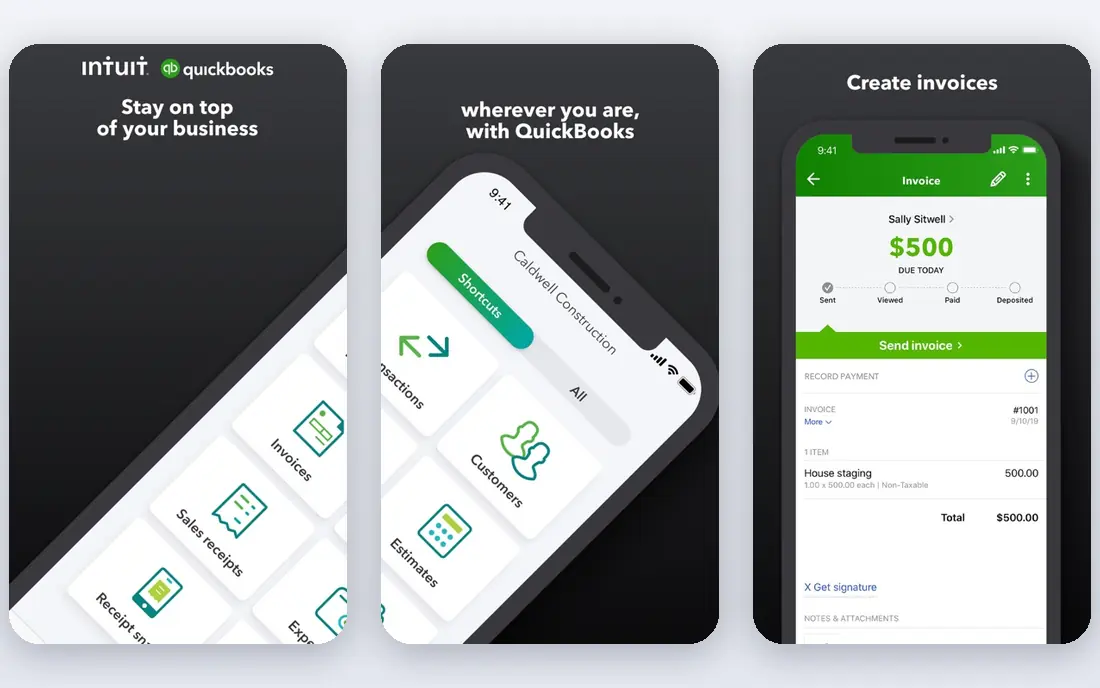
QuickBooks Online is the safe default for US small businesses that want invoicing connected directly to accounts receivable, bank reconciliation, and reporting. Invoices flow into the general ledger automatically, so you do not need to re-enter payments or track balances in a separate spreadsheet. The Simple Start plan starts at 38 dollars per month, with higher plans adding users, inventory, and project tools.
The trade-off is price and complexity, since QuickBooks offers far more than invoicing alone and can feel heavy for a freelancer who only sends a few invoices a month. Promotions often cut the first months, but list prices have risen over time. For businesses that work with an accountant, plan to grow, or need inventory and payroll alongside invoicing, QuickBooks Online is the strongest all-round choice.
- Invoicing linked to full accounting
- Most accountants know it
- Wide app integrations
- Highest price among mainstream options
- Learning curve for new users
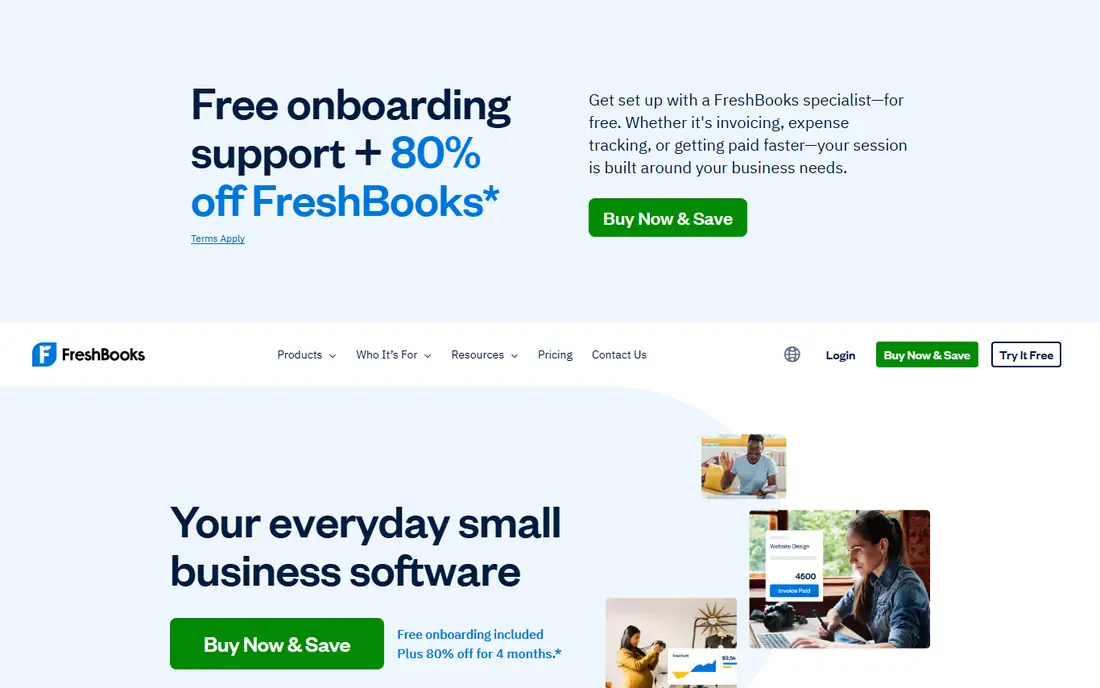
FreshBooks is built around billing clients for services, with clean invoice templates, time tracking, expense capture, and automated payment reminders. The Lite plan starts at 23 dollars per month for up to five clients, which suits freelancers and small agencies. Invoices look professional, clients can pay online, and late reminders go out without manual chasing.
Accounting depth is lighter than QuickBooks, and client limits on lower plans mean growing agencies may need to upgrade sooner. FreshBooks also charges per extra seat beyond the first user on many plans. For service businesses that live in invoices, proposals, and hourly billing, FreshBooks offers the most pleasant invoicing experience on this list.
- Polished invoices
- Automated reminders
- Time tracking and project billing
- Client limits on lower plans
- Lighter accounting depth than QuickBooks
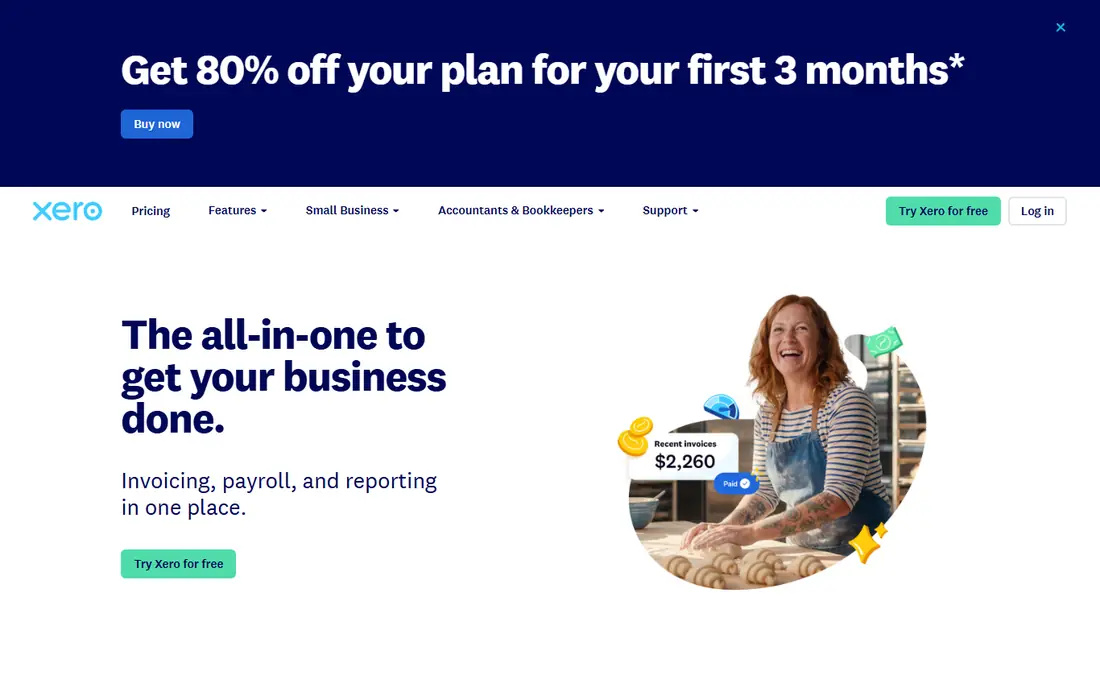
Xero combines invoicing with full accounting, bank reconciliation, and reporting, with unlimited users on every plan. That last point matters for growing teams, since QuickBooks and FreshBooks charge per seat past the first user. The Early plan starts at 25 dollars per month, with quotes and a limited number of invoices and bills, while higher plans remove those caps.
Multi-currency invoicing is a strength, which suits businesses that bill clients abroad. US payroll runs through a partner, Gusto, rather than natively, which adds a separate subscription for some users. For teams with several staff, an accountant, and international clients, Xero is often the best value in this comparison.
- Unlimited users on every plan
- Strong bank reconciliation
- Good multi-currency handling
- Invoice and bill caps on lowest plan
- US payroll via third party
Zoho Invoice is a free invoicing tool for small businesses, with invoice creation, estimates, recurring billing, payment reminders, and client portals at no monthly cost. The free plan is capped at two users and 500 invoices per year, which covers many freelancers and solo operators. Online payments work through Stripe, PayPal, and other gateways, though processing fees still apply.
Zoho Invoice is not a full accounting system, so businesses that need double-entry books, inventory, or payroll should look at Zoho Books or QuickBooks instead. The tool also works best alongside other Zoho apps, though it stands alone well for invoicing. For free, capable invoicing with recurring billing, Zoho Invoice is hard to beat.
- Free for small businesses
- Recurring invoices
- Online payments via Stripe and PayPal
- Capped at two users and 500 invoices per year on free plan
- Best inside Zoho ecosystem
Wave offers free invoicing, estimates, and basic bookkeeping, with unlimited invoices on its free Starter plan. That makes it ideal for side hustles, solo operators, and very small businesses that need to send professional invoices without a monthly fee. Setup is simple, and clients can pay by card or bank transfer, with processing fees applying to payments.
Wave Pro, around 19 dollars per month in published comparisons, adds automatic bank feeds and other features, while payroll is a separate paid add-on. Support is paid on the free plan, and integrations are fewer than QuickBooks or Xero. For a genuinely free invoicing and bookkeeping starting point, Wave is the best choice on this list.
- Free core invoicing and accounting
- Unlimited invoices
- Simple setup
- Paid support
- Payroll costs extra
- Fewer integrations than rivals
Square Invoices lets you create and send invoices for free, with clients paying online by card or through Cash App, and sellers can also take payments in person through Square point-of-sale hardware. That combination suits retail, food, trades, and service businesses that sell both online and face to face. Features include deposits, milestones, recurring invoices, and payment reminders.
Square is a payments tool first and an accounting tool second, so businesses that need full double-entry books will need a separate accounting system or integration. Transaction fees apply to every payment, and larger tiers with extra features cost more. For fast payment collection and a mix of in-person and online sales, Square Invoices is an excellent fit.
- Free invoicing
- Fast payment collection
- Point-of-sale integration
- Transaction fees on payments
- Limited accounting depth
- Higher tiers cost more
Stripe Invoicing suits online businesses that already use Stripe for payments, with invoicing, subscriptions, and recurring billing built into the same platform. Basic invoicing carries no monthly fee, while advanced features start at 0.4 percent per paid invoice in published comparisons. International payments, tax handling, and subscription logic are strengths, especially for software and online services.
Stripe is less friendly than FreshBooks or Wave for a freelancer who just wants a simple invoice template, since setup expects some comfort with online business tools. It is also not a full accounting system, so you will still need books elsewhere. For online businesses with recurring billing, international customers, or subscription models, Stripe Invoicing is the most powerful option here.
- No monthly fee for basic invoicing
- Advanced recurring billing
- International payments
- Fee per paid invoice on advanced features
- Setup needs more technical comfort
BILL, formerly Bill.com, automates accounts payable and accounts receivable for small and mid-size businesses, with invoice creation, approvals, payment scheduling, and sync to QuickBooks, Xero, and other accounting systems. The Essentials plan starts at 45 dollars per user per month in published comparisons, which reflects its business focus. Payments can go by ACH, wire, virtual card, or check, which suits B2B suppliers and clients.
BILL is overkill for a solo freelancer who sends a few invoices a month, and its price reflects that business focus. For companies that process many vendor bills and customer invoices, need approval workflows, and want to cut manual data entry, BILL saves real time. It pairs best with an accounting system, rather than replacing one entirely.
- Strong AP and AR automation
- Approval workflows
- ACH, wire, and check payments
- Higher entry price
- Overkill for solo freelancers
How we picked these
We compared official pricing pages, free tiers, payment options, recurring billing, user limits, and accounting depth for leading invoicing platforms. We favored tools that are actively maintained in 2026, publish clear pricing or a free tier, and serve real freelancer and small business needs. We mixed free tools, service-billing tools, and full accounting platforms, so readers can compare across categories rather than within one niche.
Choosing from this invoicing software comparison
Start with how you bill, not with the brand name. Freelancers who bill by the hour need time tracking and project billing, which favors FreshBooks. Product sellers who need inventory and full books need QuickBooks or Xero. Solo operators with simple billing can start free with Zoho Invoice or Wave and upgrade only when volume grows.
Compare total cost, not just the subscription
Add payment processing fees, extra user fees, payroll add-ons, and upgrade costs to the monthly subscription before comparing. A free tool with high card fees can cost more than a paid tool with lower fees if you process many card payments. Check invoice limits too, since Xero Early and FreshBooks Lite cap invoices or clients on entry plans.
Test the client experience
Send yourself a test invoice and pay it, since your clients will judge your business by that experience. Check that invoices look professional on mobile, that payment links work, and that reminders sound polite rather than pushy. A tool that is easy for you but confusing for clients will slow payments, no matter how good its features look in a demo.
FAQ
What is the best invoicing software for small businesses?
QuickBooks Online suits businesses that want invoicing plus full accounting, FreshBooks suits service businesses, and Xero suits multi-user teams. For free invoicing, Zoho Invoice and Wave are the best starting points. Pick based on how you bill, how many users need access, and whether you need full books or just invoices.
What is the best free invoicing software?
Zoho Invoice and Wave both offer free invoicing with recurring billing and online payments. Zoho Invoice caps free use at two users and 500 invoices per year, while Wave offers unlimited invoices on its free plan. Both charge payment processing fees when clients pay by card, so free refers to the subscription, not to payment fees.
How does invoicing software comparison differ from accounting software?
Invoicing software focuses on creating, sending, and collecting invoices, while accounting software adds a general ledger, bank reconciliation, reporting, and tax preparation. QuickBooks, Xero, and Zoho Books do both, while Zoho Invoice, Square Invoices, and Stripe Invoicing focus mainly on invoicing and payments. Choose full accounting if you need books, and invoicing-only if you already have an accountant or a separate ledger.
Can I send recurring invoices automatically?
Yes, most tools on this list support recurring invoices, including QuickBooks, FreshBooks, Xero, Zoho Invoice, Wave, Square, and Stripe. Set the schedule, amount, and payment method once, and invoices go out automatically. Check whether your plan limits recurring invoices, and test one cycle before relying on it for key clients.
What fees do invoicing platforms charge?
Most platforms charge no monthly fee on free plans but take a percentage plus a fixed fee when clients pay by card, with bank transfer fees usually lower. Paid plans add a monthly subscription on top of those processing fees. Always check the current processing fees on the vendor site, since they affect total cost more than the subscription for high-volume sellers.
Should I use the same tool for invoicing and accounting?
Using one tool for both saves re-entry and keeps invoices, payments, and books in sync, which suits most small businesses. QuickBooks, Xero, and Zoho Books do this well. If you already have an accountant on a specific system, match that system, or use an invoicing tool that syncs cleanly to it, such as BILL with QuickBooks or Xero.