Switching From WordPress CMS? 5 Alternatives for 2026
5 products for WordPress CMS alternatives, ranked by fit, with starting costs and free tiers. Strengths and weak spots are spelled out. See which fits.
- Editor's choice
 Drupal
Open, self-managed content architecture
Starts atSee websiteVisit drupal.orgFull review - Great alternative
 Shopify
Commerce-first companies needing AI tools
Starts at$19 a monthVisit shopify.comFull review - Also considerWix Studio
Agencies managing numerous client sites
Starts atSee websiteVisit wix.comFull review
Direct answer
Drupal comes first here, mainly for open, self-managed content architecture. Listed starting prices: Shopify from $19 a month, Webflow from $15 per month and Sanity from $15 per seat a month. Shopify is the stronger choice for commerce-first companies needing AI tools, while Wix Studio suits agencies managing plenty of client sites. All 5 tools are compared below on price, free plan and limits.
TL;DR:
- Drupal takes the first slot, best suited to open, self-managed content architecture.
- Sanity suits headless content backend for developers.
- For the cheapest start, look at Webflow: $15 per month.
- What to know about Webflow first: less suited to deep custom backend logic.
Last checked November 2026. Prices and plan details were read from the vendors' own pages in November 2026; vendors change plans often, so confirm the current price on the vendor site before you buy.
Quick comparison
| Tool | Best for | Starts at | Free plan? | |
|---|---|---|---|---|
| Drupal | Open, self-managed content architecture | See website | Not stated | Visit |
| Shopify | Commerce-first companies needing AI tools | $19 a month | Free trial | Visit |
| Wix Studio | Agencies managing numerous client sites | See website | Not stated | Visit |
 Webflow | Design-led teams wanting visual CMS | $15 per month | Yes | Visit |
 Sanity | Headless content backend for developers | $15 per seat a month | Yes | Visit |
Our 5 picks for WordPress CMS
LinkVetted put together this guide to WordPress CMS for readers who want a clear shortlist without reading every vendor page. It compares 5 tools on starting price, free plans, who each one suits and where each one falls short.
Drupal makes the most sense for open, self-managed content architecture. Drupal is a widely known open-source content management system used to build structured, content-heavy sites. It is often chosen by organizations that require granular control over content types, roles and permissions, and that have developers available to configure and maintain the system.
More specifically, organizations without developer resources may find it slow to launch. From a buyer's view, pick Drupal when openness, structured content and self-hosting are priorities, and choose a managed builder when speed and simplicity come first. Pricing for Drupal is not stated here, so ask the vendor for current figures. Free access: Not stated.
Drawbacks to consider: Steeper technical ramp-up time.
- Solid community and module ecosystem
- Open-source content management system
- Needs more in-house maintenance
Pick Shopify if this describes you: commerce-first companies needing AI tools. Shopify describes itself as an all-in-one commerce product for firms, with AI tools to build or grow a business and handle every part of it. Its homepage frames the product as more than ecommerce software, including broader business operations.
The main drawbacks: Commerce-centered instead of general CMS.
Also, since commerce drives the product, teams publishing editorial or informational content without selling may find it heavier than needed. More specifically, consider Shopify when transactions and product management are the core of the site, and look elsewhere for content-only projects. As for the details, highly custom content architectures can also need workarounds. On cost, Shopify starts like this: $19 per month. Trial and free access: Free trial.
- All-in-one commerce product
- AI tools across business operations
- Less suited to pure content publishing
Wix Studio
Best for: Agencies managing numerous client sites
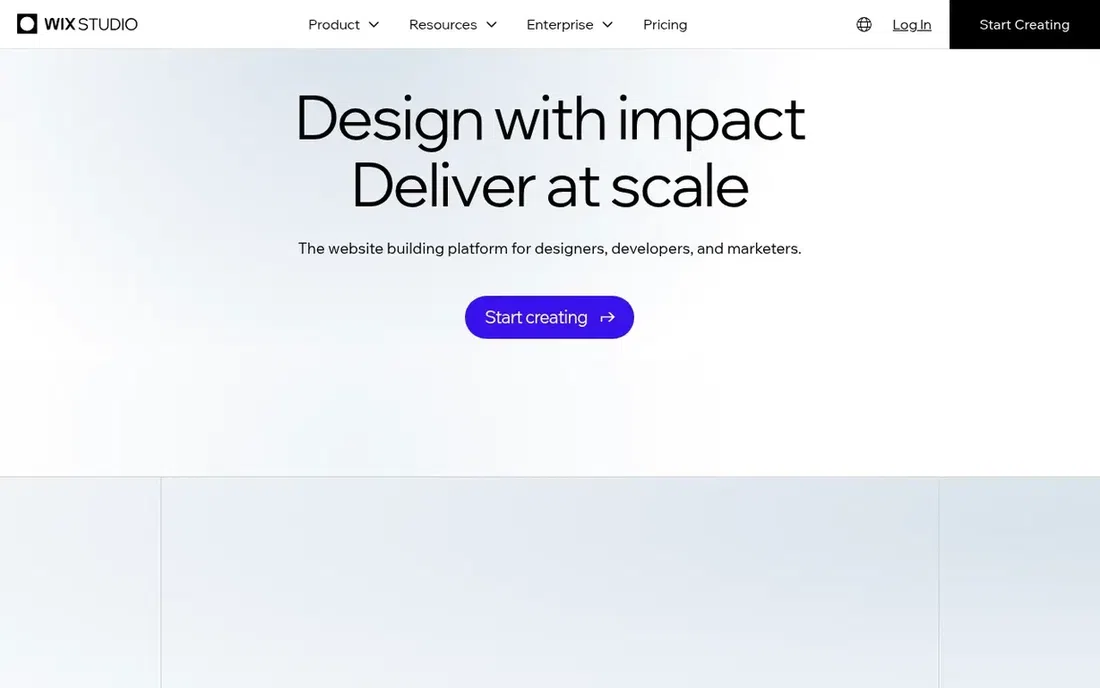
Wix Studio is a good fit for agencies managing numerous client sites. Its homepage stresses delivering digital experiences across any industry, which recommends a focus on teams producing several client sites.
It suits agencies and bigger organizations that want a managed product with design tooling and site management in one place instead of assembling separate tools. Wix Studio shows no starting price here, so confirm the cost on the vendor site. Trial and free access: Not stated.
Watch-outs: Platform-specific workflow to learn.
- Management tools targeted at agencies
- Made for varied industries
- Less open than self-hosted systems
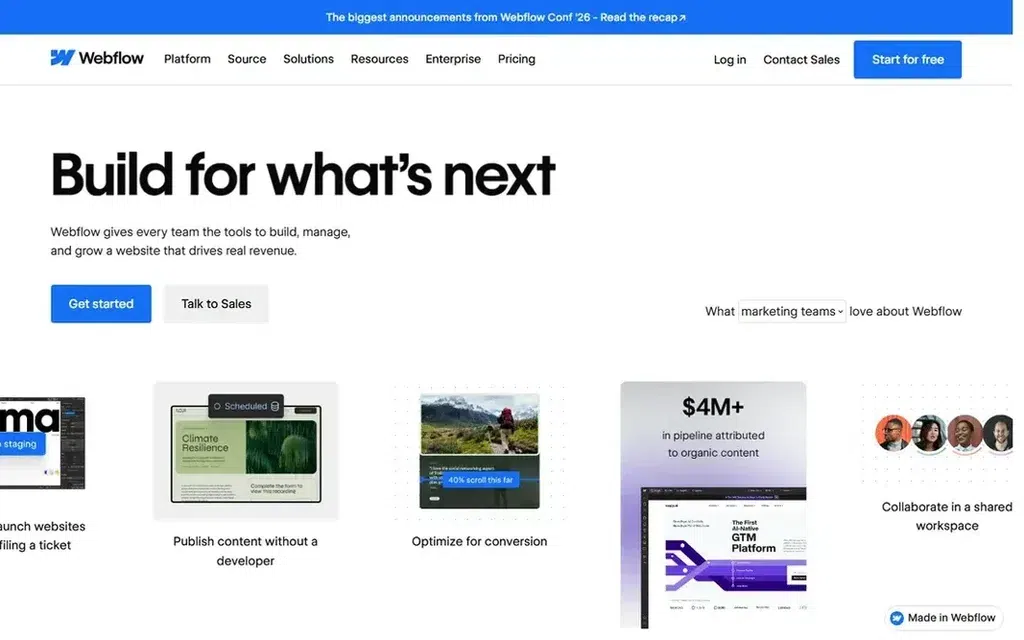
Webflow makes the most sense for design-led teams wanting visual CMS. Webflow is a web product for designing, building and hosting sites, with a CMS and enterprise-grade security built in. Its homepage emphasizes optimizing and ranking in AI search, which makes it appealing to marketing and design teams that want control over layout without managing separate hosting.
Consider it when design control, content structure and hosting in one place matter more than deep backend customization. Developers who prefer code-first workflows may also want more adaptability. From a buyer's view, since Webflow centers on its own visual and hosting environment, teams needing deep custom application logic or a completely self-managed stack may find it limiting. Webflow pricing: $15 per month. You can start on Webflow without paying.
Limits to weigh: Visual workflows may feel constraining to some developers.
- Security and AI search optimization included
- Fits modern business sites
- Less suited to deep custom backend logic
Sanity serves headless content backend for developers. Projects wanting templates and hosting in one package may be better served by a visual product. Choose Sanity when content structure and developer adaptability matter more than out-of-the-box site assembly.
Trade-offs to know: Needs frontend development work.
Also, Sanity is not a plug-and-play website builder, so teams without frontend developers will have to plan for that work. It is a headless-style content backend, which means teams pair it with their own frontend instead of relying on a bundled site builder. Starting cost for Sanity: $15 per seat per month. Free access exists with Sanity. Highlights: Structured content approach.
- Content system for sites and applications
- Fits agent and app-driven content
- Not a turnkey visual site builder
How we built this list
We compared the tools on published pricing, free plan or trial availability, feature coverage for WordPress CMS, and the limits each vendor documents. Figures are shown as the vendors publish them. Billing terms, seat minimums and add-ons can change the real cost. Order on the page follows fit for the typical buyer first, then price transparency and free access. Your own requirements should decide the final pick.
A buyer's checklist
- Get a written quote from Drupal and Wix Studio; the list shows no starting price for them.
- Look at free plan limits closely: Webflow and Sanity have one, and the caps decide whether it is usable for real work.
- Take the trial from Shopify and push a live task through it before you pay.
- Read the limits listed for Drupal first: steeper technical ramp-up time.
- Ask Wix Studio about contract length, onboarding fees and user minimums before you sign.
- Find out what support Drupal includes on your plan, and whether onboarding help costs extra.
FAQ
Do these tools publish their prices?
Not all of them. Drupal and Wix Studio publish no starting price, so expect a quote request for those. The rest, Shopify included, show a starting price, though seats and billing terms still change the final cost.
Can I try these tools before paying?
Often, yes. Webflow and Sanity have a free plan and Shopify offers a free trial. Use your own data and a real task during the test, and check what the free tier or trial limits before you rely on it.
How are the tools for WordPress CMS ordered?
Drupal sits first and Sanity last because the order follows typical fit for WordPress CMS, then price clarity and free access. It is a judgement call, so read each profile for fit and limits.
When should I choose a headless option like Sanity?
It performs well for multi-channel publishing and custom applications. If you want templates and hosting bundled together, a visual builder is typically more straightforward.
Which options for WordPress CMS have a free plan?
Webflow and Sanity offer a free plan in this list. Free plans usually cap users, projects or features, so check the limits on the vendor page. One other tool offers a trial instead.
Sources
- https://www.drupal.org
- https://www.shopify.com
- https://www.wix.com/studio
- https://webflow.com
- https://www.sanity.io