5 VEGAS Pro Alternatives Worth Switching To in 2026
Shortlisting VEGAS Pro alternatives? 5 products compared on cost, free access and ideal buyer. Each listing flags where it falls short. Read the profiles.

- Editor's choiceCorel VideoStudio
Beginners and hobbyists
Starts atSee websiteVisit videostudiopro.comFull review - Great alternative
 Final Cut Pro
Mac and iPad users seeking performance
Starts atSee websiteVisit apple.comFull review - Also consider
 CyberLink PowerDirector
AI-assisted editing and quick results
Starts at$54.99 a monthVisit cyberlink.comFull review
Direct answer
Our first pick is Corel VideoStudio, best for beginners and hobbyists. Listed starting prices: CyberLink PowerDirector from $54.99 a month. Final Cut Pro fits Mac and iPad users seeking performance; CyberLink PowerDirector fits AI-assisted editing and fast results. All 5 tools are compared below on price, free plan and limits.
TL;DR:
- Number one here is Corel VideoStudio, a fit for beginners and hobbyists.
- Neither Corel VideoStudio nor DaVinci Resolve, nor any of the other 3 tools, has a permanent free plan; trials and quotes are the norm.
- CyberLink PowerDirector has the lowest monthly starting price in this list: $54.99 per month.
- For color grading and all-in-one post, DaVinci Resolve is worth a look.
Last checked November 2026. Prices and plan details were read from the vendors' own pages in November 2026; vendors change plans often, so confirm the current price on the vendor site before you buy.
Quick comparison
| Tool | Best for | Starts at | Free plan? | |
|---|---|---|---|---|
| Corel VideoStudio | Beginners and hobbyists | See website | Not stated | Visit |
| Final Cut Pro | Mac and iPad users seeking performance | See website | Not stated | Visit |
| CyberLink PowerDirector | AI-assisted editing and quick results | $54.99 a month | Not stated | Visit |
 Adobe Premiere Pro | Professionals needing wide format support | See website | Not stated | Visit |
 DaVinci Resolve | Color grading and all-in-one post | See website | Not stated | Visit |
VEGAS Pro compared in detail
Choosing VEGAS Pro usually comes down to price, fit and limits. This LinkVetted guide sets 5 tools side by side on those three points, with the facts kept short and checkable.
Corel VideoStudio
Best for: Beginners and hobbyists
For beginners and hobbyists, Corel VideoStudio is a natural candidate. It provides a mix of creative tools, templates, and effects that make it approachable for beginners and hobbyists.
Corel VideoStudio shows no starting price here, so confirm the cost on the vendor site. Free options: Not stated.
Drawbacks to consider: Less advanced than professional suites.
- Decent selection of templates and effects
- Budget-friendly one-time purchase
- Restricted multi-cam and color grading
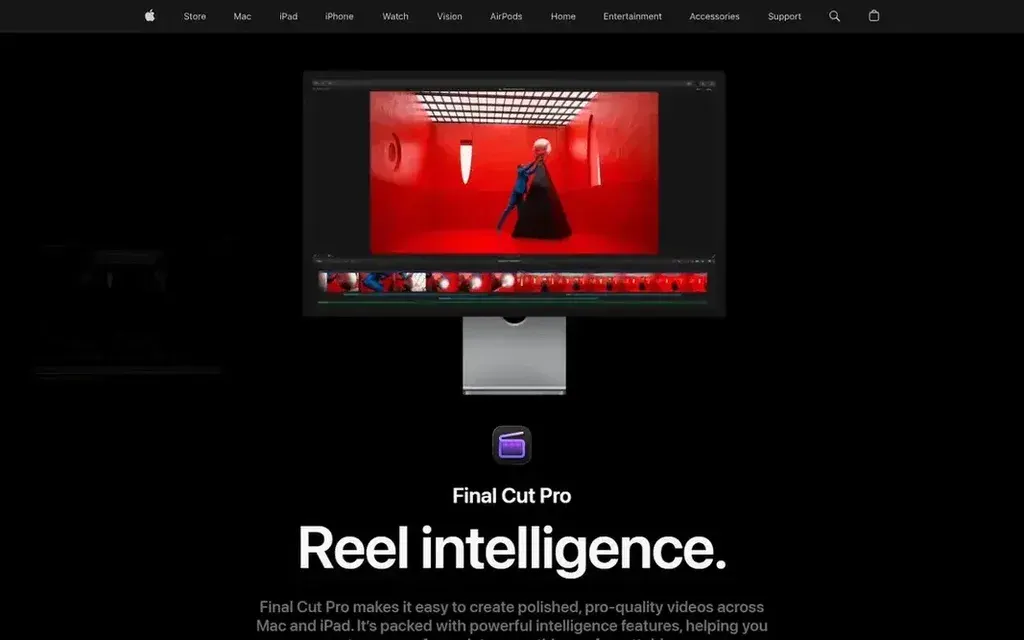
Final Cut Pro is built with Mac and iPad users seeking performance in mind. Final Cut Pro is Apple's professional video editing software built for Mac and iPad. It provides feature-rich intelligence features and a magnetic timeline that helps editors assemble clips rapidly.
Honest limits: Restricted third-party plugin ecosystem compared with some.
It is a strong choice for Apple users who want a native application that takes full advantage of the hardware and operating system. If you work across several operating systems or need deep external support, consider Premiere Pro or DaVinci Resolve. For everyday use, whereas it has a solid plugin ecosystem, it may not match the breadth of choices available for Adobe Premiere Pro. No starting price is listed for Final Cut Pro here; confirm pricing on the vendor site. Free plan details: Not stated.
- Magnetic timeline for quick editing
- One-time purchase
- Mac-only
Pick CyberLink PowerDirector if this describes you: AI-assisted editing and quick results. CyberLink PowerDirector is a video editing software that emphasizes speed and AI-assisted tools. It comes with professional-grade effects and a vast library of royalty-free assets, making it right for editors who want to produce videos rapidly with automatic assistance.
Where it is weaker: Some advanced features need subscription.
It is a capable choice for content creators who value efficiency and built-in resources. PowerDirector's deep feature set can be overwhelming for new users, and some advanced capabilities may need a subscription. If you need a more straightforward tool or more manual control, Corel VideoStudio or Adobe Premiere Pro might be better choices. What you pay to start with CyberLink PowerDirector: $54.99 per month. Trial and free access: Not stated.
- Large library of royalty-free assets
- AI-powered tools for efficiency
- Can be overwhelming with feature density
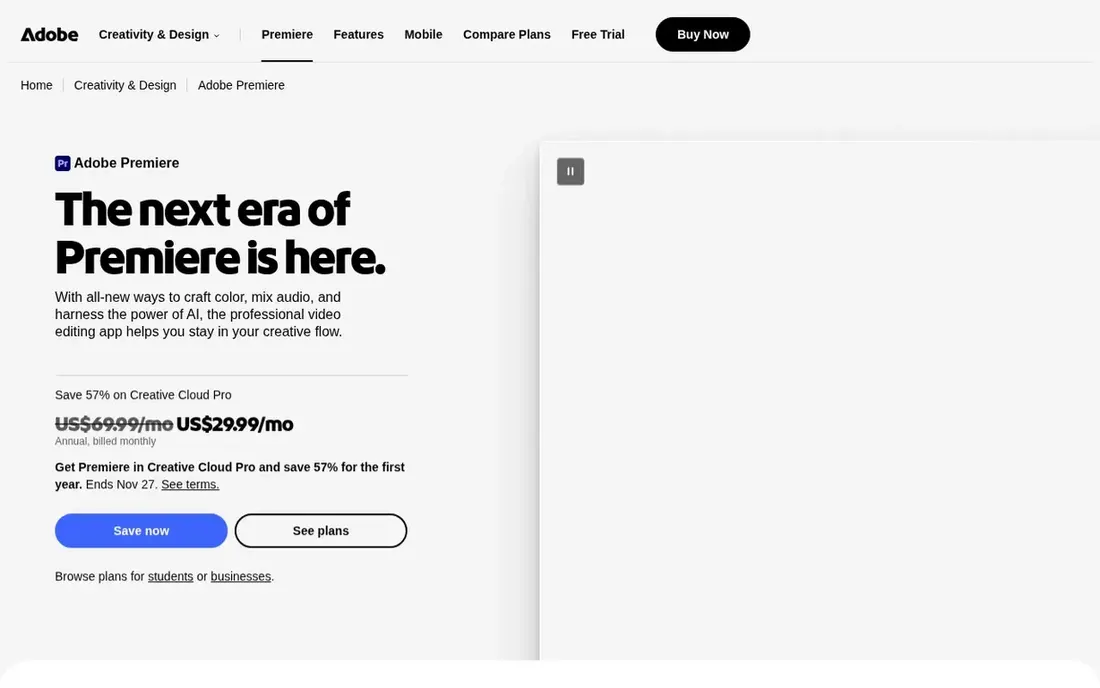
For professionals needing wide format support, Adobe Premiere Pro is a natural candidate. Adobe Premiere Pro is a professional video editing software known for its adaptability and integration with the Adobe Creative Cloud ecosystem. It supports a broad set of video formats and provides advanced editing, effects, and audio tools.
Where it is weaker: Can be resource-intensive.
It is well-suited for editors who collaborate with motion graphics and visual effects artists, as it works smoothly with other Adobe applications. From a buyer's view, Premiere Pro needs a subscription, which may not suit users who prefer perpetual licenses. Adobe Premiere Pro shows no starting price here, so confirm the cost on the vendor site. On free options: Not stated.
- Extensive format and codec support
- Wide range of external plugins
- Subscription-based model
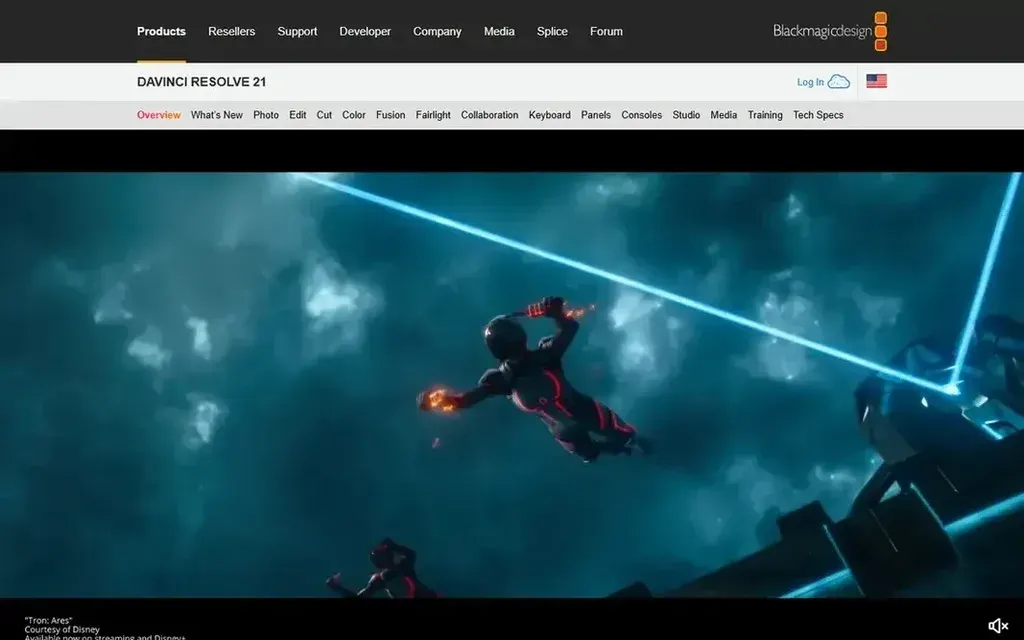
DaVinci Resolve is aimed squarely at color grading and all-in-one post. The ramp-up time for DaVinci Resolve can be steep, especially for users new to its node-based color system. It also benefits from a capable computer, particularly for 4K and higher resolutions.
Points against: Needs feature-rich hardware.
DaVinci Resolve is a full post-production option that merges editing, color correction, visual effects, and audio post-production in a single application. It is available for Mac, Windows, and Linux, with both free and premium versions. On top of that, if you prioritize simplicity or have restricted hardware, a lighter editor like Corel VideoStudio might be a better fit. DaVinci Resolve shows no starting price here, so confirm the cost on the vendor site. Trial and free access: Not stated.
- Integrated editing, color, VFX, audio
- Cross-platform (Mac, Windows, Linux)
- Steeper ramp-up time
How we built this list
Pricing pages, product documentation and feature lists were the main sources, and every entry carries at least one honest drawback. Treat prices as a snapshot: vendors change plans often, so check the vendor site for the figure that applies today. The order reflects how well each tool fits the most common buying scenario for VEGAS Pro, then price clarity, then free plan access. It is a starting point, not a verdict.
Pre-purchase checklist
- Get a written quote from Corel VideoStudio, Final Cut Pro, Adobe Premiere Pro and DaVinci Resolve; the list shows no starting price for them.
- Read the limits listed for Corel VideoStudio first: less advanced than professional suites.
- Read the plan comparison for DaVinci Resolve carefully; key features often start on a higher tier.
- The entry price of Final Cut Pro is only the starting point; model the full cost with seats and extras.
- Ask the daily users to test CyberLink PowerDirector on a live task before you roll it out to everyone.
FAQ
What is the cheapest option for VEGAS Pro in this list?
On published monthly entry prices, CyberLink PowerDirector is the lowest here at $54.99 per month. Entry price is only part of the cost, because seats, add-ons and billing terms can change the total. For the full picture, the cards above cover all 5 entries of this VEGAS Pro alternatives list, including price, free plan and limits.
Is Corel VideoStudio the right pick for everyone comparing VEGAS Pro?
No single tool suits every team. Corel VideoStudio comes first because it fits beginners and hobbyists, while Final Cut Pro suits Mac and iPad users seeking performance and CyberLink PowerDirector suits AI-assisted editing and fast results. Match the tool to your own size, budget and workflow before deciding.
Do these tools publish their prices?
Not all of them. Corel VideoStudio, Final Cut Pro, Adobe Premiere Pro and DaVinci Resolve publish no starting price, so expect a quote request for those. The rest, CyberLink PowerDirector included, show a starting price, though seats and billing terms still change the final cost.
How are the tools for VEGAS Pro ordered?
The order follows typical fit for VEGAS Pro, with Corel VideoStudio first and DaVinci Resolve last, then price clarity and free access. It is editorial judgement, not a score, so another team could rank the tools differently.
Sources
- https://www.videostudiopro.com
- https://www.apple.com/final-cut-pro
- https://www.cyberlink.com/products/powerdirector-ultimate/overview_en_US.html
- https://www.adobe.com/products/premiere.html
- https://www.blackmagicdesign.com/products/davinciresolve