Switching From Corel PaintShop Pro? 5 Alternatives for 2026
5 products for Corel PaintShop Pro alternatives, ranked by fit, with starting costs and free tiers. Plus the drawbacks of each tool. Reviewed in November 2026.
- Editor's choiceACDSee Photo Studio
Editing plus photo management
Starts atPricing on requestVisit acdsee.comFull review - Great alternative
 Capture One
RAW handling and tethered shooting
Starts atPricing on requestVisit captureone.comFull review - Also consider
 Affinity Photo
Precise professional photo editing
Starts atPricing on requestVisit affinity.serif.comFull review
Direct answer
This list puts ACDSee Photo Studio first for editing plus photo management. If your case is different, Capture One suits RAW handling and tethered shooting and Affinity Photo suits precise professional photo editing. Details and limits for the rest of the 5 tools are below. None of these vendors publish plan prices, so pricing is on request for every option.
TL;DR:
- The list opens with ACDSee Photo Studio, aimed at editing plus photo management.
- None of the 5 tools, from ACDSee Photo Studio to Adobe Photoshop, has a free plan, so budget for a subscription or use a trial.
- Adobe Photoshop fits advanced editing and design work.
- No starting price is shown for any of the 5 tools, ACDSee Photo Studio and Adobe Photoshop included, so plan time for sales calls.
Last checked November 2026. Pricing on request: vendors did not publish plan prices when this guide was last checked (November 2026), so ask each vendor for a written quote.
Quick comparison
| Tool | Best for | Starts at | Free plan? | |
|---|---|---|---|---|
| ACDSee Photo Studio | Editing plus photo management | Pricing on request | Not stated | Visit |
| Capture One | RAW handling and tethered shooting | Pricing on request | Not stated | Visit |
| Affinity Photo | Precise professional photo editing | Pricing on request | Not stated | Visit |
| Adobe Photoshop Elements | Guided, automatic photo editing | Pricing on request | Not stated | Visit |
 Adobe Photoshop | Advanced editing and design work | Pricing on request | Not stated | Visit |
Tool-by-tool breakdown
This LinkVetted guide covers 5 options for Corel PaintShop Pro. Each profile lists a starting price, free plan details, strengths and drawbacks, so you can drop poor fits quickly.
ACDSee Photo Studio
Best for: Editing plus photo management
ACDSee Photo Studio is designed for editing plus photo management. That makes it appealing to PaintShop Pro users who want to organize large photo libraries and edit in one place instead of juggling separate applications.
Trade-offs to know: Dense feature set.
In daily use, the breadth of features can feel dense, and the interface takes some adjustment. No starting price is listed for ACDSee Photo Studio here; confirm pricing on the vendor site. Free options: Not stated.
- Also spans video editing
- Combined editing and management
- Interface takes adjustment
Capture One serves RAW handling and tethered shooting. It is built around photography instead of general graphic design, so compositing and layout work are not its focus.
Where it falls short: Photography-centric focus.
If you need wide design tools, Photoshop is more versatile; if you want straightforward guided edits, Photoshop Elements is simpler. Capture One shows no starting price here, so confirm the cost on the vendor site. Free access: Not stated.
- Precision color control
- Capable tethering
- Less suited to graphic design
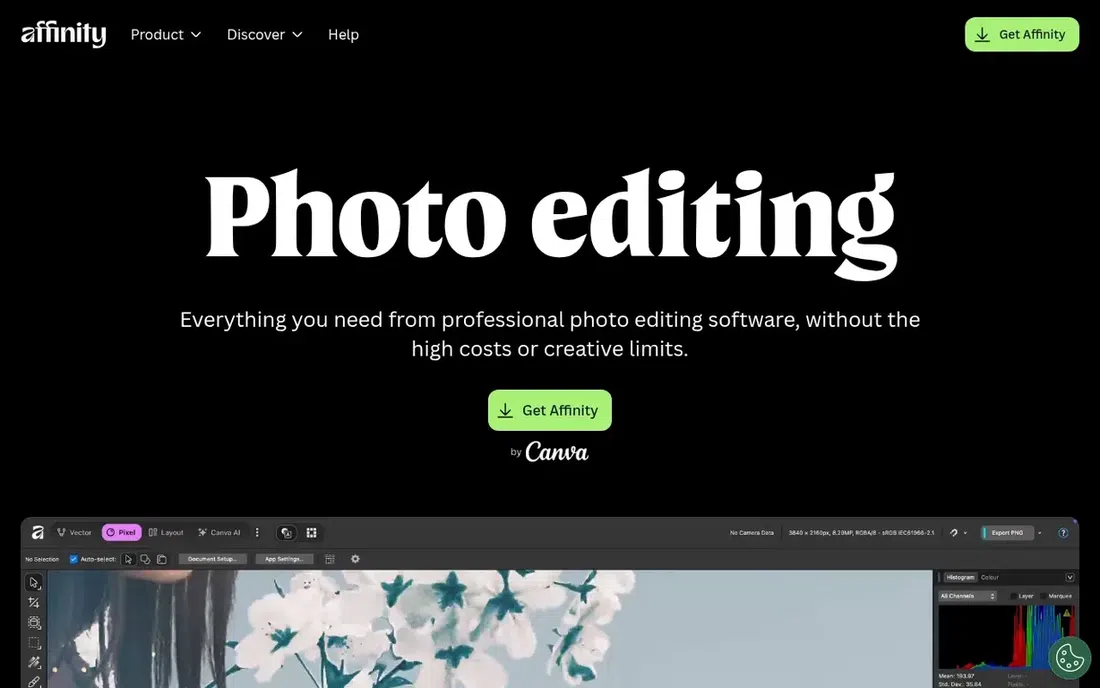
Affinity Photo is built with precise professional photo editing in mind. It targets photographers and editors who want serious control over their images without unnecessary extras.
What to check first: Fewer guided automations.
No starting price is listed for Affinity Photo here; confirm pricing on the vendor site. Free options: Not stated.
Strengths: Professional feature set.
- Precision-focused editing tools
- Responsive workflow
- Smaller ecosystem of extras
Adobe Photoshop Elements
Best for: Guided, automatic photo editing
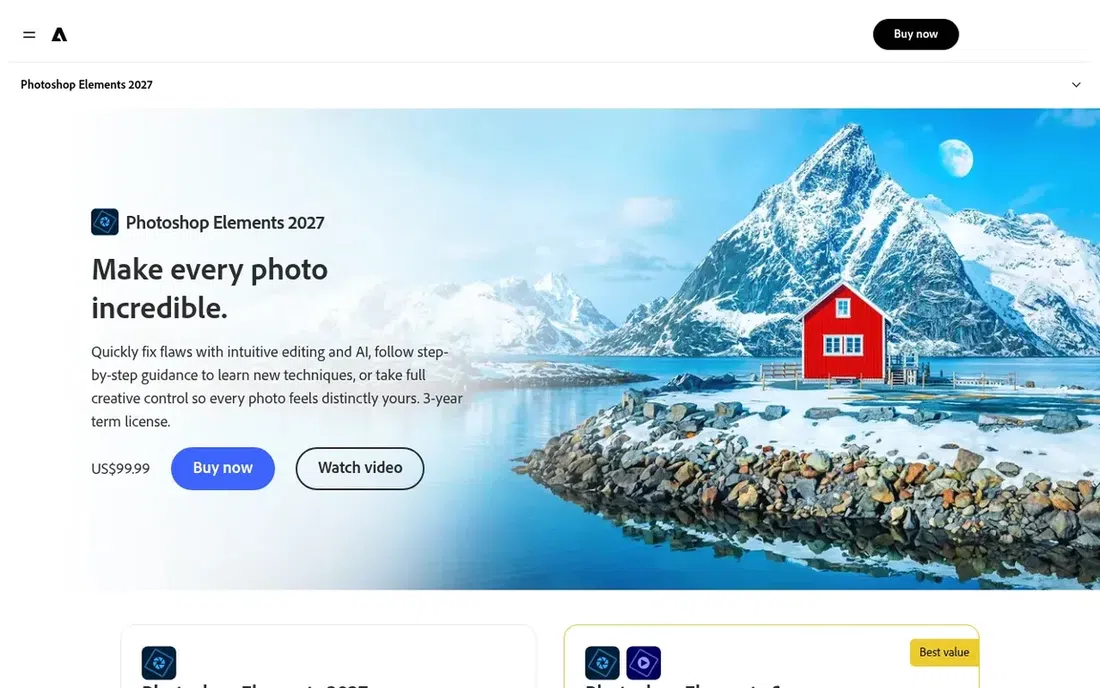
Choose Adobe Photoshop Elements for guided, automatic photo editing. Users who outgrow the guided approach should consider Photoshop or Affinity Photo for deeper manual control. In practice, Photoshop Elements is Adobe's simpler photo editing software, positioned for people who want to turn everyday photos into shareable projects.
Honest limits: Less depth than full Photoshop.
That makes it a comfortable landing spot for PaintShop Pro users who largely edit family photos, produce collages or follow guided recipes instead of build complicated layered artwork. It deliberately stops short of the full Photoshop toolset, so advanced compositing and professional design work may feel constrained. Pricing for Adobe Photoshop Elements is not stated here, so ask the vendor for current figures. Trial and free access: Not stated.
- Approachable for beginners
- Automated editing choices
- Restricted advanced compositing
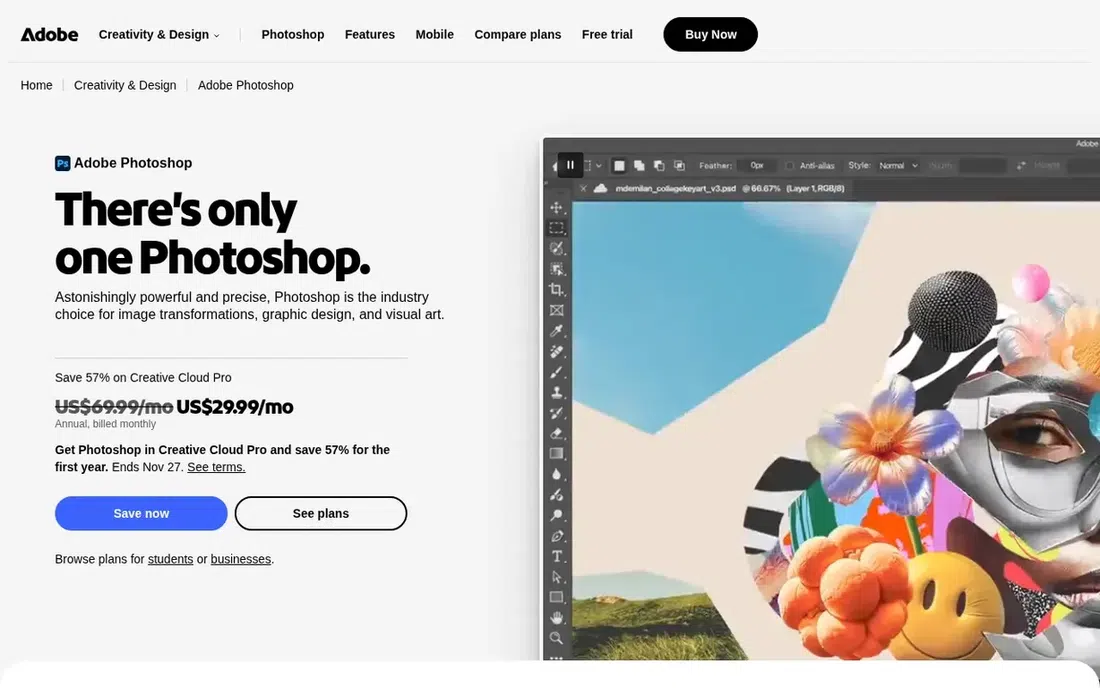
Think of Adobe Photoshop for advanced editing and design work. The depth includes a steeper ramp-up time, and the subscription model may not suit everyone. Worth adding: Photoshop is Adobe's flagship image editor, targeted at designers, photographers and creators who require adaptable, layered editing.
Honest limits: Deeper ramp-up time.
Its homepage flags fast ways to build custom scenes, make complicated edits and combine images, whether online or through the mobile app. From a buyer's view, users who chiefly retouch photos and want more straightforward guided tools may prefer Photoshop Elements, whereas those wanting a one-time purchase should look at Affinity Photo instead. Check the vendor site for Adobe Photoshop pricing; none is listed in this comparison. Free access: Not stated.
- Desktop and online access
- Strong compositing tools
- Subscription-based access
How we chose
Pricing pages, product documentation and feature lists were the main sources, and every entry carries at least one honest drawback. Prices and plan limits come from vendor pages and can change, so confirm them on the vendor site before you buy. Tools are placed by general fit for Corel PaintShop Pro, with price clarity and free access as tie-breakers. A different team can reasonably rank them differently.
What to check before you buy
- Request quotes from ACDSee Photo Studio, Adobe Photoshop and the others; the list shows no fixed prices.
- Before choosing ACDSee Photo Studio, weigh its main limit: dense feature set.
- Find out what support Adobe Photoshop Elements includes on your plan, and whether onboarding help costs extra.
- Find out whether the entry plan of Adobe Photoshop covers your must-haves or only a trimmed-down version.
- Let daily users try Capture One on real work; their feedback beats any feature checklist.
FAQ
Do these tools publish their prices?
No. None of the tools, from ACDSee Photo Studio to Adobe Photoshop, shows a fixed starting price here, so budget time for quotes.
Can I try these tools before paying?
Not by default. None of the tools, from ACDSee Photo Studio to Adobe Photoshop, lists a free plan or a free trial here, so ask each vendor for a demo before committing.
How are the tools for Corel PaintShop Pro ordered?
The order follows typical fit for Corel PaintShop Pro, with ACDSee Photo Studio first and Adobe Photoshop last, then price clarity and free access. It is editorial judgement, not a score, so another team could rank the tools differently.
Which PaintShop Pro alternative is a good match for beginners?
Start with ACDSee Photo Studio if you need editing plus photo management. Capture One is the better match for RAW handling and tethered shooting, and Affinity Photo for precise professional photo editing. The best choice depends on budget, team size and workflow.
Does any tool for Corel PaintShop Pro here have a free plan?
No tool in this list, ACDSee Photo Studio and Adobe Photoshop included, has a permanent free plan. Trials and quotes are the usual route, so plan a short evaluation period.
Sources
- https://www.acdsee.com
- https://www.captureone.com
- https://affinity.serif.com/en-us/photo
- https://www.adobe.com/products/photoshop-elements.html
- https://www.adobe.com/products/photoshop.html