Best Pixelmator Pro Alternatives for 2026 (5 Compared)
Compare 5 picks for Pixelmator Pro alternatives, with prices, free plans and who each fits. We note where every tool falls short. Read before you buy.
- Editor's choice
 ON1 Photo RAW
All-in-one RAW editing
Starts at$49.99Visit on1.comFull review - Great alternative
 Affinity Photo
Professional editing without subscription
Starts atSee websiteVisit affinity.serif.comFull review - Also consider
 Adobe Photoshop
Full professional editing
Starts atSee websiteVisit adobe.comFull review
Direct answer
ON1 Photo RAW is the first pick on this list for all-in-one RAW editing. Listed starting prices: ON1 Photo RAW from $49.99. For a different need, Affinity Photo covers professional editing without subscription and Adobe Photoshop covers full professional editing. Details, prices and limits for the rest of the 5 tools are below.
TL;DR:
- ON1 Photo RAW sits first on this list: all-in-one RAW editing.
- ON1 Photo RAW comes with a trade-off: performance on older hardware.
- ACDSee Photo Studio fits Photo management and editing.
- Neither ON1 Photo RAW nor ACDSee Photo Studio, nor any of the other 3 tools, has a permanent free plan; trials and quotes are the norm.
- For Affinity Photo, Adobe Photoshop, GIMP and ACDSee Photo Studio, you have to request a quote because no starting price is shown.
Last checked November 2026. Prices and plan details were read from the vendors' own pages in November 2026; vendors change plans often, so confirm the current price on the vendor site before you buy.
Quick comparison
| Tool | Best for | Starts at | Free plan? | |
|---|---|---|---|---|
| ON1 Photo RAW | All-in-one RAW editing | $49.99 | Free trial | Visit |
| Affinity Photo | Professional editing without subscription | See website | Not stated | Visit |
| Adobe Photoshop | Full professional editing | See website | Not stated | Visit |
 GIMP | Open-source editing on a budget | See website | Not stated | Visit |
| ACDSee Photo Studio | Photo management and editing | See website | Not stated | Visit |
Every option for Pixelmator Pro explained
Short on time? The summary and table above give the quick view of 5 tools for Pixelmator Pro, and the profiles that follow give the detail behind each entry.
In short, ON1 Photo RAW is for all-in-one RAW editing. It provides a non-subscription model and a set of creative tools for photographers.
Downsides: Smaller plugin ecosystem.
More specifically, ON1 Photo RAW may experience performance issues on older computers, and its plugin ecosystem is smaller than Adobe's. It may not be a strong match for graphic design tasks. ON1 Photo RAW cost at the entry level: $49.99. Free options: Free trial.
- No subscription
- AI-powered tools
- Performance on older hardware
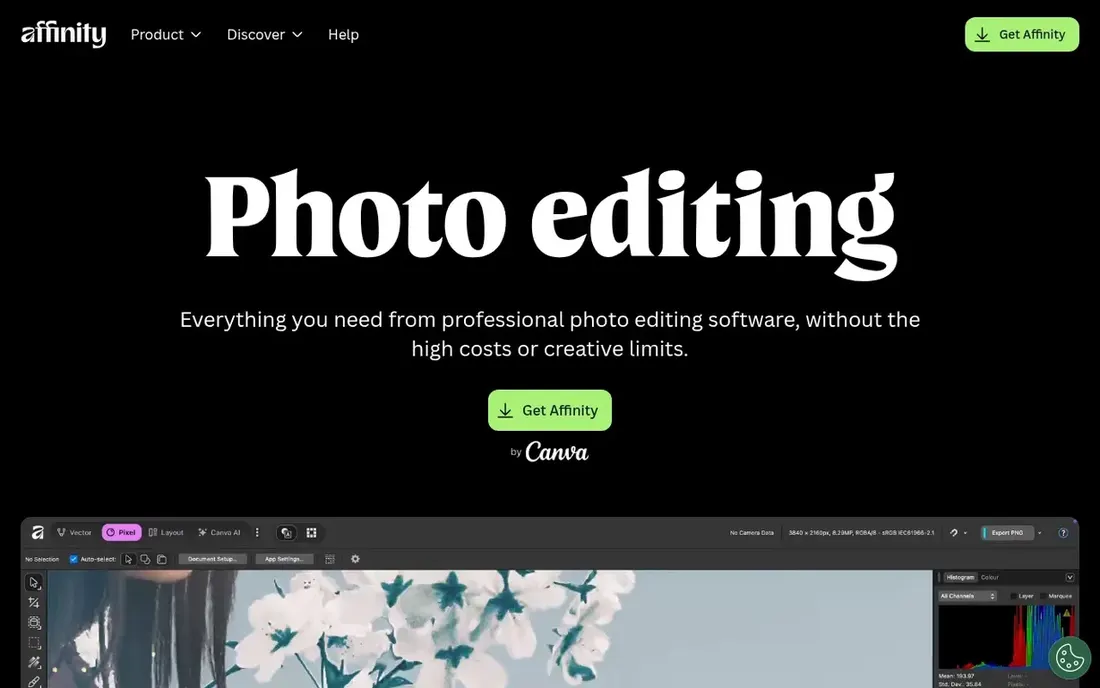
Choose Affinity Photo for professional editing without subscription. Affinity Photo is a professional photo editor known for its precision and speed.
Drawbacks to consider: Smaller community.
It gives you advanced tools for retouching, compositing, and RAW development, with a focus on creative freedom. For everyday use, the software is available as a one-time purchase, making it attractive for budget-conscious professionals. Check the vendor site for Affinity Photo pricing; none is listed in this comparison. Free plan details: Not stated.
- One-time purchase
- Quick performance
- Restricted plugin support
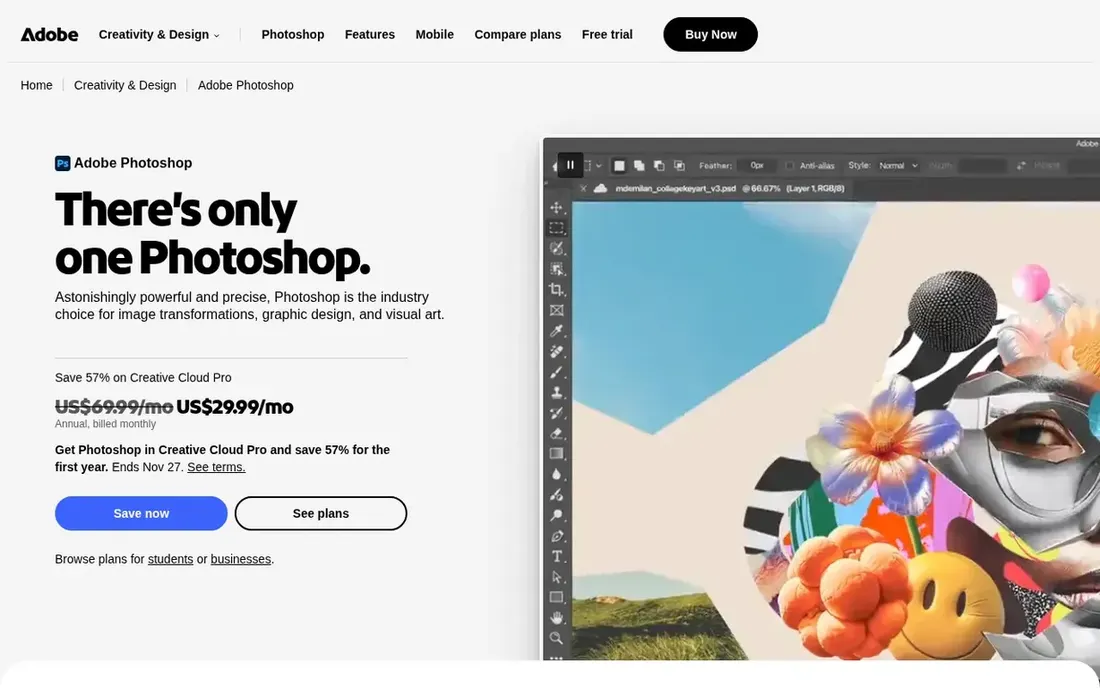
Adobe Photoshop targets full professional editing. Adobe Photoshop is a professional image editor with a vast array of tools for photo editing, design, and digital painting.
Drawbacks to consider: Steep ramp-up time.
It supports complicated compositing, advanced retouching, and precise color adjustments. From a buyer's view, the software plugs into other Adobe products and gives you mobile and online versions. Adobe Photoshop does not show a starting price in this comparison, so check the vendor site for current pricing. Free plan details: Not stated.
- Industry standard
- Deep toolset
- Subscription-based
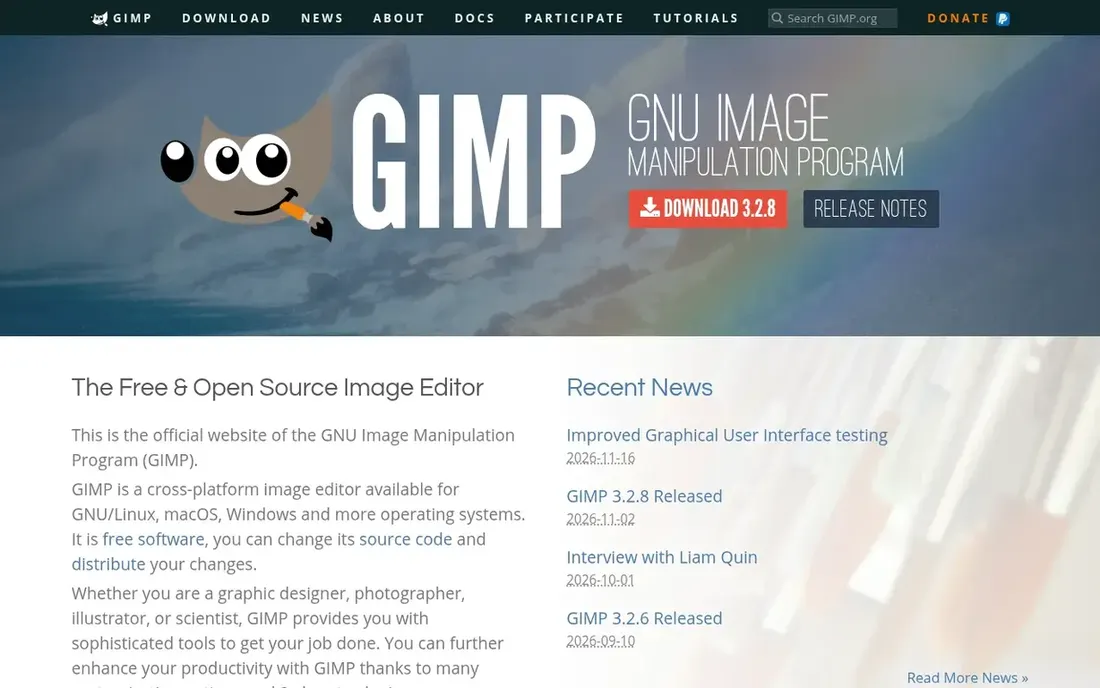
Think of GIMP for open-source editing on a budget. GIMP's interface can feel less easy-to-learn than commercial alternatives, and its RAW processing is restricted without plugins.
From a buyer's view, GIMP is a free, open-source image editor that supplies many different tools for photo manipulation, retouching, and graphic design. This comparison lists no price for GIMP; ask the vendor. Free plan details: Not stated.
The main drawbacks: Restricted RAW support.
- Active community
- Free and open-source
- Less refined interface
ACDSee Photo Studio
Best for: Photo management and editing
Pick ACDSee Photo Studio if this describes you: Photo management and editing. ACDSee Photo Studio merges photo editing with digital asset management, making it a good match for organizing and enhancing large photo collections. It gives you a set of editing tools, from entry-level adjustments to advanced layers, and supports video editing.
Where it falls short: Windows-centric.
Its advanced features may need time to learn. On top of that, for users focused solely on editing, Affinity Photo or GIMP could be more straightforward choices. Pricing for ACDSee Photo Studio is not stated here, so ask the vendor for current figures. On free options: Not stated.
- Approachable
- Versatile editing
- Ramp-up time for advanced tools
How we built this list
Pricing pages, product documentation and feature lists were the main sources, and every entry carries at least one honest drawback. Prices and plan limits come from vendor pages and can change, so confirm them on the vendor site before you buy. Tools are placed by general fit for Pixelmator Pro, with price clarity and free access as tie-breakers. A different team can reasonably rank them differently.
Questions to settle before buying
- Confirm the entry price on the vendor page. For Affinity Photo, Adobe Photoshop, GIMP and ACDSee Photo Studio that means a quote rather than a fixed price.
- Run a trial of ON1 Photo RAW with real work before paying for a year; your own workflow is the best test.
- Read the limits listed for ON1 Photo RAW first: performance on older hardware.
- Look at which plan of GIMP unlocks the features you need; entry tiers are often cut down.
- Ask Affinity Photo how an export works before you move any records in; an easy exit lowers the risk.
FAQ
Can I use these alternatives for graphic design as well as photo editing?
Adobe Photoshop and GIMP offer broad tools for graphic design, including text and vector support. Affinity Photo focuses more on photo editing but contains some design capabilities.
What is the best free alternative to Pixelmator Pro?
The first pick on this list is ON1 Photo RAW, because it suits all-in-one RAW editing. Affinity Photo is better for professional editing without subscription, and Adobe Photoshop for thorough professional editing. Check price and limits against your own needs before choosing.
Do these tools publish their prices?
Not all of them. Affinity Photo, Adobe Photoshop, GIMP and ACDSee Photo Studio publish no starting price, so expect a quote request for those. The rest, ON1 Photo RAW included, show a starting price, though seats and billing terms still change the final cost.
Is ON1 Photo RAW the right pick for everyone comparing Pixelmator Pro?
No single tool suits every team. ON1 Photo RAW comes first because it fits all-in-one RAW editing, while Affinity Photo suits professional editing without subscription and Adobe Photoshop suits comprehensive professional editing. Match the tool to your own size, budget and workflow before deciding.
Which alternative is a good match for professional RAW editing?
This list starts with ON1 Photo RAW, which fits all-in-one RAW editing. For other needs, Affinity Photo is aimed at professional editing without subscription, and Adobe Photoshop at thorough professional editing. Check each tool's price and main limit first.
How are the tools for Pixelmator Pro ordered?
ON1 Photo RAW sits first and ACDSee Photo Studio last because the order follows typical fit for Pixelmator Pro, then price clarity and free access. It is a judgement call, so read each profile for fit and limits.
Sources
- https://www.on1.com/products/photo-raw
- https://affinity.serif.com/en-us/photo
- https://www.adobe.com/products/photoshop.html
- https://www.gimp.org
- https://www.acdsee.com