Best Platform for Content for Startups in 2026: 8 Platforms Compared
Compare the best platform for content for startups, with low-cost blogs, landing pages, and newsletters to grow early without a large team or budget now.

- Editor's choice
 Ghost
Blogs and newsletters
Starts atFreeVisit ghost.orgFull review - Great alternative
 Webflow
Startup marketing sites
Starts atFreeVisit webflow.comFull review - Also consider
 Notion
Fast startup hubs
Starts atFreeVisit notion.comFull review
TL;DR:
- Startups need speed and low cost first, so free tiers, templates, and fast publishing matter more than enterprise features.
- Ghost and Webflow suit startups that publish often, while Notion and Framer suit teams that need a site live this week.
- A newsletter tool paired with a blog often beats a heavy CMS for an early-stage startup building an audience.
- Our pick for most startups is Ghost for writing-led growth, with Webflow as the option when design and landing pages matter most.
Quick comparison
| Tool | Best for | Starts at | Free plan? | |
|---|---|---|---|---|
| Ghost | Blogs and newsletters | Free | Yes | Visit |
| Webflow | Startup marketing sites | Free | Yes | Visit |
| Notion | Fast startup hubs | Free | Yes | Visit |
 Framer | Landing pages fast | Free | Yes | Visit |
 WordPress | Low-cost flexible blogs | Free | Yes | Visit |
 Substack | Newsletter-first content | Free | Yes | Visit |
 Buffer | Social content distribution | Free | Yes | Visit |
 Sanity | Flexible startup sites | Free | Yes | Visit |
The best platform for content for startups
Startup content has a different job from enterprise content. It must ship fast, cost little, explain a new product clearly, and turn readers into waitlist sign-ups, trials, or investors. The tools below favor speed, low cost, and small-team workflows.

Ghost is a strong default for a startup that grows by writing. The editor is focused, publishing is quick, and newsletters and memberships are built in, so a blog post can also become an email to subscribers without a second tool. That matters for a startup building an audience before a product is fully ready.
Self-hosting Ghost is free, while Ghost hosting is paid and priced by audience size. Ghost is less flexible than Webflow for complex marketing pages, so startups that need calculators, interactive demos, or many landing variants may pair it with another tool. For writing-led growth, it keeps the workflow simple and fast.
- Clean writing and publishing
- Newsletters and memberships built in
- Fast loading pages
- Limited landing page flexibility
- Hosting costs grow with members

Webflow suits a startup that needs a polished marketing site, not just a blog. A founder or marketer can design landing pages, publish blog posts through CMS collections, and test page variants without waiting for a developer. Hosting, forms, and SEO controls are included, which helps a small team look credible quickly.
The free starter plan is limited, and paid site plans are needed for a custom domain and fuller CMS use. For a startup with design ambitions and a small team, Webflow offers a better balance of control and speed than a template-only builder.
- Visual site design
- CMS for blog and case studies
- Hosting and SEO included
- Learning curve for advanced layouts
- CMS limits on lower plans
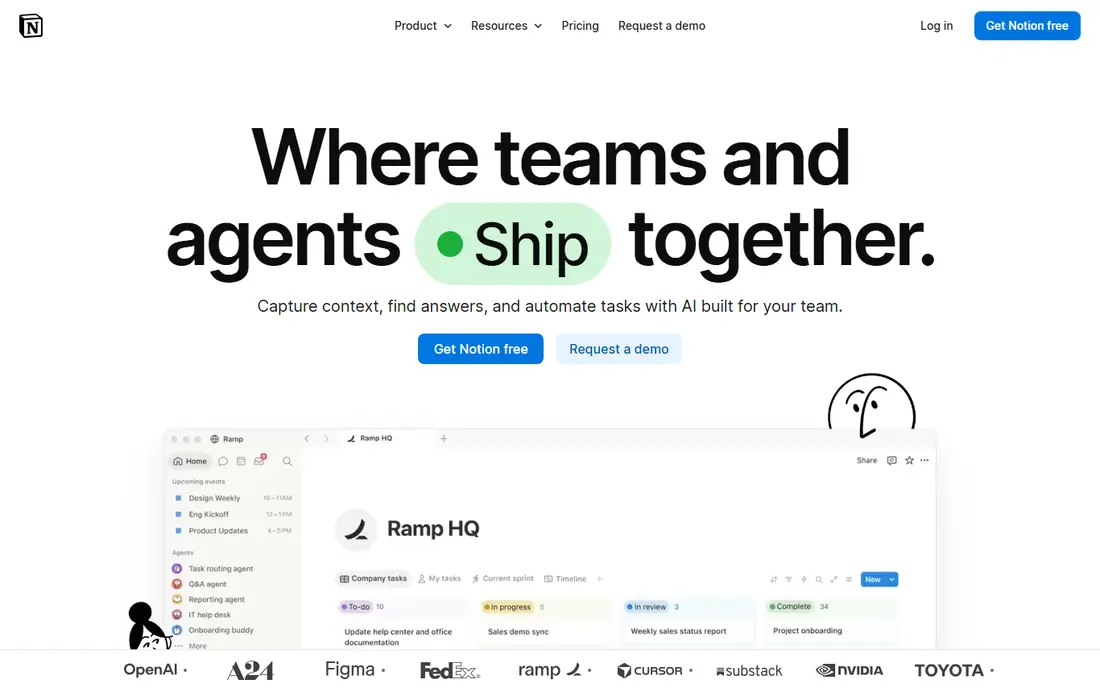
Notion is the fastest route to a public startup hub, such as a landing page, changelog, help center, or investor update page. A team already using Notion internally can publish pages in minutes, link docs and roadmaps, and update content without a website project. That speed suits pre-launch startups that need something live this week.
Notion is not a replacement for a marketing CMS once SEO, custom design, and conversion tracking matter. Treat it as a launchpad, then move marketing pages to Webflow, Ghost, or WordPress when growth demands it. For an early-stage team, that staged approach saves time and money.
- Docs, pages, and databases in one place
- Very fast to publish
- Free for small teams
- Not a full marketing CMS
- SEO and design control are limited
Framer is built for landing pages, which makes it useful for a startup testing a message, running a waitlist, or launching a feature. Templates designed for startups give a professional starting point, and publishing is quick. A founder can ship a page, measure sign-ups, and iterate without a developer or designer.
Framer is less suited to a large blog or complex content site, where Webflow or Ghost offer more depth. For a startup in validation mode, where the landing page is the product test, Framer is a focused and fast choice.
- Fast, design-led landing pages
- Templates for startups
- Built-in analytics basics
- Less depth for large blogs
- CMS features are lighter than Webflow
WordPress remains a low-cost, flexible option for a startup blog and site, especially when SEO matters. The software is free, hosting can start cheaply, and plugins cover forms, SEO, analytics, and newsletters. A startup can start simple and add features as it grows, without switching platforms.
Setup and maintenance take more time than Ghost or Framer, and plugin choices need care to avoid bloat and security issues. For a startup with someone comfortable managing a site, WordPress offers long-term flexibility at low cost.
- Free software
- Huge theme and plugin choice
- Strong SEO options
- Needs hosting and updates
- Setup takes longer than Ghost or Framer
Substack suits a startup founder or team that wants to build an audience through a newsletter first. Writing, email delivery, and a web archive are handled together, and readers can subscribe free or pay if the startup offers paid content. That simplicity helps a solo founder publish consistently without managing a CMS.
Design control is limited, and Substack takes a percentage of paid subscription revenue plus payment fees. For a startup using content to build credibility and a waitlist, rather than to run a full marketing site, Substack is a practical starting point.
- Free to start
- Email and web publishing together
- Built-in audience tools
- Limited site design
- Substack takes a share of paid subscriptions
Buffer is not a blog platform, but it belongs in a startup content stack because distribution matters as much as writing. It schedules posts across social channels, keeps a content calendar, and shows basic performance, so a small team can promote blog posts and product updates without posting manually every day. The free plan covers basic scheduling.
Buffer should sit alongside a blog or newsletter tool, not replace one. For a startup with one person handling content and social, it saves time and keeps publishing consistent across channels.
- Schedules social posts
- Simple analytics
- Low cost for small teams
- Not a CMS or blog platform
- Limited depth for large teams
Sanity gives a technical startup a flexible content base for a custom marketing site, blog, and docs from structured content. The free plan covers up to 20 seats with usage caps, which is generous for an early team, and Growth is $15 per seat per month plus usage. Content models keep blog, changelog, and product pages consistent as the site grows.
Sanity needs developer input to build the front end, so a non-technical founder alone may move faster on Ghost or Webflow. For a startup with a developer on the team and plans for a custom site, Sanity offers room to grow without an early platform switch.
- Generous free tier
- Structured content
- Good for custom startup sites
- Needs developer help
- Less friendly for non-technical founders alone
How we picked these
We compared official pricing pages, feature documentation, and public reviews for content tools used by startups in October 2026. We favored low-cost, fast-to-launch tools with free tiers, and we kept a mix of blogs, landing page builders, newsletters, and distribution tools. We did not claim hands-on tests we did not run.
How to choose content software as a startup
Start with one channel and do it well. A startup that tries to run a blog, newsletter, social calendar, and video channel at once usually publishes inconsistently everywhere. Pick the channel where your early customers already spend time, publish on a realistic schedule, and measure sign-ups or trials, not just views.
Budget, speed, and switching costs
Choose a tool you can afford for a year, not just for launch month. Free tiers help, but check what happens when audience, traffic, or seats grow, so a sudden price jump does not force a rushed migration. Also check export options for posts, subscribers, and pages, because a startup that cannot move its audience later pays a high switching cost.
Ship the simplest version first. A clear landing page, a consistent blog or newsletter, and a social schedule will teach you more about your message than a complex CMS setup. Upgrade to a heavier platform only when traffic, team size, or content volume makes the current tool a bottleneck.
FAQ
What is the best platform for content for startups?
Ghost is best for writing-led startups, Webflow is best for design-led marketing sites, and Framer is best for fast landing pages. A non-technical founder may start fastest on Ghost, Substack, or Framer.
Is there a free content platform for startups?
Yes. Ghost, WordPress, Notion, Framer, Webflow, Substack, Buffer, and Sanity all offer free tiers or free self-hosting options, with limits on members, traffic, or features. Paid plans are usually needed for a custom domain and larger audiences.
Should a startup start with a blog or a newsletter?
A newsletter builds a direct audience you own, while a blog builds search traffic over time. Many startups do both with one tool, such as Ghost or Substack, so each post reaches subscribers and search readers.
How often should a startup publish content?
Consistency matters more than volume. One strong post a week, promoted well, beats five rushed posts. Set a schedule your team can keep for three months, then increase only if quality and sign-ups hold up.
When should a startup switch content platforms?
Switch when the current tool limits SEO, design, team workflow, or audience growth, not because a new tool looks appealing. Export your posts and subscriber list first, test the new platform with real content, and redirect old URLs to protect search traffic.