5 UXPin Alternatives Worth Switching To in 2026
5 products for UXPin alternatives, ranked by fit, with starting costs and free tiers. Fit, price and catches for every tool. Built for quick decisions.
- Editor's choice
 Sketch
Designers who want a focused design workspace
Starts at$12 per editor a monthVisit sketch.comFull review - Great alternative
 Axure RP
In-depth prototypes and written specifications
Starts at$29 per user a monthVisit axure.comFull review - Also consider
 ProtoPie
Advanced, realistic interaction prototyping
Starts atSee websiteVisit protopie.ioFull review
Direct answer
Our first pick is Sketch, best for designers who want a focused design workspace. Listed starting prices: Sketch from $12 per editor a month, Axure RP from $29 per user a month and Figma from $3 a month. Alternatives: Axure RP for in-depth prototypes and written specifications, and ProtoPie for advanced, realistic interaction prototyping. The full list of 5 tools follows, with prices and free plan facts.
TL;DR:
- Sketch sits first on this list: designers who want a focused design workspace.
- None of the 5 tools, from Sketch to Balsamiq, has a free plan, so budget for a subscription or use a trial.
- One limit worth knowing about ProtoPie: narrower than a full design tool.
- Balsamiq suits quick, low-fidelity wireframing.
Last checked November 2026. Prices and plan details were read from the vendors' own pages in November 2026; vendors change plans often, so confirm the current price on the vendor site before you buy.
Quick comparison
| Tool | Best for | Starts at | Free plan? | |
|---|---|---|---|---|
| Sketch | Designers who want a focused design workspace | $12 per editor a month | Free trial | Visit |
| Axure RP | In-depth prototypes and written specifications | $29 per user a month | Not stated | Visit |
| ProtoPie | Advanced, realistic interaction prototyping | See website | Not stated | Visit |
 Figma | Collaborative all-in-one design and handoff | $3 a month | Not stated | Visit |
 Balsamiq | Quick, low-fidelity wireframing | $16 per editor a month | Free trial | Visit |
The best UXPin
Choosing UXPin usually comes down to price, fit and limits. This LinkVetted guide sets 5 tools side by side on those three points, with the facts kept short and checkable.
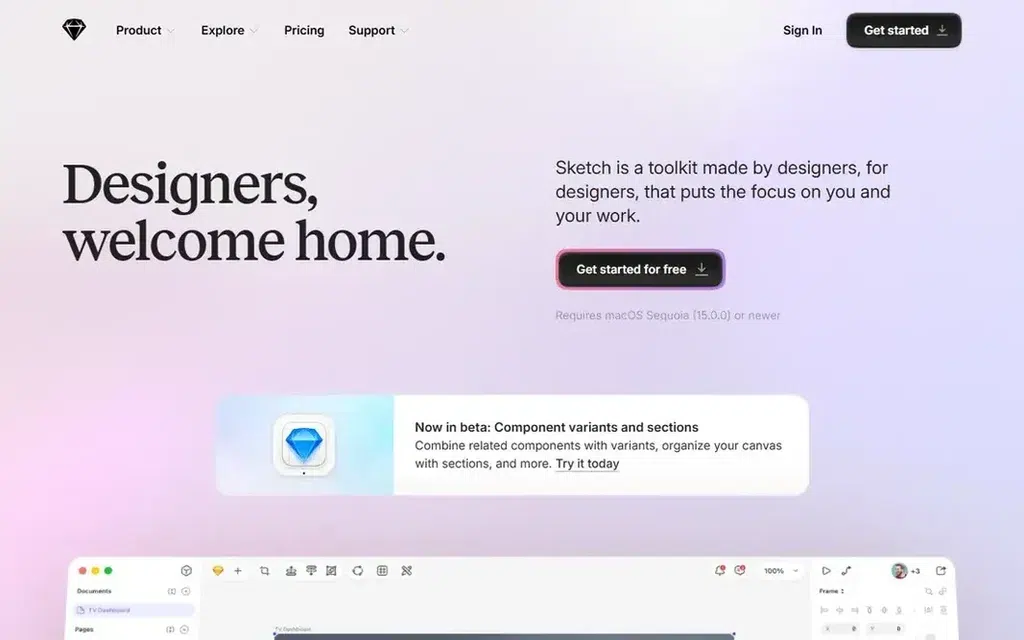
Sketch was built for designers who want a focused design workspace. Sketch describes itself as a tool that puts the focus back on the designer and the work, including design, prototyping, collaboration and handoff. Those moving away from UXPin for a designer-centric workflow commonly shortlist it.
Strengths: focused interface.
Teams needing shared, cross-functional workspaces should weigh Figma instead. As for the details, Sketch leans toward the design craft instead of the wider product pipeline. So teams that require code-level collaboration or AI-assisted features may find it restricted. It is a good choice when design quality and a focused interface matter most. Entry price for Sketch: $12 per editor per month. Free options: Free trial.
Where it falls short: Less emphasis on code and AI features.
- Collaborate and handoff in one app
- Design, prototype
- Collaboration is narrower than a full shared canvas
In short, Axure RP is for in-depth prototypes and written specifications. Axure RP is an all-in-one software design tool for creating prototypes, specifications and diagrams.
Where it is weaker: Interface can feel dense for straightforward work.
In daily use, teams that chiefly need visual design or quick wireframes may find it slower than lighter alternatives. The depth includes a learning curve, and the interface can feel heavy for quick mockups. The starting price for Axure RP: $29 per user per month. As for free access: Not stated.
- Logic-heavy interactions
- Solid documentation output
- Steeper ramp-up time
ProtoPie is a good fit for advanced, realistic interaction prototyping. ProtoPie is an AI-driven prototyping system that uses AI to produce interactions, lets you refine them, and hands off clean specs.
It targets teams that want prototypes to behave like the real product, including sensors and complex triggers, instead of static screens. In practice, learning advanced interactions takes time. ProtoPie shows no starting price here, so confirm the cost on the vendor site. As for free access: Not stated.
Where it falls short: Narrower than a full design tool.
- Aimed at realistic prototype behavior
- AI-assisted interaction generation
- Advanced interactions take time to master
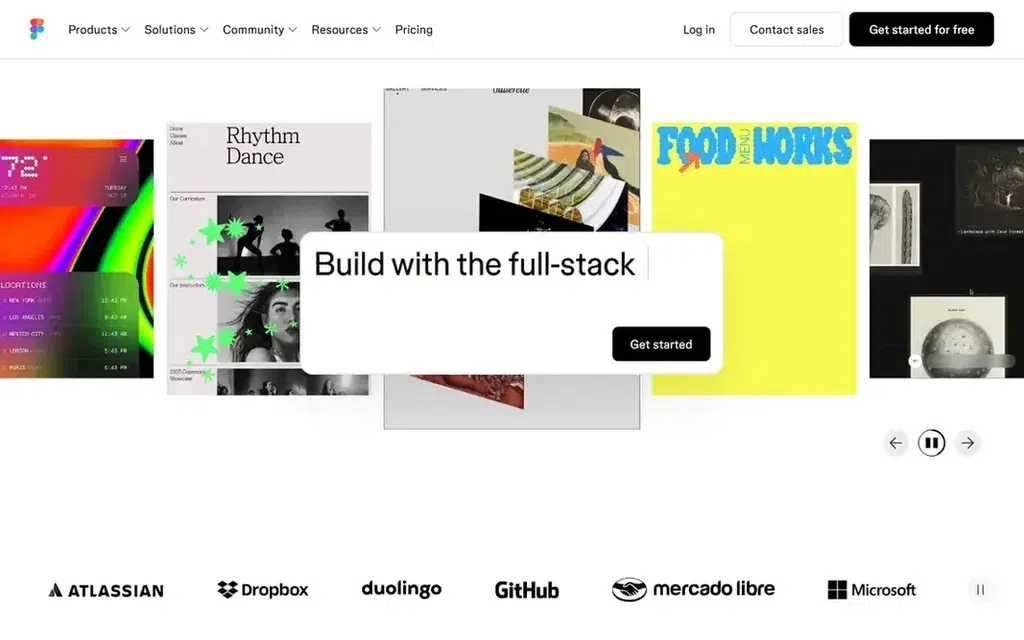
In short, Figma is for collaborative all-in-one design and handoff. Figma presents itself as a collaborative canvas where design, code and AI come together, carrying a project from first idea to shipped product. Its breadth means more features to learn, which can slow down people who only need rough wireframes.
Limits to weigh: Needs setup for larger team workflows.
As for the details, if your priority is fast, low-fidelity sketching instead of a shared production workspace, a focused tool like Balsamiq may fit better. In daily use, smaller teams may also find the collaborative model more than they need. Starting cost for Figma: $3 per month. Free plan details: Not stated.
- Design
- Solid live team collaboration
- Wide scope can feel heavy for straightforward wireframes
Balsamiq is built with quick, low-fidelity wireframing in mind. Balsamiq centres on wireframes and prototypes without the friction, positioning itself for product, tech and business people who want to sketch, test and refine an UI rapidly.
Its intentionally straightforward style keeps conversations about structure instead of visual polish, which helps early-stage ideation. Teams that found UXPin heavy for rough concepts frequently appreciate it. Balsamiq pricing: $16 per editor per month. Free plan details: Free trial.
What to check first: Not aimed at complicated interactions.
- Deliberately straightforward wireframe style
- Fast to learn and use
- Restricted for high-fidelity design
Our selection method
Pre-purchase checklist
- Get a written quote from ProtoPie; the list shows no starting price for them.
- Take the trial from Sketch and Balsamiq and push a live task through it before you pay.
- Before choosing Sketch, weigh its main limit: collaboration is narrower than a full shared canvas.
- Confirm you can export your data from Sketch, so leaving later does not mean losing records.
- Ask the daily users to test Balsamiq on a live task before you roll it out to everyone.
FAQ
Can I try these tools before paying?
Often, yes. Sketch and Balsamiq offer a free trial. Use your own data and a real task during the test, and check what the free tier or trial limits before you rely on it. For the full picture, the cards above cover all 5 entries of this UXPin alternatives list, including price, free plan and limits.
How are the tools for UXPin ordered?
Sketch sits first and Balsamiq last because the order follows typical fit for UXPin, then price clarity and free access. It is a judgement call, so read each profile for fit and limits.
What is the cheapest option for UXPin in this list?
On published monthly entry prices, Figma is the lowest here at $3 per month. Entry price is only part of the cost, because seats, add-ons and billing terms can change the total. Prices, free plan details and limits for all 5 tools in this UXPin alternatives roundup sit on the individual cards above.
Which tool manages advanced interactions?
ProtoPie centres on realistic interaction prototyping with AI-assisted generation and clean spec handoff. Check that its interaction model matches the products you build.
Is Sketch the right pick for everyone comparing UXPin?
No single tool suits every team. Sketch comes first because it fits designers who want a focused design workspace, while Axure RP suits detailed prototypes and written specifications and ProtoPie suits advanced, realistic interaction prototyping. Match the tool to your own size, budget and workflow before deciding.
Sources
- https://www.sketch.com
- https://www.axure.com
- https://www.protopie.io
- https://www.figma.com
- https://balsamiq.com