5 Virtual Office Software for Remote Teams Worth Shortlisting in 2026
Best virtual office software for remote teams in 2026: 5 tools with starting prices, free plans and limits. Caveats come with every verdict. Quick to scan.
- Editor's choice
 Zoom
Wide collaboration suite for meeting-first teams
Starts atSee websiteVisit zoom.usFull review - Great alternativeGather
Playful map-based workspace for teams
Starts at$12 USD/month/memberVisit gather.townFull review - Also considerSpatialChat
Immersive events with spatial audio
Starts at$5 per user per dayVisit spatial.chatFull review
Direct answer
Zoom comes first here, mainly for wide collaboration suite for meeting-first teams. Listed starting prices: Gather from $12 USD/month/member, SpatialChat from $5 per user per day and Teamflow from $15 per employee a month. Gather is the stronger choice for playful map-based workspace for teams, while SpatialChat suits Immersive events with spatial audio. All 5 tools are compared below on price, free plan and limits.
TL;DR:
- This list starts with Zoom, which is built for wide collaboration suite for meeting-first teams.
- Kumospace suits always-on virtual HQ with spatial rooms.
- SpatialChat, Teamflow, Kumospace: these are the 3 tools out of 5 that offer a free plan.
- The main caution on SpatialChat: event focus over daily office routines.
Last checked November 2026. Prices and plan details were read from the vendors' own pages in November 2026; vendors change plans often, so confirm the current price on the vendor site before you buy.
Quick comparison
| Tool | Best for | Starts at | Free plan? | |
|---|---|---|---|---|
| Zoom | Wide collaboration suite for meeting-first teams | See website | Not stated | Visit |
| Gather | Playful map-based workspace for teams | $12 USD/month/member | Free trial | Visit |
| SpatialChat | Immersive events with spatial audio | $5 per user per day | Yes | Visit |
| Teamflow | All-in-one office with meetings and brainstorming | $15 per employee a month | Yes | Visit |
| Kumospace | Always-on virtual HQ with spatial rooms | $16 per user per month | Yes | Visit |
Virtual Office Software for Remote Teams profiles
LinkVetted compared 5 virtual office software for remote teams. The goal is a practical shortlist: published prices, free plan facts, best-fit use cases and honest limits for every entry.
For wide collaboration suite for meeting-first teams, Zoom is a natural candidate. Choose Zoom when familiarity, breadth and external compatibility matter most.
Also, Zoom is meeting-centric instead of a spatial office, so spontaneous hallway-style contact needs to be scheduled or simulated. Zoom shows no starting price here, so confirm the cost on the vendor site. Trial and free access: Not stated.
What to check first: Less spatial, office-like feel.
- Phone and webinars in one product
- Familiar to most remote workers
- Plenty of features can overwhelm new users
Gather
Best for: Playful map-based workspace for teams
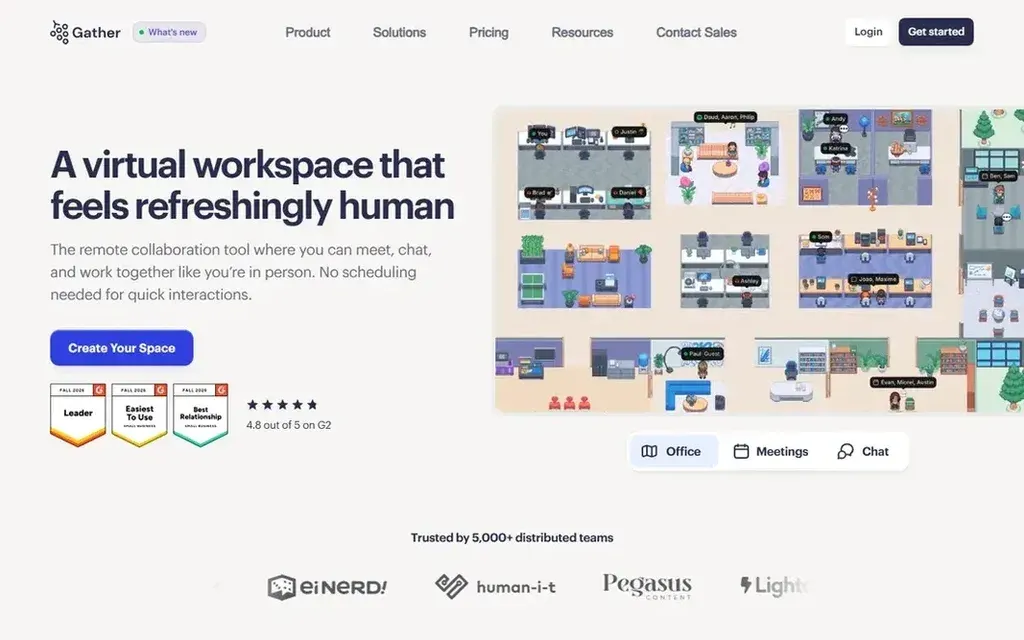
Gather is aimed squarely at playful map-based workspace for teams. Gather presents itself as a delightful virtual office where remote teams meet, chat and interact as if they were in person.
Drawbacks to consider: Visual style may not suit every brand.
The playful framing is a strength for culture but may feel informal for client-facing or highly regulated work. Beyond that, the workspace is built around a map that people move through, with conversations starting when avatars come close. Price to start with Gather: $12 USD/month/member. On free options: Free trial.
- Encourages informal interaction
- Map-style office people walk around
- Spatial navigation can distract new users
SpatialChat
Best for: Immersive events with spatial audio
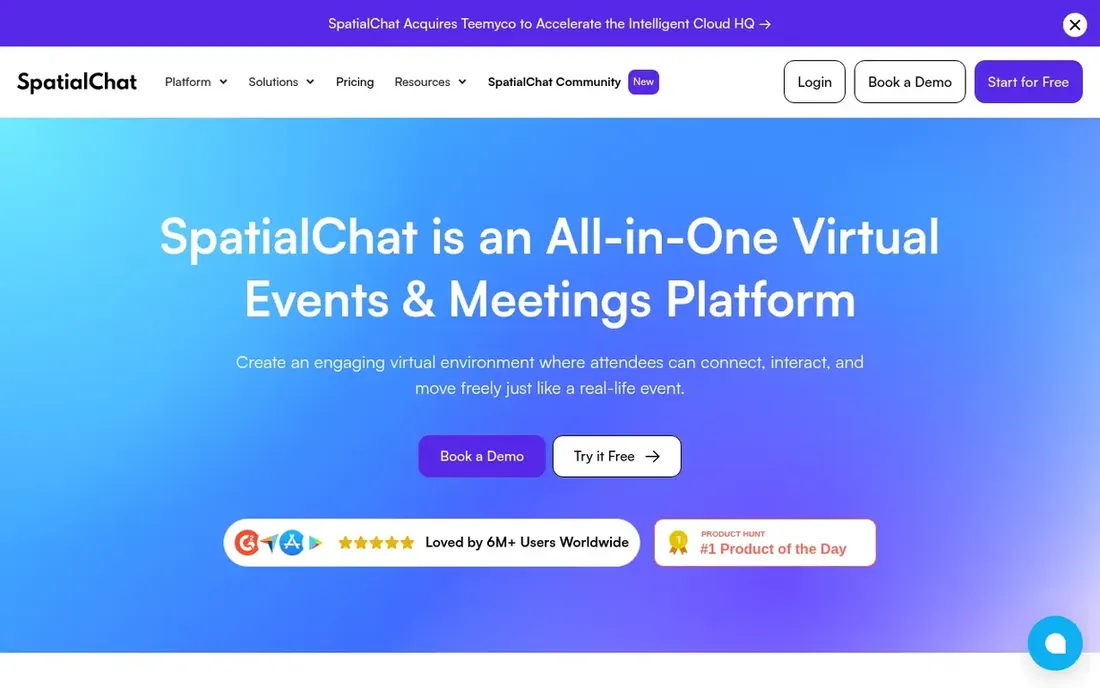
Where SpatialChat fits: Immersive events with spatial audio. SpatialChat is an immersive virtual events system centered on spatial audio, targeted at conferences, webinars and networking sessions that require real engagement. Rather than a permanent office, it hands organizers adaptable spaces where attendees move between conversations.
Also, since the product is oriented toward events, teams wanting a persistent office with task management may need a second tool. Also, success relies on decent event design and moderation. SpatialChat cost at the entry level: $5 per user per day. SpatialChat includes a free tier.
The main drawbacks: Large events need planning and moderation.
- Built for conferences and networking
- Engagement focus for larger gatherings
- Event focus over daily office routines
Teamflow
Best for: All-in-one office with meetings and brainstorming
Teamflow is a good fit for all-in-one office with meetings and brainstorming. Teamflow describes itself as an all-in-one virtual office where remote teams collaborate, meet, brainstorm and hang out.
For everyday use, the emphasis is on bringing multiple daily activities into one shared space instead of switching between separate apps. More specifically, an all-in-one approach can mean less depth in any single area, so teams with specialized needs may still keep dedicated tools. On cost, Teamflow starts like this: $15 per employee per month. You can start on Teamflow without paying.
Trade-offs to know: Fewer event-specific features than event systems.
- Merges meetings
- Positioned as an all-in-one virtual office
- Feature depth varies by workflow
Kumospace
Best for: Always-on virtual HQ with spatial rooms
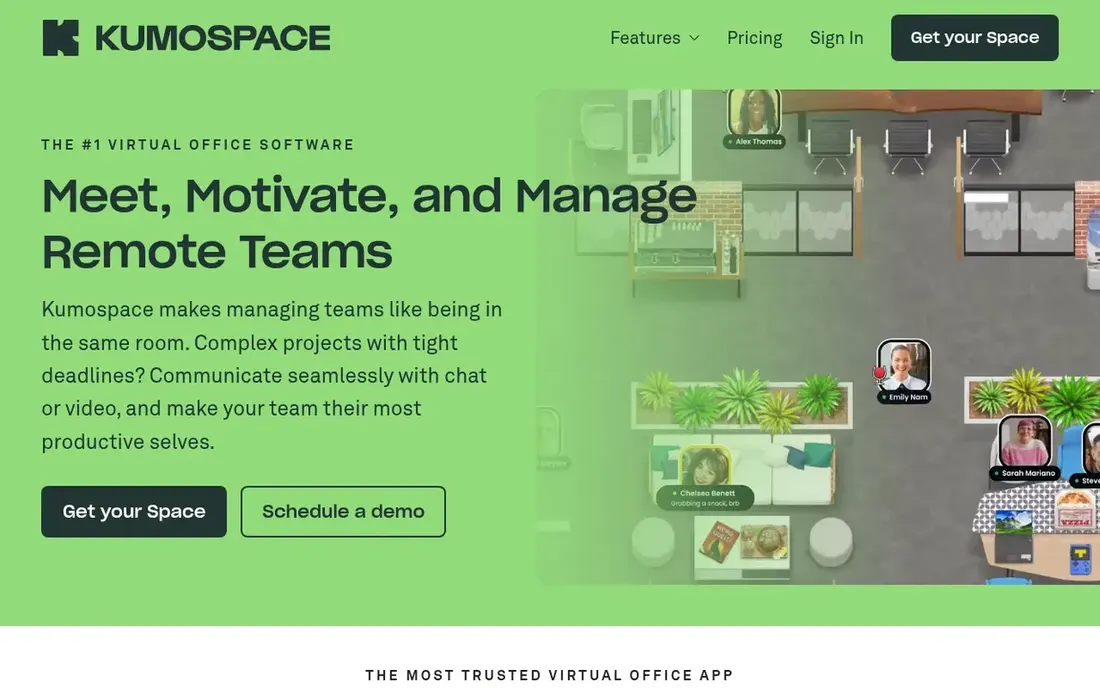
Kumospace is aimed squarely at always-on virtual HQ with spatial rooms. Kumospace is a virtual office system positioned for remote teams that want a persistent headquarters instead of scheduled calls.
Where it is weaker: Learning the room layout takes time.
Its homepage emphasizes communication and collaboration for distributed teams, with a virtual HQ where people work daily. Choose Kumospace when presence and casual conversation matter as much as formal meetings. Kumospace pricing: $16 per user per month. Free access exists with Kumospace.
- Merges chat and collaboration in one place
- Aimed at daily use by remote teams
- Can feel busy for very large groups
How the list was put together
Before you commit
- Ask Zoom for a written quote, since no starting price is shown.
- Look at free plan limits closely: SpatialChat, Teamflow and Kumospace have one, and the caps decide whether it is usable for real work.
- Take the trial from Gather and push a live task through it before you pay.
- Before choosing Zoom, weigh its main limit: less spatial, office-like feel.
- Test how quickly Gather answers a pre-sales question; it hints at how support will feel later.
- Total up the real monthly cost of Kumospace, including add-ons, extra users and usage-based fees.
FAQ
Can I try these tools before paying?
Often, yes. SpatialChat, Teamflow and Kumospace have a free plan and Gather offers a free trial. Use your own data and a real task during the test, and check what the free tier or trial limits before you rely on it.
Can a virtual office replace other collaboration apps?
At times partly. Teamflow and Kumospace combine meetings, chat and shared spaces, which can cut app switching for smaller teams. Bigger organizations commonly keep dedicated tools for documents, project tracking and external meetings.
Do these tools publish their prices?
Not all of them. Zoom publishes no starting price, so expect a quote request for it. The rest, Gather included, show a starting price, though seats and billing terms still change the final cost.
Which options for virtual office software for remote teams have a free plan?
SpatialChat, Teamflow and Kumospace offer a free plan in this list. Free plans usually cap users, projects or features, so check the limits on the vendor page. One other tool offers a trial instead.
What is the cheapest option for virtual office software for remote teams in this list?
On published monthly entry prices, SpatialChat is the lowest here at $5 per user per day. Entry price is only part of the cost, because seats, add-ons and billing terms can change the total.
Which tool is a good match for a team that largely runs events?
Zoom is the pick this page puts first, mainly for wide collaboration suite for meeting-first teams. If your situation differs, Gather suits playful map-based workspace for teams, and SpatialChat suits Immersive events with spatial audio. Compare price and limits before you decide.
Sources
- https://zoom.us
- https://www.gather.town
- https://spatial.chat
- https://www.teamflowhq.com
- https://www.kumospace.com